Amitej S
Community Manager
Community Manager
August 16, 2023

Introducing the all new Adobe Express

  • August 16, 2023
  • 76 replies
  • 34044 views

The new Adobe Express is here! 


Make Instagram Reels, TikTok videos, flyers, and more with the all-in-one app for fast and easy content creation. Get started quickly with professionally-designed templates and Adobe Stock videos, photos and music, work seamlessly with Adobe Photoshop and Illustrator files, generate text effects and images instantly with Adobe Firefly generative AI and collaborate with your team in real time. All in Adobe Express.


Feature Highlights
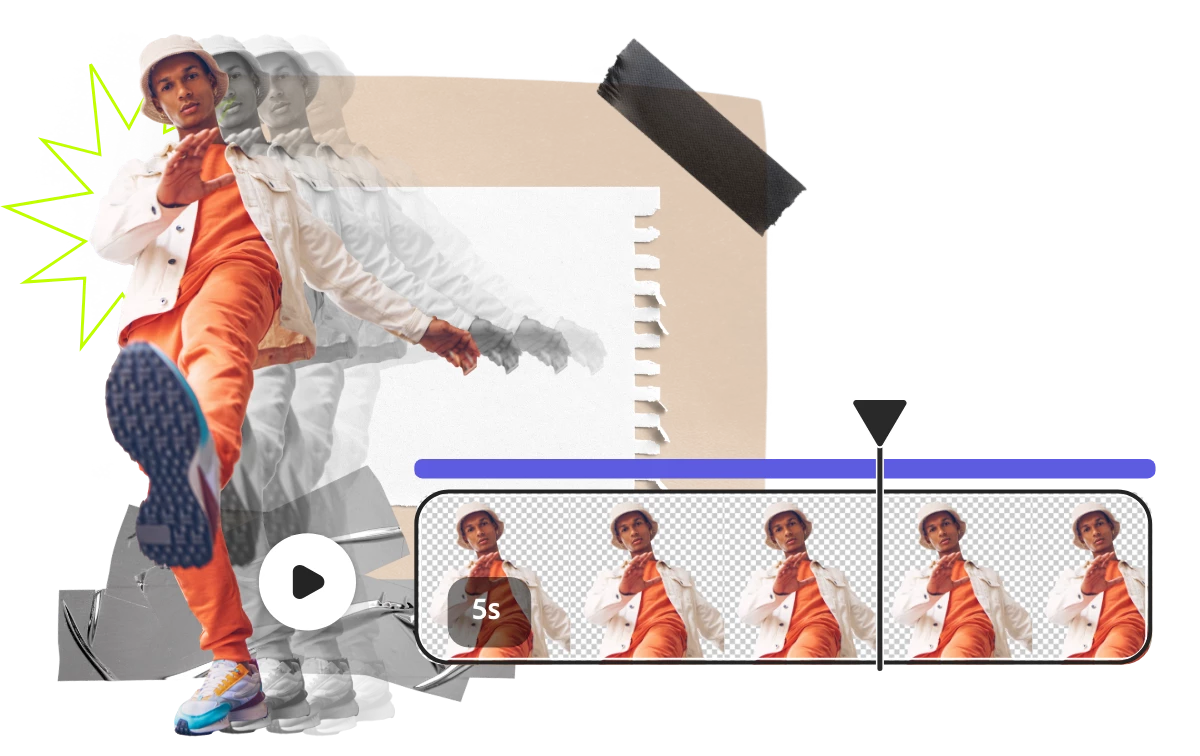
 

Make Instagram Reels and TikTok videos quickly & easily with drag-and-drop video creation.


Be inspired & get started quickly with free, professionally-designed templates that you can easily make your own by adding content in a matter of clicks.



It's easier than ever to create, ideate, & share feedback with others, all in one place.



Easily access & edit creative assets from Photoshop and Illustrator.



Refresh & beautify your old PDF flyers, brochures, and more.


Enjoy a simplified and streamlined editing experience to increase your productivity.
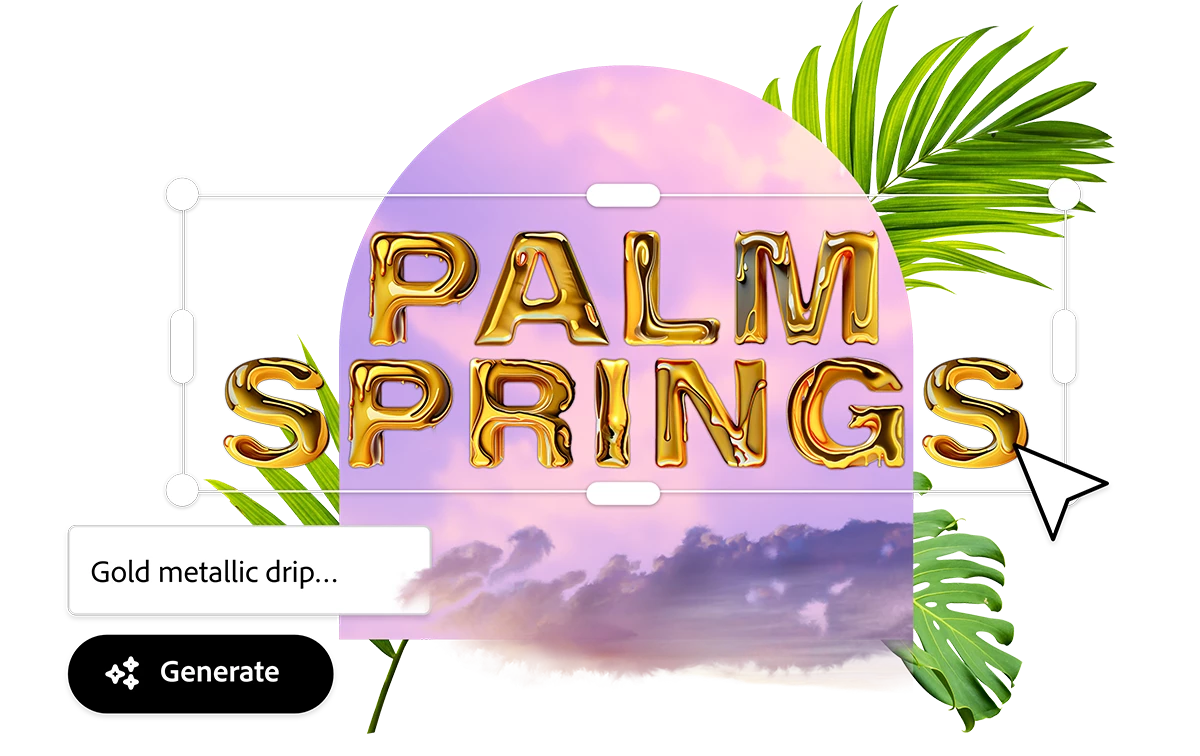


Generate extraordinary text effects & images instantly from just a description with Adobe Firefly generative AI.


Bug reporting

Have a problem you need help with? Find a bug or a crash in Adobe Express? Post in bugs so we can help!


Search first!

Prior to posting a new bug, be sure to first search for your issue to see if another community member has already reported it. If searching doesn't find a similar post, you can click Post to community to start a new thread.

 

Vote!

Bug threads now have an UpVote feature. The Adobe Express team uses this vote count to know which bugs are most important to you. If you're seeing a similar problem or bug that has already been reported, add your vote!

 

Useful links


  • FAQ: Get answers to common questions about Adobe Express.
  • Quick actions: Get answers to common questions about Quick actions.
  • Report abuse: Report offensive content or abuse within Adobe Express.
  • System requirements: Find the minimum technical specifications to use Adobe Express.
  • Discord: Join the Adobe Express Discord server to connect with others, get creative feedback, and share resources!
  • UserVoice: How can we improve Adobe Express? Share your thoughts and ideas in UserVoice.


    76 replies

    Participant
    August 17, 2023

    Where is the "Duplicate" function for Webpages? I use Adobe Express to create a daily report for my team, and the duplicate function is critical to avoid wasting a lot of time setting up identical formatting.

    I used to just click it on the ellipses thumbnail on the Webpage's preview in the "Posts" tab... it was an option along with "Edit". Currently I only see "Edit" "Move" "Unpublish" and "Delete". am i missing something obvious or is this "duplicate" button gone?

    melissac65671605
    Participant
    August 17, 2023

    Have you been able to push your Webpage to the web? I keep getting this error: Error: Publish API Response: 500 Internal Server Error

    Participant
    August 17, 2023

    NOTHING WORKS! PLEASE, HOW DO WE GO BACK TO THE OLD VERSION?? I'VE ALREADY WASTED 2 HOURS OF MY LIFE!

    Participant
    August 17, 2023

    Hi, we have a few issues at hand. The above message is what we're receiving when we try to publish a project. The below issue is that we cannot even see an option to publish a project in one of our other premium accounts. 


    melissac65671605
    Participant
    August 17, 2023

    Has this been resolved for you yet? I'm on a very tight deadline and cannot publish my project. 

    Participating Frequently
    August 17, 2023

    I use Adobe Express Online for my business. Since the latest update you seem to have removed the ability to easily create collages. Is there a way to keep the old version of Adobe Express?

    Winnie_M
    Inspiring
    August 17, 2023

    Hi @rubenm49739706,


    You can still make collages with the new Adobe Express version. Can you be precise about your experience? Did you try to make a collage from a template or scratch? 

    To quickly find collages, tap "collage" in the search bar, and you will see all the results or access it directly to templates here. The previous version is only accessible for converting your projects to the new version. Here's the link.


    You can consider sharing your suggestions here. Other users can upvote them. Your feedback is important to us as we constantly work to improve the experience.


    We are here to help.


    - Winnie

    Participating Frequently
    August 17, 2023

    Um how? I could not find layouts anywhere. I tried adding multiple photos but could only had one to the background. I don't want a template. I couldn't create my own from scratch.


    Known Participant
    August 16, 2023

    This is a disaster - can't open in Firefox and it's totally screwed up on our Mac Creative Cloud account.

    Have to try each time to go in by back door to the old version - and even THAT isn't working today? Did I just lose access to all our files? And NO can't get in with Safari either.


    Winnie_M
    Inspiring
    August 17, 2023

    Hi @WasteWaterEd,


    We understand you didn't expect this, and we apologise for the issue. Firefox is no longer a supported browser, so you cannot open the new version. Did you try to open AE from the Creative Cloud? Can you try to open it from this link?


    Here are some workaround that might help:

    • Test in incognito or privacy mode. Here are instructions for Chrome
    • Clearing the cache/cookies from the browser 
    • Check the hardware acceleration. Here are the steps


    We recommend closing the previously opened pages before trying those steps.


    Don't hesitate to share your observations.


    - Winnie


    Known Participant
    August 17, 2023

    I don't have time to waste on this any more. You can see by the volume of replies that people are equally as angry to have years of work lost or compromised! NO the link does not work and NO I am not going to use Chrome even though it seems now Adobe have a lucrative deal for ChromeBooks that's what you'd like us to move to?

    I have never used the mobile version - we pay a monthly sub for Creative Cloud but from now on Express is a sheer waste of time. Which is sad. A great product totally now a POS.

    The least Adobe can do is retunr to the old platform for an extended period so we can allr etrieve our files and move somewhere else.

    Participant
    August 16, 2023

    My files did not come up the same and changes in some aspects. For example, my curved text is not curved anymore and I cannot find a way to curve it again. Can someone offer any help please?

    Participating Frequently
    August 16, 2023

    @Emely_st451025 these absolute gigantor  [cursing removed] took the cruved and circle text features AWAY. 
    But don't worry, [abuse removed] , "We "hope" it'll come back soon". ***ALL THE SARCASM*** 


    Participating Frequently
    August 17, 2023

    Oh they didn't like to be called out for being the back side of  donkey and completely wrecking a perfectly good software. 

    So sorry Adobe, not. 


    Participant
    August 16, 2023

    I am currently unable to access any of my files. I'm getting error messages from every single flyer that I'm trying to convert. This has been the case for hours now. What are you doing to fix this? 

    Participant
    August 17, 2023

    It's just one of those days when Adobe messes up and you just have to take it. Absolutely insane.


    [abuse removed by moderator]

    Participating Frequently
    August 16, 2023

    Are there any plans on making a way to bulk transfer files to this new stupid version? Or is this company seriously expecting people to spend hours of time to individually transfer each file to the new version??? Absolutely insane. 


    Winnie_M
    Inspiring
    August 17, 2023

    Hi @C.G.89,


    We understand this isn't how you were expecting it. If you don't want to transfer your file one by one, your files will be automatically migrated if you only use the desktop version.


    - Winnie

    Participating Frequently
    August 17, 2023

    @Winnie_M  You're...... trying to be funny right? Like, this is sarcasm? Because that is the most incompassionate [Cursing removed as per forum guidelines. Please keep your language clean or risk be banned on the Adobe forums.] statement you could have made. You know where you can take your copy paste [Cursing removed as per forum guidelines. Please keep your language clean or risk be banned on the Adobe forums.] and shove it. What in the actual [Cursing removed as per forum guidelines. Please keep your language clean or risk be banned on the Adobe forums.] dude. I WAS ALREADY USING BOTH MOBILE AND DESKTOP BEFORE THIS ABSOLUTE DISASTER OF AN UPDATE. THIS COMPANY DECIDED TO BLIND SIDE IT'S CUSTOMERS AND NOT WARN ANYONE THAT YOU'D BE DESTROYING PEOPLES FILES AND PRODUCTION TIME.

    LOOOOOOOK I KNOW HOW TO COPY AND PASTE AS WELL >>>>> We understand this isn't how you were expecting it. If you don't want to transfer your file one by one, your files will be automatically migrated if you only use the desktop version. 


    Get a real solution together. Let people revert back to the version before this absulte trash update. The concept of copy paste replies on stuff like this is infuriating. DO BETTER!!


    Participating Frequently
    August 16, 2023

    What happened to all of my folders?! I had several organized content folders for various projects. Now everything is mixed together. It took way too long to find my brand assests. I HATE that it doesn't work with Firefox now! At least when Facebook did dumb stuff they gave us warning. 

    Winnie_M
    Inspiring
    August 17, 2023

    Hi @emilyd72063428,


    We understand how frustrating this can be and are here to help.


    Once you've converted your projects from the previous version to the new one, they are stored in the Originals file. You can access this from "Your stuff". Once you open the originals, you can add folders and organise your projects. 
    Firefox is no longer a supported browserbut Chrome, Safari or Edge should work. Feel free to share your feedback here.

    Your feedback is important to us as we constantly work to improve the users' experience.


    We are here to help.


    Thanks,

    Winnie


    Participating Frequently
    August 17, 2023

    Great and wonderful but I spent years organizing those folders. I sometimes look back two or more years in those folders. They should have been converted over when this HORRIFIC change happened without warning. Since Adobe gave us no warning they should have done this legwork for us. We use Express for ease and speed. This is not speedy or easy. 

    Participant
    August 16, 2023
    WHERE TO BEGIN?? Adobe...take some accountability.
    You've blindsided thousands of business owners who have been using Adobe Express and cost them tons of time and money with this new version of Adobe Express. Now I have to manually convert all of my files over to the new version that were all already organized into folders. When I did start this, it RUINED my designs. Text in my designs has changed size and location because curved text is no longer a feature. What are users to do now? Many people have been using this PAID application for months and now our designs are inaccessible without being converted to a ruined mess? Do you expect us to continue to pay for something that would do such a negatively impactful thing and no longer has the features that we use? You're going to lose a lot of money and customers for these changes.