



Adobe Firefly MAX 2025 — Video editor, speech and soundtrack generation, image editing, and more
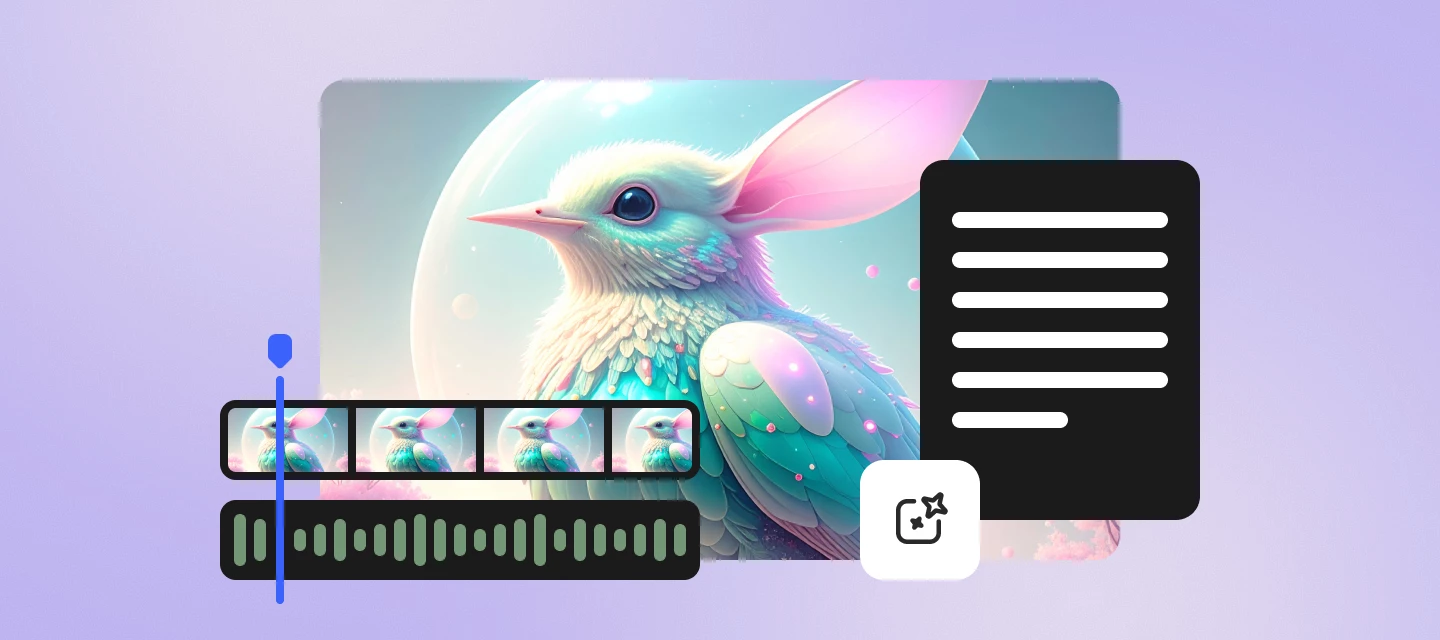
Hello Firefly community! The latest updates to Adobe Firefly is packed with powerful new features designed to elevate your creative workflow. These enhancements make it easier than ever to create stunning visuals, videos, and audio—all in one place.
What’s new in Adobe Firefly
Explore the new capabilities that help you edit, generate, and enhance content with speed and precision.
Firefly Video Editor (Beta)
A lightweight timeline editor that lets you trim clips, add titles and audio, and even generate fresh scenes from any frame. Perfect for turning ideas into polished videos.
Learn more about Firefly Video Editor.
Generate Speech (Beta)
Create natural-sounding voiceovers with full control over accent, tone, and tempo. Ideal for videos, podcasts, and more.
Learn more about Generate Speech.
Generate Soundtrack (Beta)
Produce tailored soundtracks by selecting mood, genre, tempo, and purpose—perfect for podcasts, games, meditations, or any project that needs the right sonic atmosphere.
Learn more about Generate Soundtrack.
Enhance Speech
Make your recordings sound professional by removing noise, adjusting volume levels, and sharpening clarity for studio-grade audio.
Learn more about Enhance Speech.
More features and fixes
- Edit images using text prompts: Add, delete, or modify objects and backgrounds in your images with simple text commands. Learn more
- Remove and replace backgrounds in bulk: Batch-remove image backgrounds and swap them with new images or solid color backdrops. Learn more
- Batch color grading made easy: Apply consistent color grading across thousands of images effortlessly. Learn more
- Crop multiple images in one go: Quickly crop large batches of images for social media, email campaigns, and web design. Learn more
Why this matters
With this release, Firefly broadens its creative span—supporting visuals, motion, sound, and generative experimentation in one workspace. Creators who blend different media can now explore concepts and assemble content more fluidly within the same environment.
Try all these new features now
Explore the new and enhanced features in the latest releases of Adobe Firefly.
Open Firefly
We'd love to hear from you
Give these features a try and share your thoughts! Got questions or ideas? Drop them in the comments below—we’re here to chat and help.
 AdChoices