




















『アドビコミュニティフォーラム』に質問/トピックを投稿する方法
Announcements
新着順
As a Creative Cloud member, you have access to a host of membership benefits to keep you ahead of the curve and support your creative work. This month, we've added a powerful new partner perk and a curated collection of free design templates to help you do more with your membership. Here's what's new:New Partner Perk: 50% Off Hootsuite + 30-Day Free TrialWhether you're a freelancer, marketer, or creative professional, getting your work in front of the right audience matters just as much as making it look great. That's why we're excited to announce an exclusive Hootsuite offer for Creative Cloud members: 30 days free plus 50% off your first year of Hootsuite Standard.With Hootsuite, you can plan your content calendar, publish across multiple social networks from a single dashboard, engage with your audience, and measure what's working, all in one place. And because Hootsuite integrates with Adobe Express, you can design your visuals and schedule them without ever breaking your creative
Hey everyone, When encountering issues with generating images in the web version of Firefly, the product team needs additional information to understand what is causing this. The log files they need are sometimes called “HAR files”. If you are able, can you please follow these steps to create these HAR files: Setting up Use Chrome or Microsoft Edge. Navigate to the generation page. With the browser window selected, and hovering over that window, right-click anywhere on the page and select "Inspect".Preparing to record the HAR fileWith the Developer options window open, navigate to the Network Tab and ensure recording is enabled.Note: The Developer options window may look slightly different in your web browser. Also the option for the Network tab could be hidden under the » more options button.Exporting the logs With everything set up, try generating your image again that fails with the error message. Once done, export the HAR file and save it to your computer. If you have any issu
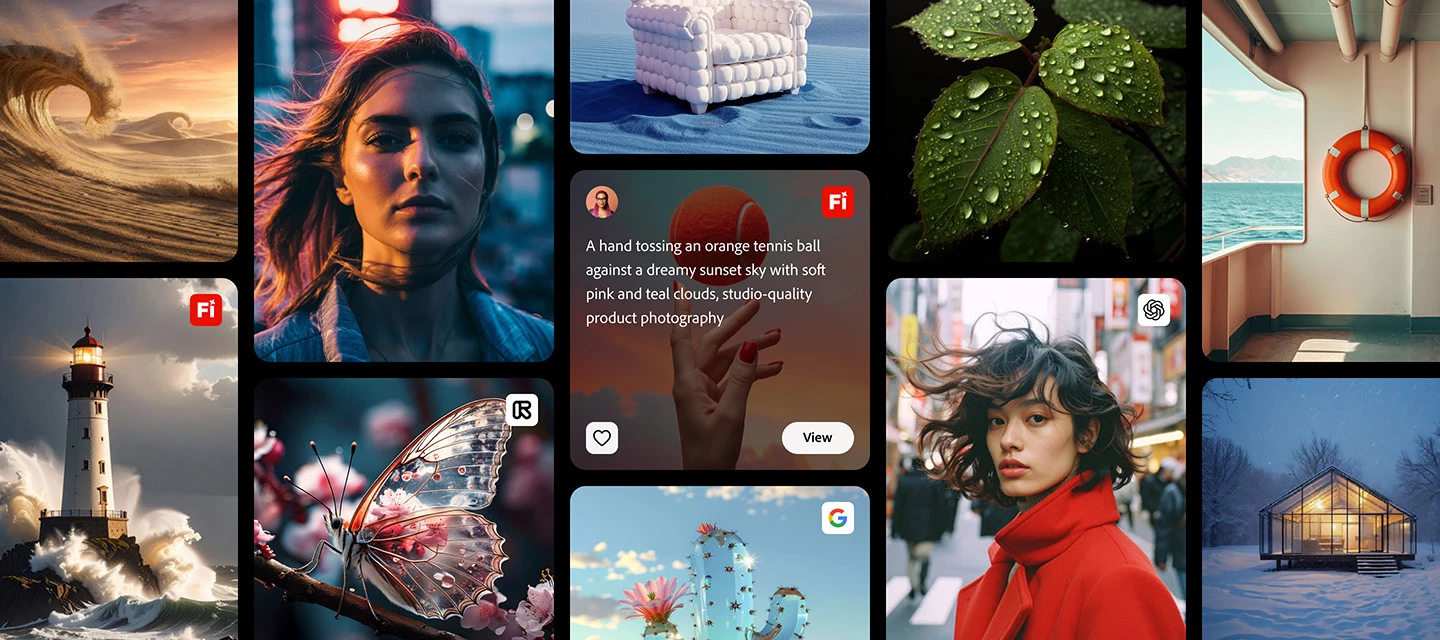
The Firefly Community Gallery is here! It's a growing collection of work made by the Adobe Firefly community with inspiring creations to explore and remixable prompts to start from. Explore the Gallery now: Firefly Community Gallery So, why should you check it out? It's more than a place to browse, it's a place to start creating.Remix creations. Find a creation you like, and remix it in Firefly to make it your own.Learn from prompts. Each post shows its prompt, so you can see what works and try it yourself.Get unstuck. Scroll the Gallery to find new inspiration for your next creation. The best part is how easy it is. Pick something that catches your eye, click "View", and start creating in Firefly in seconds. No blank canvas. No guesswork.Inspiring content from the community is being added every day, and new features are coming to the Gallery every month, so keep checking back.
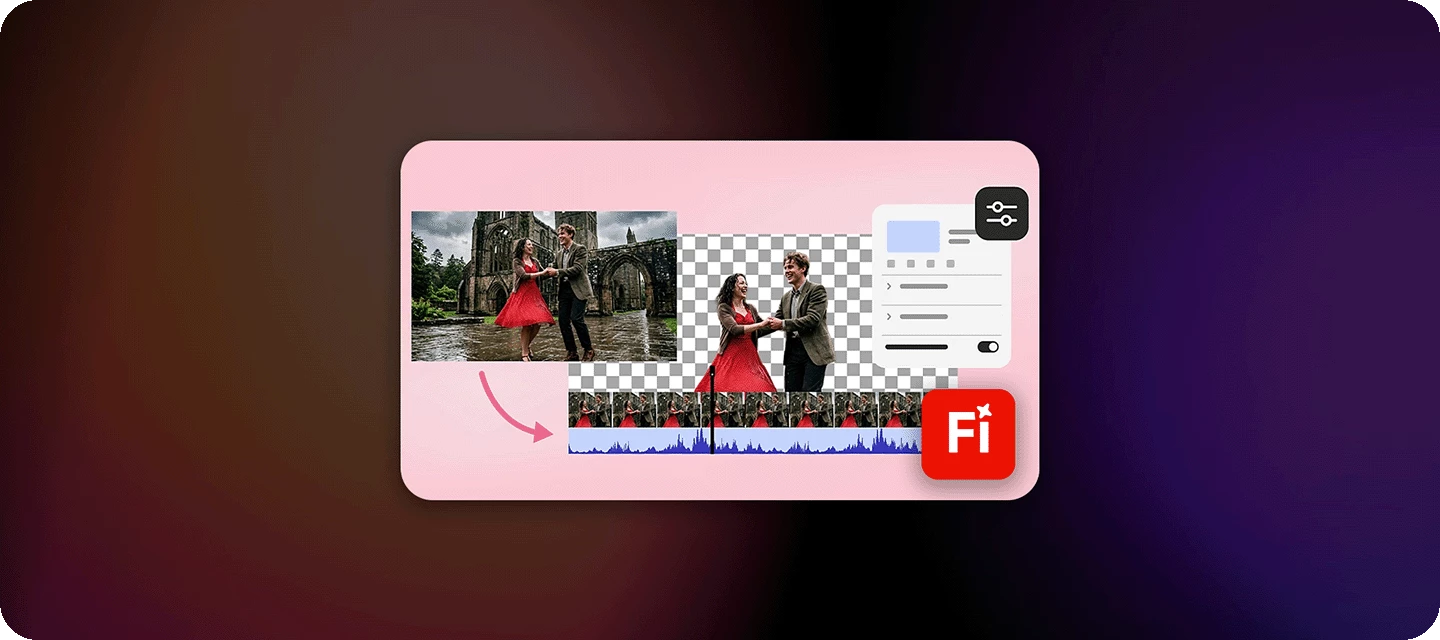
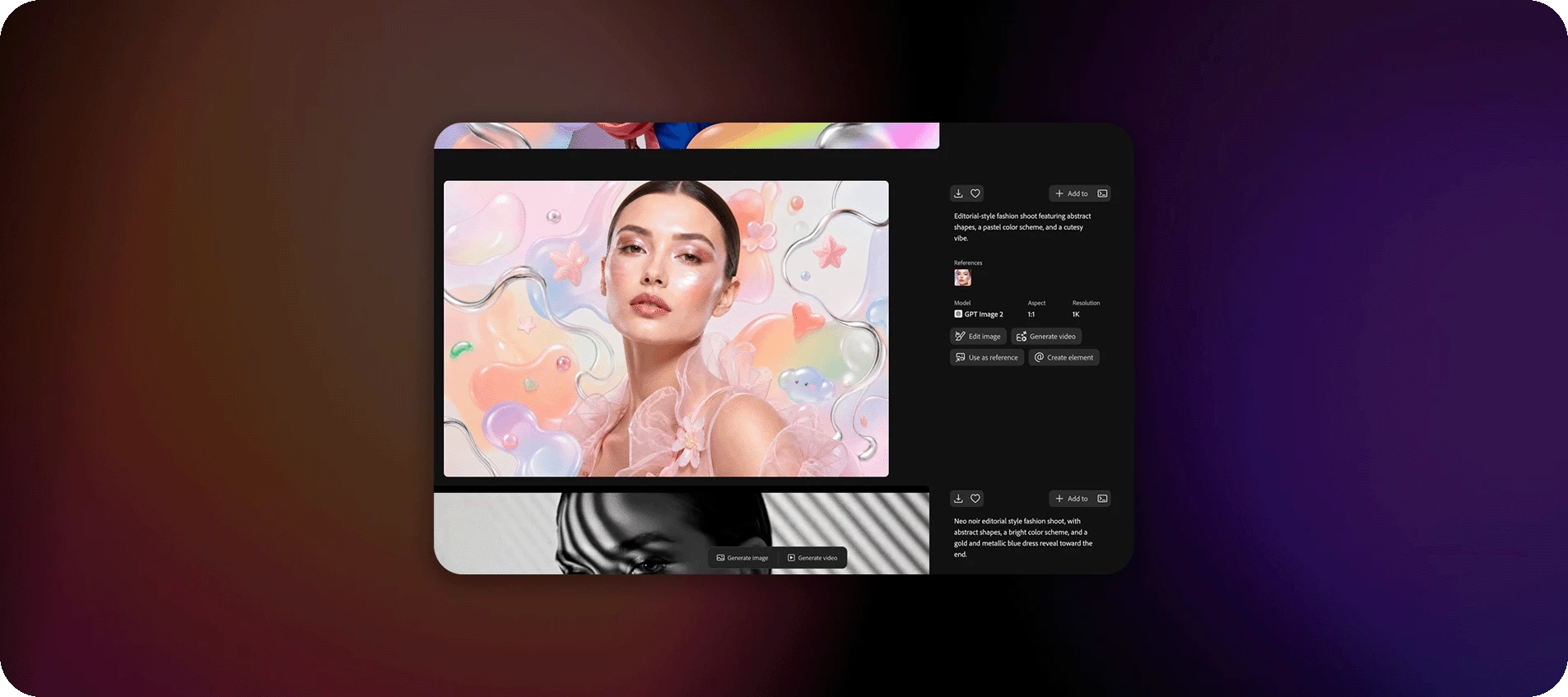
Discover the new generation and editing experience in Adobe Firefly (Private Beta), where image and video creation, editing, and asset organization come together in one seamless creative workspace. Creative work rarely happens in a straight line. You start with an idea, refine the details, organize assets, and bring everything together into a final masterpiece.What if you could do all of that in one place? The new generation and editing experience in Adobe Firefly (Private Beta) connects AI-powered creation, editing, and project management into a seamless workflow. Generate an image, fine-tune specific elements, save and organize your assets, transform images into videos, and keep editing without ever leaving your workspace.From first spark to final deliverable, Firefly keeps your creative flow uninterrupted.For more details on Firefly’s new generation and editing workspace, check here Try it and tell us what you think! Join the waitlist. Reply with your first impressions, what's cli
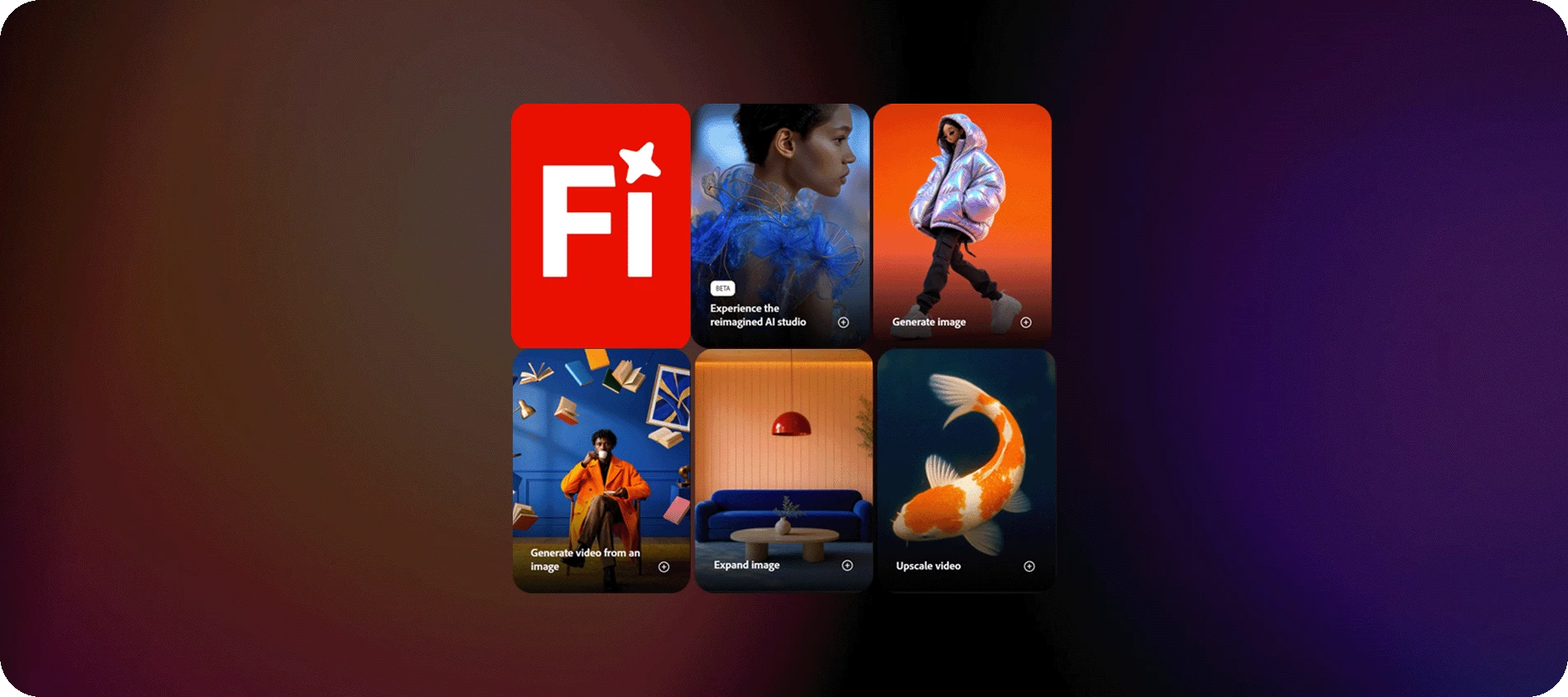
The Firefly workspace just got a significant update. Everything you need to create is now in one place, built to help you move faster from idea to finished output.The redesign brings your tools, projects, and inspiration together under a streamlined nav. Here's what's new and where to find it: Home is your creative launchpad - featured workflows, quick-access tools for image, video, and audio, and a prompt bar to jump straight into creating.The New menu helps you quickly get started with Firefly tools. It shows options in two groups: Generate and Create, so you can easily begin different types of creative work.From New, you can quickly create images, videos, or audio, use tools like Boards and Timeline, and start bulk workflows for large creative tasks.Image, Video, and Audio sections each have dedicated workspaces with their full tool sets surfaced upfront. Generate, edit, translate, enhance - it's all there without digging.Boards gives you an infinite canvas for moodboarding, refe
Welcome to a new Cross-Product Creative Challenge! Thanks to everyone who participated in the movie poster challenge with such great creations. This time we’re switching from action movies to fashion.(Note: This is not a prompt challenge. There are other challenges for that.) The Challenge: Design a high-fashion magazine ad for wealthy, non-alien animals—any creature will do, so long as it lives on Earth. Start in Firefly, Boards, Express, or Photoshop, but DO NOT stop at a prompt. There are quality details (lighting, contrast, composition) and content details you will have to get right.Guidelines:A prompt is not enough. Layer your assets and refine your composition. Treat Firefly and partner models as collaborators. Use prompts to generate assets you can put together in an ad. Think like an art director. What’s the story here? Who is the audience and what is the marketing message?It’s a Cross-Product Challenge! Use Photoshop, Illustrator, Substance, Adobe Express, Fresco—whatever tool
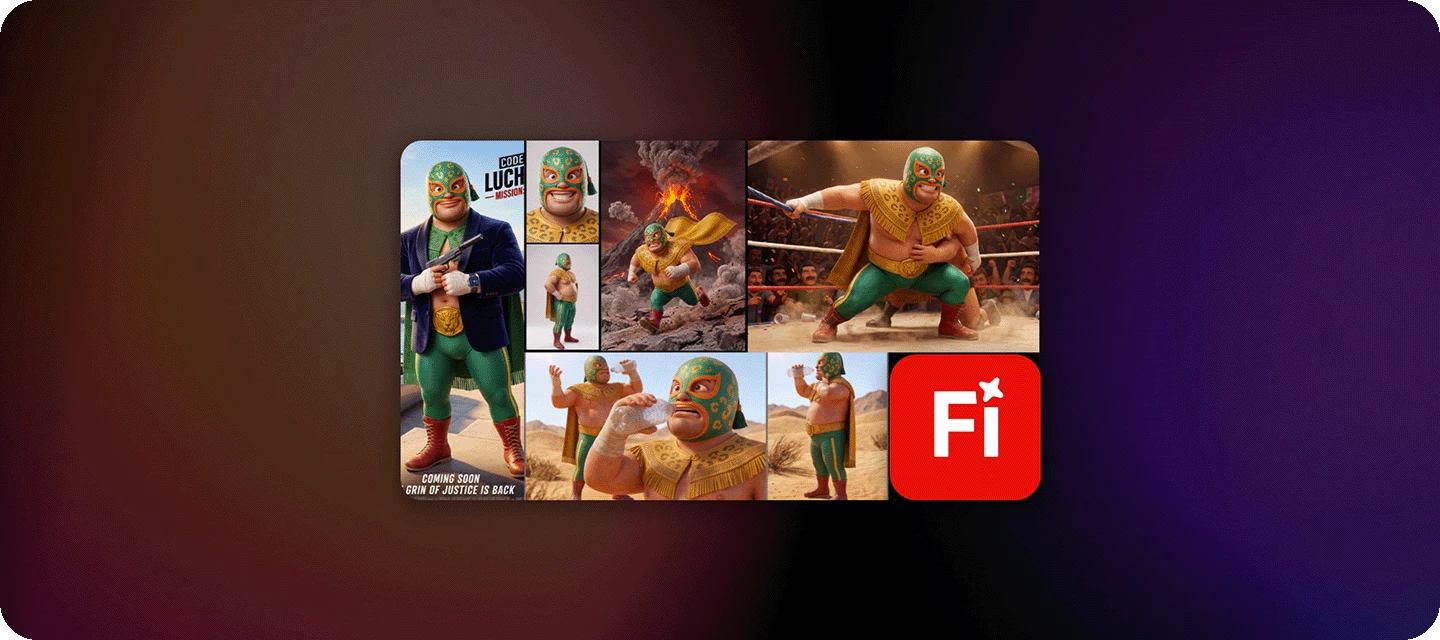
Turn your creative style into a reusable model with Firefly Custom Models (beta) Firefly Custom Models is now available in public beta for all paid individual customers. When you train custom models on your own images, you can explore new concepts and ideas that stay consistently aligned to a specific illustrative style, character, or visual tone—without starting from scratch each time. Creating custom models helps you eliminate repetitive tasks and versioning so you can spend more time on strategic vision, art direction, and final refinements. Train your custom models and use them to generate content in Firefly and Firefly Boards with the generative credits included in your plan. Check out Firefly Custom Models (beta) and help shape the feature with your feedback. Get Started here FAQ:- What are Firefly Custom Models (beta)? Firefly Custom Models (beta) are fine-tuned Firefly generative AI models that you train with your own assets and use to generate customized content c
We've seen a lot of posts recently from users running into the dreaded "Something went wrong. Please try again later." error while generating images or videos. You're not alone. This is one of the most reported issues in the community, and we want to help you understand why it happens and what you can do about it. Why does this happen?There isn't just one cause. Here are the most common ones:Server overload / high demand During peak usage times, Firefly's generation servers (and partner model servers) can get overwhelmed, causing requests to time out. This is usually temporary. Expired login session / browser cache Your authentication token can expire mid-session, causing Firefly to fail silently. A stale cache can also trigger this unexpectedly. Prompt contains restricted content Prompts mentioning children, trademarked product, or other restricted terms will be blocked by Firefly's content policy, often with this generic error. Problematic reference image An ambiguous, low-qual
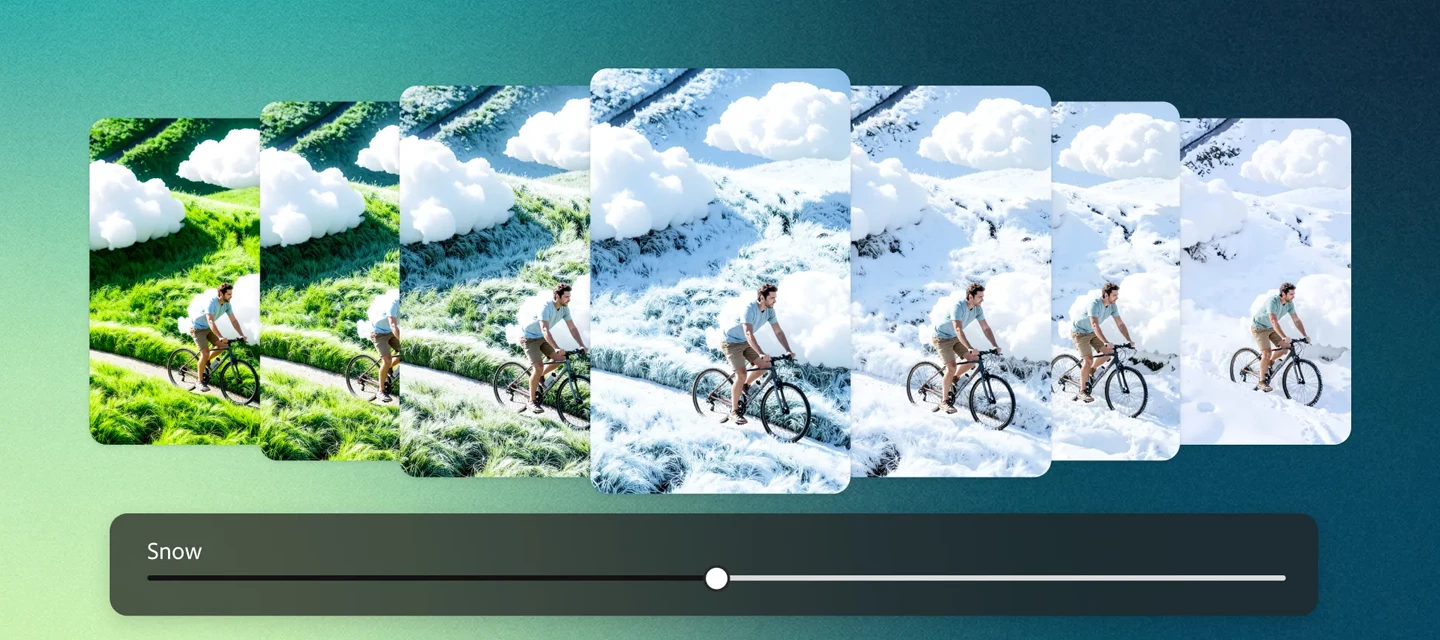
Precision Flow (beta) makes refining your image edits easier and more intuitive than ever. With a simple slider, you can generate multiple variations in one go; there's no need to rewrite prompts or start from scratch.Want to adjust the mood or atmosphere? Just slide along a smooth gradient (like warm → cool) to instantly explore different tones, lighting, or even weather effects.It’s a seamless way to preview, fine-tune, and land on the exact look you’re aiming for all within a single workflow. Generate Images with PrecisionGenerate a new image and head to the Edit tab, or upload your own and select Precision Flow (beta) from the left toolbar.To control where your edits apply, choose from these options above the prompt bar:• Entire Image – Apply changes across the whole image• Select – Target specific areas or layers by hovering and choosing what to edit• Brush – Manually paint over areas to apply precise adjustments Apply visual overlays with the Select or Brush option to guide where
Ready to try something new with Firefly? Let’s put your creativity to the test!Try the new Markup feature in Firefly Image Generation and show us how you bring your ideas to life! The Challenge: Use Markup to guide Firefly in transforming an image highlight, sketch, or mark specific areas and describe what you want to change. If you need to know more about the feature. Check here The original image : The final image after editing with Markup: How to Participate:Upload or generate an image in Firefly Use the Markup to select areas you want to modify Add a prompt to transform those areas Share your before & after results with a short description. What to Submit:Your Images and description: Images of Markup editing Submission Deadline:Please submit your creations by April 30, 2026, 12:00 AM PT (GMT+7). Show us what you can do with Markup and push the boundaries of AI creativity!Drop your creations and inspire the community! Thanks, Kartika If you found this post interesting, cli
Welcome to a new Cross-Product Creative Challenge! Thanks to everyone who participated in the alternate timeline challenge. Even if your answers aren’t visible now, we’re told they will be soon!This time, we’re going to the movies.The Challenge [Read all of it!]:Design a movie poster for an action adventure movie. The standard movie poster size here in the US is 27x40, so that is your aspect ratio. Start in Firefly or Boards or Express or Photoshop, but DO NOT stop at a prompt. None of the models use that ratio, for one thing, but there are quality details (lighting, contrast, composition) and content details (titles, credits, franchise logo) you will have to get right.Guidelines:A prompt is not enough. Layer your assets and refine your composition. Treat Firefly as a collaborator, not a shortcut. Use prompts to generate characters. Try out partner models. Think like a director. What’s the story here? Who are the characters? What's happening in the scene? It’s a Cross-Product Challenge
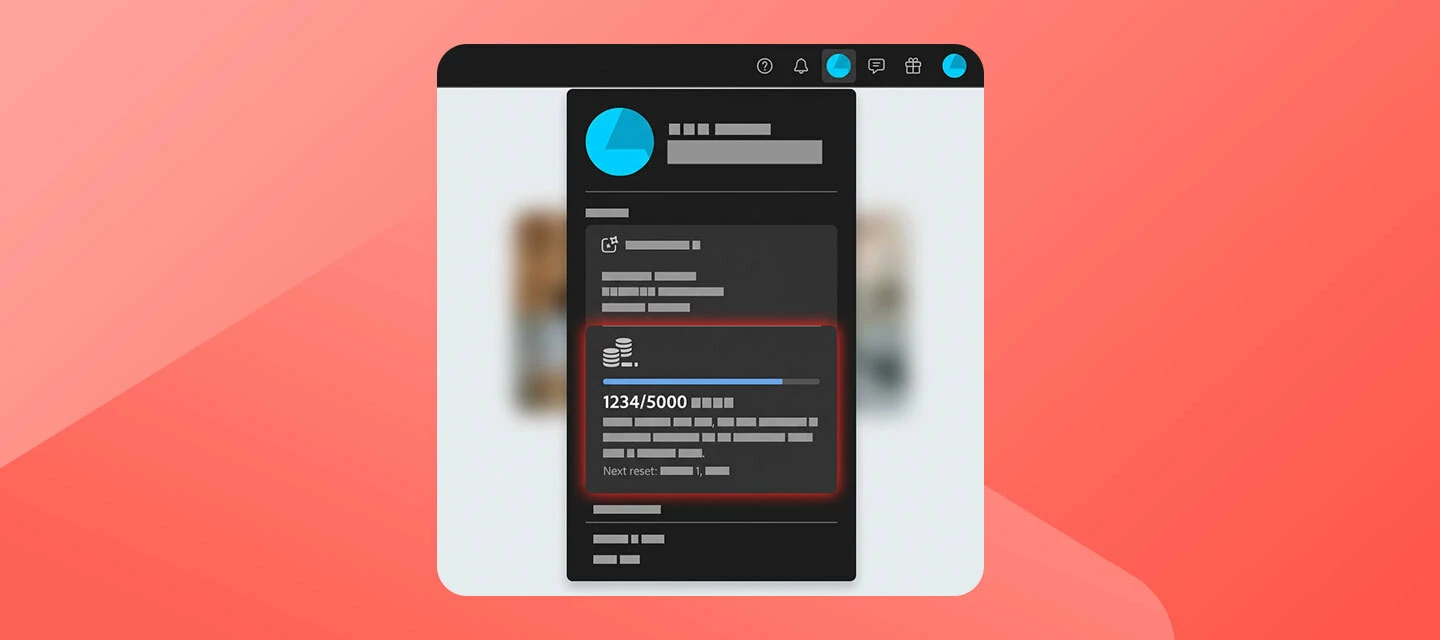
To ensure the community can provide the most efficient assistance, please include the details outlined below when posting a question. Providing this information upfront helps us diagnose the issue without needing to ask follow-up questions, which leads to a faster resolution for you. 1. Errors and Technical GlitchesIf you are encountering a specific error message or the interface is not behaving as expected, please provide the following:A Full Screenshot: Please provide a screenshot of your entire browser or application window, including your avatar in the upper right corner. Many errors have multiple causes; seeing the full context is much more helpful than a zoomed-in image of the error message alone. System Details: Specify your Operating System (OS) and Browser (including version numbers). Workflow Context: Which Firefly function were you using? (e.g., Text to Image, Generative Fill, Text to Video, etc.) Which model was selected? (e.g., Firefly Image 3, Image 4 Ultra, Imagen 3).
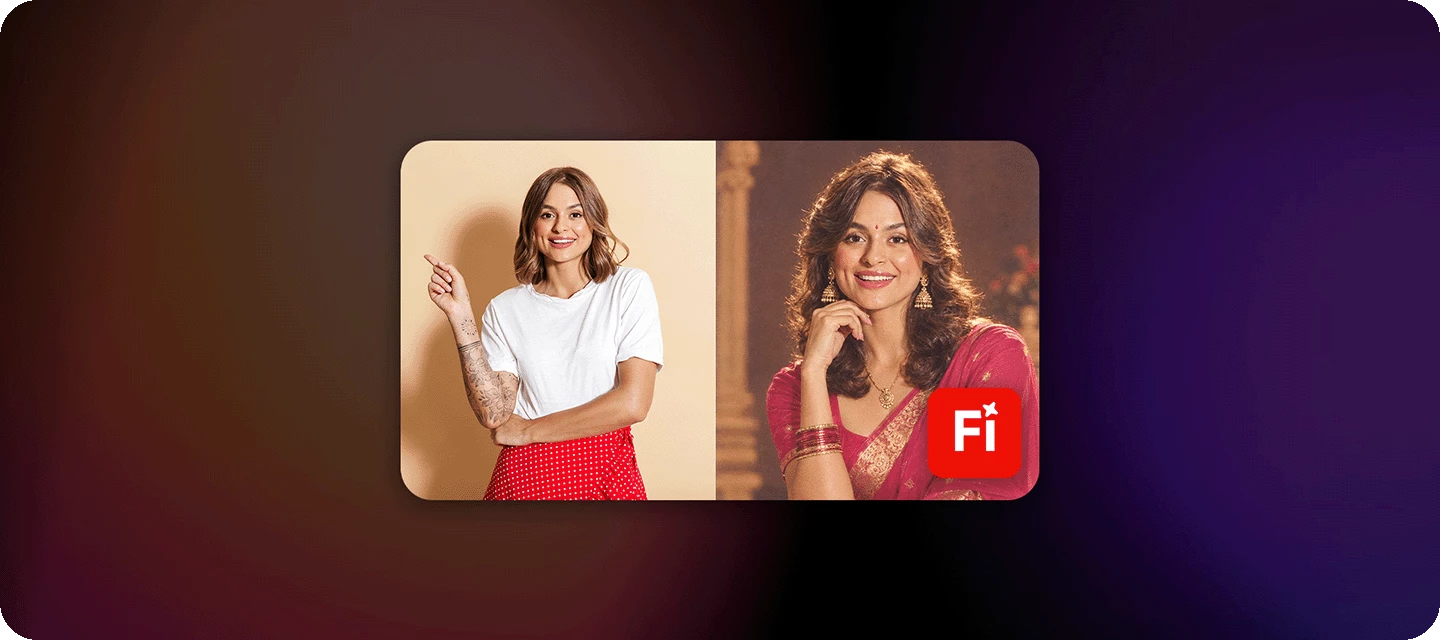
The next evolution of Nano Banana is here: Faster. More intelligent. Built for creators.We’re thrilled to announce Google AI’s latest image model in Firefly Gemini 3.1 (w/ Nano Banana 2). Bringing Gemini Flash intelligence to visual generation, this release delivers high-speed iteration with stronger consistency, sharper detail, and more refined realism. Nano Banana 2 produces noticeably stronger results than Nano Banana — without compromising performance — so you can elevate quality while keeping your workflows fast and responsive. Built as a true all-around workhorse, Nano Banana 2 combines advanced world knowledge with precise instruction following, helping you render specific subjects more accurately, generate clean infographics, and create images with legible, localized text. Enhanced subject consistency lets you maintain characters and objects across scenes, while flexible, production-ready specs up to 4K ensure your visuals stay sharp anywhere they appear. With integrated Googl
As a Creative Cloud member, you have access to a host of membership benefits to keep you ahead of the curve and support your creative work. Over the past month, we’ve added new benefits and enhanced others to make your membership more valuable. Here’s what’s new: Adobe Fonts: New Foundries and Sofia Update We know everyone has their own type – which is why we’re constantly adding to Adobe Fonts to make sure there’s something for every project. With this update, we’ve added new expressive/display fonts, as well as fonts that support Korean, Hebrew, and Arabic. Plus, we’ve expanded the iconic Sophia Pro font family.Click here to explore the new fonts and foundries. New Partner Perk: 25% off Flickr Pro Photographers, this one’s for you! We’ve heard a desire from Creative Cloud members in the photo space for partner perks designed for photo use cases. Look no further! We’re happy to announce that Creative Cloud members can take advantage of a 25% discount on various Flickr Pro plans. T
Remix with Firefly Community Gallery
Thousands of free creations to fall in love with and remix in Firefly.
すでにアカウントをお持ちですか?ログイン
Enter your E-mail address. We'll send you an e-mail with instructions to reset your password.
申し訳ございません。このファイルは、ダウンロードしても安全かどうか、内容を確認中です。数分後にもう一度お試しください。
申し訳ございませんが、当社のウイルススキャナは、このファイルをダウンロードすることは安全ではないと検出しました。