




Firefly Generation Failed? Here's What Happens to Your Credits
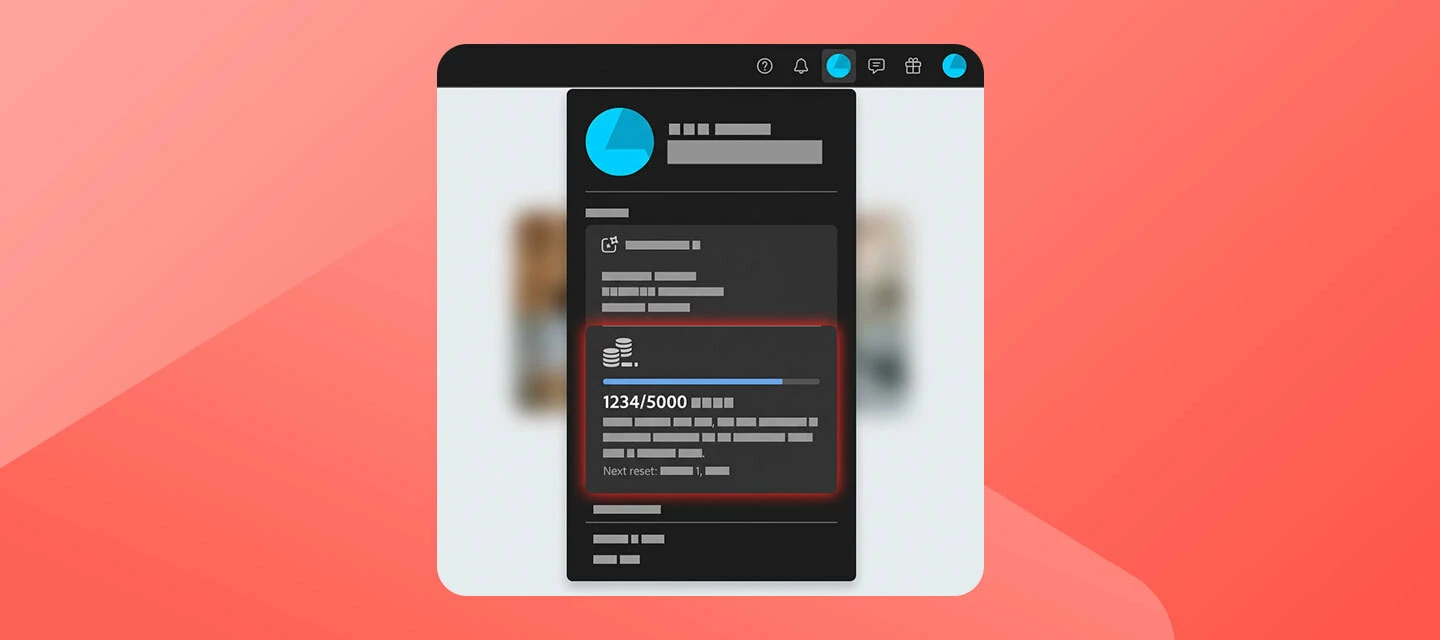
Seeing "Something went wrong" or "Can't load" when a Firefly generation fails? You're probably wondering: did I just lose credits for that? Short answer: no — here's what actually happens to your credits when a generation fails, and what to do if they don't come back on their own.
How credits are supposed to work:
Credits are deducted the moment you hit Generate — not after the image/video successfully renders. If the generation then fails (server error, timeout, content policy block, etc.), those credits are automatically returned to your balance. This isn't always instant, so give it a little time before assuming they're gone for good.
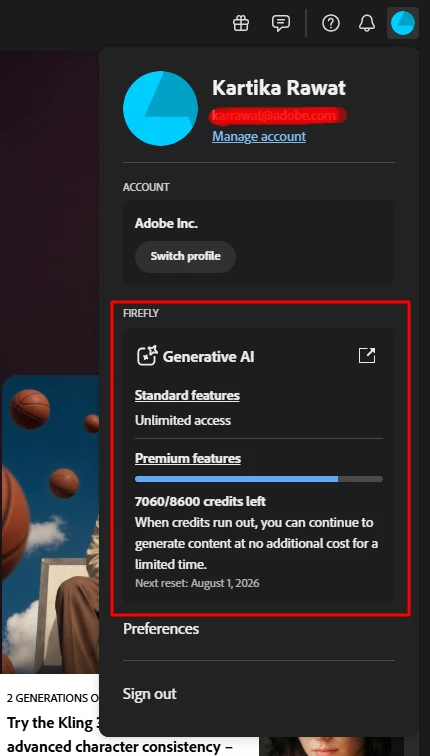
If your credits genuinely don't come back:
- Check your balance again after a short wait — refunds aren't always immediate.
- Note the details of the failed generation while they're fresh:
- Browser & OS version
- Which Firefly model you were using (Image, Video, Kling, etc.)
- Your exact prompt (or a screenshot of it)
- Whether you used a reference image
- Approximate time of the failure
- How many credits are missing
- Take a screenshot of the error message if you still have it.
- Create a new post in the Adobe Firefly community with all of the above so the support team can investigate general "this happened to me too" comments on other threads are harder to track than a dedicated post with details.
"Thanks for reading. Happy creating, and see you in the next post!"
 AdChoices