



Firefly Quick Actions: Fast Edits Without the Complicated Workflow ⚡

Sometimes you don’t need a complicated workflow. You just need one quick change, then back to creating.
That's what Quick Actions are for. They're a simple way to handle common creative tasks in Firefly, so you get from idea to result in fewer steps. Learn more about Quick Actions in our HelpX user guide.
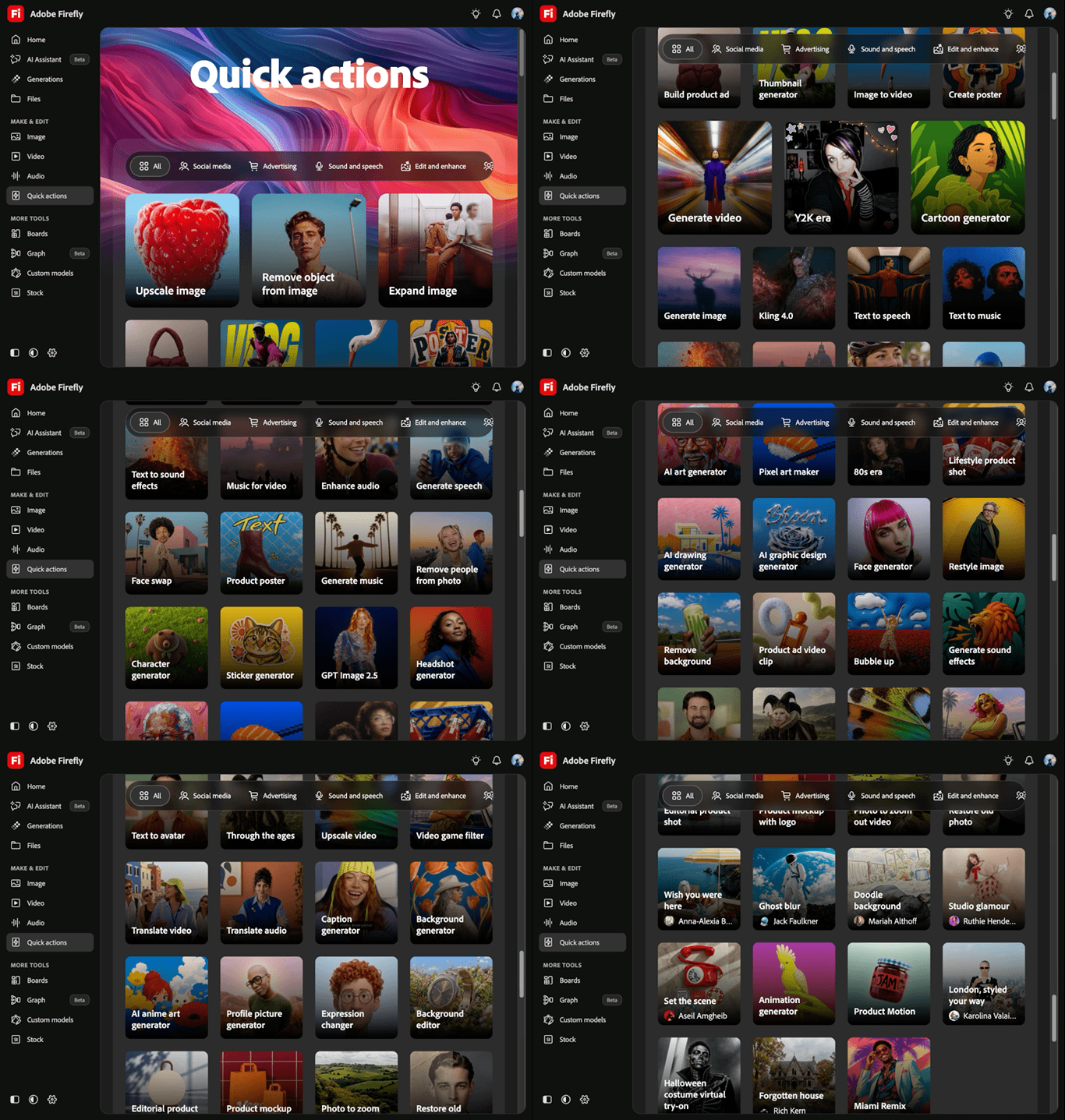
Why give Quick Actions a try?
They're handy for a fast edit or a quick experiment, without breaking your creative flow. A few common ones:
- Remove background: isolate the subject by removing the background from an image.
- Remove people: take unwanted people out of a photo while keeping the rest intact.
- Generate thumbnail: create thumbnails for video and other digital content.
- Generate captions: add captions to your video content.
- Upscale image: increase resolution while preserving detail.
- Generate cartoon: turn an image into a cartoon-style illustration.
There are many more. Next time you open Firefly with a specific task in mind, check Quick Actions first. There may be a faster path to what you want.
Make something new with Quick Actions
Access Quick Actions from the Firefly homepage or using the toolbar on the left side of the screen
Got a favorite Quick Action, or a clever way you're using one? Share your workflow, examples, and tips with the community. We'd love to see what's working for you.
 AdChoices