




Now Live in Adobe Firefly: Generate Speech & Generate Music
Our team is so excited to share that Generate Speech and Generate Music are now LIVE in Adobe Firefly!
These two new audio features bring something the community has been asking about for a long time: a way to create original, royalty-free music and spoken audio without leaving your creative workflow. Whether you're scoring a short film, adding narration to a presentation, or just experimenting with what AI-powered audio can do — this is your sandbox.
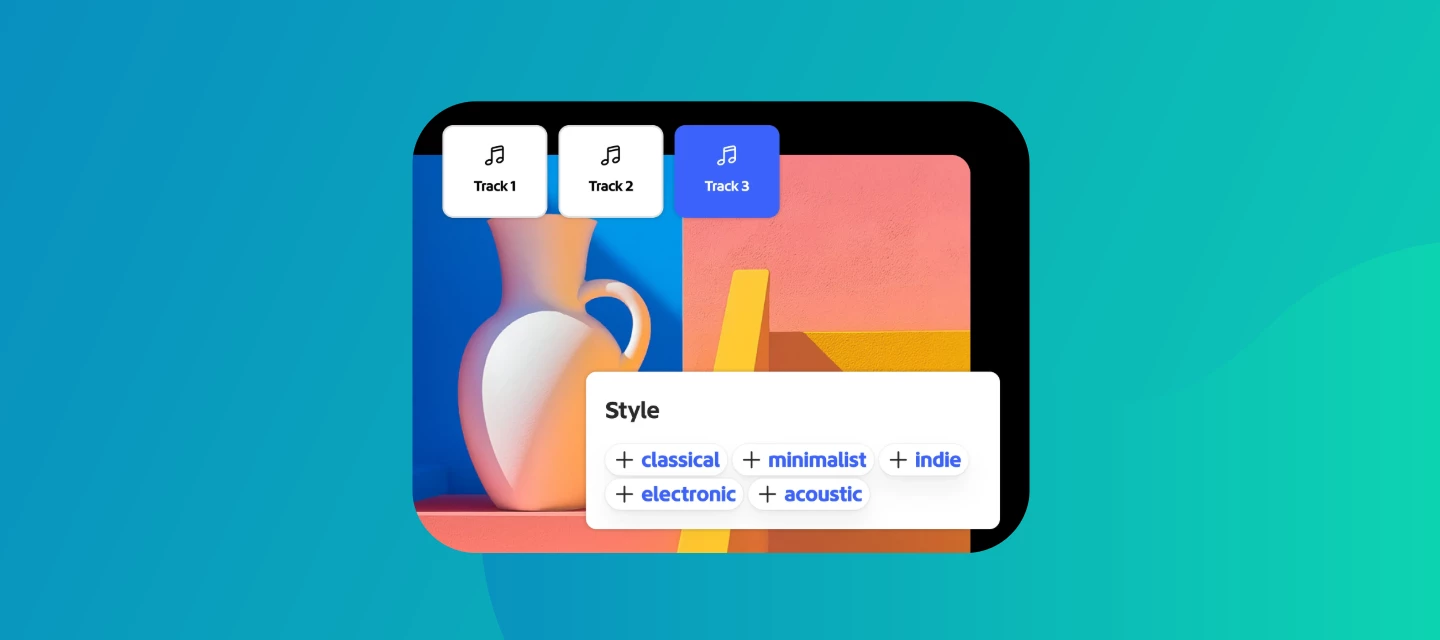
What You Can Do Now
With Generate Music, you can create original background tracks from a text prompt. Describe the mood, tempo, genre, or instrumentation you're going for — and Firefly generates a unique composition. You can also upload a video directly and let Firefly score it for you, analyzing the pacing and tone to suggest music that fits.
With Generate Speech, you can turn any written script into natural-sounding voiceover. Great for explainer content, social video, prototypes, or any project where you need narration fast.
Both outputs are designed to be commercially safe — generated through Adobe's content licensing framework so you can use what you create with confidence. Check out the Adobe blog for more!
Why the Team Built This
For a long time, audio has been the missing piece in the AI content creation conversation. You could generate images, vectors, video — but finding the right music or voiceover still meant licensing tracks, hiring talent, or spending hours in a DAW. The team wanted to close that gap and give creators a way to handle audio the same way they handle visuals: describe what you need, generate options, iterate fast.
This is especially meaningful for solo creators, small teams, and anyone working on tight timelines where a quick, high-quality audio solution makes all the difference.
How to Try It
- Open Adobe Firefly then look for the Audio tab in the left-hand menu on the homepage.
- Select Generate Music or Generate Speech to get started.
- To score a video, choose Generate Music and upload your video file — Firefly will analyze it and generate music to match.
- You can also skip the video and just use a text prompt to generate standalone audio tracks!
For a full walkthrough, check out our HelpX articles on Generate Speech & Generate Music!
What the Community Is Making
We'd love to see what you create with this. Some directions we're curious about: ambient music for motion graphics, upbeat tracks for social reels, narration for portfolio walkthroughs, or experimental soundscapes just to see what Firefly does with an unusual prompt. There's no wrong starting point here — this feature rewards curiosity.
Drop your generations in the replies, share what prompts you tried, and let us know what worked (or what surprised you). Your experiments help the whole community learn what's possible.
 AdChoices