




StickyNews
New in Adobe Firefly Creative Production: Workflow templates now organized by Banners at Scale and Product Assets
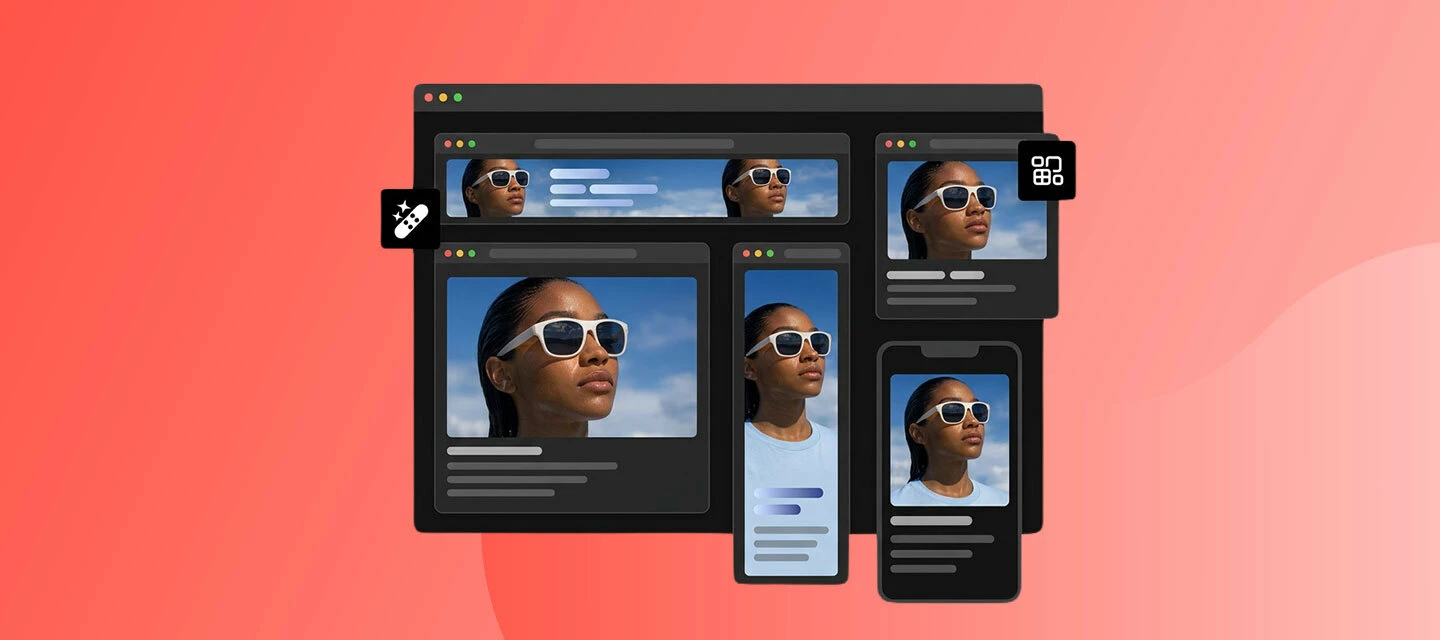
Hello Firefly community! The latest update to Adobe Firefly makes it easier than ever to find and launch the right workflow for the job. This enhancement helps enterprise teams get to production-ready assets faster, without hunting through menus.

Explore the newly organized workflow templates
Easily find and use various workflow templates, organized by Banners at Scale and Product Assets, on the Creative Production home page.
- Banners at Scale
- Approved-asset banners — a scalable workflow that automates removing backgrounds, isolating products, cropping and resizing to every format, compositing products into templates, applying copy and offer variants, localizing content by market, and checking output against brand rules.
- Generative banner variants — generate hundreds of activation-ready banner variants in days by automating resizing, versioning, and asset assembly, which reduces production costs, minimizes manual design time, and produces more variants at speed.
- Product Assets
- Generate product imagery from 2D and 3D assets for PDPs, retail media, configurators, and packaging — creating product assets at SKU scale using digital twins and rich product data, and building pack shots, landing page imagery, and campaign visuals without waiting for physical samples.
- Transform 2D and 3D assets into production-ready product imagery — generating images from any angle, compositing 3D digital twins into AI-generated lifestyle photography, and applying product variants and configuration videos of hero assets.
Learn more about Workflow templates on the Creative Production home page
Why this matters
With this release, Firefly makes it faster for teams to go from raw product and brand assets to finished, on-brand creative — cutting down the manual searching and setup that used to slow down high-volume production work.
Try this new feature today! Click here to go to Firefly Productions
We'd love to hear from you
Give this feature a try and share your thoughts! Got questions or ideas? Drop them in the comments below — we're here to chat and help.
 AdChoices