




Bring Adobe Creativity Straight Into Your AI Chats
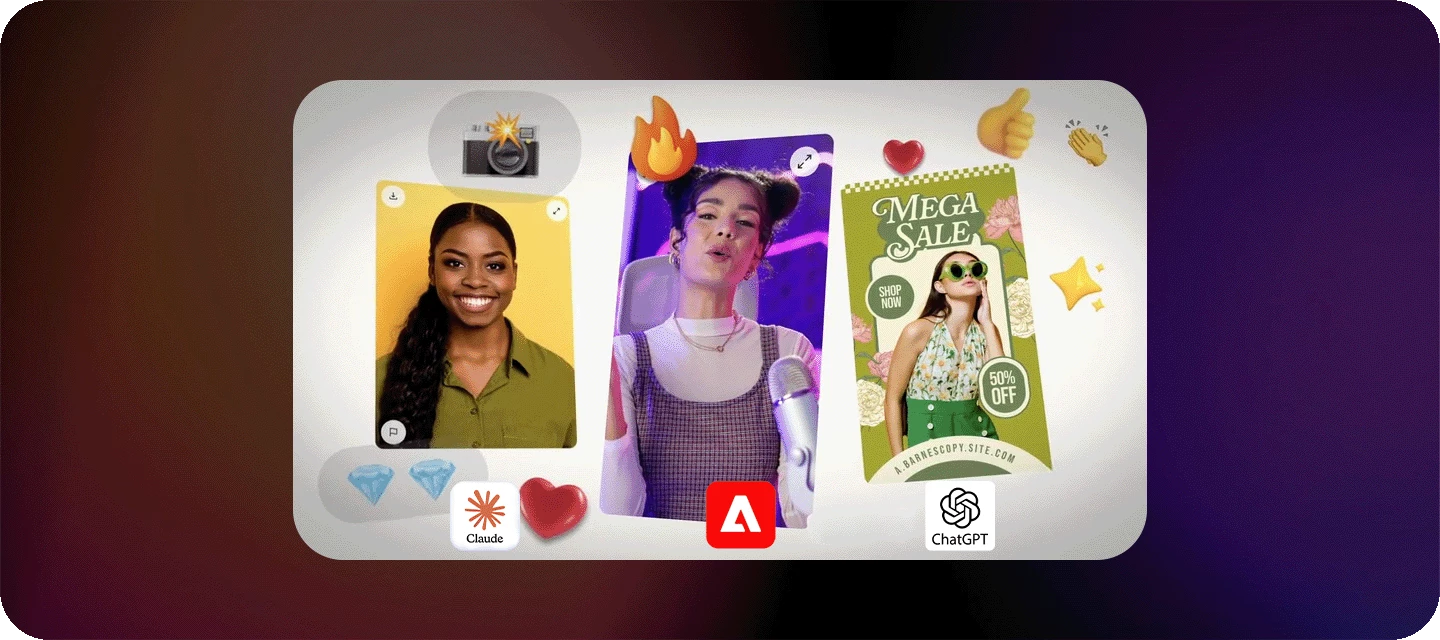
New way to create: Adobe Connectors are here.
Ever wish you could go from a text prompt to a finished, polished asset without hopping between apps? Now you can. Adobe connectors bring Adobe's creative and productivity tools directly into the AI assistants you already use, like Claude and ChatGPT.
Built on the Model Context Protocol (MCP), Adobe connectors let you describe what you want in plain language and watch it happen, no menus, no panel-hunting, just conversation.

What you can do right now
- Iterate in natural language — describe an edit or a new idea and refine it on the fly, without breaking your creative flow.
- Retouch photos in bulk — adjust color, lighting, and tone; remove distractions; swap backgrounds; crop, blur, resize, and expand images across a whole batch at once.
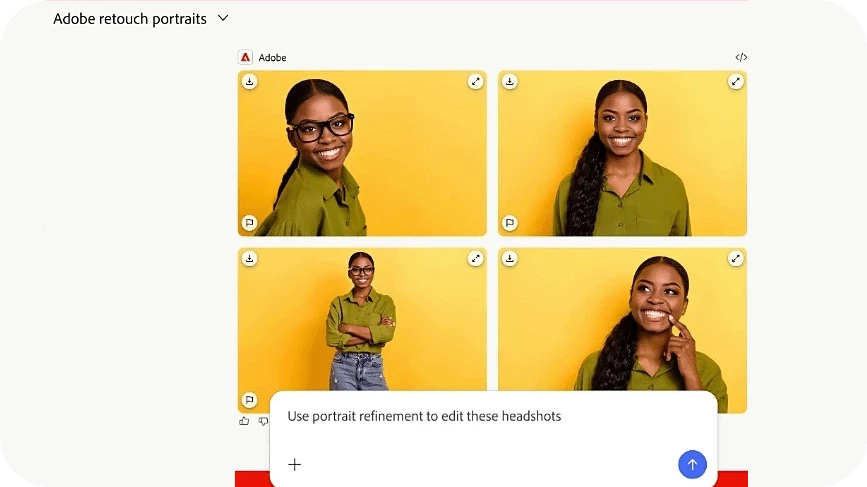
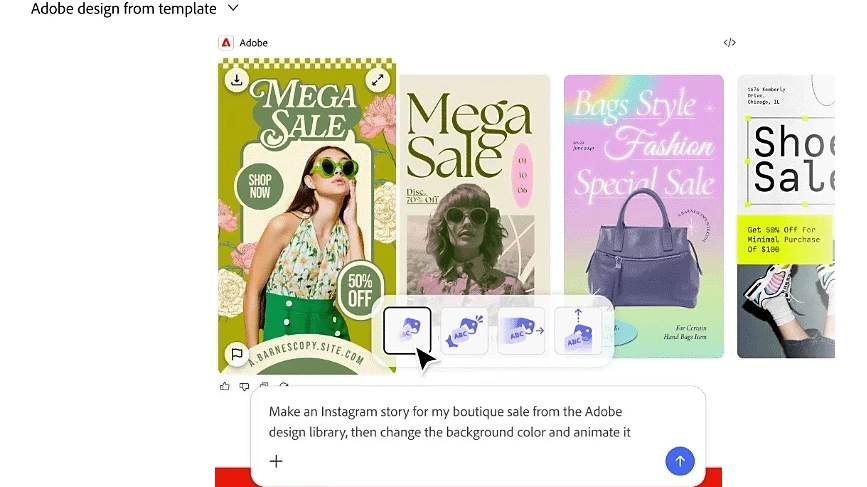
- Design from a template — start with an Adobe template, update text and colors, and turn it into a polished PDF-ready asset.
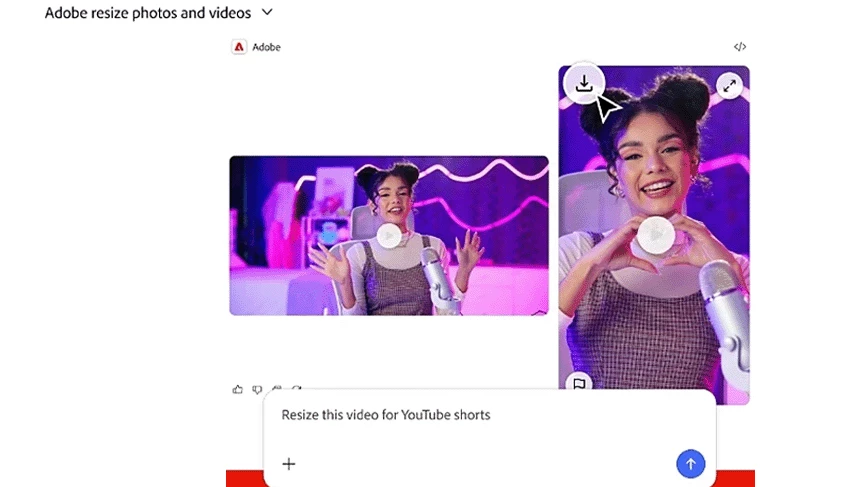
- Resize video for any platform — reformat a clip for Reels or Shorts, or stitch multiple clips into one sequence.
- Find your creative work — search your Creative Cloud library by subject, style, mood, or content, just by describing it.
- Generate data-driven documents — turn raw data into shareable badges, cards, catalogs, and more.
Where to find it
Adobe connectors are currently available for:
- Adobe for Claude — via Anthropic's Claude
- Adobe for ChatGPT — via OpenAI's ChatGPT
Adobe is actively expanding the list of supported platforms and capabilities, so keep an eye out for more.
Try it and share
Fire up your favorite connector, turn a rough idea into a finished piece, and don't forget to submit your best creations to the Firefly Community gallery — we'd love to see what you make with it.
 AdChoices