


nishu_kush
Community Manager
Community Manager
October 28, 2025

Adobe MAX 2025: Check out what's new in Adobe Firefly

  • October 28, 2025
  • 3 replies
  • 1137 views

Hey everyone!

Big news in the creative world - Adobe Firefly just dropped some powerful new features that are seriously levelling up our creative game!


Try it in the App

Explore the new and enhanced features in the latest releases of Adobe Firefly.


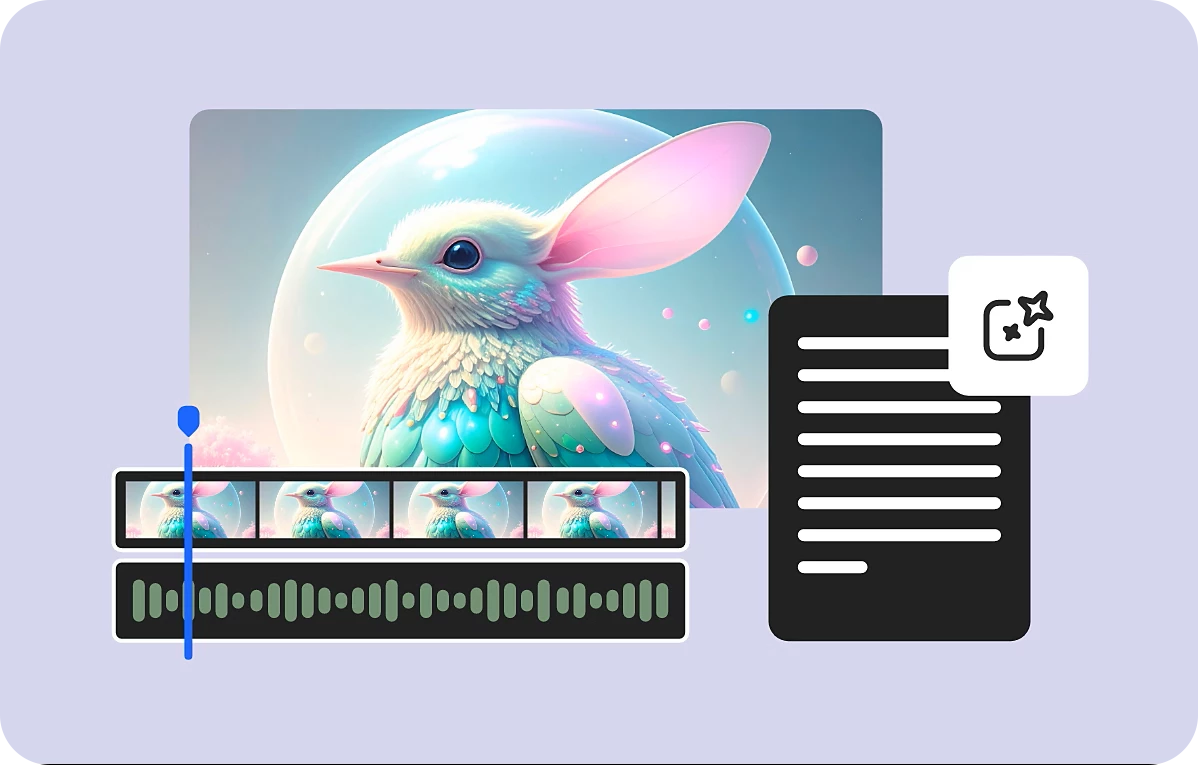
Firefly video editor (beta)

A lightweight timeline editor that lets you trim clips, add titles and audio, and generate fresh scenes from any frame, perfect for turning ideas into finished videos.

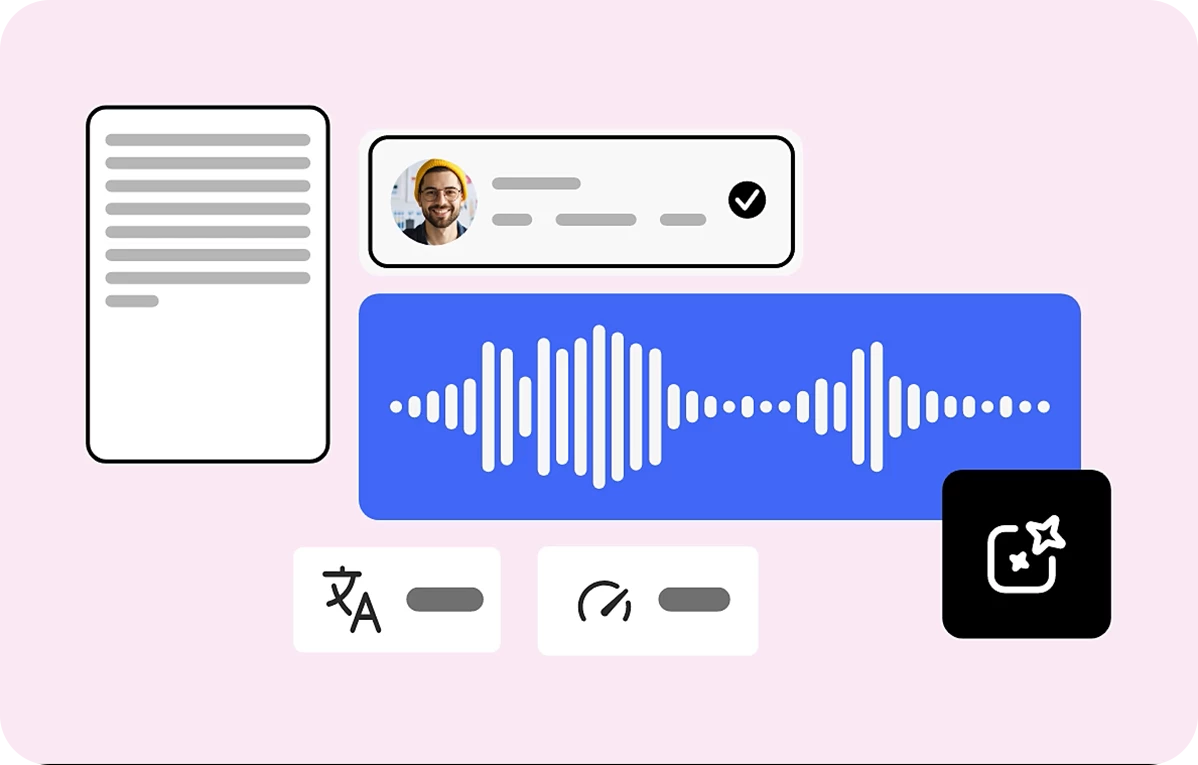
Generate speech (beta)

Create natural-sounding voiceovers with full control over accent, tone, and tempo.

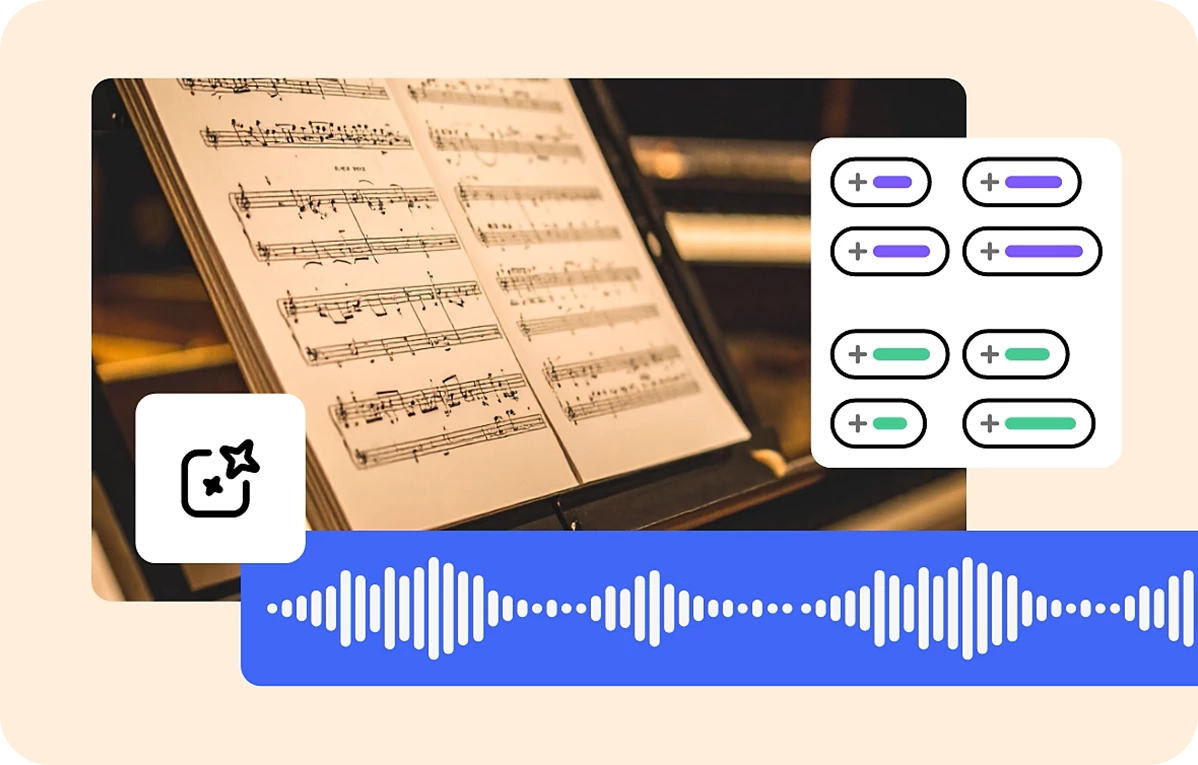
Generate soundtrack (beta)

Generate tailored soundtracks by selecting creative elements such as mood, genre, tempo, and purpose. Perfect for podcasts, games, meditations, or any project that needs the right sonic atmosphere.

Enhance speech

Make your recordings sound professional by removing unwanted noise, adjusting volume levels, and sharpening clarity. The final result is clean, balanced audio that feels studio-grade.


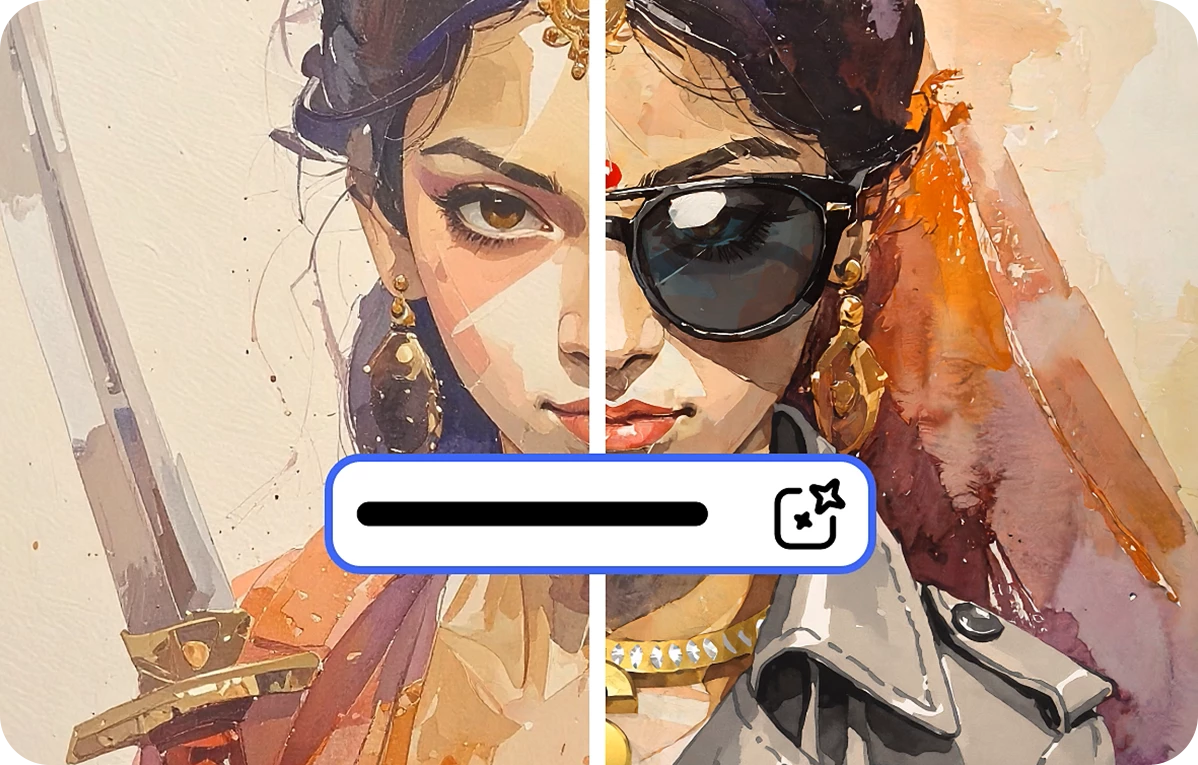
Edit images using text prompts

Discover how to use Firefly image editor to add, delete, or modify objects and backgrounds in your images.

Remove and replace backgrounds in Bulk

Batch remove image backgrounds and swap them with a new image or a solid color backdrop.


Batch Color Grading Made Easy

Effortlessly crop thousands of images in bulk for seamless use across social media, email campaigns, web banners, and more.


Crop multiple images in one go

Crop large batches of images at once, ready for social media, email marketing, and web design.

We’d love to hear from you!

Try out Firefly's new features and let us know your thoughts. Feel free to reach out if you have any questions or need more tips!



If this was helpful, please click the Upvote icon in the top left corner of this post. Your feedback helps us improve the experience. Thank you!


Have questions? Click 'Reply' below to ask.

Click 'Follow' below to bookmark this post for easy reference.

    3 replies

    Participant
    November 3, 2025

    We are on an enterprise plan, I have a user with Creative Cloud and she has access to FireFly, she is looking to use the voice over feature but it says she does not have access to that feature.  How do I get more information on how to enable that or where I can see what that might cost so I can add the feature?


    Community Manager
    November 3, 2025

    Hi @GreggFuller,

    Thanks for reaching out. As checked, you have an active enterprise subscription associated with the Adobe ID used to post this query. Could you please confirm whether the end user who is unable to use this feature is seeing the following prompt: “You don’t have access to this feature. You can contact your admin to request access.”

    If the user is encountering this message, please ask them to sign in to Firefly using this link: https://adobe.ly/43QMt4t

    Once logged in, have them click on their profile image in the upper right corner and navigate to the Generative AI tab. Please confirm whether the user has access to Standard features only or Premium features as well.

    If the user has only Standard features, please note that the Generate Speech feature will not be available, as it requires access to Premium Generative AI features. You can find more information in the following document: https://adobe.ly/438cH2m

    If the user does have Premium Generative AI access but continues to experience the issue, please let us know so we can investigate and assist further. 


    Awaiting your response. 

    Regards,
    ^AN

    Participant
    October 31, 2025

    This update is huge!  The new Firefly Video Editor and Generate Soundtrack tools are total game-changers — especially for creators who want to produce full multimedia content without switching apps.

    I tried the Enhance Speech feature, and it’s surprisingly clean — almost feels like studio-level editing with just one click. The fact that Adobe keeps expanding Firefly from images to audio and video shows they’re serious about making it a full creative suite powered by AI.

    Excited to see how these tools evolve once they’re out of beta!

    Community Manager
    October 31, 2025

    Hi @lowfade_7244


    Thank you so much for the kind words! It’s awesome to hear how much you’re enjoying the new Firefly tools. We’re genuinely thrilled that the Video Editor, Generate Soundtrack, and Enhance Speech features are hitting the mark for creators like you. That “studio-level” feel with just one click? Exactly what we were going for!

    We’re just getting started, and your excitement fuels us to keep pushing the boundaries. 

    If you ever have feedback, ideas, or just want to geek out over creative workflows, we’re all ears!


    ^Sam
    Community Expert
    October 28, 2025

    Is model 5 free to use? It doesn't seem to spend credits when used

    Community Expert
    October 28, 2025

    Yes. It is free for a limited time. See your Adobe Account pop-up (where credits are displayed) for the message about it.