



MAX 2023: Check out what's new in Adobe Firefly!

Welcome to Adobe MAX! Are you ready to unleash your creativity at MAX 2023 with the power of Firefly? This guide is your one-stop shop for everything you need to know about Firefly at MAX, from sessions and workshops to hands-on experiences and networking opportunities.
What's New for MAX
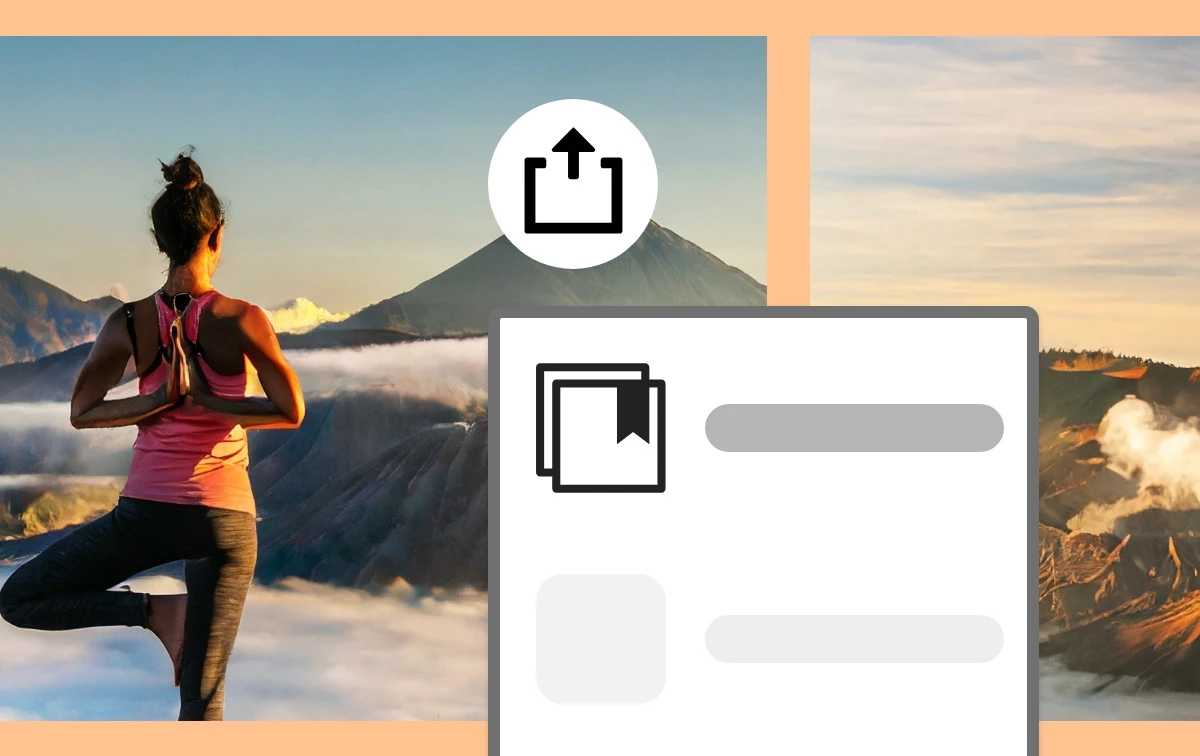
Save your images generated from the Text to Image and Text Effects features to Creative Cloud Libraries to reuse them in Adobe Express and your other Creative Cloud apps. Learn more.
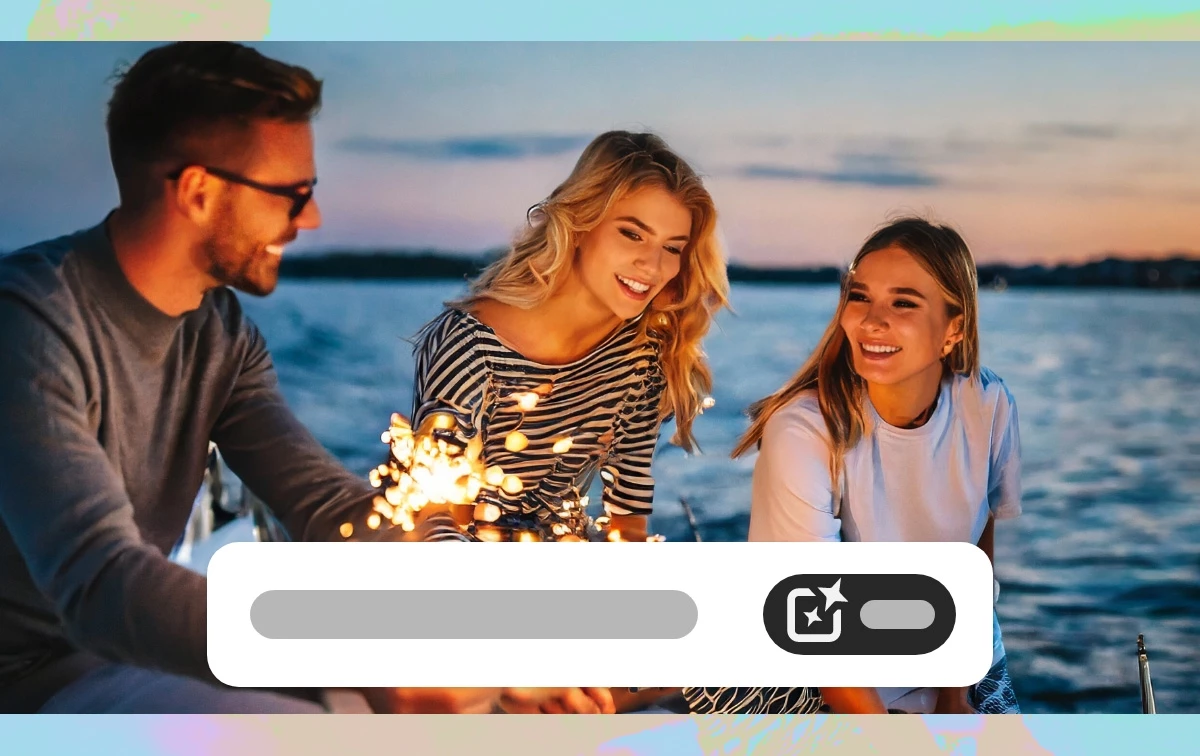
Generate higher quality outputs with better image generation capabilities.
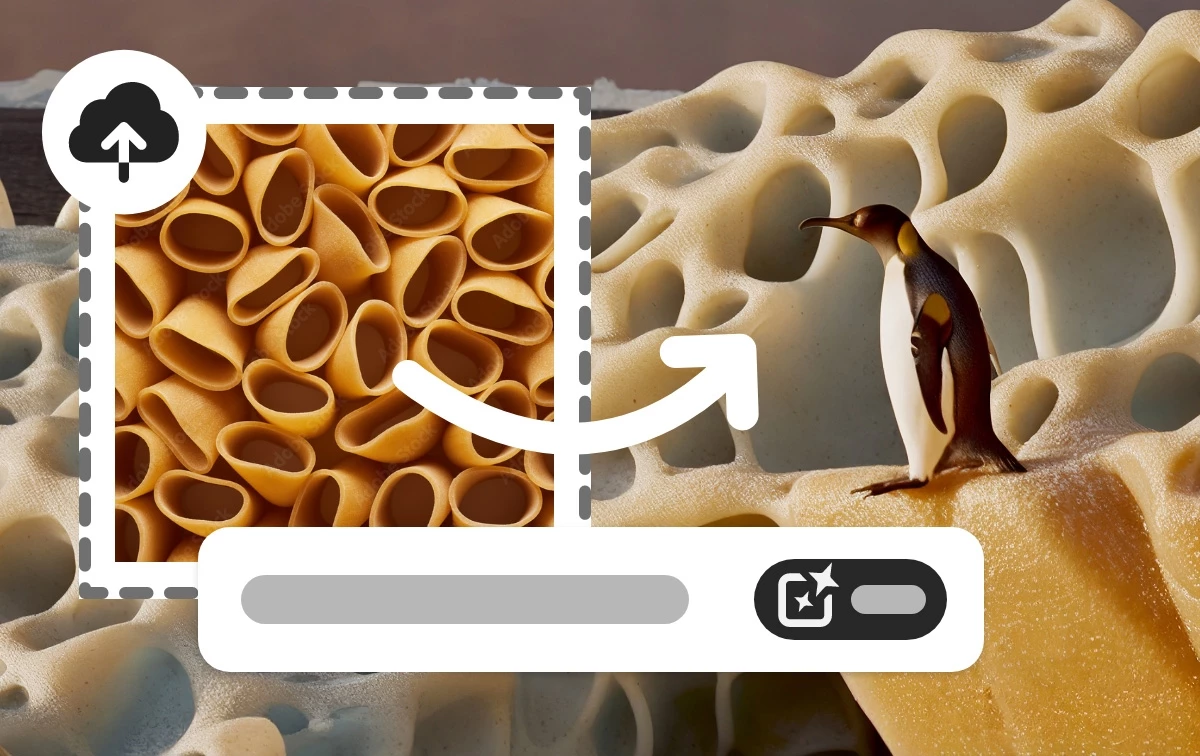
Generate images based on the look and feel of an existing image.
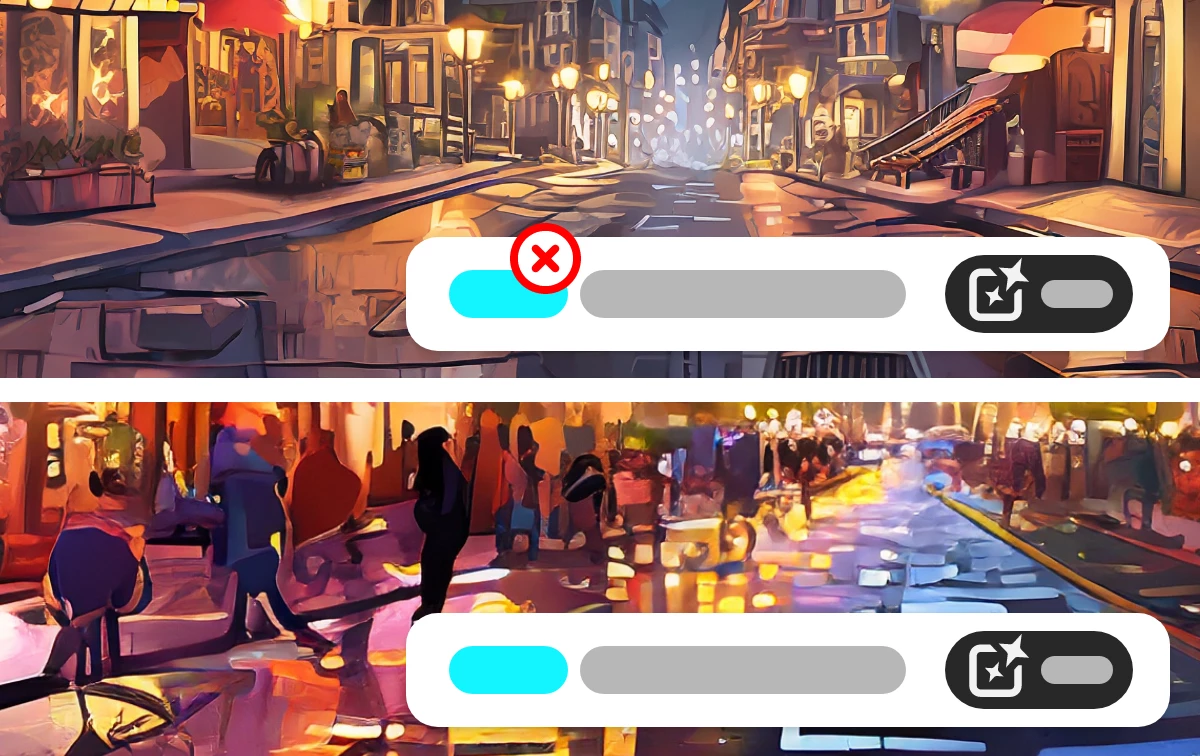
Instruct Firefly to avoid specific terms (English only) while processing your prompt.
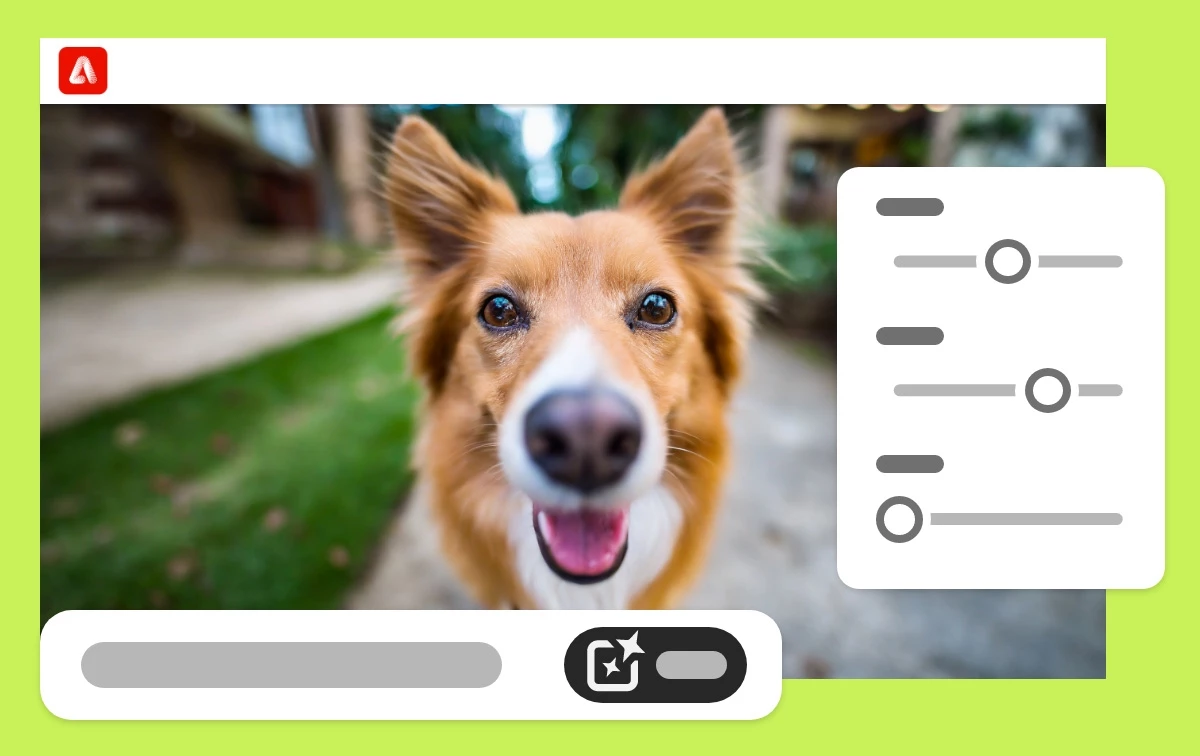
Set the photo parameters like you would with a real photograph: depth of field, motion blur, and field of view.
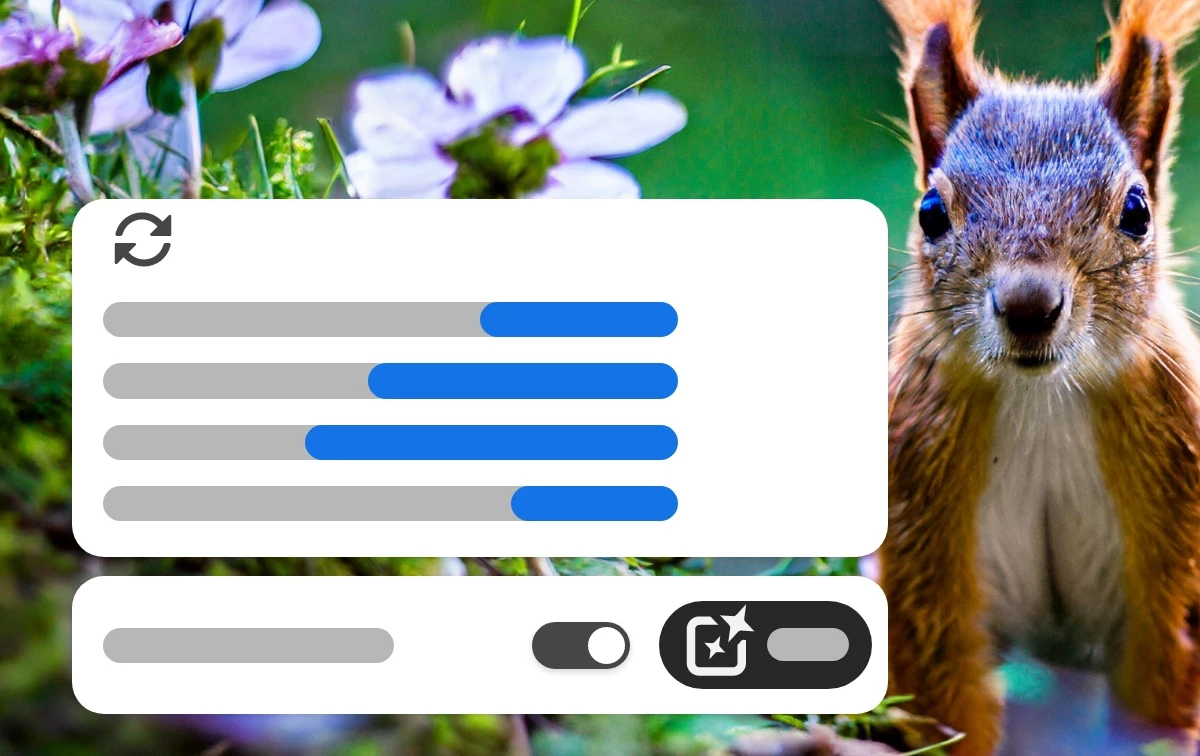
Get recommendations to expand your prompt (English only) and take your images in different creative directions.
You may need to perform a hard refresh on your browser to see the changes.
Ctrl(Cmd) + Shift + R.
More in this release:
- Refreshed inspiration stream and gallery
- Overall better people generation, colors, and photographic quality
- Higher resolution (2K x 2K)
- Model version picker in Text to Image module
- New UI updates to accommodate Image 2 Model
Adobe MAX Firefly Guide
Whether you're attending MAX in person this week or from the comfort of your home, get ready for an inspiring and informative event! Here's everything you need to know to make the most of MAX 2023.
Attending Virtually
- Daily Schedule: Join us online for a global virtual event. If you can’t join us in person, you can still benefit from the amazing learning and inspiration in sessions, keynotes, and Sneaks.
- Firefly Session Catalog: Check out all these Firefly virtual sessions. Make sure to heart any that intrest you!
Attending In-person
- In-person agenda: Plan your week to make the most of all the sessions and labs, Creative Park activities, and fun ways to connect with other creatives.
- In-person sessions: Check out all these Firefly in-person sessions. Make sure to add your favorites to your schedule!
Because of You, Thank You!
We're excited to share that the following customer ideas (feature requests) were included in this release.
Here are some of the benefits of sharing and voting for ideas in the community forum:
- Help shape the future of Firefly. Your voice matters! By sharing and voting for ideas, you can help us prioritize the features and improvements that are most important to you.
- Connect with other Firefly users. The community forum is a great place to meet and collaborate with other Firefly users. You can share tips, ask questions, and get feedback on your work.
- Learn about new features and updates. The community forum is a great place to stay up to date on the latest Firefly news and announcements. You can also learn about new features and updates from other users.
So what are you waiting for? Share your ideas and vote for other ideas in the community forum today!
Helpful Links
- Adobe Firefly FAQ Get answers to common questions about Adobe Firefly.
- Content Credentials for assets generated with Adobe Firefly What information is included when they are automatically applied to assets generated with Adobe Firefly.
- Firefly issues and errors Learn about the known issues in Adobe Firefly and how to troubleshoot them.
- Adobe Firefly technical requirements Technical requirements for creating content using Adobe Firefly.
- Discord Join the Adobe Firefly Discord server to connect with others, get creative feedback, and share resources!
 AdChoices