



See the new Firefly workspace in action
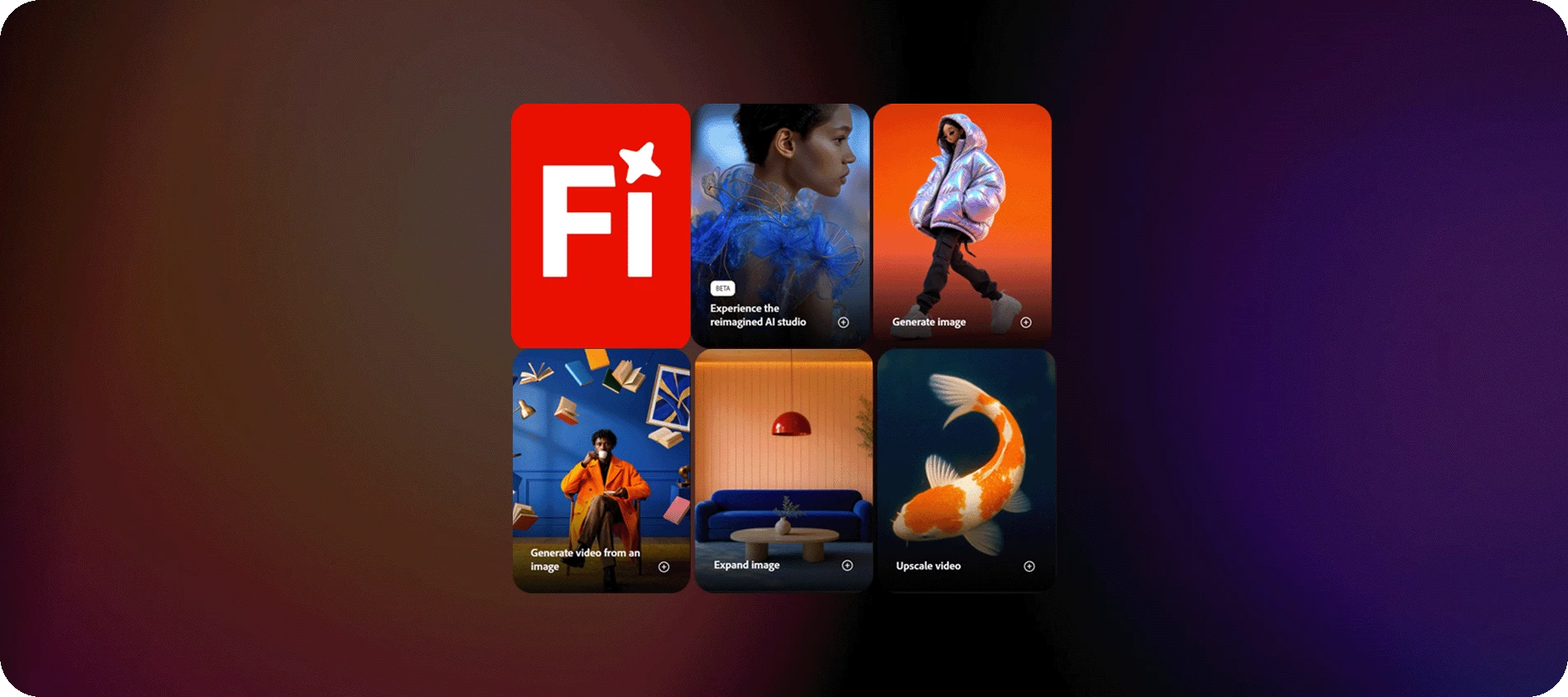
The Firefly workspace just got a significant update. Everything you need to create is now in one place, built to help you move faster from idea to finished output.
The redesign brings your tools, projects, and inspiration together under a streamlined nav. Here's what's new and where to find it:
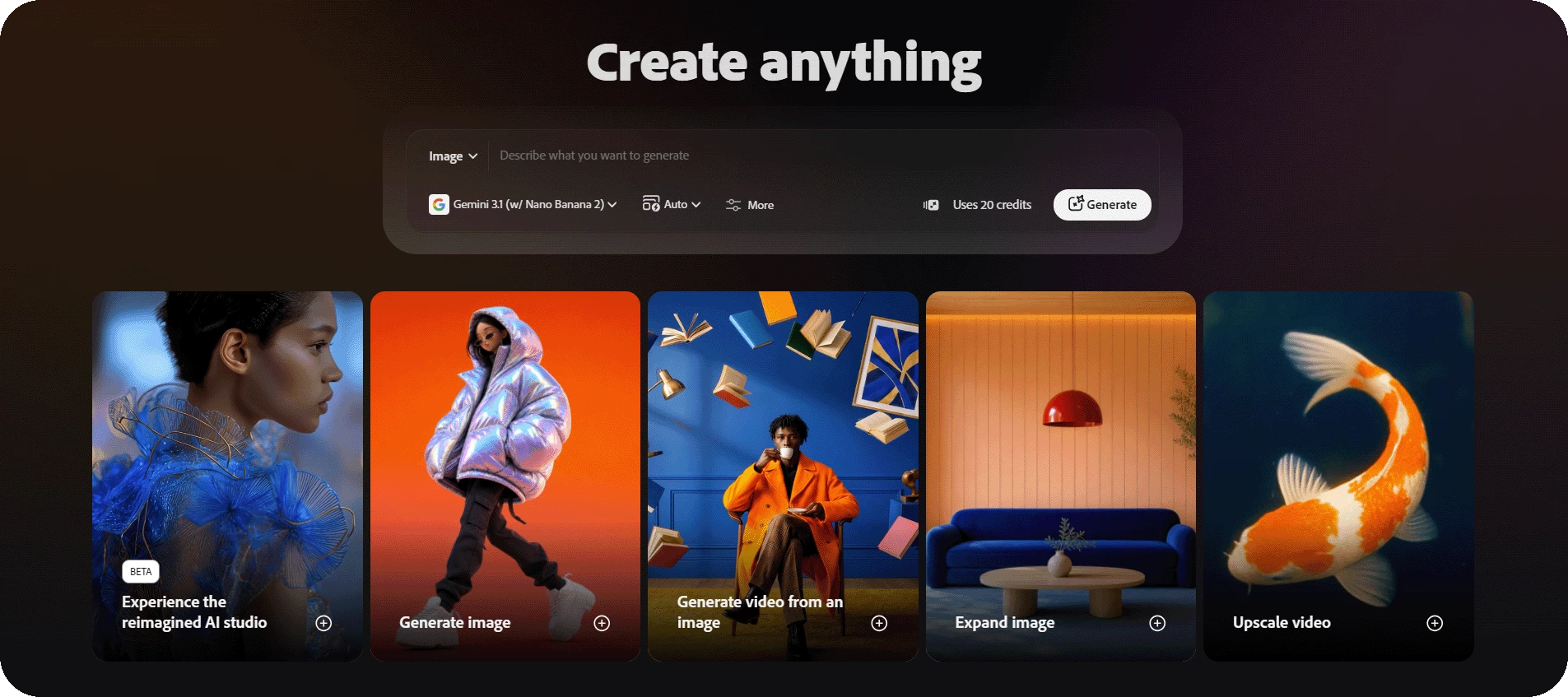
Home is your creative launchpad - featured workflows, quick-access tools for image, video, and audio, and a prompt bar to jump straight into creating.
The New menu helps you quickly get started with Firefly tools. It shows options in two groups: Generate and Create, so you can easily begin different types of creative work.
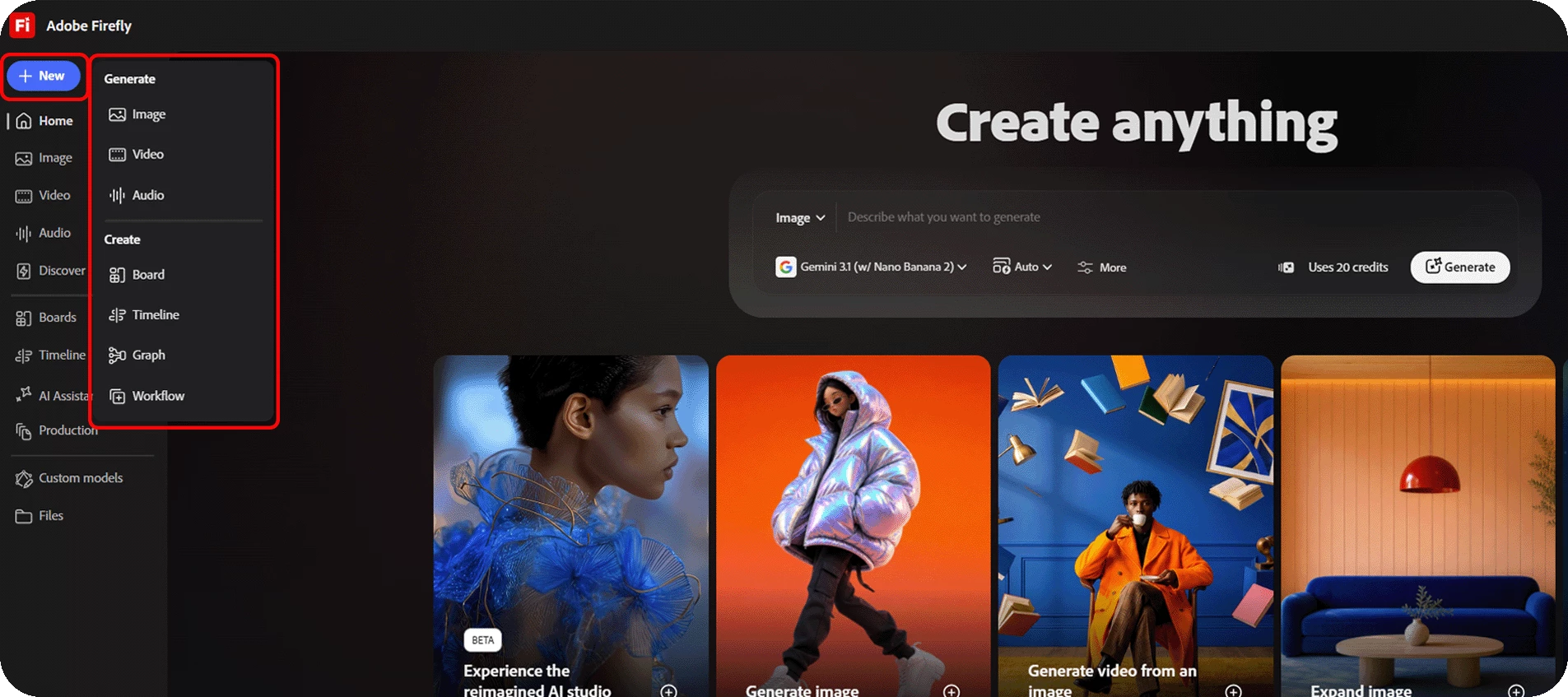
From New, you can quickly create images, videos, or audio, use tools like Boards and Timeline, and start bulk workflows for large creative tasks.
Image, Video, and Audio sections each have dedicated workspaces with their full tool sets surfaced upfront. Generate, edit, translate, enhance - it's all there without digging.
Boards gives you an infinite canvas for moodboarding, references, and collaborating with your team. Timeline is the video editor - organize clips, generate video, turn raw footage into finished stories.
The AI Assistant is a conversational interface woven throughout - prompt it to generate or edit content across any workflow. Try generating creative outputs across workflows.
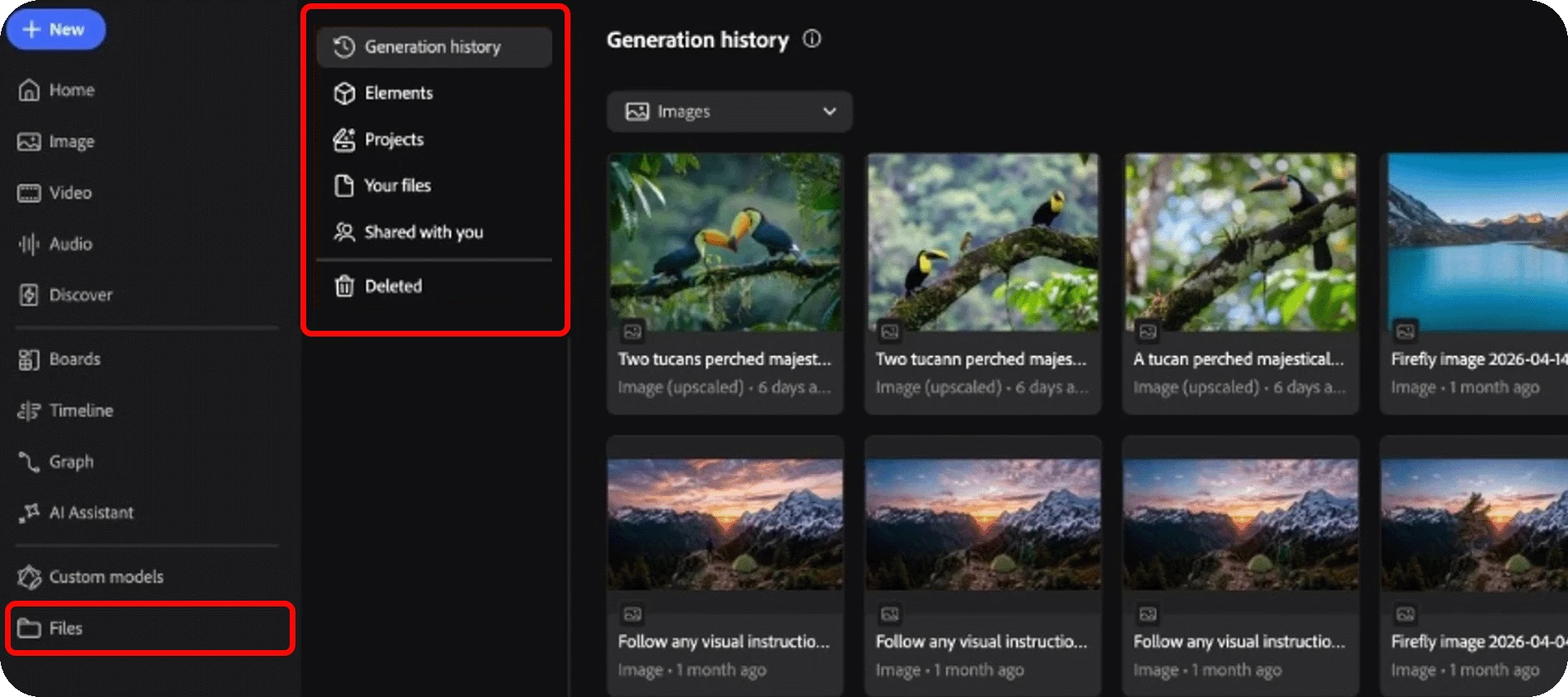
Files keeps everything you've made organized in one place: generation history, your projects, shared files, and deleted items.
Try it and tell us what you think!
Already explored the new workspace? Reply with your first impressions — what's clicking, what's not, or what you made first. If you run into anything unexpected, drop a post in the community and we'll help you sort it out.
Hit 👍 if this was helpful, and ⭐ Subscribe to catch future Firefly updates as they land.


 AdChoices