


Kartika Rawat
Community Manager
Community Manager
April 15, 2026
Sticky

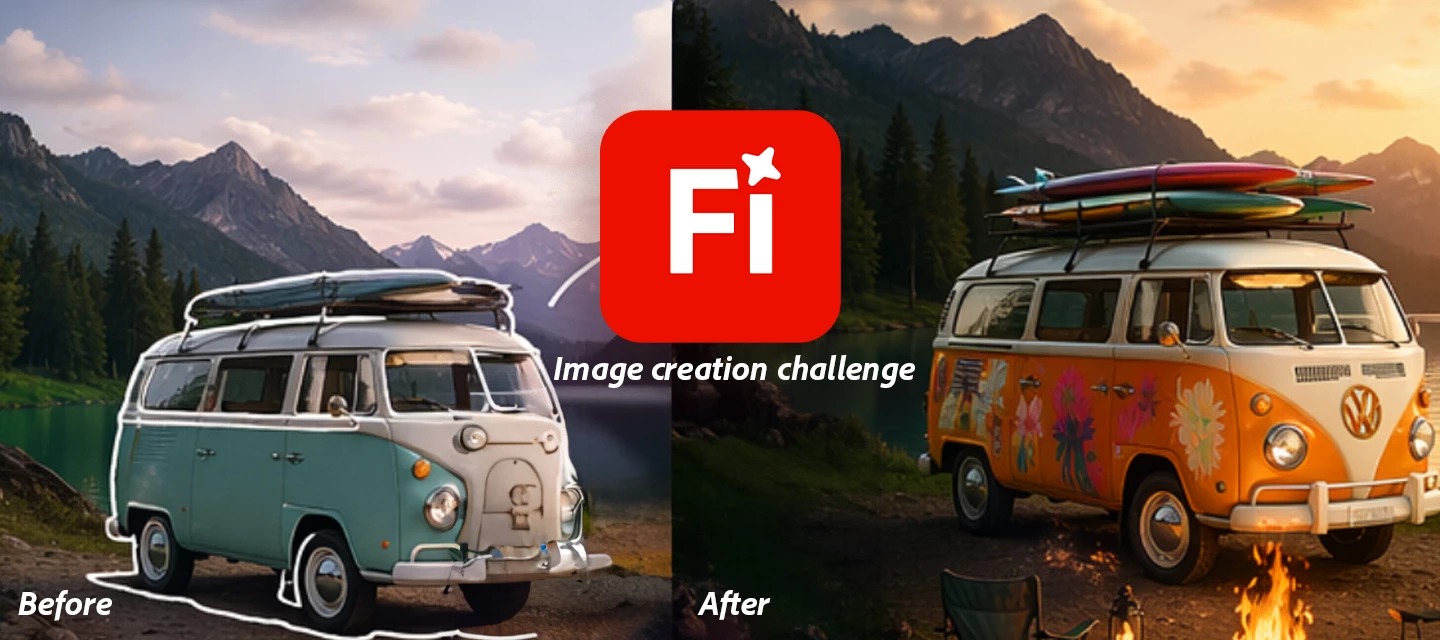
Try out the new Markup feature in your creations!
  • April 15, 2026
  • 23 replies
  • 476 views


Ready to try something new with Firefly? Let’s put your creativity to the test!


Try the new Markup feature in Firefly Image Generation and show us how you bring your ideas to life!


The Challenge: Use Markup to guide Firefly in transforming an image highlight, sketch, or mark specific areas and describe what you want to change.


If you need to know more about the feature. Check here


 The original image :
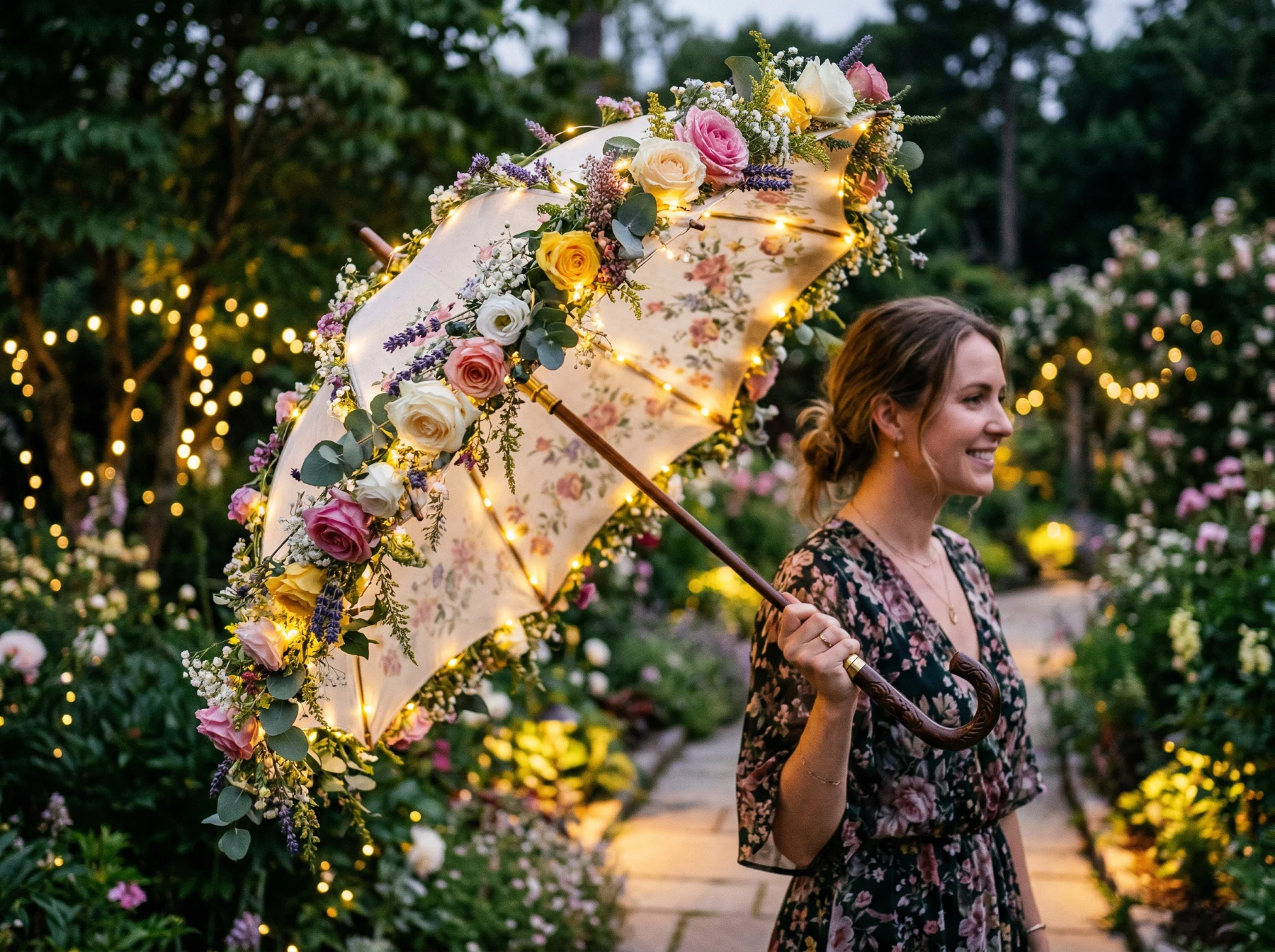


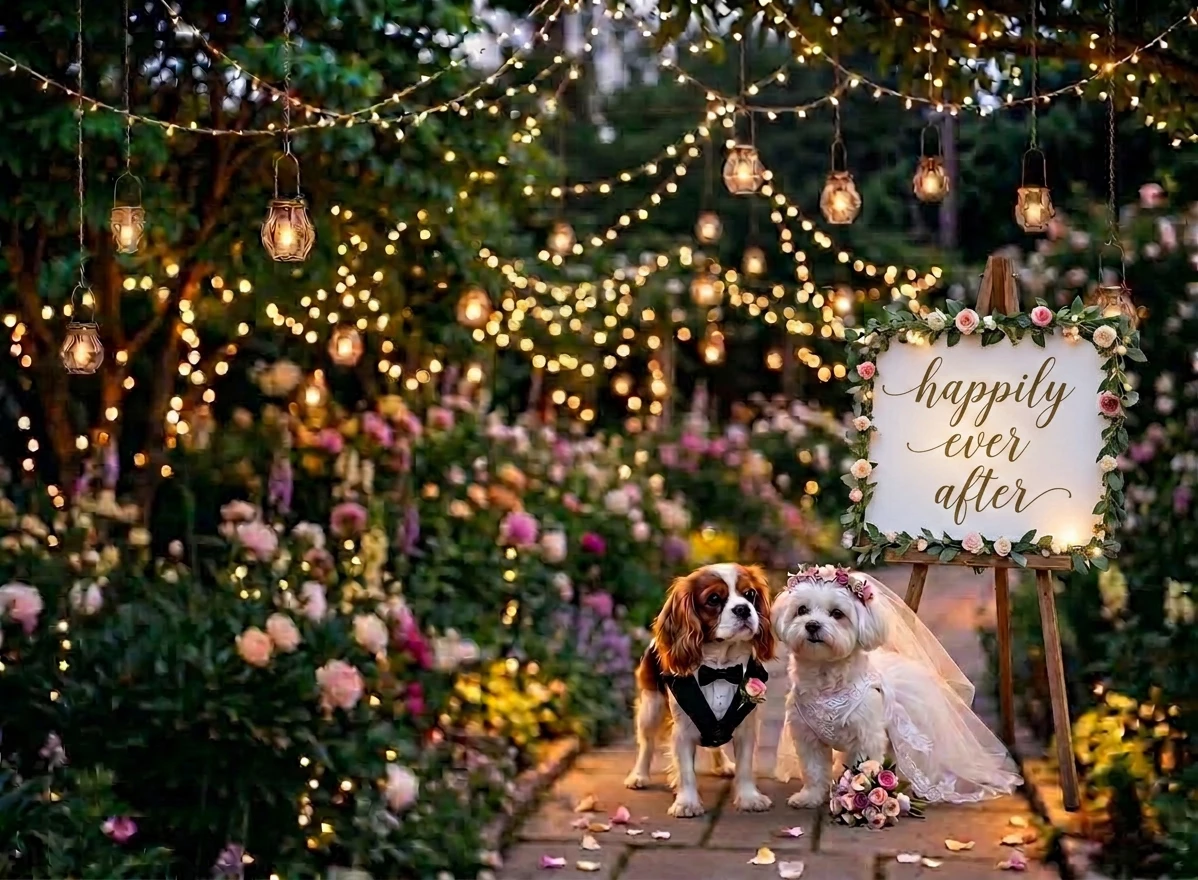
The final image after editing with Markup:


How to Participate:

  1. Upload or generate an image in Firefly
  2. Use the Markup to select areas you want to modify
  3. Add a prompt to transform those areas
  4. Share your before & after results with a short description.


What to Submit:

  • Your Images and description: Images of Markup editing 


Submission Deadline:

  • Please submit your creations by April 30, 2026, 12:00 AM PT (GMT+7).


Show us what you can do with Markup and push the boundaries of AI creativity!

Drop your creations and inspire the community!


Thanks, 

Kartika


If you found this post interesting, click 👍 Like.
Use ⭐ Subscribe to stay informed about future updates.
You may also share this post with others who might benefit from these enhancements.


    23 replies

    Will.OBJ
    Participant
    April 29, 2026

    Used Markup to change the background style, then used markup around the vehicle to add people and other cars!


    Community Expert
    April 29, 2026

    Prompt: replace the word hospital by Krankenhaus (= german for hospital)

    I absolutely love the final result!


    Kyle Hamrick
    Community Expert
    Community Expert
    April 27, 2026

    I just tried a silly prompt to start … “A ferocious dinosaur rampaging through downtown.”
    It gave my dinosaur … an extra foot 🤦, so I told it to fix that. 


    Inspiring
    April 25, 2026

    Photo on a cloudy day, added a tear in the sky to an otherworldly then used markup to get rid of the roof edge and foliage and add a creature from the otherworldly to the sky.

    Participating Frequently
    April 24, 2026

    so much fun :D It looked like Christmas already … added just few new assets  ;)
    Love this markup Options <3


    lambiloon
    Community Expert
    Community Expert
    April 24, 2026

    After


    Ali Sajjad / Graphic Design Trainer / Freelancer / Adobe Certified Professional
    EuanWilliamson
    Community Expert
    Community Expert
    April 23, 2026

    The original


    The edit


    The result


    Best regards, Euan.
    derekwatson
    Community Expert
    Community Expert
    April 21, 2026

    Interesting, It seems to ignore the marquee and the drawing reference (size and position changes). Original is with Firefly, Gemini is only option for edit.
     

    Text prompt

    And now with brush


    Derek Watson
    Community Expert
    April 20, 2026

    Original image with Region and Text Markup.


    Result with Gemini 3.1 with Nano Banana 2 (20 gen credits deducted): 
    It removed the mask from the entire face, not respecting the region in my markup. This is not the result I expected.

    ~~~~~~~~~~~~~~~
    Second try, this time, in addition to drawing a region I specified in the text markup “Limit the removal to this region.” This time I got the result I expected. (Another 20 gen credits deducted.)


    Second result with Gemini 3.1 with Nano Banana 2 This is the result I expected from my first try too:


    Tina_Irvine
    Community Expert
    Community Expert
    April 20, 2026
    Initial Prompt: Older man fishing in a canoe near a dock. Evening lighting.
     
    Revisions


    Updated