




New in AE: Quick Apply
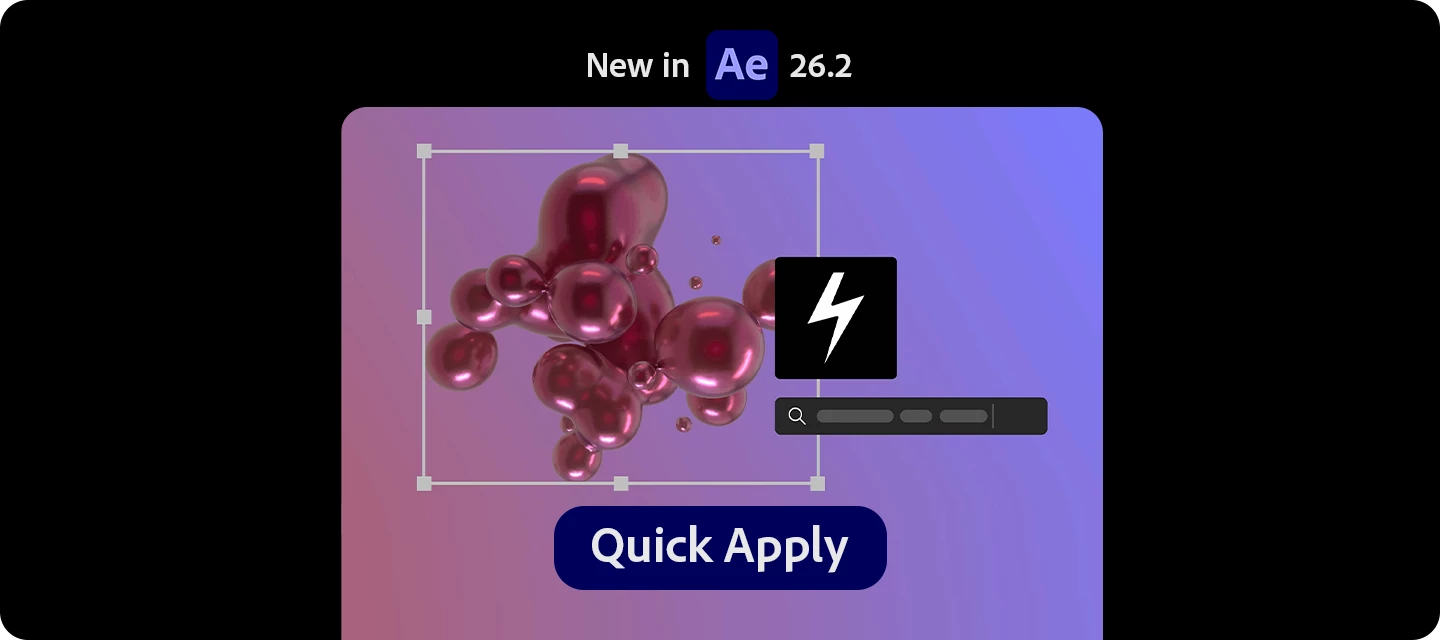
Still digging through menus to find effects, presets, or commands?
With Quick Apply, you can now search and instantly apply anything in After Effects—from effects to animation presets to menu commands—all from one place.
Quick Apply acts like a universal command bar, letting you find and execute tools in seconds instead of hunting through menus.

What can you do with it?
-
Search and apply effects, animation presets, and menu commands instantly
-
Skip navigating multiple panels—just type and apply
-
Create new layers with effects already applied (in one step)
Put it to use in your workflow:
-
Apply effects faster (no more panel hunting)
-
Trigger animation presets instantly
How to use it
-
Press:
-
Mac: Cmd + Return
-
Windows: Ctrl + Enter
-
-
Start typing what you need (effect, preset, or command)
-
Press Enter to apply instantly
You can also:
-
Type e: for effects
-
Type p: for presets
-
Type m: for menu commands
Read the full article to get started: Quick Apply
Pro tips
-
Hold Cmd/Ctrl + Enter to apply to a new layer
-
Hold Cmd/Ctrl + Option/Alt + Enter to create an adjustment layer
-
Customise the shortcut in the Keyboard Shortcuts setting
Have you tried it yet? Does it replace how you browse for effects?
Let us know how it fits into your workflow!
 AdChoices