

April 20, 2026
News

New in Beta: Copy and paste Illustrator and SVG content as native shape layers (26.3x51)

  • April 20, 2026
  • 2 replies
  • 296 views

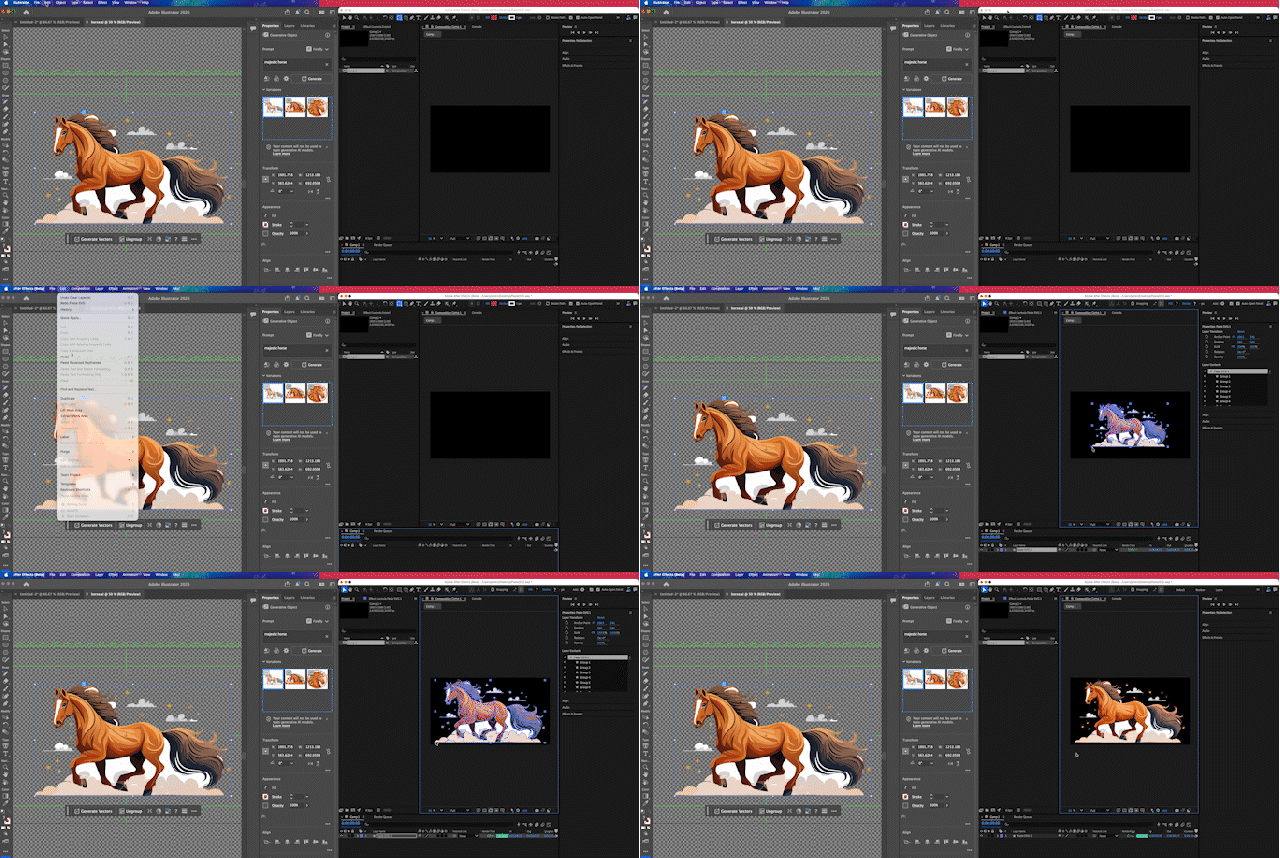
SVG content on the operating system clipboard copied from Illustrator and other applications can now be pasted into an After Effects project via the Edit -> Paste menu. The contents will be imported as native, editable shape layers that are ready to animate.
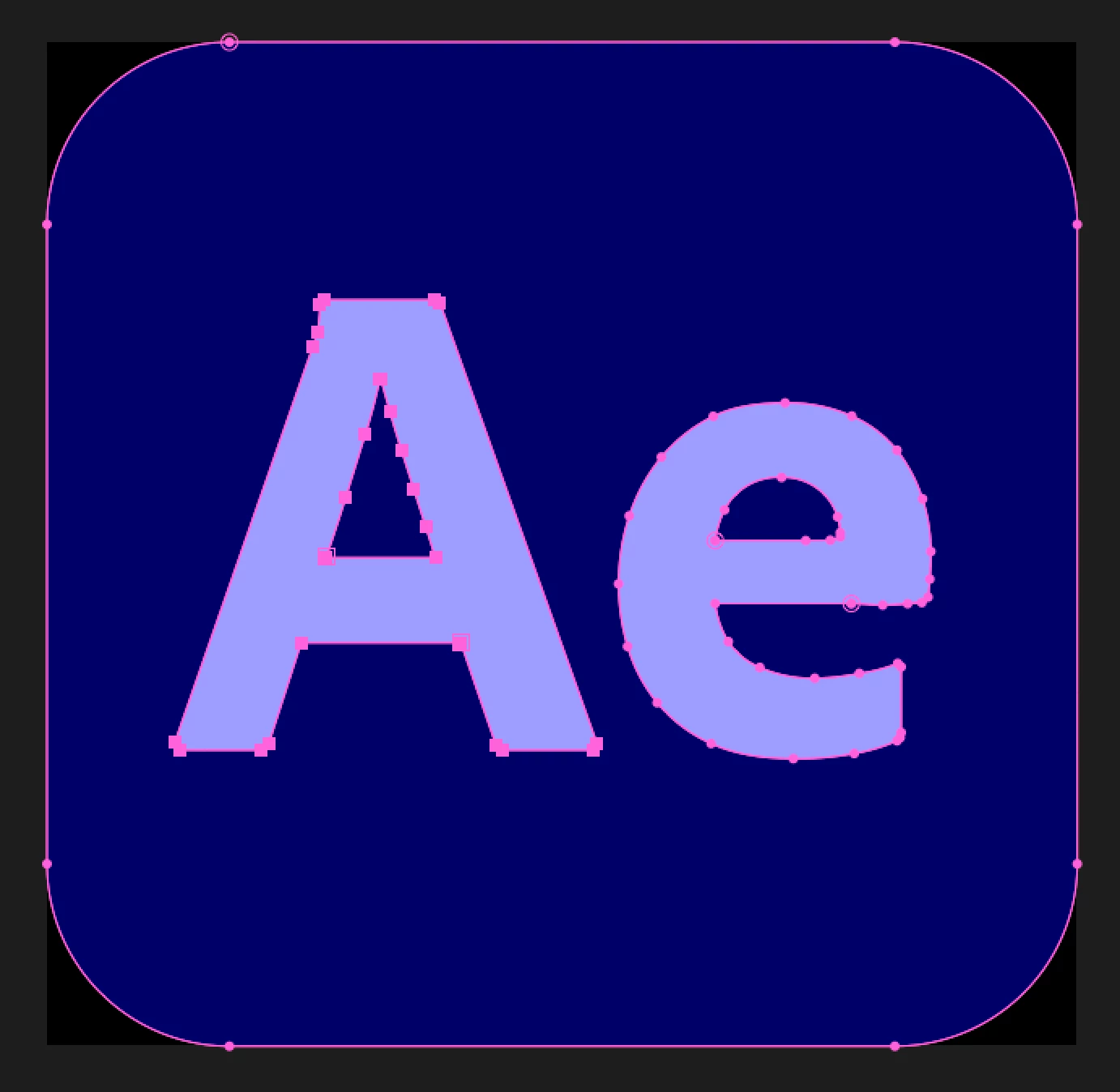


Copying from Illustrator

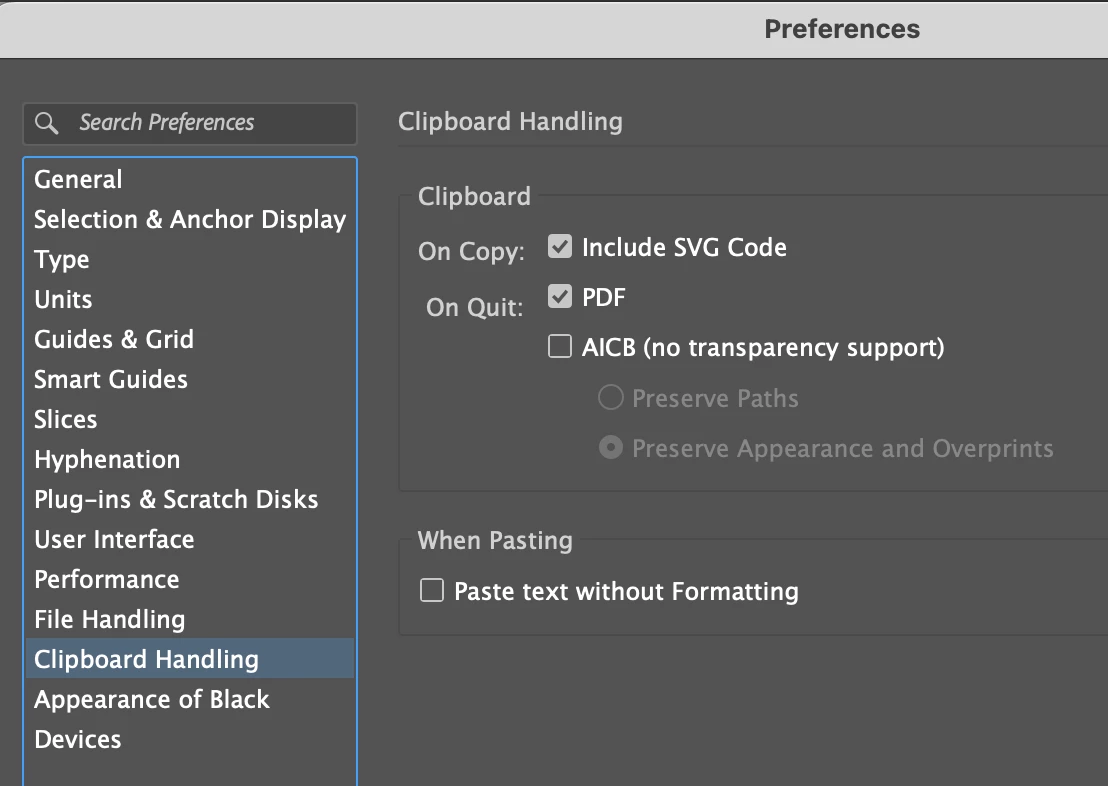
Illustrator support requires the Clipboard Handling preference "Include SVG Code" to be checked in the Illustrator application preferences.


Pasting into After Effects

  • If no Project is open in After Effects, when SVG content is on the clipboard, Edit -> Paste will create a new Project with a Composition containing a Layer with the SVG content.
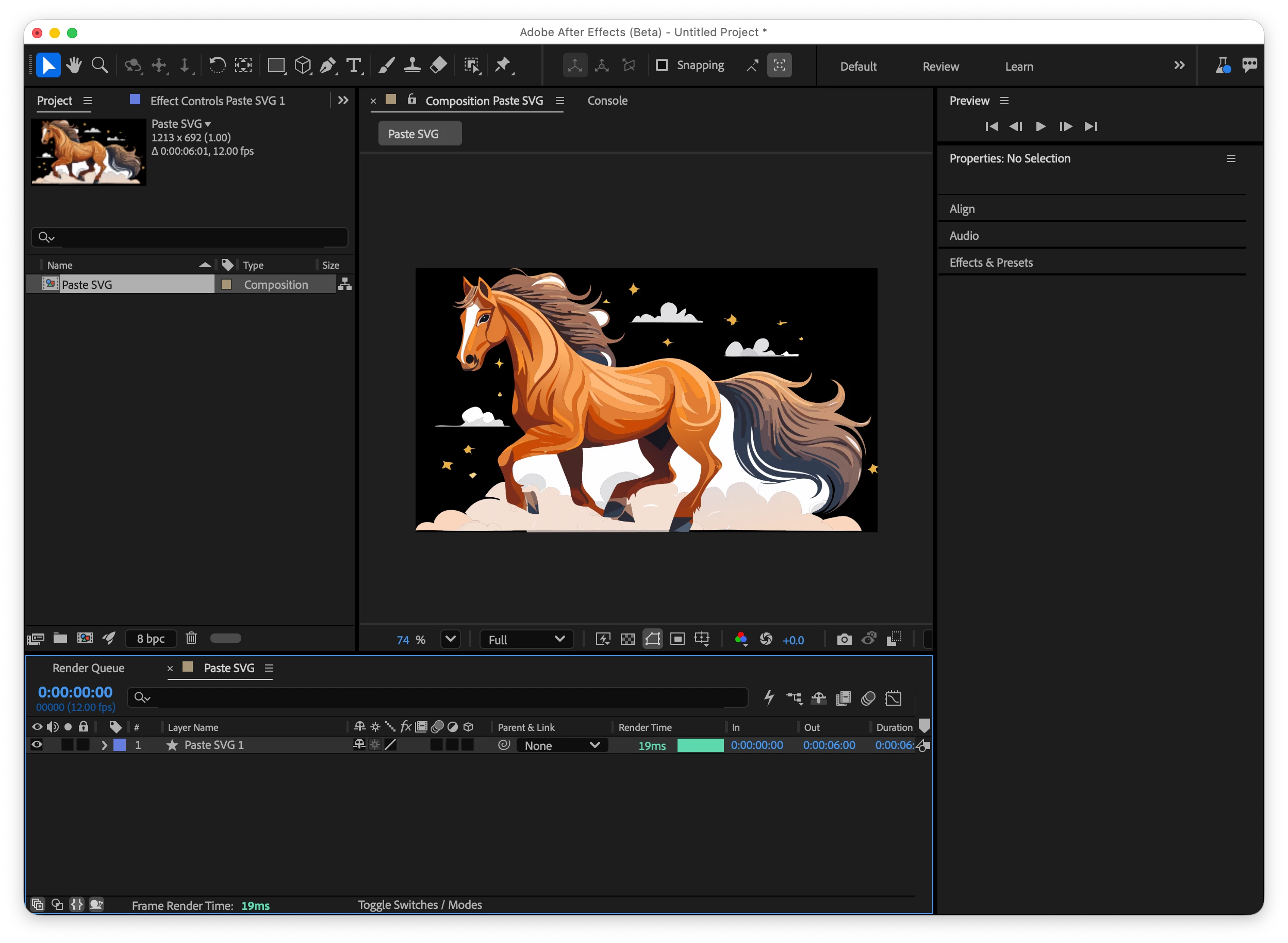
  • When pasting into an existing Project when no Composition is selected, a new Composition will be created within the current Project containing the pasted SVG content.
  • With a Composition currently selected in After Effects, the SVG content will be added to a new layer within the selected Composition.


Known limitations

  • SVG Text will need to be converted to curves before pasting.
  • Animated and raster SVGs are not supported.


We’d love to hear how you use this native SVG paste and which apps you paste from the most. If you find an application that doesn’t work correctly, please let us know.

    2 replies

    James Landy
    Inspiring
    April 22, 2026

    Moved reply.

    Inspiring
    April 20, 2026

    As someone who does a ton of UX/UI work with figma this is awesome news. Toothpaste worked but having this as a native tool will be huge. 
     

    Does this also work in reverse? Can I paste shape layers into Ai. Every so often I need to get an SVG out of AE and it’s not easy. 

    James Landy
    Inspiring
    April 21, 2026

    Thanks for sharing this—especially coming from someone doing a lot of UX/UI work in Figma, that context really helps. Glad to hear native SVG paste is already feeling like a big improvement over previous workarounds like Toothpaste.

    On your question: it doesn’t currently work in reverse. After Effects doesn’t support pasting shape layers directly into Illustrator, so getting SVGs out of AE still requires a few extra steps or third-party tools.

    Really appreciate you calling this out though—feedback like this is exactly what helps us understand where the gaps still are.

    Inspiring
    April 21, 2026

    I am unable to fully test the beta but I will see if I can get it up and running on my non-work machine to see how its all working.Without Overlord / Toothpaste my job would have basically been impossible for the last 2-3 years. Here is where I see the gaps from my workflow in UX/UI and Design: 

    • Gradient support still underwhelming in AE
      • Need mesh gradients, angled gradients, reflected gradeints, etc. Still have to do lengthy cumbersome workarounds or use other old and unstable plugins to get. Layer styles being last in the render order means a lot of pre-comping and fragile comp to comp expressions. I wish we could shuffle the render order around without pre-comping sometimes. 
    • Illustrator - > AE for some reason you still cant convert to live type
      • All of the UI/Design work I do needs to be localized so having live type is a must. Again without Overlord my job would have been extremely tedious copying and pasting or manually typing layers from illustrator or figma
    • Shape Layers
      • I’ve never really fully understood path operations with the merge path tool. Trying to figure out what order the shapes need to be to get some of that to work is pretty tough. Illustrator files with clipping masks always cause problems requiring a lot of manual prep. Shape layers in general have limited keyboard shortcut support and the transform operations for shape items seem to use a different coordinate system which I always found confusing and something I’ve never really fully understood. 
      •  We need more control of parametric shapes, particularly rounded rectangles. There are a lot of plugins just to get a rounded rectangle with different corner radii, an extremely common shape when animating text bubbles. 
        • Speaking of text bubbles, the 2D text box that ships with AE doesn’t auto align properly, it needs a rewrite based on the x-height of the character. 
        • It would be nice if the x-height was understood in th AE type APIs 
    • Full Open Type Support
      • I often have to go to photoshop or illustrator to get a specific alternate glyphs to load so I can then paste it into AE. Quite frustrating, need parity between apps on the font front. Getting variable fonts in AE finally was huge but some work left to do. 
    • Auto-Layout:
      • Jake In Motion made an auto-layout type feature called Gridlock but its a bit cumbersome to setup, we really need this baked into AE and would greatly improve the layout process and get AE closer to Figma. 
    • Collaboration
      • Trying to collaborate with other AE artists is basically a nightmare. Need a library or linked project system similar to Premiere Productions soon. Cavalry already has this but AE has always felt like it was designed for one artist to carry a project from start to finish but thats not the reality anymore.

    I know these should all be separate feature requests but I think my workflow might be a bit niche.