




New in Beta: Updated Vector Mask Tracker (26.3x47)
Mask tracking in After Effects just got a major upgrade, including up to a 5x speed improvement.
Controls are more accessible so you can start tracking without hunting through panels, the tracker itself is significantly faster so you spend less time waiting for it to complete, and the results are also more accurate.
Whether you're isolating a subject or refining a tricky shot, the updated mask tracker is here for you.

How do I use it?
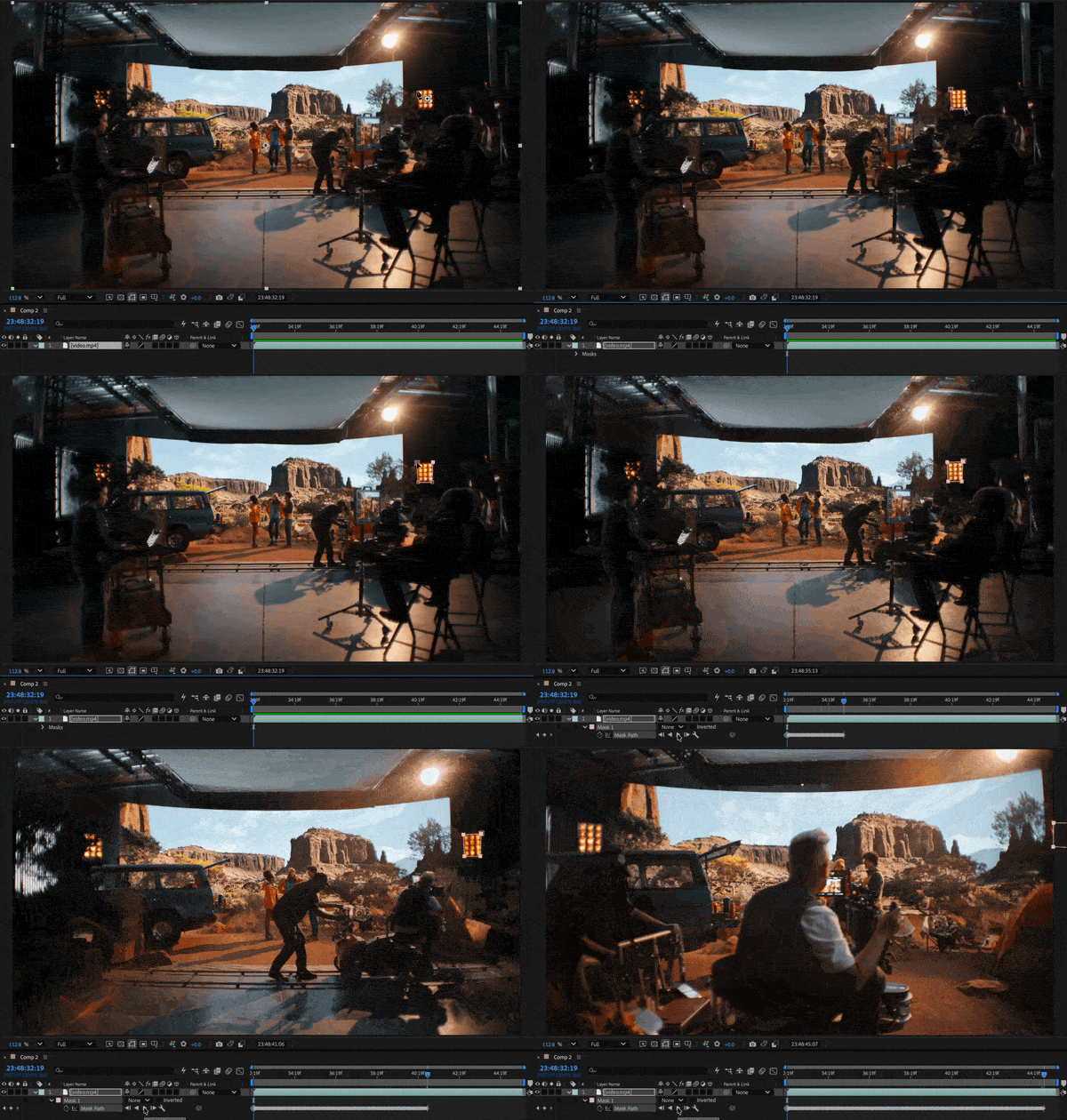
- In the Timeline Panel, select a footage layer.
- Click the Mask or Pen tools in the Toolbar.
- Draw the mask on the visual you want to track in your footage.
- Click the Track Forward button to start tracking forward.
- Use the Wrench button to change the tracking method.
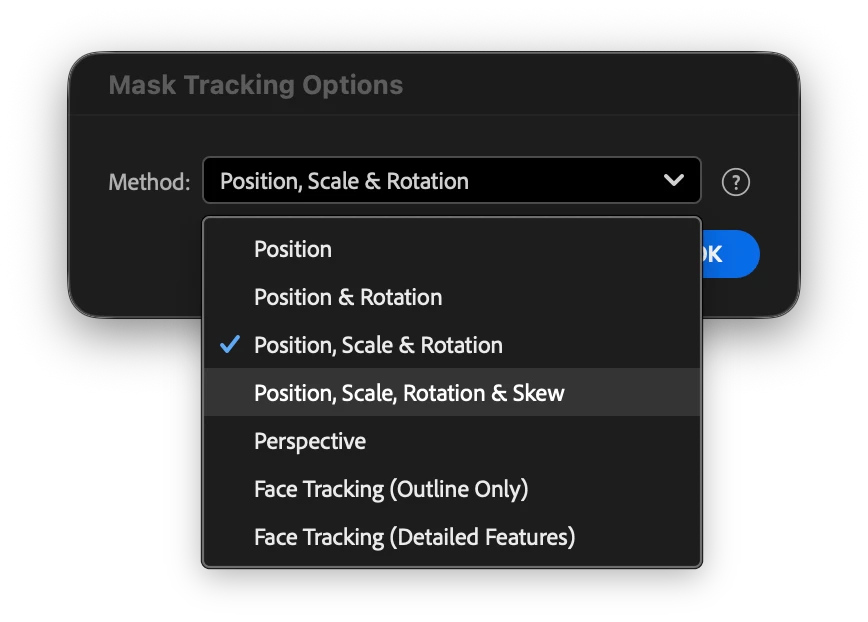
The first four tracking methods have been updated to a new algorithm that is up to 5x faster, with enhanced accuracy. Did I mention it is also really really fast?
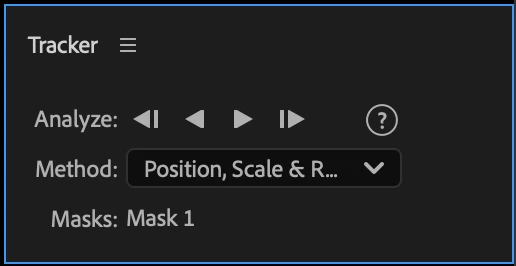
Of course, if you're used to the Tracker Panel, worry not, as we have also kept the controls there.
Please, try the newly updated mask tracker and let us know how it works for you.
 AdChoices