
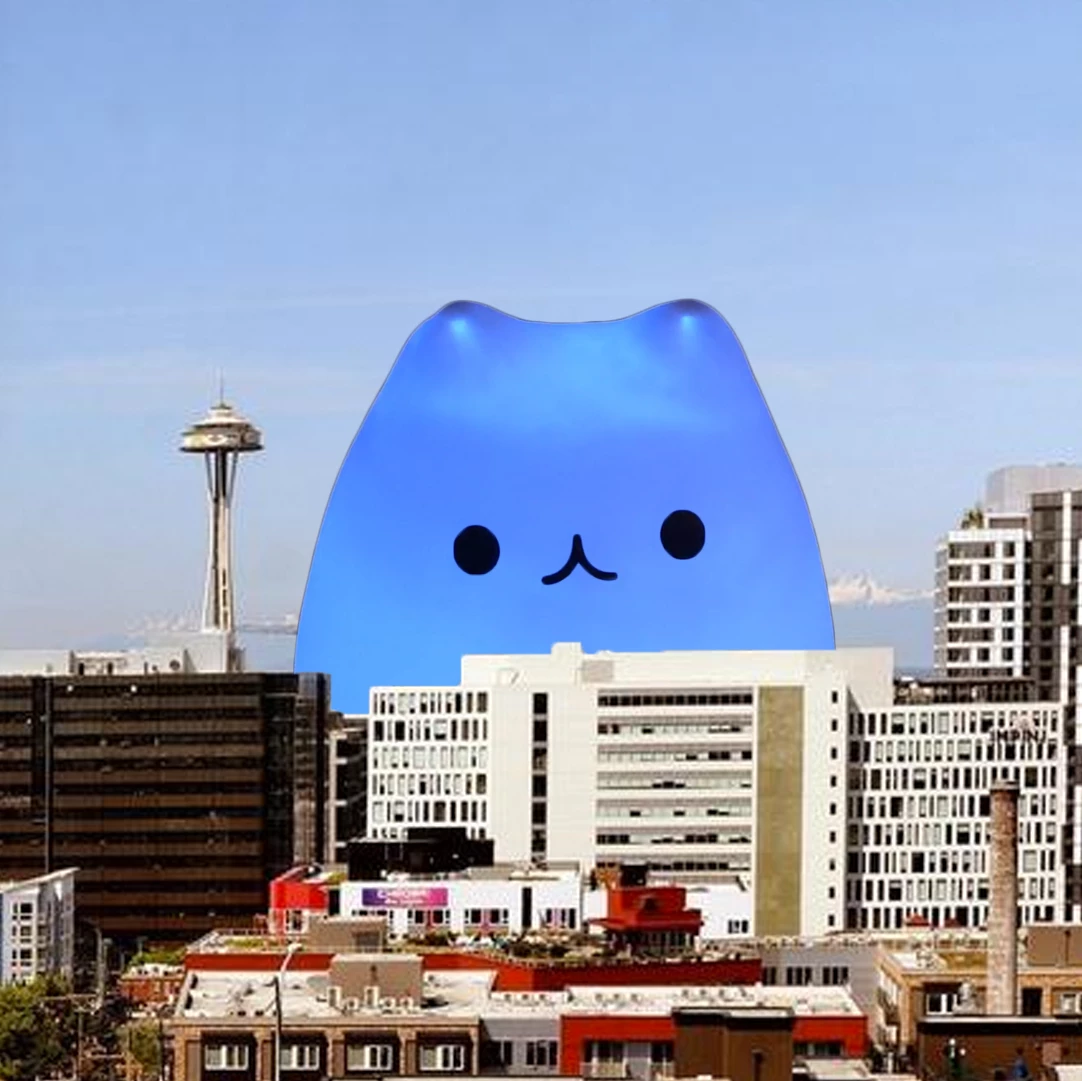


Point Light Shadows in Advanced 3D
Version 27.1x52 of After Effects beta introduces support for Point Light shadows in the Advanced 3D renderer.

Point lights can now cast shadows in Advanced 3D, so you no longer need to switch to the Classic 3D or Cinema 4D renderer just to create shadows that radiate from a practical light source like a lamp. These new shadows should also be much faster than Environment light shadows, especially at low diffusion and quality settings.
Getting Started
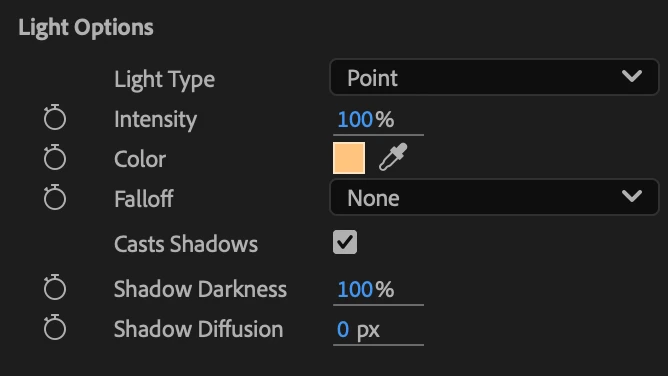
Update to the latest version of After Effects beta in your Creative Cloud app. Select a Point light in the Advanced 3D renderer and enable Casts Shadows in the Timeline, Properties panel or Light Settings dialog. Shadow darkness, diffusion, and color controls work the same way they do for Spot and Parallel lights.
Shadow quality is controlled by the standard Quality slider in Renderer Options. Raise the quality to smooth out any noisy shadows. If your shadows appear pixelated or low resolution, bring the light closer to the objects in your scene.
We need your feedback!
As Point light shadows can require significant amounts of memory, the maximum number of supported point lights with shadows is currently limited. If you run into an Engine limit warning, turn one or more shadows off, reduce the number of lights or lower your comp resolution. Are you able to create the shadows you need without running into limits? Are the shadows sharp enough? Additionally, let us know if you see any rendering artifacts.
Please give these new shadows a try and let us know how they’re working for you.
 AdChoices