



Snappier Text Editing in After Effects (Beta)
Rolling out now in the After Effects (Beta), starting with CCD Beta build 27.1.0.049.
Text shows up in almost every After Effects project, from titles and lower thirds to credits and kinetic type. After Effects handles text well across most of that work, but there is room for us to improve performance in the heaviest cases. When working in compositions with a large number of text layers using several different fonts, you will now see an improved experience while typing, editing, and manipulating text layer positions.
What changed
Improved text glyph caching: Editing and moving text is more responsive. Instead of regenerating a text layer’s glyphs on every keystroke or nudge, After Effects now caches those glyphs and reuses them when a layer is moved but not modified. This release also improves text layer handling in the Properties panel, along with other gains to text rendering efficiency.
What you’ll notice
- Moving text layers: Dragging and repositioning stays responsive, even in comps packed with text.
- Typing and editing: Characters keep up as you type, and edits to existing text apply without any observed lag.
- Busy comps: Projects with many text layers across many different fonts feel far snappier to navigate and adjust.
- Variable Fonts: Animations that adjust variable-font axes per character, such as weight or width, can render faster. Our sample-project measurements showed approximately 2x faster rendering.
These comparisons come from a set of sample projects the team built specifically to measure text-editing performance.
Note - Performance gains are most noticeable on Windows.
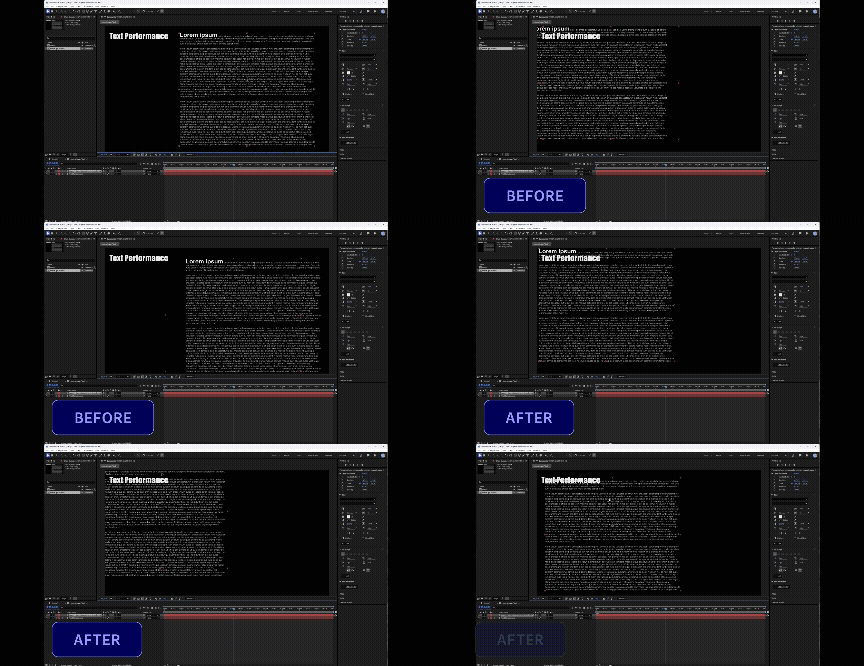
FAQ
Q: Will this speed up rendering my text animations?
A: Not in general. The glyph-caching work is about how responsive text feels while you move, type, and edit, not render or preview throughput. The one exception is per-character variable-font animation, which does render faster (see the next question). If your slowdown is a complex type animator crawling on playback, that is a separate effort, and we would appreciate any specific examples you can share.
Q: Does this improve rendering for variable font animations?
A: Yes, as a separate optimization. Animations that adjust variable-font axes per character, such as weight or width can now render faster. In our sample projects this was roughly 2x faster. This is specific to per-character variable-font animation and is not a general speedup for all text animations.
Q: Do I need to turn anything on?
A: No. Once it is in your Beta build, it applies on its own, with nothing to configure.
Try it and tell us
This is rolling out in the After Effects (Beta) 27.1.0.049 build. The best way to help is to put it against your heaviest text work:
- Open a comp with many text layers across several fonts and drag a few around.
- Type and edit in a text-heavy comp and watch whether characters keep up.
Let us know where it feels snappy and, more importantly, where it still drags. If you have examples of less performant behaviors, send us a project or provide a detailed explanation of the project setup so we can reproduce it in house. This will help us improve the text performance further.
 AdChoices