
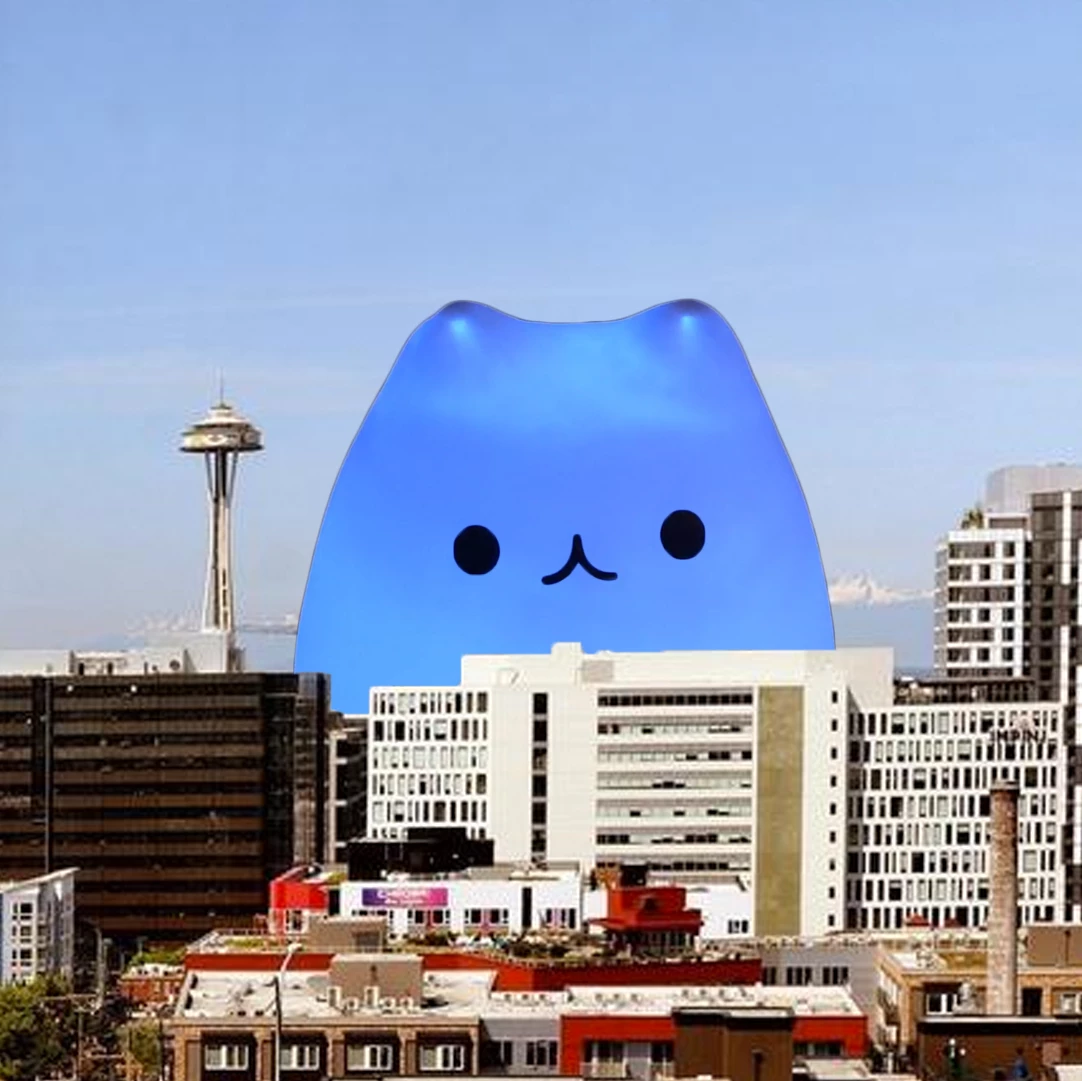


Triplanar projection mode for 3D materials
Hi folks! 👋
Version 27.1x52 of After Effects beta introduces support for Triplanar projection mode for 3D materials.
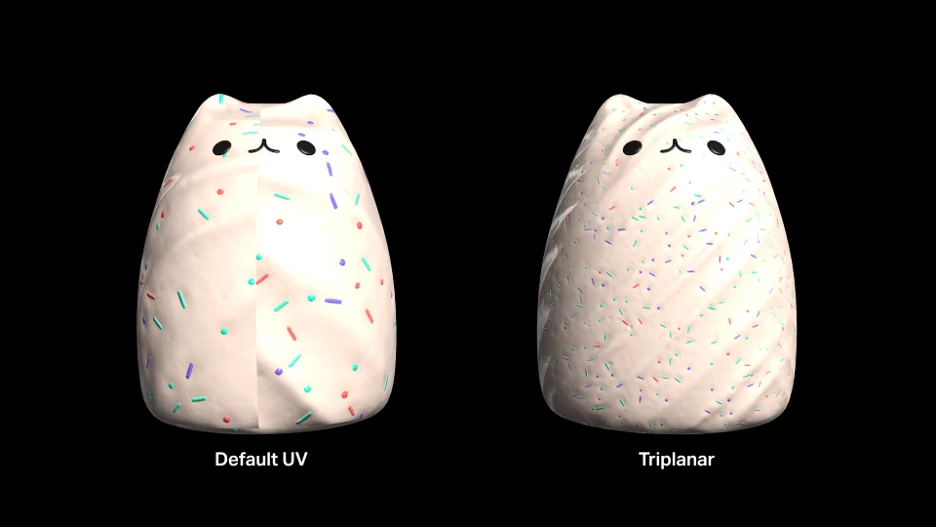
You can now choose how a material or texture is projected onto a 3D layer, giving you more control over placement and helping you work around issues like visible UV seams. Triplanar projection blends a texture from three directions (top, front, and side) based on each surface’s orientation, rather than relying on the model’s UV map. It’s especially useful for objects with distorted, missing, or seam-prone UVs.
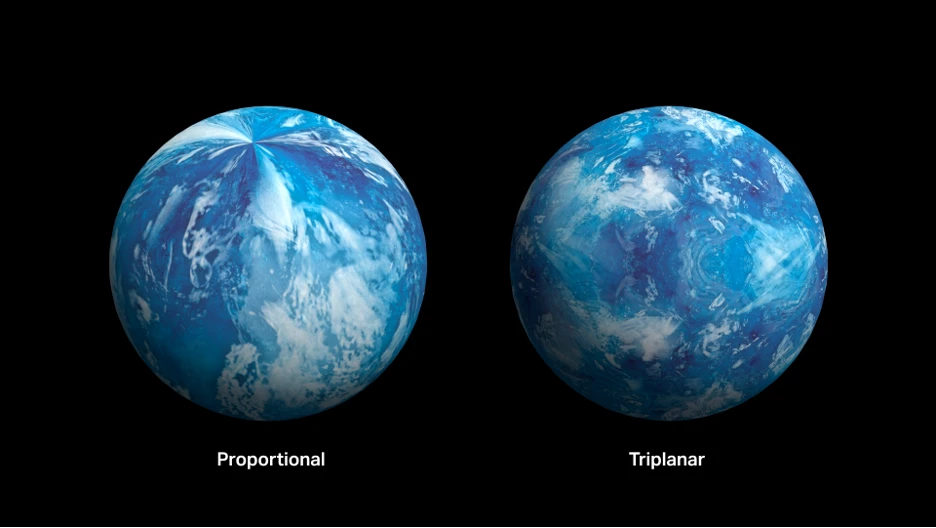
Triplanar projection is also helpful in cases where materials appear to “pinch” at poles, like on a spherical mesh:
Getting Started
Update to the latest After Effects beta from your Creative Cloud app. With a material or texture assigned to a 3D model, choose between Default UV and Triplanar projection in the Material Assignment section of the Timeline or Properties panel, then adjust placement, scale, and rotation as needed. For parametric mesh, 3D text or shape layers, you can choose between Proportional, Stretch and Triplanar.
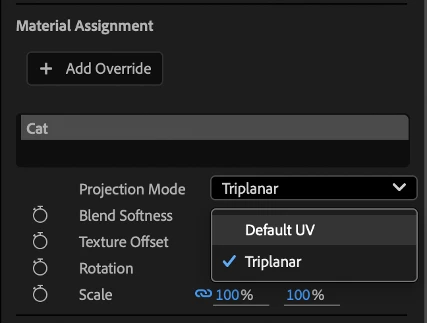
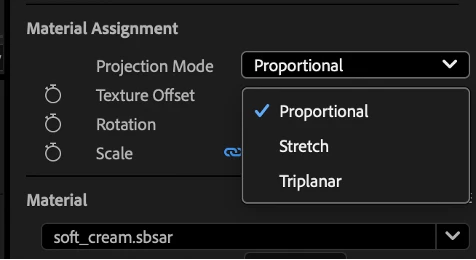
Choosing Triplanar will also reveal a Blend Softness control you can adjust to change how the texture transitions where it overlaps. If your 3D layer changes size or dimension, click the “Fit to object” button to fit your material’s texture to the object's current size.
Like the other projection modes on parametric meshes (Proportional and Stretch), Triplanar supports displacement.
We are looking forward to your feedback.
 AdChoices