




Camera Raw v18.6: Light Up Your Images with Glow, Create Transparent Cutouts with Trim, and View Photo Details with the New Metadata Info Panel
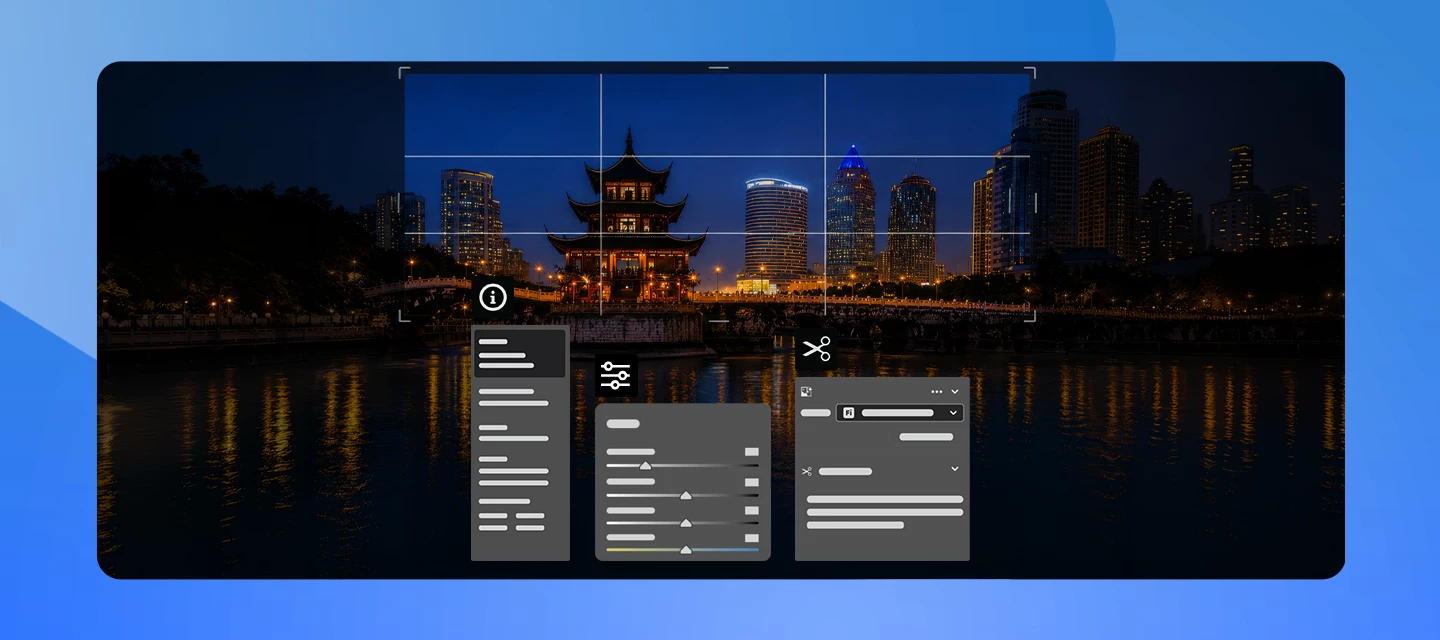
Camera Raw v18.6 introduces new ways to enhance your images and simplify your workflow. Create dreamy, light-filled looks with Glow, turn crops into transparent cutouts with Trim, and access essential photo information instantly with the new Metadata Info Panel, all without leaving the Camera Raw workspace.
What’s New
The August 2026 release of Camera Raw v18.6 introduces new ways to enhance, refine, and understand your images without leaving your editing workflow. The headline addition is Glow, a new effect that creates a soft, luminous atmosphere by spreading light from the brightest areas of your photo into surrounding tones. Whether you're aiming for subtle diffusion, ethereal bloom, or retro-inspired halation, Glow makes it easy to add cinematic character directly within Camera Raw.
This release also introduces Trim in the Crop & Expand panel, allowing you to convert a crop into a clean transparent cutout by removing everything outside the selected area. For photographers and designers creating composites, overlays, or assets with transparent backgrounds, this streamlines the workflow significantly.
Additionally, a new Metadata Info Panel provides a quick, read-only overview of important photo details such as camera information, image dimensions, file format, capture date, copyright information, and more, all without leaving the Camera Raw workspace.
This release also adds support for new lens profiles, including the REEFLEX G-Series Anamorphic 1.33x, REEFLEX G-Series Fisheye 200°, and the TAMRON 12-20mm F2.8 A084 E lens.
Learn more about the latest updates here.
👉 Download the latest version of Camera Raw here.
How to Update
Update to Camera Raw v18.6 through the Adobe Creative Cloud desktop application, or download and install it manually from here. After updating, you can start exploring Glow for soft, atmospheric lighting effects, Trim for creating transparent cutouts, the Metadata Info Panel for at-a-glance photo information, and newly added lens support.
Join the Conversation
Which feature are you most excited about: Glow, Trim, or the new Metadata Info Panel? We'd love to hear how you're using these updates in your editing workflow. Share your favorite before-and-after edits, creative use cases, or tips with the community and inspire others to explore what's possible with Camera Raw v18.6.
 AdChoices