



nikunj.m
Community Manager
Community Manager
October 28, 2025

Adobe InDesign 21.0 MAX Release: Check out everything new with the app
  • October 28, 2025
  • 8 replies
  • 2219 views


Hello Everyone,

HAPPY MAX! We're thrilled to announce the release of InDesign 21.0, which includes exciting new features and enhancements to help you along your design journey.


Update the App

Download the latest version and dive into the new Adobe InDesign features.

To update InDesign 21.0, click "Update" in the Creative Cloud desktop app next to InDesign. More detailed instructions for updating.

Check out what's new in Adobe InDesign


Design layouts that automatically adjust as content changes

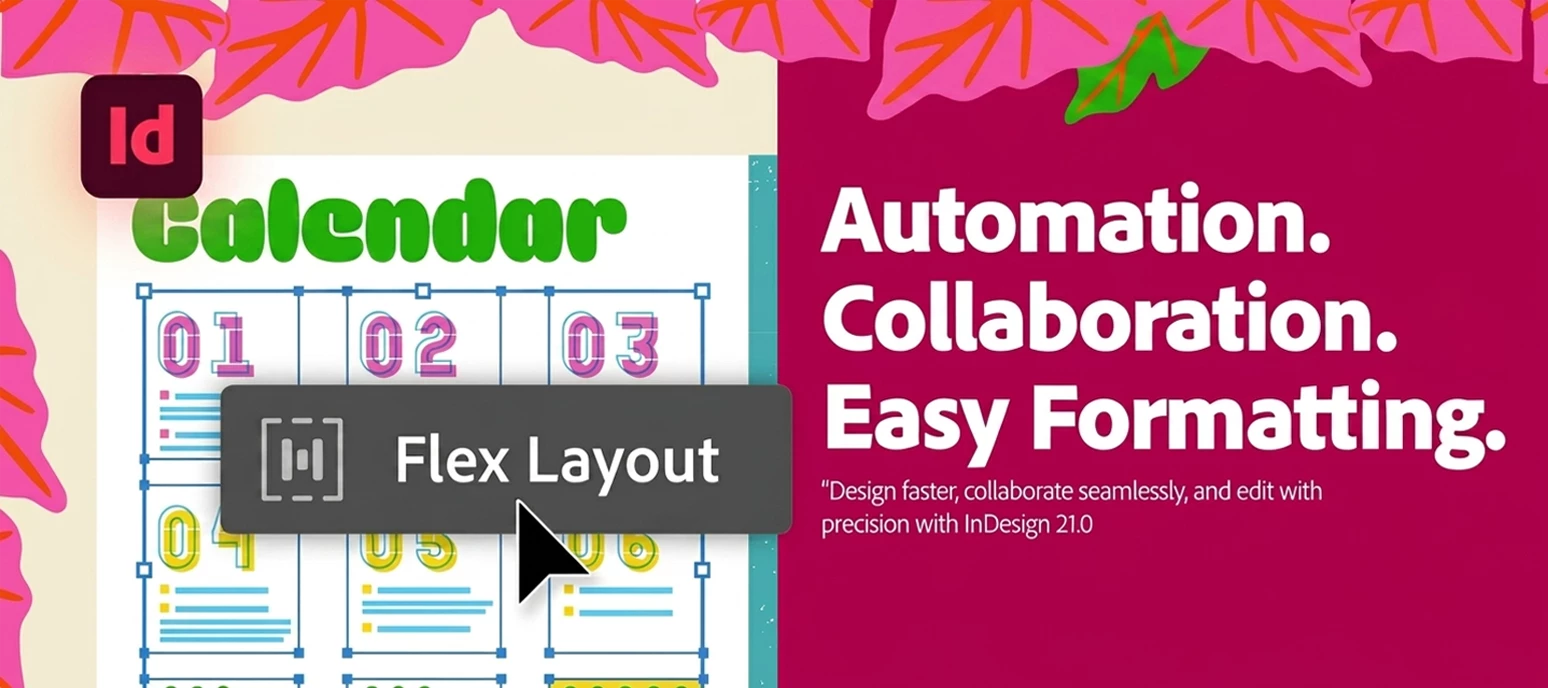
Leverage Flex Layout to create designs that seamlessly adjust and stay flexible as content evolves.


Want to dive deeper into Flex Layouts? Just check out the link here.


Collaborate in real time to edit InDesign documents

Edit text right in your web browser with smooth real-time collaboration and a distraction-free focus mode.


Want to dive deeper into how you can collaborate faster? Just check out the link here.


Convert PDFs into InDesign documents for easy editing

Transform PDFs and Illustrator files into fully editable InDesign documents, maintaining precise design fidelity.


Want to dive deeper into converting PDFs into InDesign documents? Just check out the link here.


Format and style Math Expressions with ease

Quickly format parts or entire math expressions with fonts, sizes, and colors, and paste editable equations directly from Microsoft Word.


Want to dive deeper into Math Expressions? Just check out the link here.


Curious about what's new in InDesign? Check out all the latest features here.


Before you update, make sure your system is ready - check out the system requirements by clicking here.


Need help or feedback? Drop your questions here in the community, and we'll be happy to help.


We'd love to hear from you!

Try out InDesign 21.0, and let us know your thoughts. Feel free to reach out if you have any questions or suggestions!

If this was helpful, please click the Upvote icon in the top left corner of this post. Your feedback helps us improve the experience. Thank you!


We'd love to see what you've created and hear about your experience or feedback! Click 'Reply' below.

Click 'Follow' below to bookmark this post for easy reference.

For other questions, feel free to start a new post in the community.

    8 replies

    Participant
    November 20, 2025

    Is there any item picked up from the User Voice forum? I hope not 😞

    Participating Frequently
    November 18, 2025

    You shouldn't be thrilled. You should be sorry. After updating today it crashes after about 12 seconds. Testing much?

    Participant
    November 18, 2025

    Hello,
    I’m having trouble working with MathML in InDesign 2025. Even with help from the third-party MathType extension, I’m still not able to handle math content smoothly in this version. Some MathML elements don’t render as expected, especially when working on MathML-based projects.

    Could you please clarify whether full MathML and math automation support is 100% implemented in InDesign 2025?
    Or should I wait for an upcoming update or future version that offers complete math automation?

    Any guidance from the Adobe team or other users who have experience with MathML in 2025 would be greatly appreciated.

    Thank you.

    Participant
    November 8, 2025

    Will the 'edit PDF in InDesign' function ever support OCR? I have a ton of old book scans I've endured attempting to digitize on Acrobat mobile (the only adobe app that auto-detects page edges and can automatically adjust warping when pages are photographed at an indirect angle), but get incredibly peeved by the clumsiness of resizing/moving boundary lines via touchscreen. Precision controls and keyboard increments would make the tool so much more powerful; ever since discovering the mobile app I've felt these functions are sorely needed for InDesign.

    BobLevine
    Community Expert
    Community Expert
    November 8, 2025

    Why not open that PDF in Acrobat on a desktop and save it as a Word doc. Place that in InDesign.

    Participant
    November 11, 2025

    The desktop version does have decent enough OCR, but the page cropping controls are standard and basic; set rectangular bounding boxes and go... unfortunately only the mobile version (AFAIK anyway) detects polygonal page edges and warps them into rectangular shape, which is a MASSIVE time saver. The drawback, as with most auto-detect functions, is it often needs fine tuning but is not-so-fine given the nature of touch controls on a tiny screen.

    Participant
    November 6, 2025

    While it appears when sufficiently zoomed in, I still cannot see the content I need. I need the horizontal scroll bar ALL THE TIME because with one big screen I usually have the workspace pages and at least paragraph styles panel open and they hide my content, hence the need for being able to scroll left and right to see the content AND THE PANELS. Please make this scroll bar available all the time.


    The subscription model, while it might make money for you, has drastically reduced InDesign's usability in so many ways. You've messed with mapping styles making it unusable when it worked just fine a few years ago. Page numbering in a book is tricky and tends to break.

    Participant
    November 4, 2025

    I would love to check out the new features in the 2026 issue of InDesign. However, after I install InDesign, it becomes "unkown" and I cannot open up any documents from Windows Explorer. The only way to open up files is to open them from the program itself, but that is very slow because then I have to navigate to my working files. It would be nice to open the files from the Windows Explorer again. I had to reinstall InDesign 2025 to get to my files and open them.

    Participating Frequently
    November 1, 2025

    The flex layout looks nice, but serves me for updating this quickly: The font selection menu performance is horrendous. I know I have a large library, but the previous version was never this bad. It also crashes when selecting some variable and COLRv1 spec fonts. v21.0 of course, OS 15.7. Crashes happen when selecting a COLRv1-spec font like this. (Tested as I had secretly hoped COLRv1 support would have been added as Photoshop and Illustrator gained support the previous versions).

    Participant
    October 29, 2025

    Indesign is acting BIZARRE right now. When placing an Illustrator file, multiple "layers" are showing up, even though there aren't multiple artboards in AI, and the only fix was to place an EPS file instead. For example, my file is a list of sponsor logos, evenly spaced (and not overlayed over eachother). 

    Abhishek Rao
    Community Manager
    Community Manager
    October 29, 2025

    Hi @Kelly31501123y9li,


    Thanks for reaching out and sharing the details. Could you please confirm if you're using InDesign version 21.0 and let me know your operating system? I tested importing an Illustrator file on my end and didn't notice any duplication. It would be helpful if you could share a screenshot of the Illustrator file's layer structure or the import options dialog that appears when placing it in InDesign. If possible, please also share an affected Illustrator sample file for testing. If it's confidential, you can send it via DM on the community or through a cloud link like Google Drive or Dropbox. Once I have that, I'll review it further with the team.


    Looking forward to your update.

    Abhishek