































Announcements
Recently active
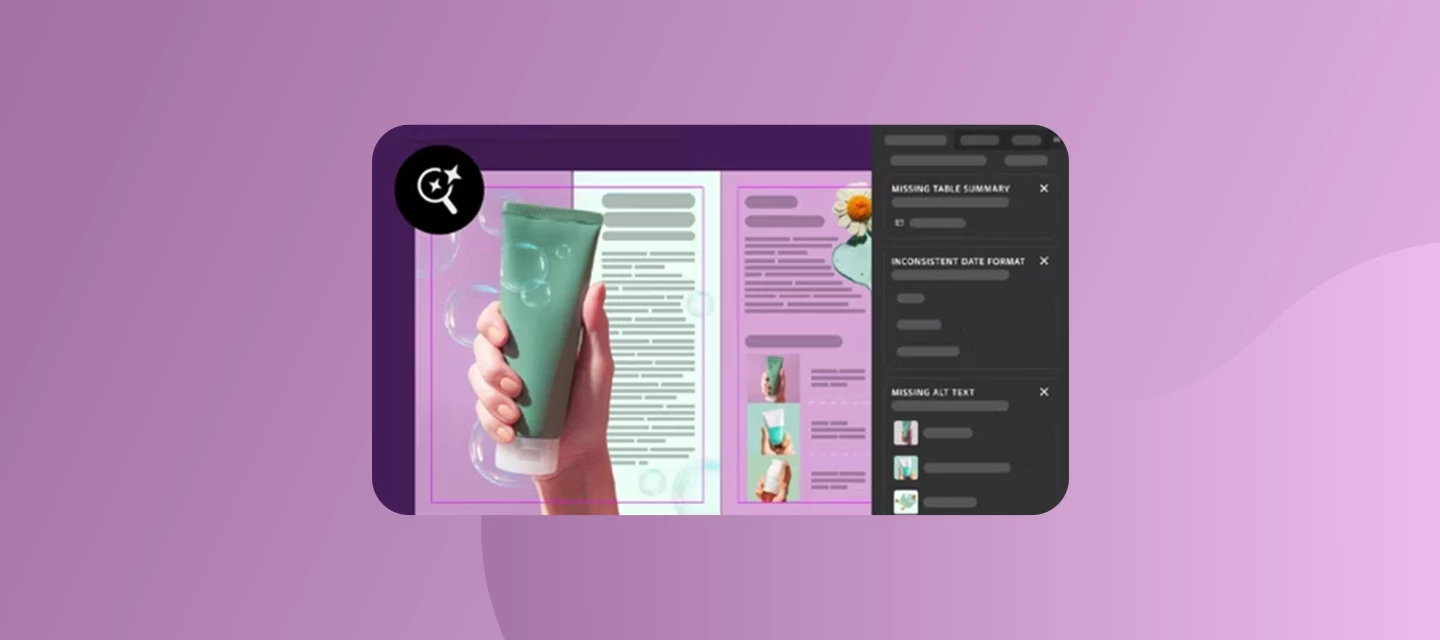
We’re excited to bring Check Document to InDesign this MAX. It reviews your document for missing alt text, missing table summaries, inconsistent terminology, and grammar issues, all from a single panel.These problems often go unnoticed until after you export, when they’re harder to catch and fix. Check Document helps you find them earlier. Run it anytime, or let it check automatically as part of your export workflow. What Check Document findsAccessibilityMissing alt text: Flags images without alt text so assistive technologies can describe them to readers. Generate a suggestion, then accept it, regenerate it, or edit it yourself. Missing table summaries: Flags tables without a summary. Generate one, edit it if needed, then add it. You can also report inappropriate or incorrect text.Copy suggestionsInconsistent terminology and formatting: Spots variations such as: Dates: ‘07/12/2026’ vs. ‘July 12, 2026’ Units: ‘10 km’ vs. ‘10 kilometers’ URLs: ‘www.adobe.com’ vs. ‘https://www.adobe.c
InDesign Known Issues - [September 2026] This post will be updated as issues are confirmed, workarounds are identified, or fixes are released. Please upvote the issues affecting you most—your feedback will help inform the team’s prioritization alongside broader product considerations. InDesign version(s) covered: 21.x and later Last updated: September 14, 2026 HOW TO USE THIS POST Use the links for the issues in the description to go to the original conversation and use vote button on the post or reply "+1 [Issue ID]" here so we can gauge impact. If your issue is not listed here. First ensure that you update to our latest version of InDesign (check: https://helpx.adobe.com/indesign/desktop/whats-new/release-notes.html). If the issue still persists, comment below with the InDesign Version, steps to reproduce the behavior, Video recording/error screenshot, package of the document, and operating system. Subscribe/follow this post for updates as statuses change. Do not open a du
InDesign 22.0 just dropped as part of the MAX release. It brings a conversational AI Assistant, a panel that checks your documents for accessibility and copy consistency, grammar and copy suggestions, Flex Layout upgrades, faster script and font discovery, and native Windows ARM support. How to update: Open the Creative Cloud desktop app and update InDesign to 22.0.Not seeing the update in the Creative Cloud Desktop App? Check out our step-by-step guide to update Creative Cloud apps manually. What's newAI Assistant Tell it what you want, in plain conversation. The assistant provides contextual help, updates your document, and runs multi-step operations while you continue designing. It can help edit content, layouts, and objects. Learn more: Use the AI Assistant in InDesign.Check Document (accessibility and copy consistency) One panel, four kinds of catches: missing alt text, missing table summaries, inconsistent terminology, and grammar issues. Learn more: Check a document in InDesig
We're excited to share that Co-editing is now available in InDesign (beta) version 22.1.Co-editing lets several people work on the same InDesign document at once. Changes sync automatically and appear in real time, with no saving, refreshing or sending files back and forth. What's newReal-time co-editing of shared cloud documents (INDDL files). Two roles. Editors can make layout and text changes in InDesign (beta) desktop. Copy editors can edit text on the web in InCopy on the web (beta). A presence icon next to Share shows who is working in the document. Text frames lock while someone edits them, and you see an alert if you try to edit a frame in use. Images and shapes aren't locked, so several people can work on them at once. Which role should I choose?Editor : full editing tools in InDesign (beta) desktop. If an Editor opens the document on the web, they get the same text-only tools as a Copy editor. Copy editor : text editing on the Google Chrome web browser. They do not require d
Starting with version 22.0, InDesign and InCopy offer native support for Windows on ARM (ARM64). They run directly on Windows devices with Snapdragon X Series ARM-based processors. No emulation in between. Minimum system requirements (version 22.0 and later)Processor: Snapdragon X Elite X1E-78-100 (up to 3.4 GHz, 12 cores), with Advanced Vector Extensions 2 (AVX2) support Graphics: Snapdragon X Elite Qualcomm Adreno Operating system: Windows 11 version 24H2 (26100.7623) or later Importing HEIC/HEIF filesTo import HEIC/HEIF files on Windows, you need both Microsoft extensions installed: HEIF Image Extensions and HEVC Video Extensions. Troubleshooting: startup error 0xc0000142If InDesign or InCopy shows startup error 0xc0000142 on a Windows on ARM device, update Windows 11 to the latest version. The minimum supported versions for InDesign and InCopy 22.0 and later are Windows 11 24H2 (26100.7623) and 25H2 (26200.7623). Current limitation: plug-ins and extensionsExtensions and plug-ins
AI Assistant (Beta) in InDesign 22.0 lets you explore, create and edit content, layouts and objects using plain-language prompts. Make quick changes while keeping the parts of your design you want intact, ask questions about InDesign, and run multi-step workflows. To Open AI Assistant, use any of these:Select AI Assistant from the Contextual Task Bar. Choose Window > AI Assistant or File > AI Assistant. Select the AI Assistant icon in the top-right corner. Get startedEnter a prompt in the AI Assistant panel. You can modify layouts, ask questions about InDesign, or run multi-step workflows. See the AI Assistant capabilities page for what’s possible. Attach files if you need them: select the attachment icon, or drag files into the panel. Send your prompt: select Send Prompt, or press Enter (Windows) or Return (macOS). Review the changes directly in your document. Tell us how it went with the thumbs-up or thumbs-down icon and the feedback option.Example prompts to try: “Tighten t
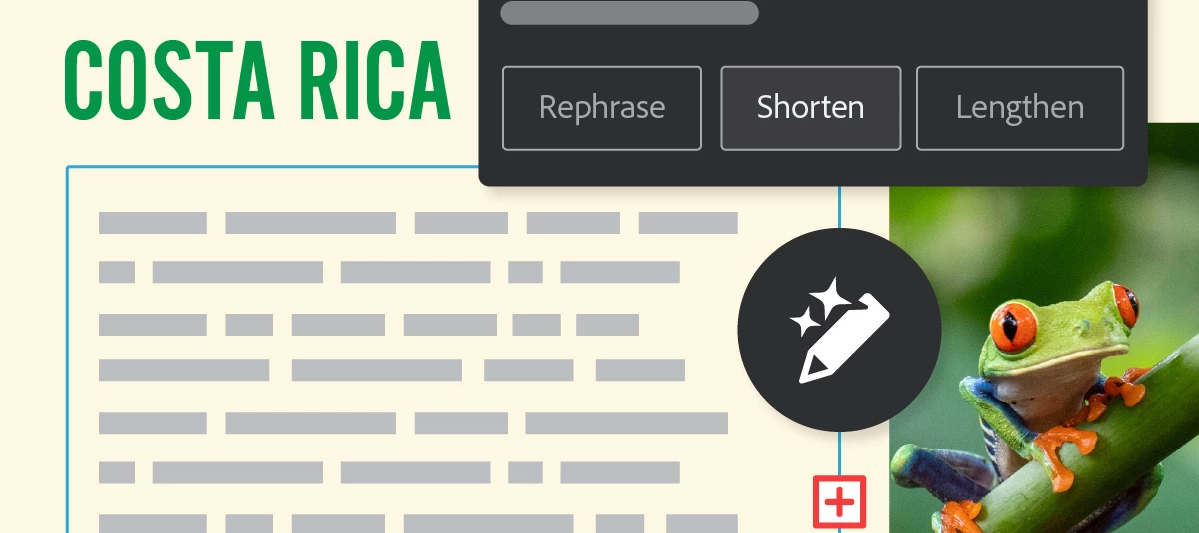
InDesign now helps you write, refine, and polish text without leaving your layout. You can generate new text, rework existing copy, and get grammar and copy suggestions as you work.Note: Grammar and copy suggestions are available in InDesign (beta) and only in English (International) and English (North America). Generate text variationsSelect any text, or place the cursor in a text frame to include the entire story. Then open the Generate panel in any of these ways:Contextual Task Bar: Select Generate Text (Window > Contextual Task Bar). Menu: Go to Window > Generate. Right-click menu. Properties panel: Use Generate Text in the Quick Actions section.From the Generate panel, you can:Fill a frame with placeholder text. Select Generate, and the frame fills with placeholder text that follows the Paragraph Style or fonts applied to it. Generate from a prompt. Describe what you want in the Prompt field and select Generate. The output language matches your prompt’s language, regardless
We're excited to share that the InDesign 22.0 beta is here! This release brings new tools for reviewing your work, managing fonts, and working faster, plus AI Assistant in more languages. Read on for the highlights. Check Document: Review less. Create more.Improve your writing and meet accessibility standards faster with copy and accessibility suggestions you can review and apply in one click.Learn how to use Check DocumentRewrite: get grammar and copy suggestionsGenerate, refine, and proofread text directly in your designs. Rewrite content, correct grammar, and improve sentence structure faster.Learn how to use grammar and copy suggestionsEnhanced font browser: build and manage font librariesGroup your frequently used fonts into custom collections that you can reuse across projects. You can also sync them with other Adobe apps, such as Illustrator and Premiere.Learn how to build and manage font librariesSupport for Windows on ARMWith version 22.0 (Beta), InDesign and InCopy offer nat
The November issue of FERAL goes to print soon, and it still needs a cover. The editor’s only note - it needs attitude. This month, you’re the art director.Welcome to the InDesign Creative Challenges - a brand-new monthly series and a companion to the Illustrator challenges many of you already know. We’re starting on InDesign’s home turf - magazine cover design, where layout, type, and imagery all have to work together on a single, striking page. THE CHALLENGE: DESIGN THE NEXT COVER FOR FERALThe magazine FERAL is a monthly wildlife magazine with bite: bold photography, big personalities, and the stories behind nature’s best and worst behavior. Read by wildlife lovers, photographers, and design-minded readers who want their nature with a bit of attitude.Your cover star: Any wildlife you like: a big cat, a bird, a reptile, a bug, a fish. Pick a shot with presence, ideally looking down the lens, with clear space for your masthead and cover lines.WHAT TO INCLUDEMasthead - set big and conf
Hello everyone,We’re excited to announce the January 2026 release of Adobe InDesign (version 21.2). This update focuses on accessibility improvements, AI-powered enhancements, and important stability fixes, especially for Windows users. What’s New in InDesign 21.2 🖼️ AI-generated Alt Text for Images Create accessible layouts faster with automatic Alt Text generation for placed images.• AI generates descriptive alt text directly on image frames• Review, edit, or regenerate text as needed• Supports manual generation via Object Export Options• English language supported (based on document language settings)Learn more♿ ARIA Role and Label Support for EPUB Improve accessibility for EPUB (Reflowable) exports using ARIA roles and labels.• Add ARIA roles to hyperlinks and cross-references• Apply ARIA labels at the object or Object Style level• Supports automatic and custom ARIA labeling for screen readersLearn more🛠️ Fixed Issues and Improvements This release also includes several importan
Hello everyone, It’s time to reserve your spot at Adobe MAX - The Creativity Conference, taking place at the Miami Beach Convention Center. Get ready for what’s next - with three days of creative skill-building, visionary keynotes, and valuable connections. Featured Speakers - Big ideas, inspired voices Who You’ll Meet If you found this announcement helpful, click 👍 Like. Use ⭐ Subscribe to stay informed about future updates. You may also share this post with others who might want to stay updated on MAX.
InDesign AI Assistant just launched in public beta and we are excited for you to try it. What is AI Assistant in InDesign?It's your conversational partner built directly within InDesign. It can help you build skills and create production-ready InDesign documents faster. Instead of digging through tutorials, simply ask the AI Assistant "How do I create a table of contents?" and learn as you go. Or save time by having it set up your layout and apply bulk text/image/style edits with a single prompt.Why it mattersDesigners spend a huge amount of time on repetitive tasks and navigating menus, and when you get stuck, context-switching to YouTube or Help pages breaks your flow. AI Assistant changes that: Speed up your workflow: Automate multi-step workflows with natural language prompts. Guidance on demand: Get instant, in-context answers without leaving the app. Stay in your creative flow: Fewer interruptions, more designing. How to try itOpen the Creative Cloud desktop app and go to A
Hey everyone! InDesign 21.6 is now available! 🎉This release brings more consistent document rendering, easier Keyboard Shortcuts search, and fixes for several issues reported by the InDesign community. What's NewThis release is packed with new features and improvements inspired by your feedback. Here are some of the highlights:Review documents with updated rendering technologyMore consistent document and graphics display with InDesign’s updated rendering technology.Learn moreHelper Text in Keyboard Shortcuts SearchNew helper text in the Keyboard Shortcuts search field.Learn moreWant to learn more? Explore What's New in InDesign 21.6 and the latest Release Notes. Bug Fixes - You reported it. We fixed it 🛠️Your feedback directly helps improve InDesign. Here are some of the issues fixed in 21.6:Fixed a crash when dismissing the “objects would leave the pasteboard” alert in Flex Layout. Shift + function-key shortcuts now work correctly in Keyboard Shortcuts search. Esc and Shift + Esc n
Hi everyone,We're thrilled to announce that InDesign BETA 2026 (v21.9) with native support for Windows ARM is now available in all countries! By eliminating the need for emulation, InDesign (BETA) now delivers:Improved performance on Windows ARM devices and parity with other Windows versions of InDesign (Beta) Smoother, more responsive workflows without emulationFor more information, refer to Support for Windows ARM-based machines. How to Get StartedDownload and install InDesign Beta here.Before you download the application, check out the Minimum system requirements here. What’s next?Share your feedback on InDesign Beta with us here and let us know how we can continue to improve your experience.
Hello everyone,InDesign Beta 21.6.0.23 is now live. What's new in this updateWe are excited to bring AI Assistant to more creators around the world and make it easier to work in the language you use every day. In addition to English, you can now use AI Assistant in the following languages: Czech, Danish, German, Spanish, Spanish (Mexico), Finnish, French, Hungarian, Italian, Norwegian, Dutch, Polish, Brazilian Portuguese, Swedish, and Turkish. How it worksAI Assistant transforms creative intent into action through a natural, conversational workflow:Describe what you want to accomplish. Use everyday language to tell the assistant what you need—apply localized copy across open documents, check a 100-page catalog for print readiness, and more. Let the assistant plan and act. It understands your request in the context of your document, determines the appropriate steps, and carries them out—asking for clarification when needed. Review and refine with confidence. Actions are transparent an
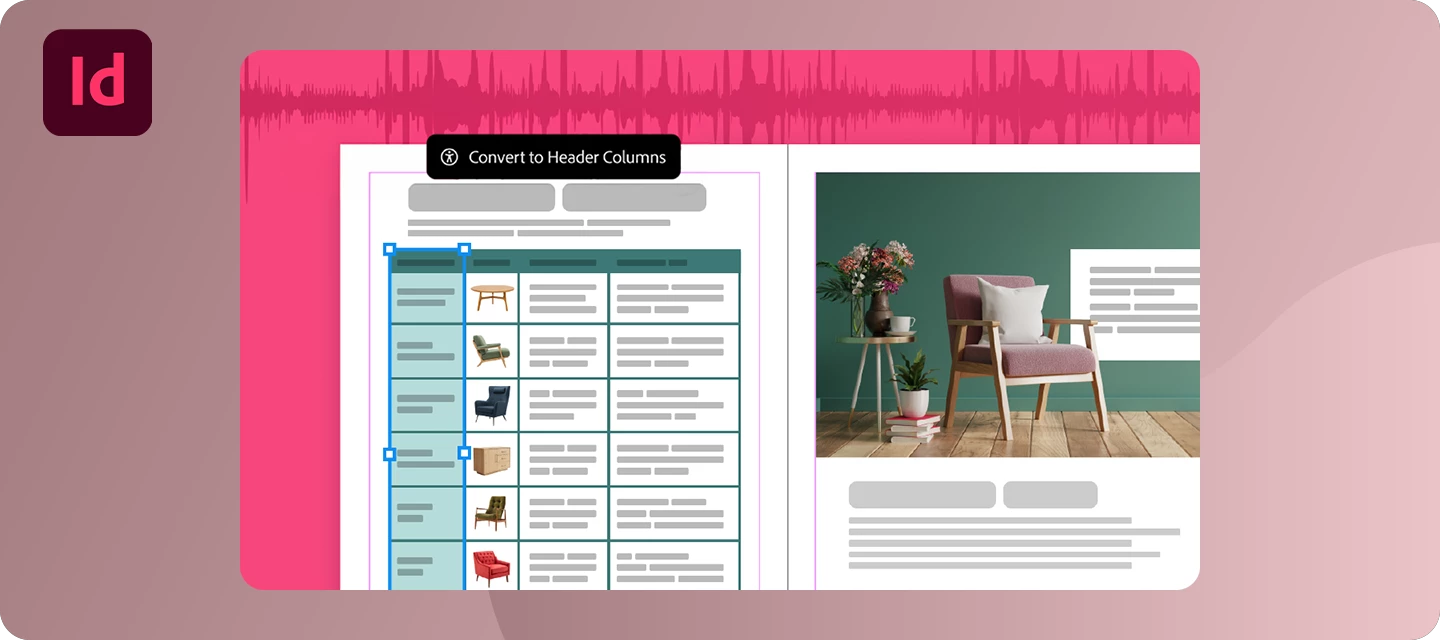
Hey everyone! 👋We’re excited to announce the InDesign 21.5.1 release! This latest InDesign update includes an important stability fix, along with all the new features and workflow improvements introduced in InDesign 21.5.We’ve also included several bug fixes based on your feedback. Thank you for helping us make InDesign even better.What's NewThis release is packed with new features and improvements inspired by your feedback. Here are some of the highlights:Enhance Table Accessibility in PDF and EPUB ExportsCreating accessible documents is now easier than ever. You can now include header rows, header columns, and table captions when exporting tables to PDF and EPUB, helping screen readers correctly interpret table structure and making your documents more accessible for everyone.Learn moreFind Keyboard Shortcuts FasterSpend less time searching and more time designing. The new Search option in the Keyboard Shortcuts dialog lets you quickly locate commands or their assigned shortcuts, mak
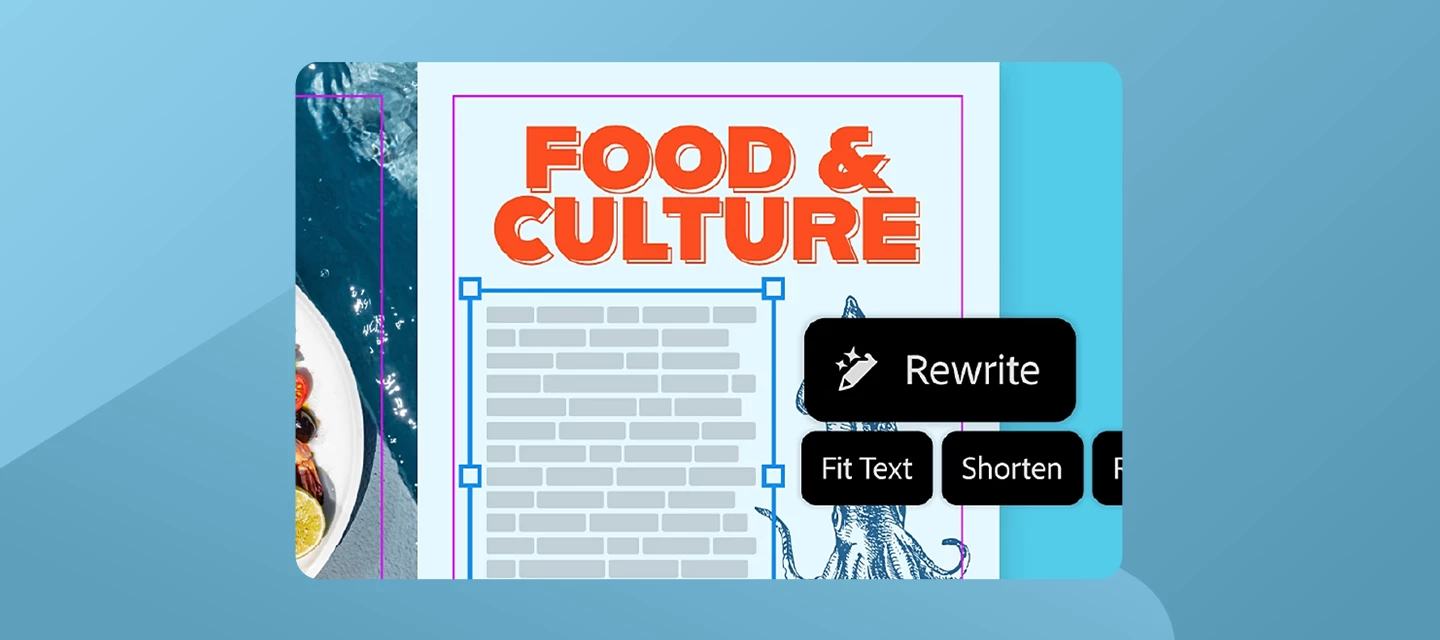
Hey everyone! We’re excited to share that we’ve just rolled out InDesign 21.4. This release is packed with updates to help you work faster and create more freely. What’s NewWe’ve packed this release with new features and fixes inspired directly by your feedback. Key highlights include:RewriteGet perfectly fitted copy with layout-aware Rewrite. Quickly add realistic placeholder text or adjust the length and tone to ensure your copy fits your design without breaking your flow. For more information, check out our article here.Edit with Adobe ExpressQuickly remove backgrounds or adjust images without leaving InDesign. Start editing your images using the steps here.Alt Text ImprovementsNow powered by GPT-4.1 for more accurate image descriptions, along with enterprise admin controls. For more information, click here. Want to learn more about these updates? Check out What’s New in our release notes. Start exploring all these new features and updates today! Get started in InDesign. Bug Fixes
How to Save an InDesign File for Older Versions (IDML) Did you know? InDesign files aren't backward compatible by default - a .indd file saved in InDesign 2024 simply won't open in InDesign CC 2019. But there's a simple workaround: export as IDML. What is IDML?IDML (InDesign Markup Language) is an open, XML-based file format that acts as a universal bridge between InDesign versions. Any version of InDesign from CS4 onwards can open an IDML file - making it the go-to format when collaborating with colleagues or clients on older software.But backward compatibility is only half the story. IDML is also one of the most reliable ways to recover a corrupted InDesign file. Because IDML is XML-based rather than binary, exporting a damaged .indd to IDML and then reopening it often strips out the corruption that's causing crashes, freezes, or "cannot be opened" errors - even when other recovery methods fail. Many InDesign users keep this trick in their back pocket specifically for emergencies, no
Hey there, folks! We’re excited to introduce a new feature in Adobe InDesign (Beta). Generate Text is an AI-powered feature that helps you quickly create new content or refine what you already have—whether you want to rephrase, shorten, lengthen, or change the tone of your existing text, all directly within Adobe InDesign (Beta). You can learn more about the feature here.Start transforming existing text or creating new content: Start by opening any document in the InDesign (Beta) app. Highlight any text or position the cursor within a text frame to encompass the entire story. Navigate to the Contextual Task Bar (Window > Contextual Task Bar) and select Generate Text to bring up the Generate panel. Alternatively, you can access the Generate option via Window > Generate, the right-click menu, or from the Quick Actions section in the Properties panel by selecting Generate Text. In the Prompt field, type a description of the output you're aiming for and click Generate. If you
InDesign 21.3 is here, bringing smoother, more connected, and more accessible workflows with powerful new integrations and enhancements. What’s new in InDesign 21.3 Edit images directly with Adobe ExpressRefine images without leaving InDesign - use Adobe Express tools to remove backgrounds, crop, adjust colors, or add elements instantly, with support for PNG, JPEG, PSD, and AI (RGB). It’s perfect for quick edits without breaking your creative flow. Learn more Flex Layout enhancements (More control, less effort)Flex Layout is now more powerful—apply properties via Object Styles, create interactive elements within Flex containers, and work with nested Flex layouts. It’s great for building responsive, structured layouts faster than ever. Learn more Accessible context breaks (Better EPUB structure)Create accessible section breaks with paragraph styles by mapping them to semantic tags like , improving EPUB/HTML navigation and readability for assistive technologies. This ties directly into
We are delighted to announce that InDesign Beta is now live on Windows for ARM devices (with Qualcomm SD X-Elite processors) for English locale. This update allows users to run InDesign on devices with Snapdragon X Series ARM architecture-based processors through emulation mode. Note: Only InDesign 19.5 beta and later versions are available on Windows ARM architecture-based processors. Minimum System Requirements: Processor: Snapdragon X Elite X1E-78-100 (up to 3.4 GHz, 12 cores) Graphics: Snapdragon X Elite Qualcomm Adreno.Known Issues:When performing different workflows, you may experience slight differences in performance. Creative Cloud Library workflows: Unable to drag and drop/place CC Library assets into the documents. Operations done on Asset Web take time to reflect in the CC Library in InDesign. Duplication of an element from Stock in CC Library does not work. Download InDesign (beta) now. For more information, click here. If you found this announcement helpful, click
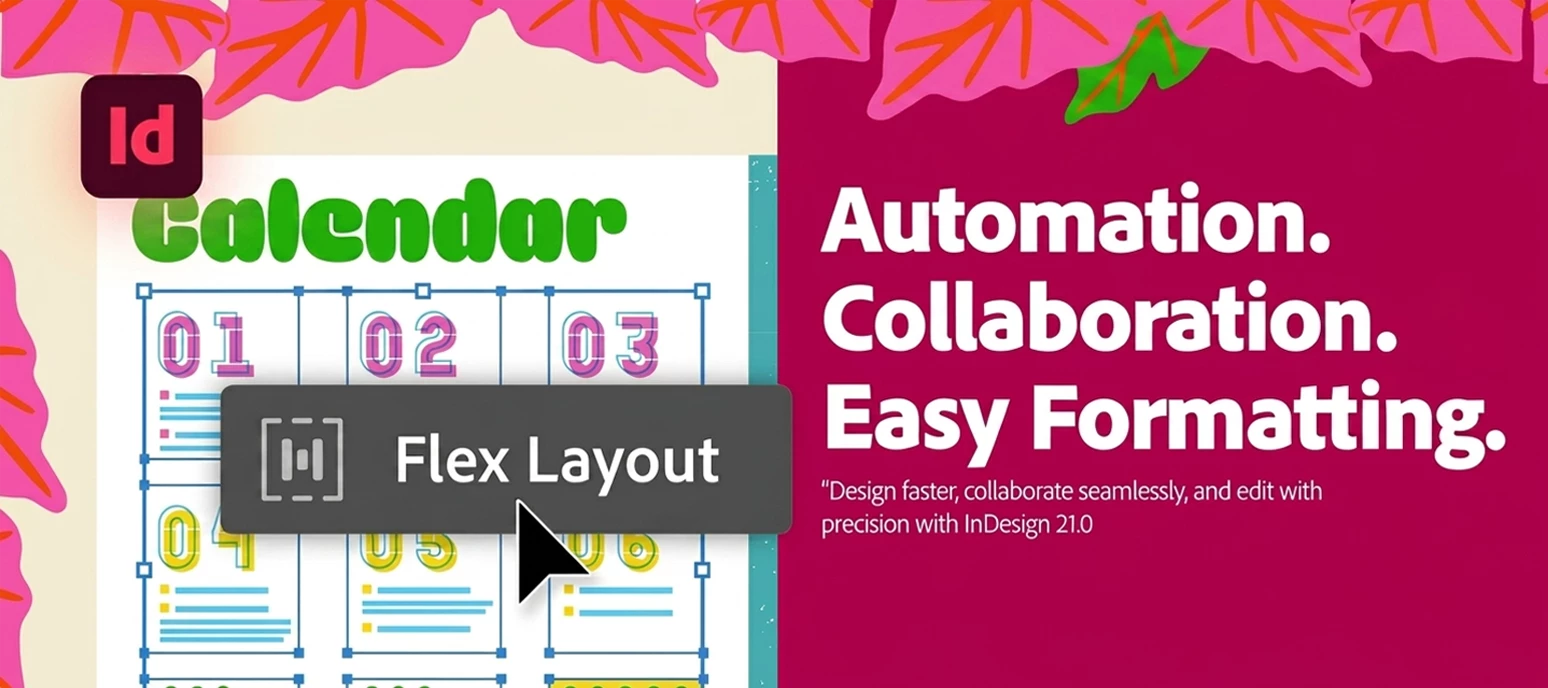
Hello Everyone,HAPPY MAX! We're thrilled to announce the release of InDesign 21.0, which includes exciting new features and enhancements to help you along your design journey.To update InDesign 21.0, click "Update" in the Creative Cloud desktop app next to InDesign. More detailed instructions for updating. Check out what's new in Adobe InDesign Design layouts that automatically adjust as content changesLeverage Flex Layout to create designs that seamlessly adjust and stay flexible as content evolves.Want to dive deeper into Flex Layouts? Just check out the link here. Collaborate in real time to edit InDesign documentsEdit text right in your web browser with smooth real-time collaboration and a distraction-free focus mode.Want to dive deeper into how you can collaborate faster? Just check out the link here. Convert PDFs into InDesign documents for easy editingTransform PDFs and Illustrator files into fully editable InDesign documents, maintaining precise design fidelity.Want to dive dee
Hello InDesign Users,We are making important updates to how certain features in Adobe InDesign are supported. Without the update, certain features may not function as intended in some versions. To ensure a smooth and uninterrupted experience, we have released critical hotfix updates for the impacted InDesign versions. What you need to do:Please install the appropriate hotfix version by following these steps: Open InDesign and go to Help > About InDesign to check your current version Open the Creative Cloud Desktop app Go to the Apps section Find the InDesign card and click the three dots (•••) Select Other Versions Locate the latest version available for your InDesign release Click Install We understand this may require a few extra steps, but applying the hotfix update is important to maintain full access to all features. Let us know if you have any questions. You can Click 'Reply' below to ask.Click 'Subscribe' below to bookmark this post for easy reference.
Hello Everyone,We're excited to announce the July 2025 release of Adobe InDesign (v20.5)! We've squashed several bugs and made behind-the-scenes improvements to keep your creative process running smoothly. For more on the bugs fixed in this release, click here. To update InDesign to 20.5, click "Update" in the Creative Cloud desktop app next to InDesign. More detailed instructions for updating. We'd love to hear from you!Try out the new InDesign version 20.5, and let us know your thoughts. Feel free to reach out if you have any questions or need more tips! Have questions? Click 'Reply' below to ask. Click 'Subscribe' below to bookmark this post for easy reference.
Hello Everyone,We're excited to share what's new in the June 2025 release of Adobe InDesign (v20.4)! This update includes powerful performance improvements and helpful enhancements designed to make your workflow smoother and more efficient. GPU Support on WindowsUnlock faster performance and smoother interactions when displaying images at full quality, thanks to support for your system's GPU in InDesign. Accessibility EnhancementsInDesign 20.4 brings powerful accessibility updates: Tables now support column headers for better navigation by screen readers. Figures and figcaptions are grouped, enabling captions to be read upon entry. Live Captions are now supported. Drop Caps use improved styling for better screen reader compatibility. SVGs can retain vector quality and accessibility metadata during export. Nested lists are now properly exported to EPUB. More enhancements coming soon! Align to BleedNow align and distribute objects relative to the bleed area for precise edge-to
Remix with Firefly Community Gallery
Thousands of free creations to fall in love with and remix in Firefly.
Already have an account? Login
Enter your E-mail address. We'll send you an e-mail with instructions to reset your password.