



Introducing Check Document in InDesign : Catch accessibility and copy issues before you export
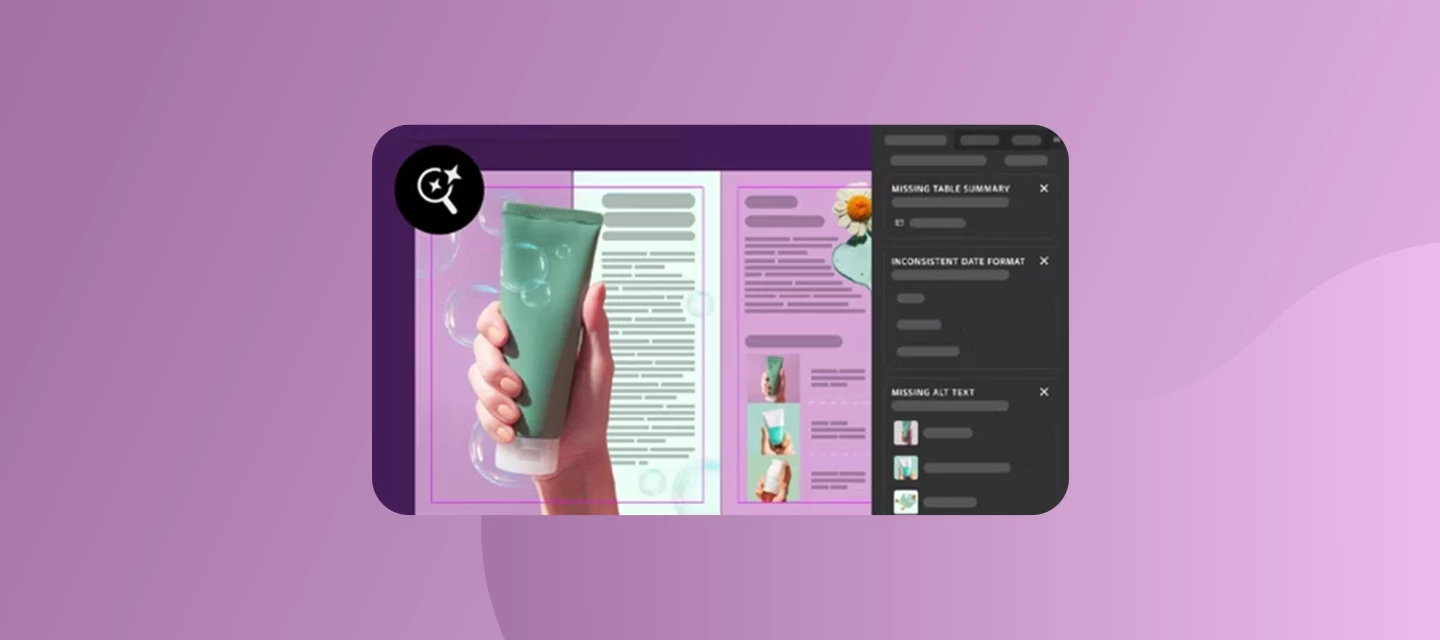
We’re excited to bring Check Document to InDesign this MAX. It reviews your document for missing alt text, missing table summaries, inconsistent terminology, and grammar issues, all from a single panel.
These problems often go unnoticed until after you export, when they’re harder to catch and fix. Check Document helps you find them earlier. Run it anytime, or let it check automatically as part of your export workflow.
What Check Document finds
Accessibility
- Missing alt text: Flags images without alt text so assistive technologies can describe them to readers. Generate a suggestion, then accept it, regenerate it, or edit it yourself.
- Missing table summaries: Flags tables without a summary. Generate one, edit it if needed, then add it. You can also report inappropriate or incorrect text.
Copy suggestions
- Inconsistent terminology and formatting: Spots variations such as:
- Dates: ‘07/12/2026’ vs. ‘July 12, 2026’
- Units: ‘10 km’ vs. ‘10 kilometers’
- URLs: ‘www.adobe.com’ vs. ‘https://www.adobe.com’
- Spelling: ‘color’ vs. ‘colour’
- Grammar issues: Catches typos, punctuation errors, and spelling errors. Each instance shows exactly one suggested correction.
How to get started
- Go to File > Check Document or Window > Check Document. You can also use it while exporting.
- Select Start Scan in the Check Document panel.
- Use the View options to filter by All, Accessibility, or Copy Suggestions.
- Review the top three flagged instances on each card and select See <number> more to see the rest. Each card groups instances of one category.
- Select an instance to jump to it in your document, apply the suggestion or dismiss it with the close icon, and repeat until everything is resolved, or select Fix all.
- Select the Rescan icon to scan again.
Tip: You can also add a table summary from Table > Table Options > Summary by selecting Generate Table Summary.
Credit usage
| Creative Cloud Pro | Creative Cloud Standard | |
|---|---|---|
| Scanning and rescanning | Free | Free |
| Alt text | Free | 1 credit per image |
| Table summary generation | 1 credit per generate or regenerate | 1 credit per generate or regenerate |
| Consistency check | 1 credit when you apply the first suggestion to a card; all other instances in that card are free | Same as Pro |
We want your feedback
To rate a suggestion, select its card and use thumbs up or thumbs down. For more detailed feedback, open Window > Check Document, select the panel menu icon, and choose Give Feedback.
You can also share your experience in the comments below. What do you check for before exporting, and what else would you like Check Document to catch?
Learn more: Check document for accessibility and copy consistency
 AdChoices