




What's New in InDesign 21.5.1 (2026) - Create More Accessible Documents and Work Faster
Hey everyone! 👋
We’re excited to announce the InDesign 21.5.1 release! This latest InDesign update includes an important stability fix, along with all the new features and workflow improvements introduced in InDesign 21.5.
We’ve also included several bug fixes based on your feedback. Thank you for helping us make InDesign even better.
What's New
This release is packed with new features and improvements inspired by your feedback. Here are some of the highlights:
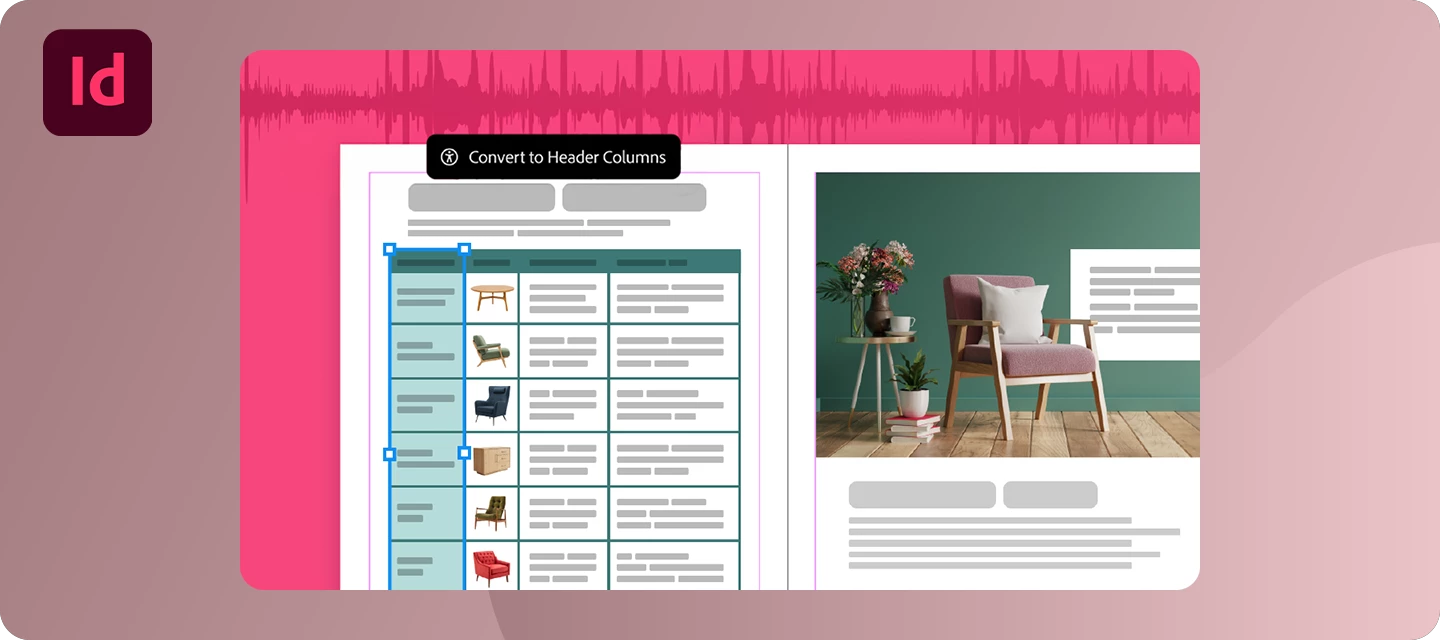
Enhance Table Accessibility in PDF and EPUB Exports
Creating accessible documents is now easier than ever. You can now include header rows, header columns, and table captions when exporting tables to PDF and EPUB, helping screen readers correctly interpret table structure and making your documents more accessible for everyone.
Find Keyboard Shortcuts Faster
Spend less time searching and more time designing. The new Search option in the Keyboard Shortcuts dialog lets you quickly locate commands or their assigned shortcuts, making it easier to discover, customize, and learn keyboard shortcuts across InDesign.
Improve Data Merge with Multiline and UTF-8 Support
Data Merge is now more flexible for personalized publishing workflows. InDesign 21.5 adds support for multiline records and UTF-8 encoded CSV files, making it easier to work with multilingual content, special characters, emojis, and structured address data without additional workarounds.
Manage Cloud Documents More Easily
Manage your cloud documents directly from the Home screen. You can now upload local files, download cloud documents, and organize your projects without leaving InDesign, helping you stay focused and productive throughout your workflow.
Manage Missing Fonts in InCopy on the Web (Beta)
Working with collaborators is now even smoother. If your document contains missing fonts, you can now upload or request custom fonts directly from the Missing Fonts dialog in InCopy on the web (Beta), helping keep documents consistent without interrupting your workflow.
Want to learn more? Explore What's New in InDesign 21.5.1 and the latest Release Notes.
Bug Fixes - Thanks to You
Along with the new features and improvements introduced in 21.5, InDesign 21.5.1 includes an important stability fix:
- Windows: Fixed an issue where InDesign 21.5.0 could crash when using customer plug-ins that rely on table APIs built against older SDK versions.
InDesign 21.5 also includes several additional fixes to improve stability and reliability, including:
- Fixed an issue where the
primaryTextFrameproperty couldn't be set on aMasterSpreadthrough InDesign scripting. - Fixed an issue where the Caption option wasn't available in the Table Options context menu.
- Fixed an issue where duplicated images onto the pasteboard when opening certain PDFs, improving performance.
- Windows: Fixed intermittent crashes during document recovery.
For the complete list of resolved issues, check out the latest InDesign Release Notes.
Have feedback or found an issue? Share it with us in the Adobe InDesign Community, we're always listening.
How to Update
To get the latest InDesign 21.5.1 features, improvements, and bug fixes, open the Creative Cloud desktop app, find Adobe InDesign, and select Update.
What's Next?
Your ideas help shape the future of InDesign.
What would you like us to prioritize next? Share your feature requests, workflow challenges, or ideas in the comments, we'd love to hear what's most important to you.
If you're excited about the InDesign 21.5.1 release, Like, Bookmark, and Share this post with fellow InDesign users. Once you've had a chance to explore the new features, let us know which one has the biggest impact on your workflow.
Thanks for being part of the Adobe InDesign Community!
-The Adobe InDesign Team
 AdChoices