




InDesign Creative Challenge #1: Design the next cover for a Magazine
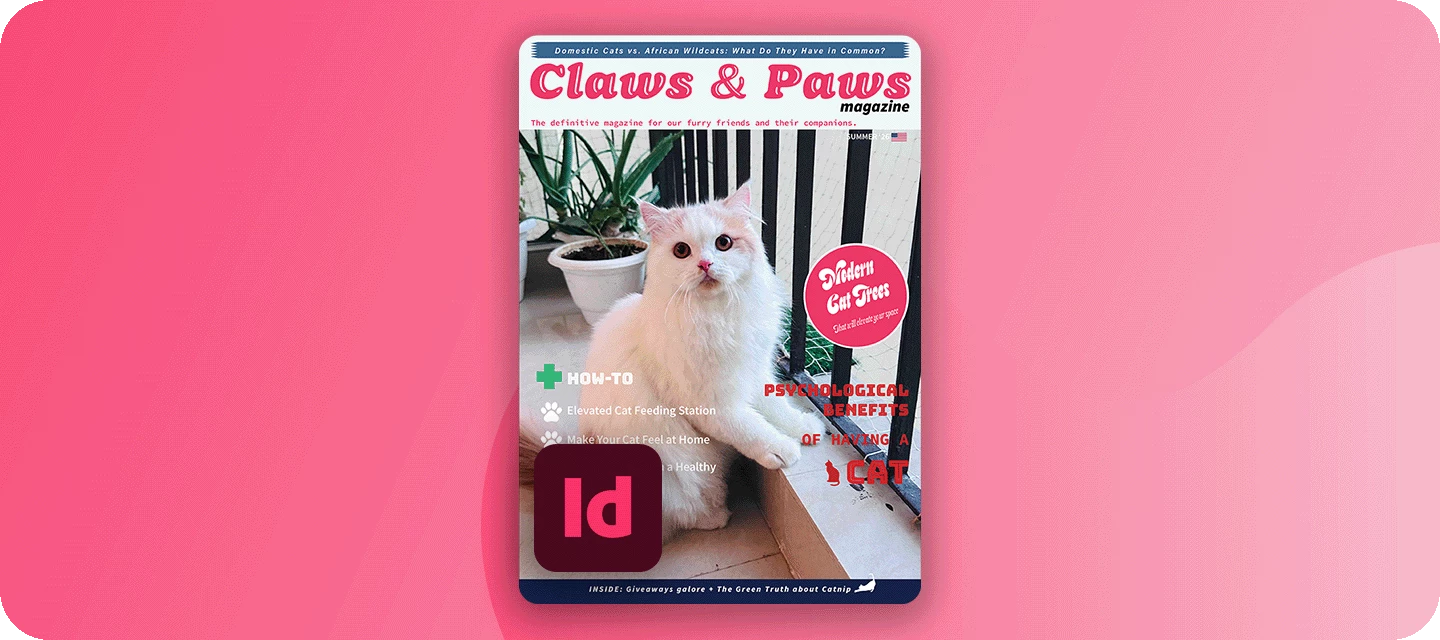
The November issue of FERAL goes to print soon, and it still needs a cover. The editor’s only note - it needs attitude. This month, you’re the art director.
Welcome to the InDesign Creative Challenges - a brand-new monthly series and a companion to the Illustrator challenges many of you already know. We’re starting on InDesign’s home turf - magazine cover design, where layout, type, and imagery all have to work together on a single, striking page.
THE CHALLENGE: DESIGN THE NEXT COVER FOR FERAL
The magazine FERAL is a monthly wildlife magazine with bite: bold photography, big personalities, and the stories behind nature’s best and worst behavior. Read by wildlife lovers, photographers, and design-minded readers who want their nature with a bit of attitude.
Your cover star: Any wildlife you like: a big cat, a bird, a reptile, a bug, a fish. Pick a shot with presence, ideally looking down the lens, with clear space for your masthead and cover lines.
WHAT TO INCLUDE
- Masthead - set big and confident across the top (or wherever suits the design). The treatment is up to you.
- Hero image - your chosen animal, filling the cover and setting the mood.
- A few cover lines - written in FERAL’s voice and the Attitude Issue, with clear hierarchy: one main headline, a couple of smaller teasers.
- Cohesive color palette - ideally pulled from your image, so type and photo feel like one piece. (Optional) The finishing touches - the issue date, price, a barcode, and an “exclusive” flash. Small details, big realism.
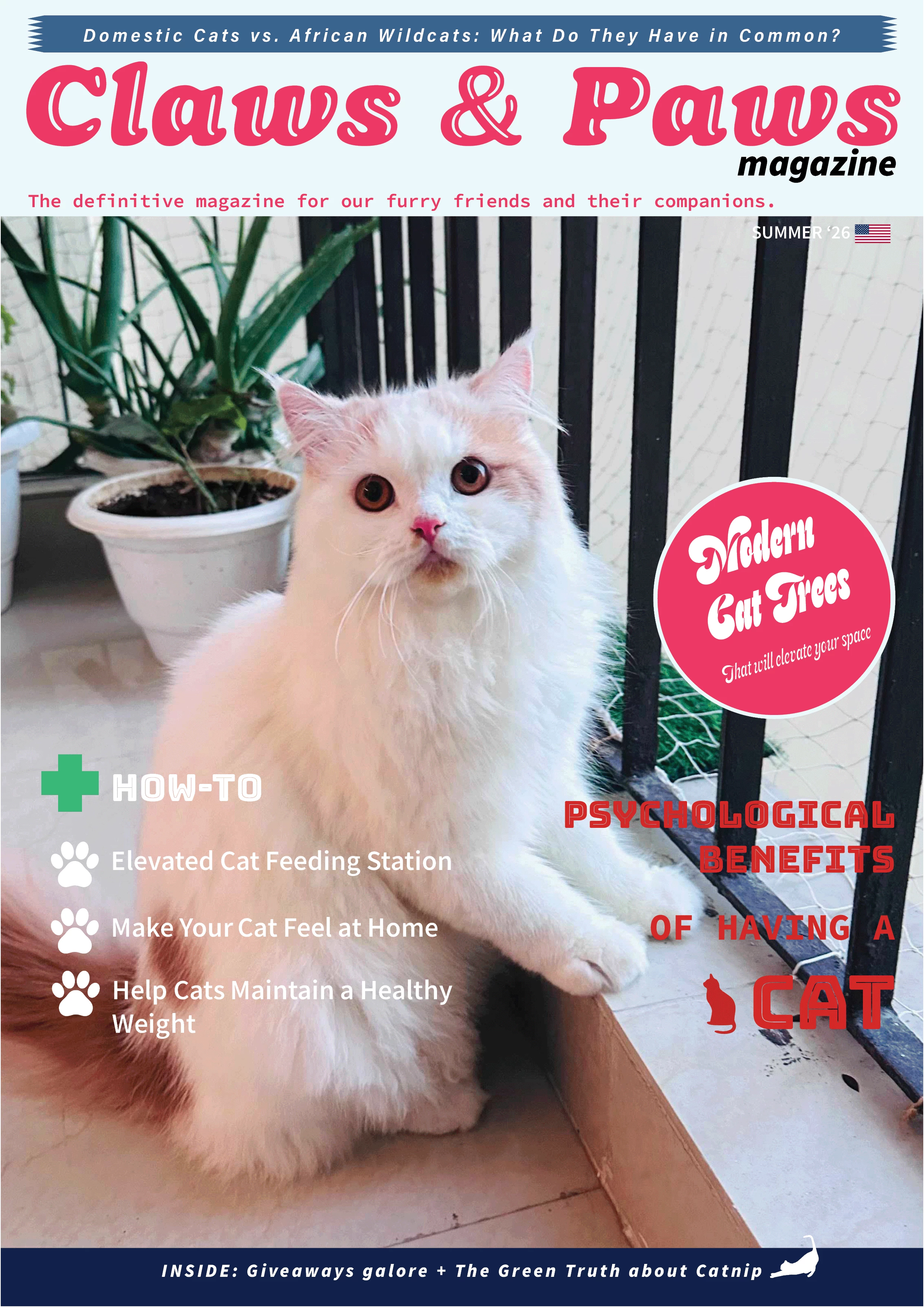
HERE'S AN EXAMPLE
YOUR INDESIGN TOOLKIT
Everything a great cover needs lives in InDesign:
-
Place your image - File > Place drops your hero animal (or use this Lightroom album and select the image you like) into a frame you can crop, scale, and position.
-
Fonts & Adobe Fonts - the masthead is your magazine’s identity; browse Adobe Fonts for a display face with real personality.
-
Paragraph & character styles - build your cover-line hierarchy once and keep it consistent; rescale the whole cover in seconds.
-
Effects: drop shadow & feather - a soft shadow or feather keeps cover lines readable wherever they cross the image.
-
Color Theme tool - click your photo to pull a five-color palette straight from the animal, so type and image agree.
-
Text wrap - optional, for flowing a cover line neatly around the animal’s silhouette.
HOW TO TAKE PART
Reply to this thread with:
-
Your finished cover.
-
A line or two on your response to the brief: which animal you chose, why, and how you built it. Honestly, this is the best part to read, so don’t skip it.
-
Submit your designs by October 31.
WHAT'S NEXT?
This is challenge #1 of a brand-new series, so we're building it around you. Event poster? Zine spread? Book cover? Restaurant menu? Tell us what you'd like to design next in the comments.
👍 Like ⭐ Subscribe to follow the new series 📣 Share with someone who'd join in
 AdChoices