




Adobe InDesign 21.2 (January 2026): AI Alt Text, ARIA Accessibility for EPUB, and Key Fixes
Hello everyone,
We’re excited to announce the January 2026 release of Adobe InDesign (version 21.2). This update focuses on accessibility improvements, AI-powered enhancements, and important stability fixes, especially for Windows users.
What’s New in InDesign 21.2
🖼️ AI-generated Alt Text for Images
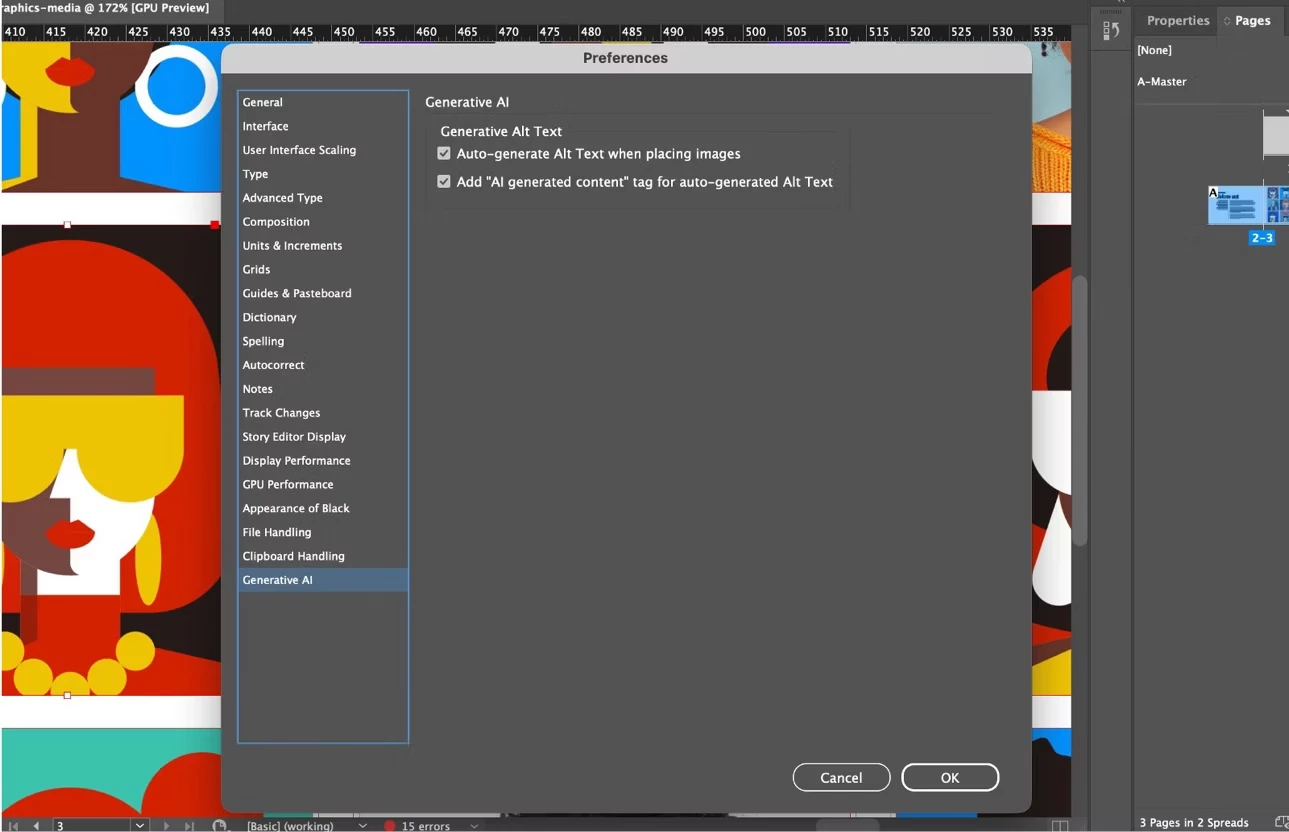
Create accessible layouts faster with automatic Alt Text generation for placed images.
• AI generates descriptive alt text directly on image frames
• Review, edit, or regenerate text as needed
• Supports manual generation via Object Export Options
• English language supported (based on document language settings)
♿ ARIA Role and Label Support for EPUB
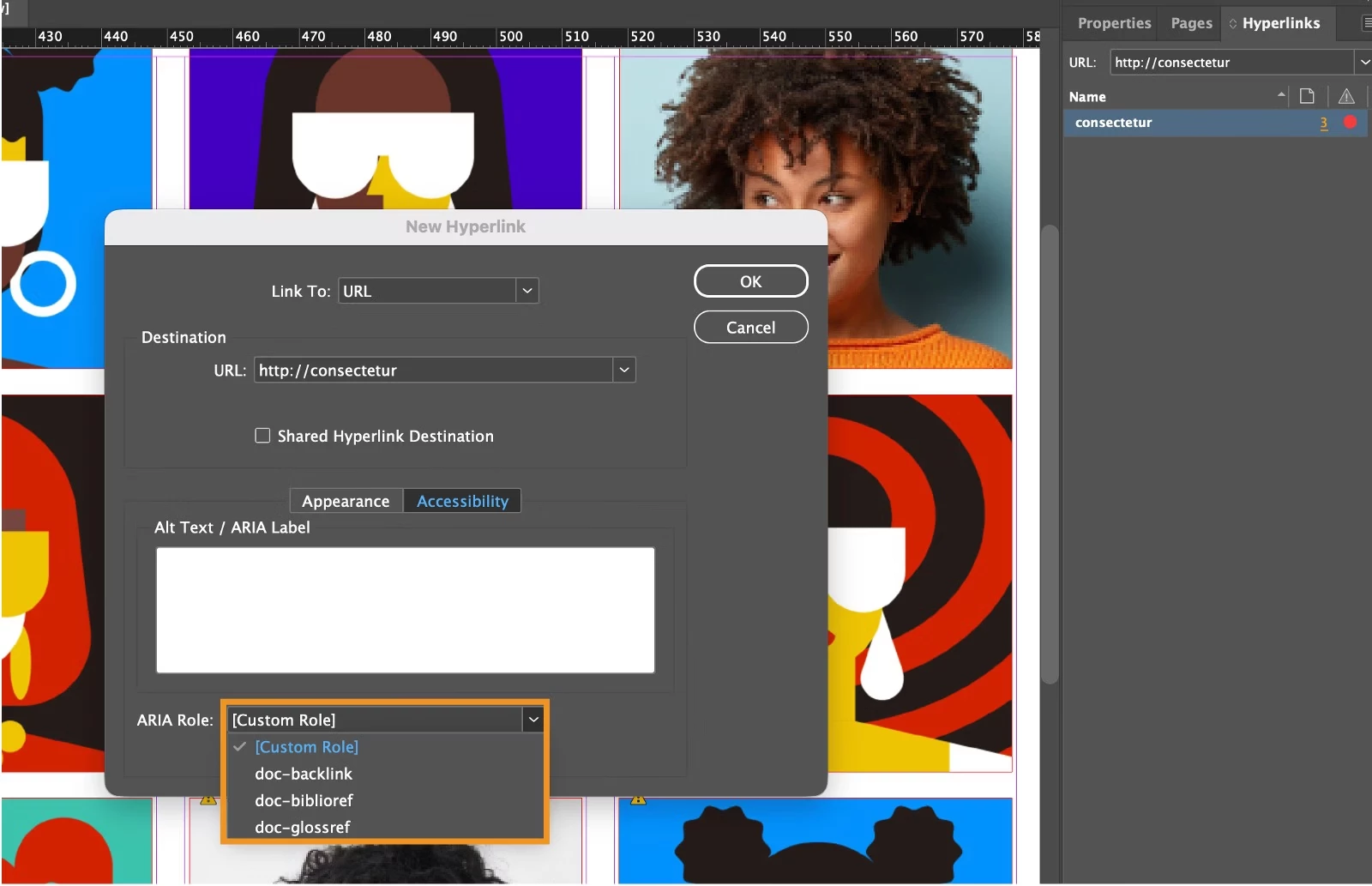
Improve accessibility for EPUB (Reflowable) exports using ARIA roles and labels.
• Add ARIA roles to hyperlinks and cross-references
• Apply ARIA labels at the object or Object Style level
• Supports automatic and custom ARIA labeling for screen readers
🛠️ Fixed Issues and Improvements
This release also includes several important bug fixes and stability updates, including:
• [Windows] Text becoming invisible during editing
• [Windows] Undo stack being cleared unexpectedly
• Improved Object Styles support for large size and position values
• Multiple IDML, EPUB, plug-in, and crash-related fixes
View the full list of fixes here:
InDesign release notes
Get Started
To update to InDesign 21.2, open the Creative Cloud desktop app and click Update next to InDesign. For step-by-step guidance, check out the detailed update instructions.
Once updated, open your existing projects and explore the latest enhancements available in InDesign 21.2.
We'd love to hear from you!
Try out the new features and let us know how they’re working in your workflows. If you have questions or feedback, feel free to Reply here and join the conversation.
If you found this helpful, click Like to let us know. Use Subscribe to stay updated on future replies. You can also Share this post with others who might find it useful.
Happy designing!
 AdChoices