

InDesign 21.3 (Beta) - Introducing Generate Text!
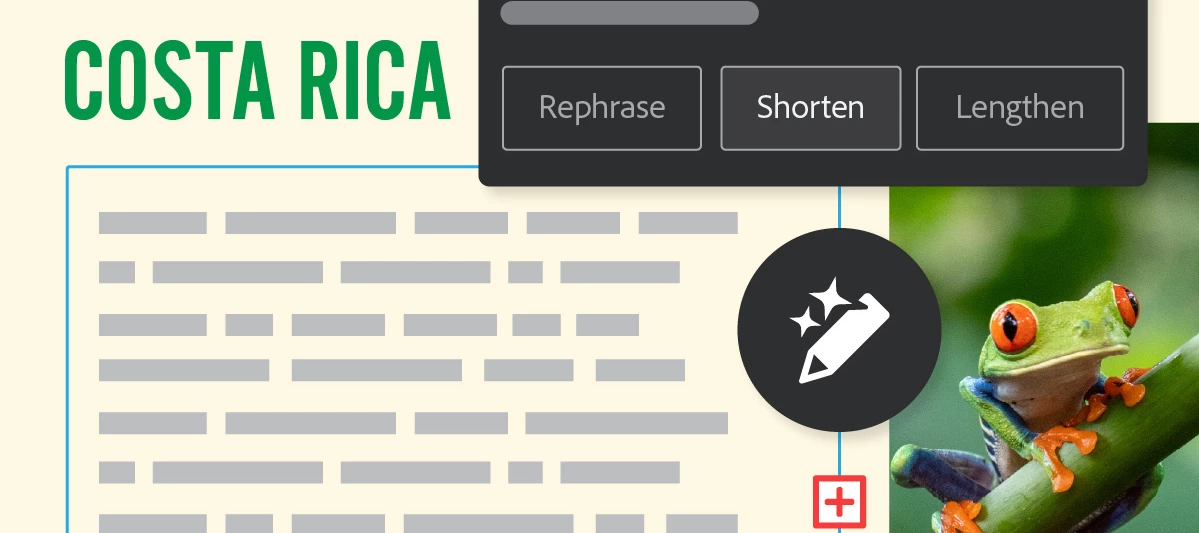
Hey there, folks! We’re excited to introduce a new feature in Adobe InDesign (Beta). Generate Text is an AI-powered feature that helps you quickly create new content or refine what you already have—whether you want to rephrase, shorten, lengthen, or change the tone of your existing text, all directly within Adobe InDesign (Beta). You can learn more about the feature here.
Start transforming existing text or creating new content:
-
Start by opening any document in the InDesign (Beta) app.
-
Highlight any text or position the cursor within a text frame to encompass the entire story.
-
Navigate to the Contextual Task Bar (Window > Contextual Task Bar) and select Generate Text to bring up the Generate panel. Alternatively, you can access the Generate option via Window > Generate, the right-click menu, or from the Quick Actions section in the Properties panel by selecting Generate Text.
-
In the Prompt field, type a description of the output you're aiming for and click Generate. If you wish to refine existing text, choose Rephrase, Shorten, or Lengthen, and specify the tone by selecting Formal or Casual.
-
Explore and choose from the generated variations in the Generate panel, with a preview available within your document.
-
To finalize, select Done or click anywhere outside the Generate panel to apply the selected variation and replace the original text. Keep in mind that once committed, you won't be able to view other variations.
Try InDesign (Beta) now
Excited to start using Generate Text InDesign (Beta)? Click here to get started!
We’d love to hear from you
Explore the latest features and share your feedback here.
For information about the latest features in Adobe InDesign (Beta), click here.


 AdChoices