



InDesign 21.3 | Edit with Adobe Express, Enhanced Flex Layout, and more
InDesign 21.3 is here, bringing smoother, more connected, and more accessible workflows with powerful new integrations and enhancements.
What’s new in InDesign 21.3
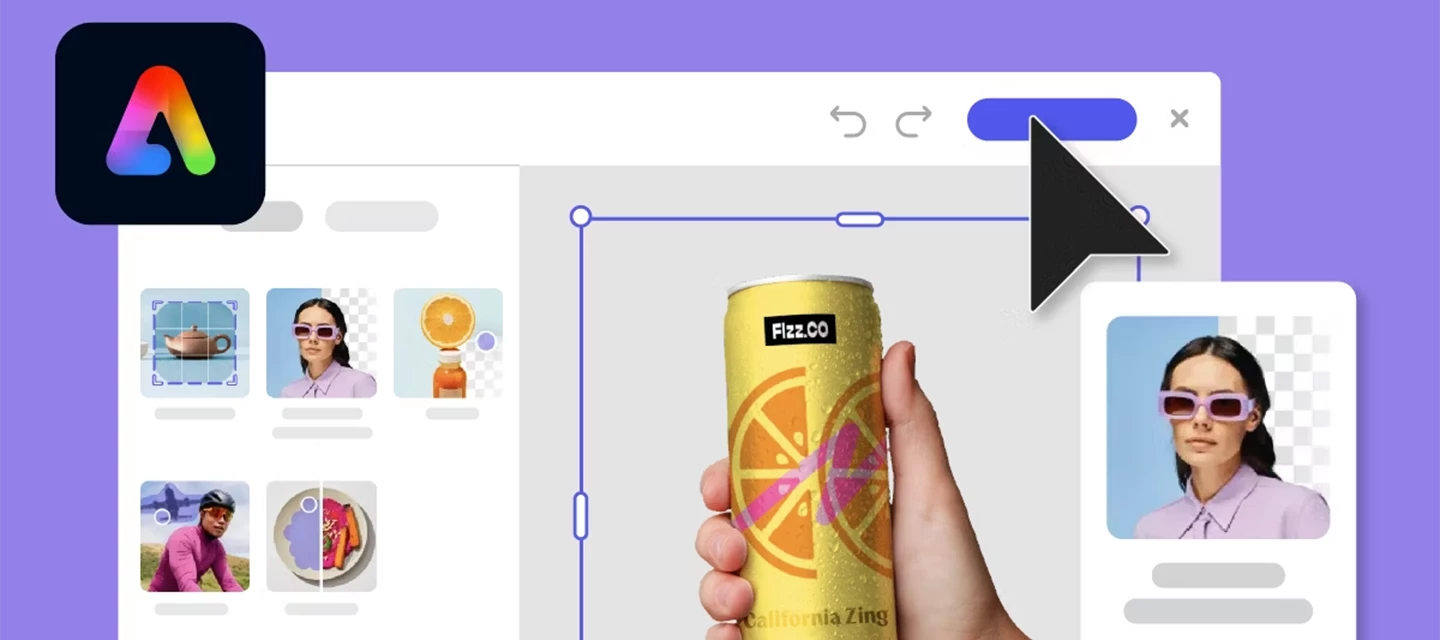
Edit images directly with Adobe Express
Refine images without leaving InDesign - use Adobe Express tools to remove backgrounds, crop, adjust colors, or add elements instantly, with support for PNG, JPEG, PSD, and AI (RGB). It’s perfect for quick edits without breaking your creative flow. Learn more
Flex Layout enhancements (More control, less effort)
Flex Layout is now more powerful—apply properties via Object Styles, create interactive elements within Flex containers, and work with nested Flex layouts. It’s great for building responsive, structured layouts faster than ever. Learn more
Accessible context breaks (Better EPUB structure)
Create accessible section breaks with paragraph styles by mapping them to semantic tags like , improving EPUB/HTML navigation and readability for assistive technologies. This ties directly into export tagging and accessibility workflows. Learn more
Accessible glossary export
Create smarter EPUB glossaries by defining terms and definitions with paragraph styles, supporting multi-level structures and improving navigation and semantic clarity. This is a big win for accessibility-first publishing workflows. Learn more
We have more. For information on what else is new in InDesign 21.3, click here.
Fixed Issues
This release also includes several important bug fixes and stability updates. Thank you for submitting the bugs and helping to prioritize them.
For more information on other fixed issues, check out the InDesign release notes.
Get Started
To update to InDesign 21.3, open the Creative Cloud desktop app and click Update next to InDesign. For step-by-step guidance, check out the detailed update instructions.
Once updated, open your existing projects and explore the latest enhancements available in InDesign 21.3.
We’d love to hear from you!
Try out the new features and let us know how they’re working in your workflows. If you have questions or feedback, feel free to Reply here and join the conversation.
If you found this helpful, click 👍Like to let us know. You can also Share this post with others who might find it useful.
Happy designing!


 AdChoices