


nik.m
Community Manager
Community Manager
April 16, 2026
Sticky

AI Assistant is now live in InDesign 21.4 (Beta)
  • April 16, 2026
  • 7 replies
  • 413 views


InDesign AI Assistant just launched in public beta and we are excited for you to try it.


What is AI Assistant in InDesign?

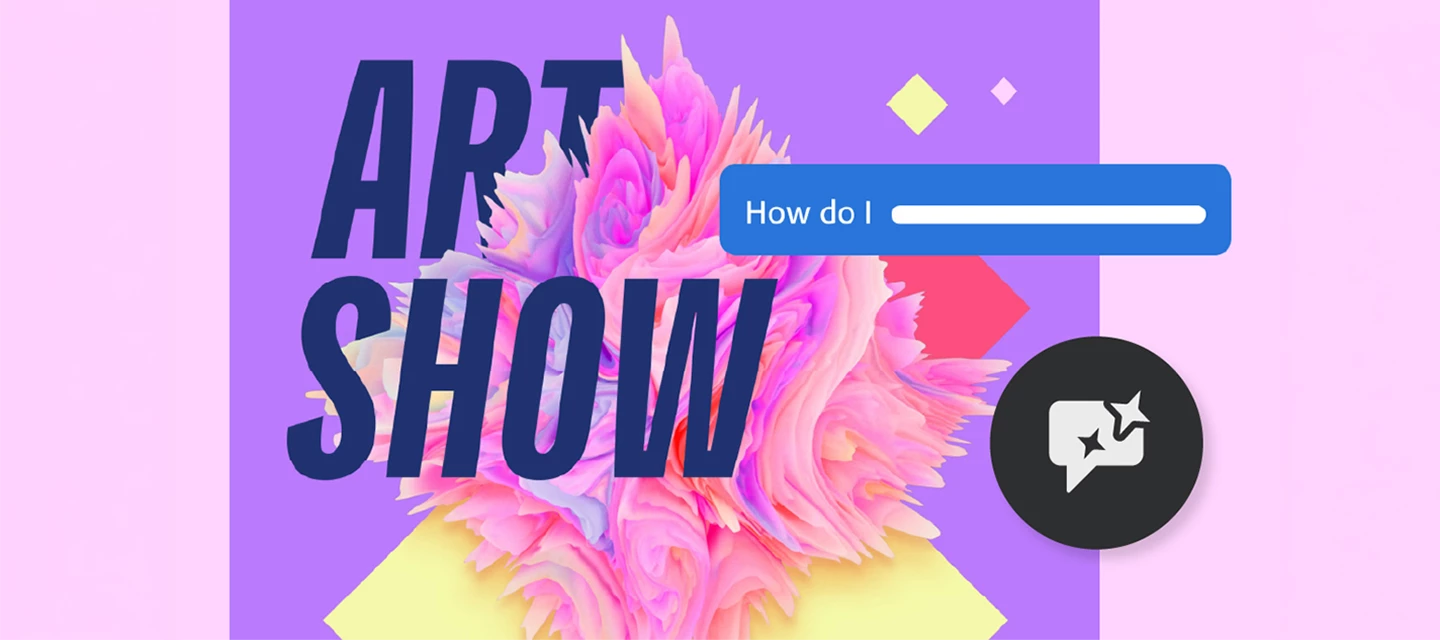
It's your conversational partner built directly within InDesign. It can help you build skills and create production-ready InDesign documents faster. Instead of digging through tutorials, simply ask the AI Assistant "How do I create a table of contents?" and learn as you go. Or save time by having it set up your layout and apply bulk text/image/style edits with a single prompt.


Why it matters

Designers spend a huge amount of time on repetitive tasks and navigating menus, and when you get stuck, context-switching to YouTube or Help pages breaks your flow. AI Assistant changes that:

  • Speed up your workflow: Automate multi-step workflows with natural language prompts.

  • Guidance on demand: Get instant, in-context answers without leaving the app.

  • Stay in your creative flow: Fewer interruptions, more designing.


How to try it

  1. Open the Creative Cloud desktop app and go to Apps > Beta.
  2. Download or update to InDesign (Beta), version 21.4. For more information on how to update the app, click here
  3. Once open, find the AI Assistant panel in the top bar (next to the Share button), in the contextual taskbar, or via File > AI Assistant.


How to share feedback

Your feedback is gold. Here's how to send it our way:

  • Use the 👍🏼 / 👎🏼 inside the AI Assistant panel after any interaction.

  • Fill out the in-app survey when it pops up.

  • You can also share your feedback by filling out the feedback form


Try it and let us know what you think! 

For more information, please click here

    7 replies

    Sean25724196eja2
    Participant
    May 16, 2026

    Hello, I can’t find the “generative AI” under “Edit” to turn it off.  But, have discovered that InDesign is now auto-populating alt text for all of my images - and the alt text could not be more wrong!  It’s terrible.  Please advise on why this was auto-installed (people should be able to opt in) and if this was tested at all before launching?  Thus far all of the alt text is completely, completely wrong.  Not even close to describing the figures.  This is bad for accessibility, bad for your designers, bad for me when I  think alt text has been taken care of (b/c it doesn’t get flagged in accessibility review) only to discover that there’s been completely inaccurate alt text assigned to our figures.  YUCK YUCK YUCK!

    leo.r
    Community Expert
    Community Expert
    May 16, 2026

    AI Assistant in the Beta version is a different feature from Generative AI alt-text generation, introduced some time ago in the released version. There are a lot of complaints similar to yours about the alt-text feature (albeit in other threads). You can disable it in Preferences:


    Or maybe you can’t, because that option features multiple layers of bugs. If the Generative AI options are grayed out for you and thus cannot be changed, report back here — there are scripts that can disable it.


    Also, when you disable it, it won’t affect the images where alt-text has already been assigned. There are scripts that can remove it, if you need this.

    Sean25724196eja2
    Participant
    May 18, 2026

    Thanks - “Generative AI” wasn’t available under preferences when I wrote this last week, but is now an option.  Just so the Adobe folks have a flavor of how wildly bad this is, I’m attaching a screen shot of a figure about food benefit amounts - which Adobe’s not helpful generative AI tried to describe as a chart about oil stocks. 😡


    graphics_4075
    Inspiring
    May 11, 2026

    All Adobe needs now is AI prompting agents, and then the full circle will be complete and Adobe can cut out those pesky middleman designers!


    😐

    Community Expert
    May 11, 2026
    Participating Frequently
    May 7, 2026

    Really bad survey too!

    Participating Frequently
    May 6, 2026

    Awful. Unwelcome. Take it out. What’s wrong with you?

    rayek.elfin
    Legend
    May 5, 2026

    Useless. Utterly useless. No-one asked for this. Just another way to milk those AI credits, right?

    So tiresome. Please start to actually LISTEN to your users.

    Frans v.d. Geest
    Community Expert
    Community Expert
    April 20, 2026

    When and where on the InDesign ‘wish list’ and requests of actual users did you find: ’implement an AI assistant’?

     No one asked for this. No one.