



InDesign 19.5 | Generative Expand, History Panel and Change Text Case in few simple steps
- July 8, 2024
- 13 replies
- 5928 views

Hello everyone,
We're thrilled to announce the July 2024 release of InDesign version 19.5. Dive into new features and enhancements inspired by your feedback, designed to streamline the workflow and improve efficiency.
|
|
Update the App Try out the Latest Features and Enhancements in InDesign! |

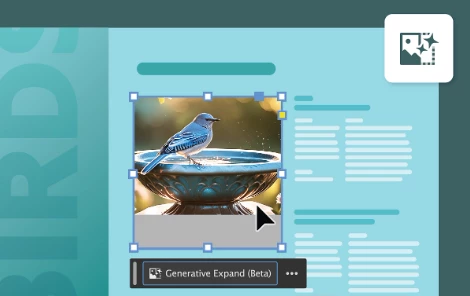
Generative Expand: Generative Expand intelligently fills in missing areas when you resize images. It analyzes surrounding pixels to seamlessly extend backgrounds or objects. This feature saves time by automating complex edits. Enhance your compositions effortlessly with realistic, cohesive expansions.
|
|
Try it in the app |

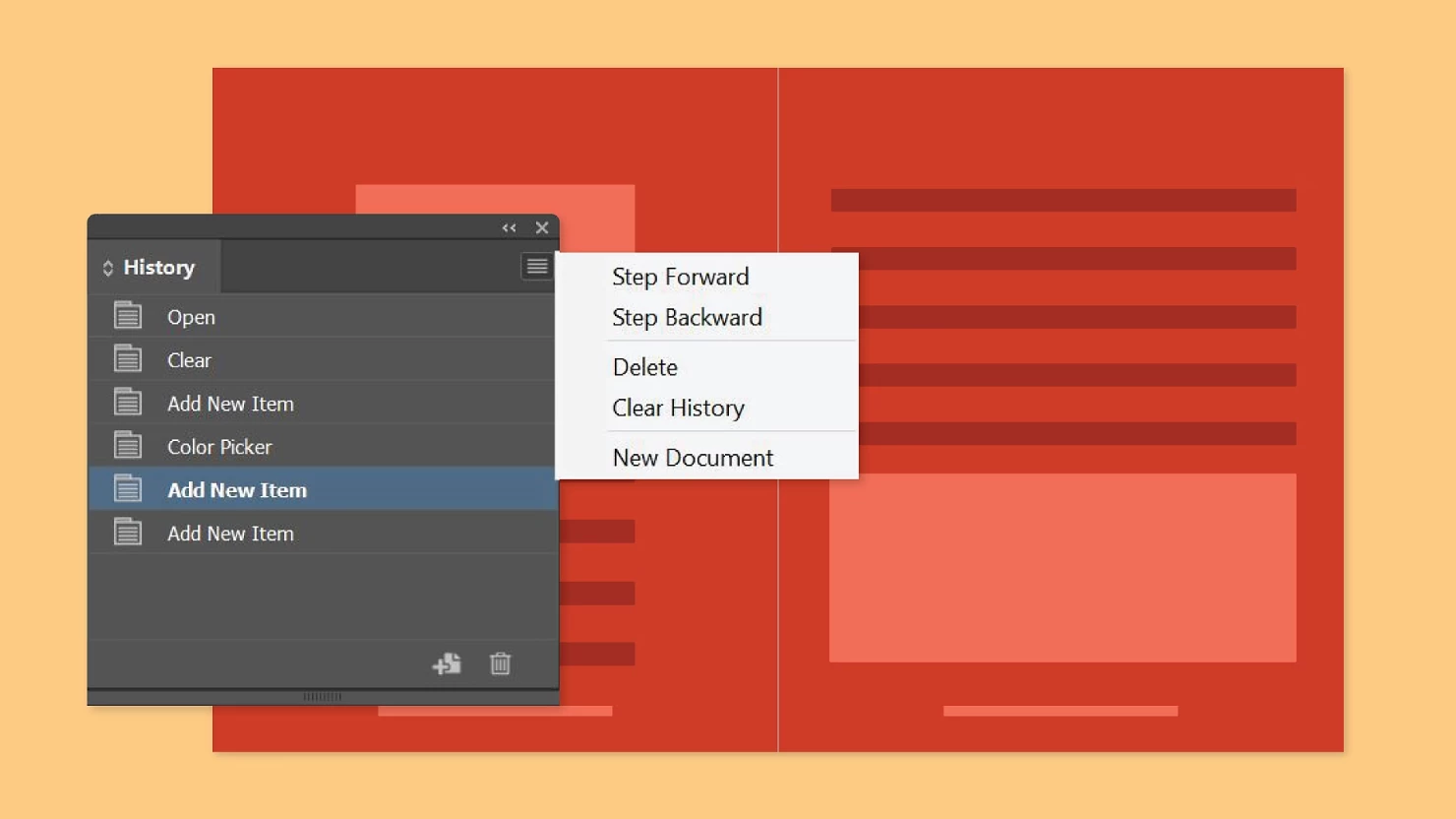
History Panel: The History panel tracks every change you make, allowing you to easily undo and redo multiple steps. It provides a visual timeline of your editing process for better control. This feature enhances flexibility when experimenting with different stages of your document. You can quickly revert to previous states or create a new document from any state.
|
|
Try it in the app |

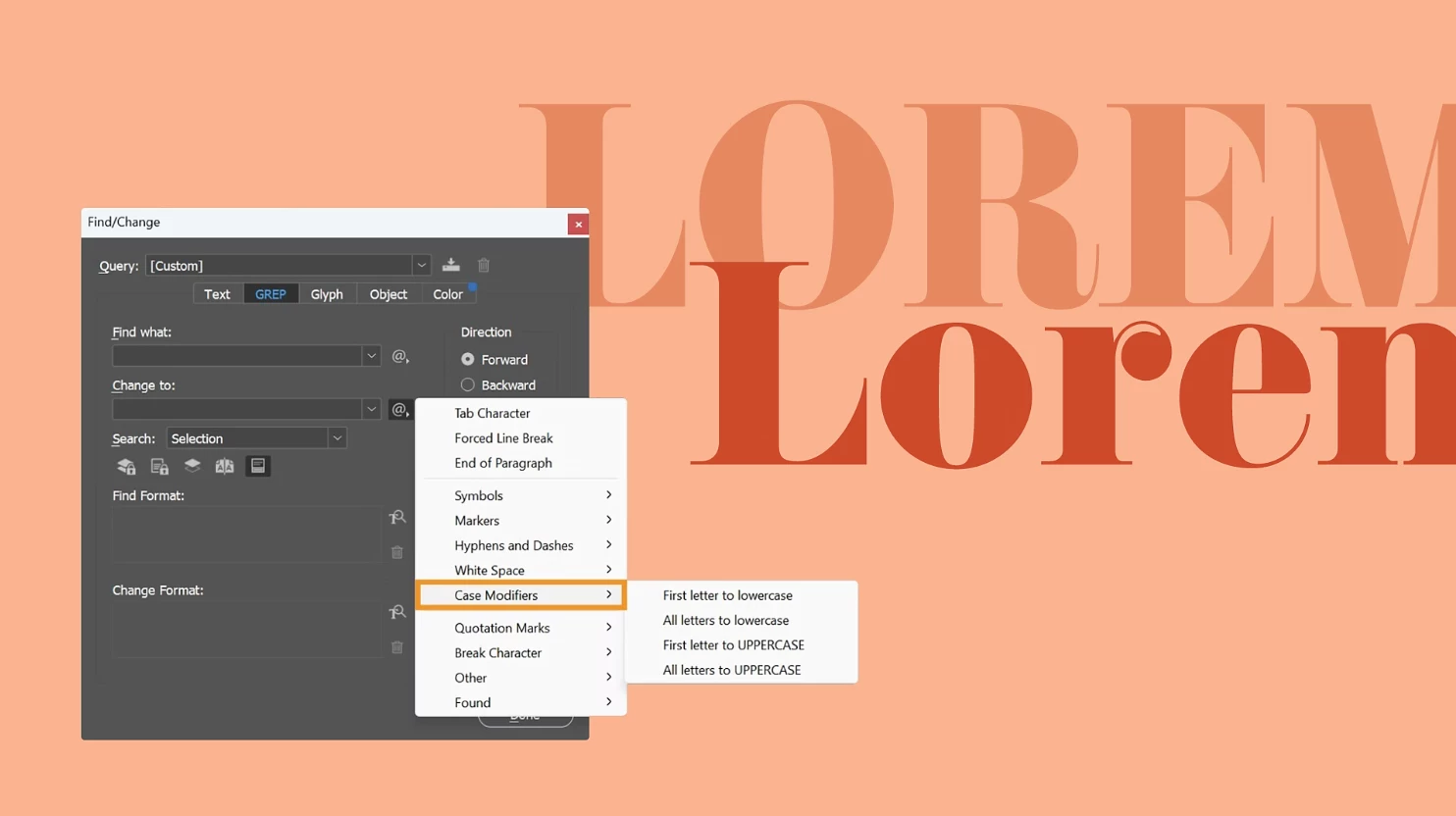
Change Text Case in few simple steps: You can easily change text cases with just a few clicks, ensuring consistency across your designs. This feature streamlines text editing, saving you time and effort. Enhance your workflow by adjusting text case quickly from the Text or GREP tabs of the Find/Change panel.
 GUID support for UXP 3P plugin developers
With the latest GUID support in UXP, third-party developers in InDesign can now facilitate personalization, licensing, and usage analytics.
For more info, please refer to the What's New page.
Please check the fixed issue article to know what has been resolved.
 Note: This is a phase-wise rollout, and updates will be available to users in different countries in the coming days. Check your notifications in the Creative Cloud Desktop application, or refresh the application to check for updates.
To help us have focused discussions, create separate posts for feedback on features related to this update.
Thanks,
Harshika
|
|
If you've found value in this post, a friendly upvote would be fantastic. Your thoughts are even more precious – share them with us in the discussion! |

 AdChoices