



Expand Your Photos Seamlessly with Generative Expand
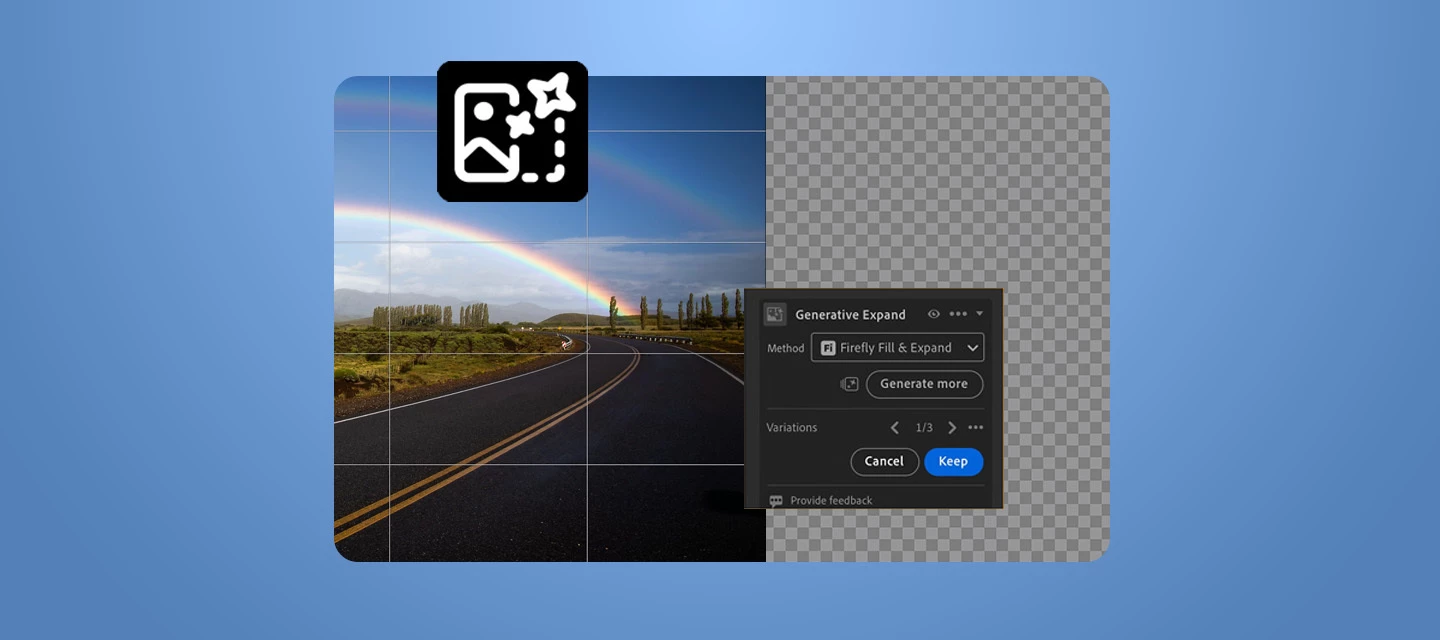
The latest update to Adobe Lightroom introduces AI-powered image expansion, more creative flexibility, and seamless editing workflows to help photographers and content creators extend their compositions without leaving their creative flow.
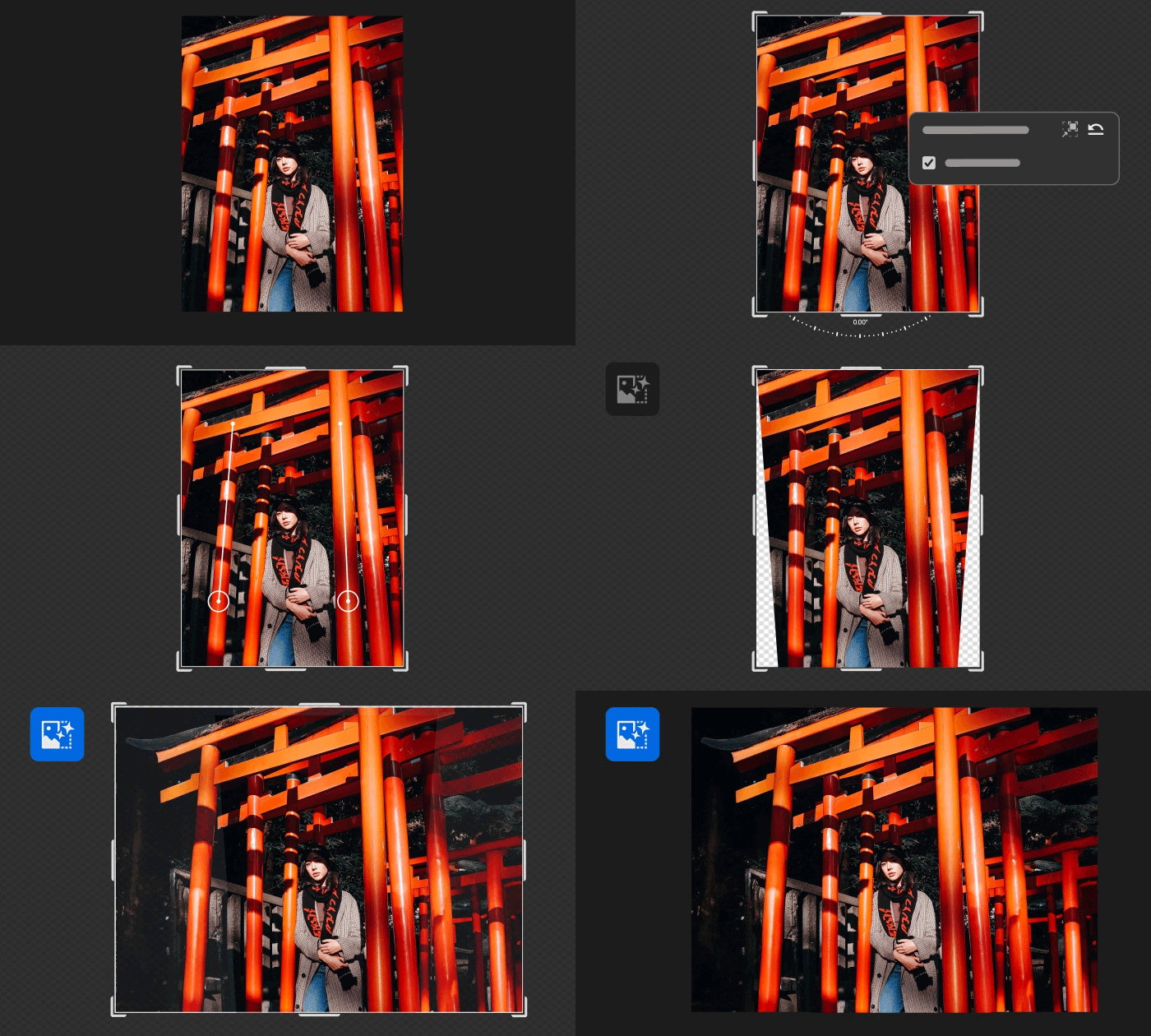
How to Use Generative Expand
The latest release of Adobe Lightroom brings more control and flexibility to everyday creative workflows with Generative Expand, a powerful AI-powered feature that lets you extend images beyond their original borders while naturally filling in new content. Whether you're reframing a shot for social media, correcting a crop, or creating more balanced compositions, Generative Expand intelligently creates new pixels that blend seamlessly with the existing image. This helps photographers spend less time reshooting or manually editing and more time focusing on their creative vision.
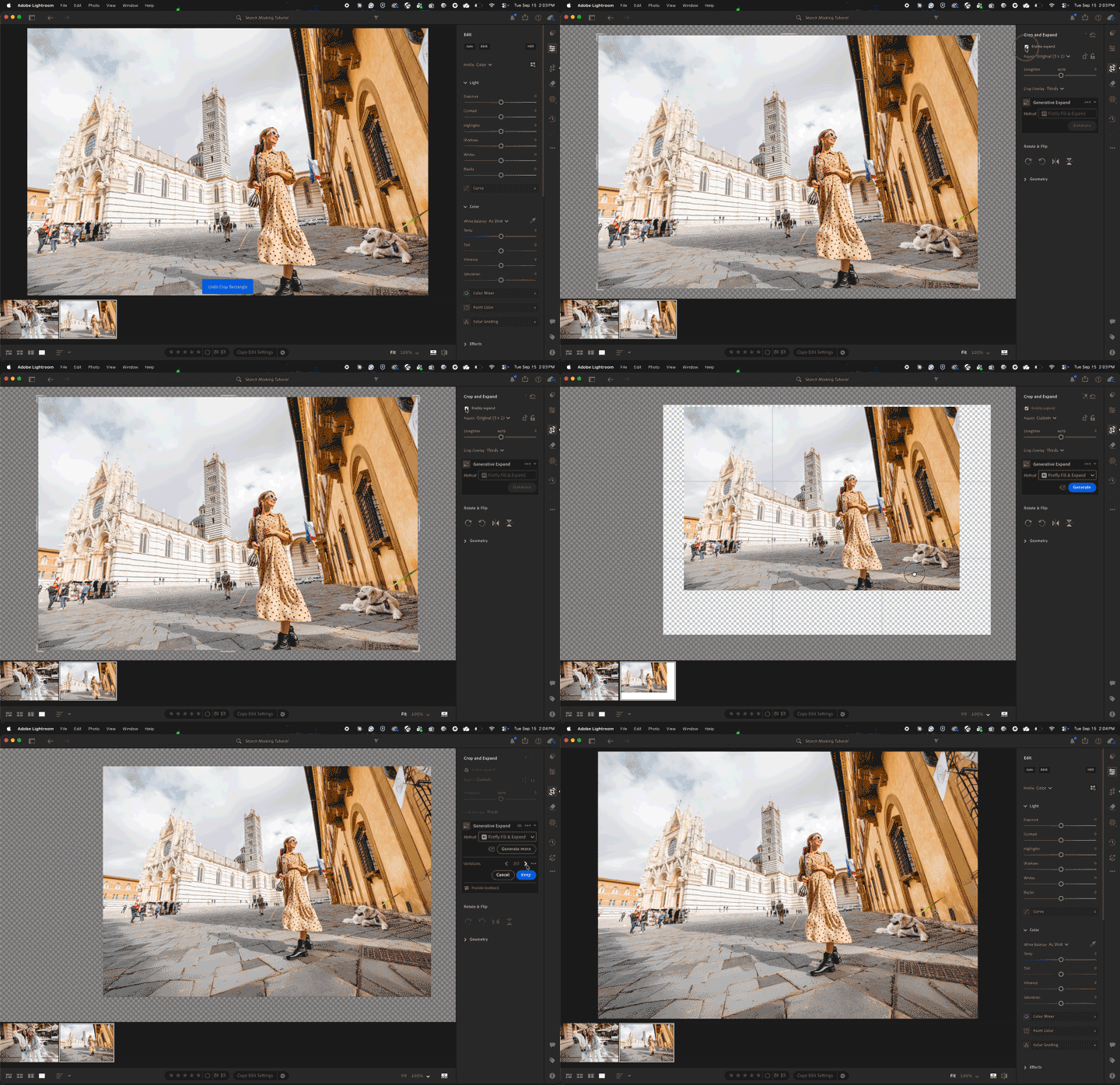
Using Generative Expand is simple:
- Open your image and select the Crop tool.
- Drag the crop handles beyond the image borders to expand the canvas.
- Choose Generative Expand.
- Add an optional text prompt or leave it blank for automatic results.
- Select Generate to create new variations.
- Review the generated options and choose the version that best fits your vision.
👉 Click here for more details: https://helpx.adobe.com/lightroom/desktop/edit-photos/extend-photos-with-generative-expand.html
How to Update
Open the Adobe Creative Cloud desktop app, go to the Apps tab, and update Adobe Lightroom to the latest version. Turn on automatic updates to get new features as soon as they’re available.
Join the Conversation
How would you use Generative Expand in your photography workflow? Share your favorite use cases, creative experiments, feedback, or questions in the comments.


 AdChoices