



























『アドビコミュニティフォーラム』に質問/トピックを投稿する方法
Announcements
新着順
June '26 REMIX IT! The “Remix it!” challenge is a fun, community driven creative activity that invites you to jump in, experiment, and share your unique editing style. Inspired by the collaborative spirit of Lightroom’s Remix feature, where photographers build on each other’s edits, this challenge is all about creativity, learning, and having fun together. Take an image, make it your own, and see how others in the community interpret the same starting point, because every remix tells a different story. How to Join Make sure you have the latest version of Lightroom Desktop, iOS, or Android Follow this link to the June '26 Remix It! Challenge in Lightroom Share a screenshot & link to your Remix in the comments below! About the imageCape Neddick, MaineSometimes everything just falls into place. This seagull lined up perfectly against a dramatic sky, creating a moment that was impossible to ignore. And here's the best part: this image wasn't captured with expensive gear - it was
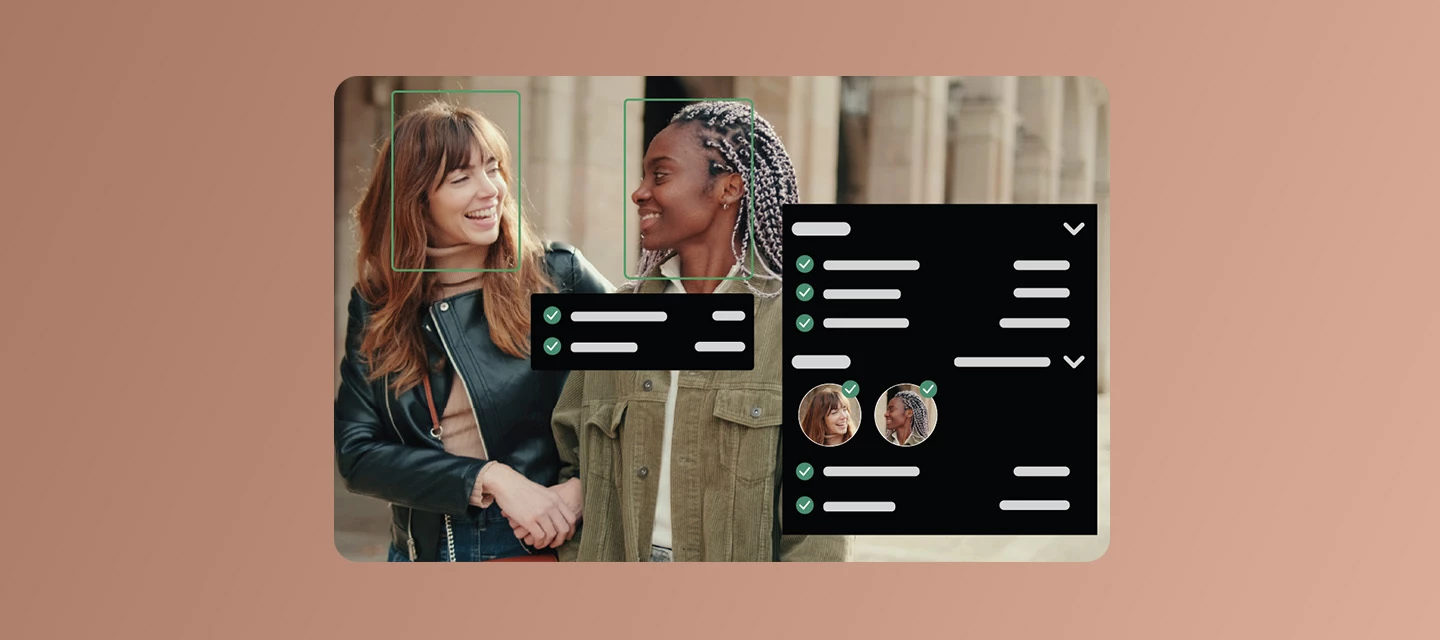
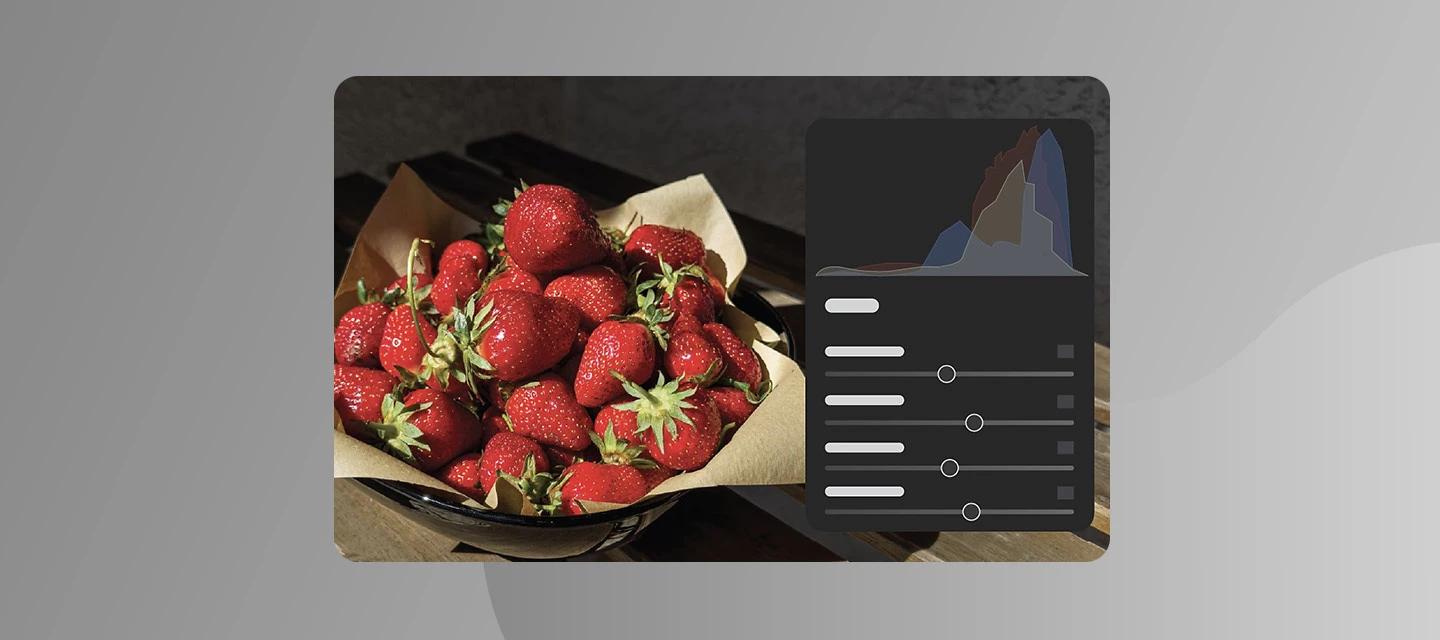
The June 2026 update to Lightroom (v9.4) lets you add AI-generated motion to your photos, recover and sharpen blurred images using AI Sharpen, explore people-focused culling, and organize smartly. What’s NewThe Lightroom ecosystem (v9.4) brings more creative flexibility, speed, and control to everyday workflows. On desktop, the new Faces panel streamlines people-focused assisted culling with Eye sharpness and Eyes open scores, making it easier to pick the best shots quickly. You can also bring photos to life with Generate Video, turning a single image into a short video using a simple text prompt. AI Sharpen (powered by Topaz) restores detail in slightly out-of-focus images, while improved subject selection when masking and the interactive Histogram give you more precise control over edits. Custom color labels help streamline organization and keep projects easy to track.On mobile, iOS users can now edit photo location data directly in-app, while Android users get seamless blemish remo
This post applies to the Project Indigo iOS camera app. Adobe Labs is excited to share an early look at Project Indigo, an iPhone camera app we've started to develop, to get feedback from the photography community. The app offers full manual controls, a more natural ("SLR-like") look, and high image quality in both JPEG and raw formats. It also introduces some new photographic experiences not available in other camera apps. For more information on the underlying technology, please refer to this Project Indigo blog post. Before you start with Project Indigo We recommend using Project Indigo on iPhone 15 Pro/Pro Max or newer devices.(Also supported are 12 Pro/Pro Max, 13 Pro/Pro Max, and all 14-series devices.) You should have at least 1GB of storage space left for the app, the downloadable AI Models inside the app, and for captured photos. Download the app from the App Store. Check out the Project Indigo FAQ, which is updated reg
Bring your photos to life with Generate Video in Lightroom Ever wish a favorite photo had a little more motion, a subtle drift of clouds, a slow pan across a landscape, a gentle sway in the trees? Generate Video in Adobe Lightroom turns your edited photos into short, polished videos using AI, right from the app you already use to edit. How to Use Generate Video:Just open a photo in Detail view, right-click, and select Generate Video (or find it under the Photo menu). From there, choose a model: Firefly Video, Google Veo 3.1, or Google Veo 3.1 Fast. Then set your aspect ratio, resolution, and duration. Once you click Generate, watch you photo come to life! Not sure what to type in the prompt field?You don't need to be a prompting expert. Try one of the built-in presets:Slow pan for gentle camera movement Subtle motion for AI-generated natural motion Hyperlapse for AI-generated time-lapse style motionWant to keep your original photo paired with the new video? Select Create stack to group
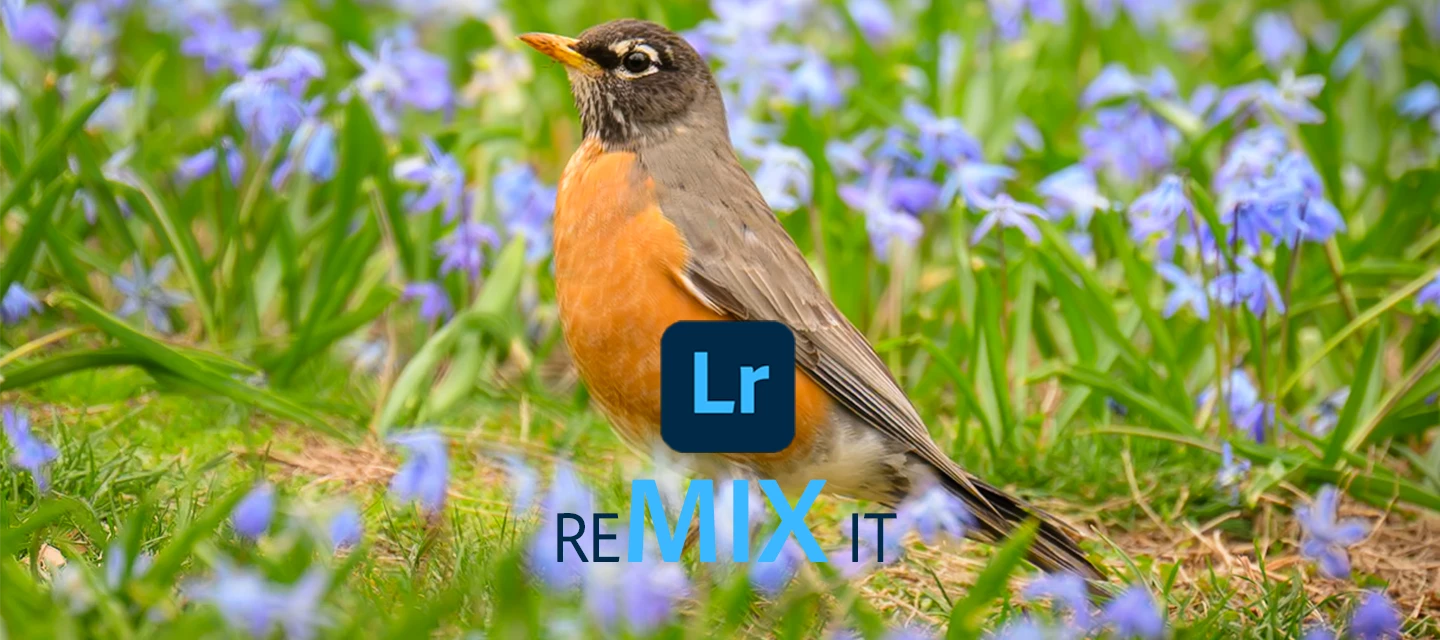
May '26 REMIX IT! The “Remix it!” challenge is a fun, community driven creative activity that invites you to jump in, experiment, and share your unique editing style. Inspired by the collaborative spirit of Lightroom’s Remix feature, where photographers build on each other’s edits, this challenge is all about creativity, learning, and having fun together. Take an image, make it your own, and see how others in the community interpret the same starting point, because every remix tells a different story. How to Join Make sure you have the latest version of Lightroom Desktop, iOS, or Android Follow this link to the May '26 Remix It! Challenge in Lightroom Share a screenshot & link to your Remix in the comments below! About the imageA sure sign that winter is gone – this Robin is a cheery sight!Have fun with the Remix and be sure to share yours! We’ll announce our favorites when we post next month’s challenge.We can't wait to see your take on it! 😄 About the photographer C
Hey everyone! We’ve just rolled out new features, updates, and bug fixes across the Lightroom ecosystem including Lightroom Desktop 9.3 and Lightroom Mobile iOS (11.3) and Android (11.3.1). This release brings improved generative results along with fixes inspired directly by your reports. Thanks for the feedback! What’s New This release brings a fresh set of updates designed to speed up your workflow and spark creativity, from smarter natural‑language search and improved assisted culling to new film‑inspired presets, smoother crop controls, and better Photoshop integrations including PSB support. You can also now send photos straight to Firefly Boards for easy ideation and planning. Curious about any of these features? Find out more about them in our What’s New. Start playing with all these new features and updates now, get started in Lightroom!Bug Fixes - Thanks to You The following issues were identified and upvoted by members of this community. Thank you for flagging them and helpin
Hey everyone! We’ve just rolled out support for new cameras and lenses, along with bug fixes for Lightroom desktop 9.3.2. What’s New This release brings a support for new Cameras and Lenses. How to UpdateGet the latest features, updates, and bug fixes by simply updating Lightroom desktop to the latest version. Update Lightroom now What’s Next? Let us know what you would like us to prioritize for the next Lightroom Ecosystem release. Your reports and upvotes directly influence what gets addressed. Please keep them coming.
April '26 REMIX IT! The “Remix it!” challenge is a fun, community driven creative activity that invites you to jump in, experiment, and share your unique editing style. Inspired by the collaborative spirit of Lightroom’s Remix feature, where photographers build on each other’s edits, this challenge is all about creativity, learning, and having fun together. Take an image, make it your own, and see how others in the community interpret the same starting point, because every remix tells a different story. How to Join Make sure you have the latest version of Lightroom Desktop, iOS, or Android Follow this link to the April '26 Remix It! Challenge in Lightroom Share a screenshot & link to your Remix in the comments below! About the imageOeschinensee is constantly ranked as Switzerland’s #1 prettiest hikes. Its fluorescent turquoise waters, limestone cliffs, dramatic glacial peaks, and wildflower meadows, create a high-altitude amphitheater truly worthy of its UNESCO status. I hope
In this ReleaseWe’ve included several critical bug fixes, including one identified by the community. P: Paste of Crop results in an uncropped destination image How to Update Open the Creative Cloud desktop app, then select Update next to Lightroom. For step-by-step instructions, see the full guide here.
Lightroom Ecosystem: Assisted Culling, Dust removal, and more from MAX! Calling all Lightroom users — Adobe MAX is here, and it's your time to shine! This is more than a conference — it’s a creative recharge for photographers who want to make the most of every pixel. Join MAX online for free and check out all the Lightroom sessions! Want to know everything about this release? Read our release notes. Try it in the Desktop App Download the latest version and dive into the new features offered in Adobe Lightroom. Adobe Lightroom The Lightroom Ecosystem just got a major upgrade. Read more about how to keep Lightroom updated here. Here's what's new in Lightroom 9.0 Organize with Assisted Culling Assisted culling helps you efficiently organize large photo collections by identifying top images, automatically rejecting low-quality ones, and allowing manual adjustments to selections. Want to learn more about this
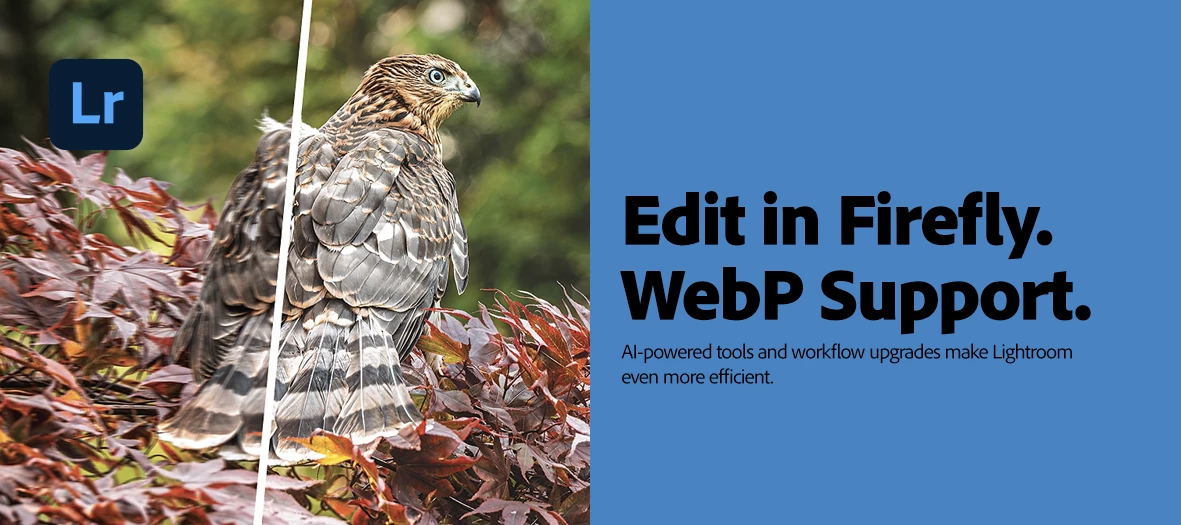
We’re excited to announce what’s new and fixed in February’s Lightroom Desktop, Mobile and Web updates. This release includes new features designed to speed up your workflow and expand your creative control, plus support for the latest cameras and lenses and important bug fixes. Here’s What’s New: Lightroom Desktop 9.2Read Support for WebP format (Excludes Export) - You can now open, sync, and edit photos in the WebP file format. Learn more about it here. Assisted Culling is now more intelligent and precise, with enhanced subject recognition and eye-open detection to help you work faster. You can now copy photos straight into an album while transferring them from Local to Cloud.Lightroom iOS 11.2 and Android v11.2.0Edit in Firefly - Easily enhance Lightroom images in Firefly with prompt-based editing, or turn images into videos. Learn more about it here. Read Support for WebP format (Excludes Export) - You can now open, display, and edit photos in the WebP file format. Learn more
We're happy to announce the release of Lightroom 8.5.1! This update includes bug fixes reported by the community, along with new cameras and lenses. To update Lightroom to 8.5.1, click “Update” in the Creative Cloud desktop app next to Lightroom Classic. Find more information here.
We're happy to announce the release of Lightroom Desktop 8.5 and Lightroom Mobile 10.5 on iOS & Android What's new in the update? The August 2025 release of Lightroom supports the following feature enhancements, along with new cameras, lenses, and fixed bugs. Lightroom on desktop and mobile Items moved to the Trash will now be permanently deleted after 30 days—no extra steps needed. Generative Remove and People Distraction Removal just got a major upgrade—expect a smoother experience and noticeably faster results. Lightroom on mobile only (Android) You can now batch apply borders to multiple images directly from the Share or Export settings—quick and easy. (Android) When you create a new album, Lightroom will now auto-scroll to highlight it, so you can jump right in. (Android) Applying watermarks just got simpler—batch apply a watermark to multiple images in one go. To update Lightroom Desktop to 8.5, click "Update" in the Creat
Lightroom Desktop 8.4 & Lightroom Mobile 10.4: Distraction Removal, AI Enhancements, and more!New AI-powered tools are making photo editing easier and more powerful than ever. We are excited to announce the new Distraction Removal tool across the Lightroom ecosystem, enhancements to AI editing workflows, support for the latest devices, and more ways to get stunning results fast! Try it in the Desktop App Download the latest version and dive into the new features offered in Adobe Lightroom. Adobe Lightroom To update Lightroom Desktop to 8.4, click "Update" in the Creative Cloud desktop app next to Lightroom. More detailed instructions for updating. Here's what's new in Lightroom Desktop and Mobile: Reflection Removal on Desktop Shooting through a window or glass door? Use Reflections Removal to eliminate glare and surface reflections from your image, leaving behind a clean, crisp final photo. You can even adjust the Quality setting
Hello Adobe Community, We are so excited to share that we have a new home and, it is better than ever! You can find the new homepage at community.adobe.com or adobe.com/community. The Adobe Community is more than just product forums—it’s a place to connect, get inspired, and grow as a creator. Our new Community homepage brings it all together in one central place, giving you a clearer view of everything available to you. Whether you’re here to learn, contribute, or just explore, this community is for you — a place where ideas grow, connections form, and your voice helps shape the future of our products. This is your Community. So, what’s new: A streamlined homepage where you can explore product forums, browse creative inspiration galleries, and discover upcoming events—all in one place. A new Creator Spotlight section featuring community members like you and highlighting your work and giving you quick access to starter
The April 2025 MAX London release brings powerful updates to Lightroom on both desktop and mobile—with new ways to work smarter, faster, and more creatively. Try it in the Desktop App Download the latest version and dive into the new features offered in Adobe Lightroom. Adobe Lightroom To update Lightroom Desktop to 8.3, click "Update" in the Creative Cloud desktop app next to Lightroom. More detailed instructions for updating. Lightroom Ecosystem: Adaptive Profiles Adaptive Profiles - fully released: Adaptive Profiles are now fully released—giving your photos a beautifully enhanced, yet natural starting point. These AI-powered profiles intelligently adjust tones and colors, making your edits faster and more impactful. For best results, try them on raw landscape or cityscape images captured in HDR. Pro tip: Use Adaptive Profiles at the start of your edit for best results! Lightroom Desktop 8.3: Mask Like a
We're happy to announce the release of Lightroom 8.3.1! This update includes bug fixes. To update Lightroom to 8.3.1, click “Update” in the Creative Cloud desktop app next to Lightroom. Find more information here.
We're happy to announce the release of Lightroom Desktop 8.2 and Lightroom Mobile on iOS 10.2.1 & Android 10.2 What's new in the update? The February 2025 release of Lightroom supports the following feature enhancements, along with new cameras, lenses, and fixed bugs. Try Lightroom on desktop Lightroom on desktop & mobile Adaptive Profiles - Enhance raw photos with the new Adaptive profiles. Try this profile for image-adaptive adjustments for both SDR and HDR photos. (share your feedback here) Lightroom on desktop Dual Monitor Support - Access dual monitor support in Lightroom to enhance editing efficiency in Lightroom on desktop. Lightroom on mobile only (iOS & Android) Fix angle - Quickly fix distorted angles in a photo To update Lightroom Desktop to 8.1, click "Update" in the Creative Cloud desktop app next to Lightroom Desktop. More detailed instructions for upda
We're happy to announce the release for Lightroom Desktop 8.1 and Lightroom Mobile 10.1 on iOS & Android What's new in the update? The December 2024 release of Lightroom supports the following feature enhancements, along with new cameras, lenses, and fixed bugs. Lightroom on desktop and mobile Customize the blur effect in a photo with Anamorphic bokeh, available in Lens Blur and Adaptive presets. Edit in Photoshop now supports selecting multiple files and opening them as Smart Objects and as Layers. Select Preferences > Interface to enable the new Hardware Configuration Preference to use with hardware controllers. Lightroom on mobile only (iOS and Android) You can now share photos directly to Instagram in HDR to retain the photo quality. (iOS and Android) Refine the edges of a photo using improved Generative Remove. To updat
We're excited to announce the MAX release of Lightroom on desktop & mobile, packed with powerful new features to enhance your creative workflow! Lightroom Desktop 8.0 What's new? Remove distractions in a photo with Generative Remove Secure your digital assets with Content Credentials Add Denoise to Linear Raw DNGs Create Smart Albums in Lightroom on Desktop Other features and enhancements Support for new cameras & lenses Fixed issues Open Lightroom Lightroom Mobile 10.0.1 Remove distractions with Generative Remove in iOS Remove distractions with Generative Remove in Android Harness the power of Lightroom for iOS with Quick Actions Harness the power of Lightroom for Android with Quick Actions Open Lightroom Mobile To update Lightroom Desktop to 8.0, click "Update" in the Creative Cloud desktop app next to Lightroom More detailed instructions for updating
We're happy to announce the release of Lightroom 7.5 and Lightroom Mobile 9.5 Try Lightroom What's new in Lightroom? Support for new cameras and lenses Find newly added cameras and lenses in the complete list of supported profiles. Fixed issues Others For information about the user-reported issues fixed with this update, you can check out the article here To update Lightroom, click "Update" in the Creative Cloud desktop app next to Lightroom. More detailed instructions for updating. To update Lightroom Mobile to 9.5, go to the App Store or the Google Play Store to install the available update. If you do not see an update in the Google Play store, try again later. Updates may take several days to appear for Lightroom Mobile via the Google Play store. You can also check here.
You can customize your community profile by clicking your profile avatar and Editing Your Community profile. Your profile picture and screen name will appear on the content you publish and in your private messages. You can update your profile picture. You can pick a new custom screen name or have the system auto-generate a new screen name for you. The information you enter in the signature section will appear in your posts. Using the toggles, you can choose to display your online status and to make recent activity on your profile public. Information under the section “Add more to your profile” can be edited and will be made public only when you enable the toggle “Show all information on Community Profile.” This is your public profile information from Adobe products and services such as Behance and Lightroom. Updating this information will propagate everywhere. Enter or edit your First Name and Last Name. Enter your Occupation. Ent
We're happy to announce the release of Lightroom 7.4.1, Lightroom Mobile 9.4 on iOS and Lightroom Mobile 9.4.1 for Android Try Lightroom What's new in Lightroom? Support for new cameras and lenses Find newly added cameras and lenses in the complete list of supported profiles. In Lightroom for mobile (iOS), you can seamlessly import or export a single or multiple presets in a zip file. Fixed issues Others For information about the user-reported issues fixed with this update, you can check out the article here To update Lightroom, click "Update" in the Creative Cloud desktop app next to Lightroom. More detailed instructions for updating.
May 2024 Lightroom Ecosystem Release We're happy to announce the release of Lightroom 7.3, Lightroom iOS 9.3, and Lightroom on Android 9.3. With this release, you'll find a few exciting new features, along with other enhancements and bug fixes. Try Lightroom What's New Remove distractions in photos with Generative Remove (Early Access) Learn how to remove unwanted objects in a photo with the Remove tool in Lightroom, Lightroom on iOS, and Lightroom on Android. Try Generative Remove now in Lightroom. Add aesthetic blur to your photos with Lens Blur (General Access) The new Lens Blur tool in Lightroom adds aesthetic blur to any part of your photo. Learn more here. Try Lens Blur now in Lightroom. Archive photos from the Cloud and edit them Locally Free up space from the Cloud storage and efficiently manage and edit photos locally in Lightroom. Learn more here.. Edit videos using Curve controls You can now edit videos using the
We're happy to announce the release of Lightroom 7.2 and Lightroom Mobile 9.2 What's new in this update? Support for new cameras and lenses. Bug fixes to several customer-reported issues. For details, see Fixed issues. Lightroom for mobile (Android) Experience smoother and faster loading time for thumbnails in Gallery. Seamlessly open files supported by Lightroom from other apps on your mobile device. To update Lightroom to 7.2, click "Update" in the Creative Cloud desktop app next to Lightroom. More detailed instructions for updating To update Lightroom Mobile to 9.2, go to the App Store or the Google Play Store to install the available update. If you do not see an update in the Google Play store, try again later.Updates may take several days to appear for Lightroom Mobile via the Google Play store. You can also check here.
Remix with Firefly Community Gallery
Thousands of free creations to fall in love with and remix in Firefly.
すでにアカウントをお持ちですか?ログイン
アカウントをお持ちではありませんか? アカウントを作成
Enter your E-mail address. We'll send you an e-mail with instructions to reset your password.
申し訳ございません。このファイルは、ダウンロードしても安全かどうか、内容を確認中です。数分後にもう一度お試しください。
申し訳ございませんが、当社のウイルススキャナは、このファイルをダウンロードすることは安全ではないと検出しました。