




📸 Lightroom 6.3 & Lightroom Mobile 8.3.1 are now available
We're happy to announce the release of Lightroom 6.3 and Lightroom Mobile 8.3.1
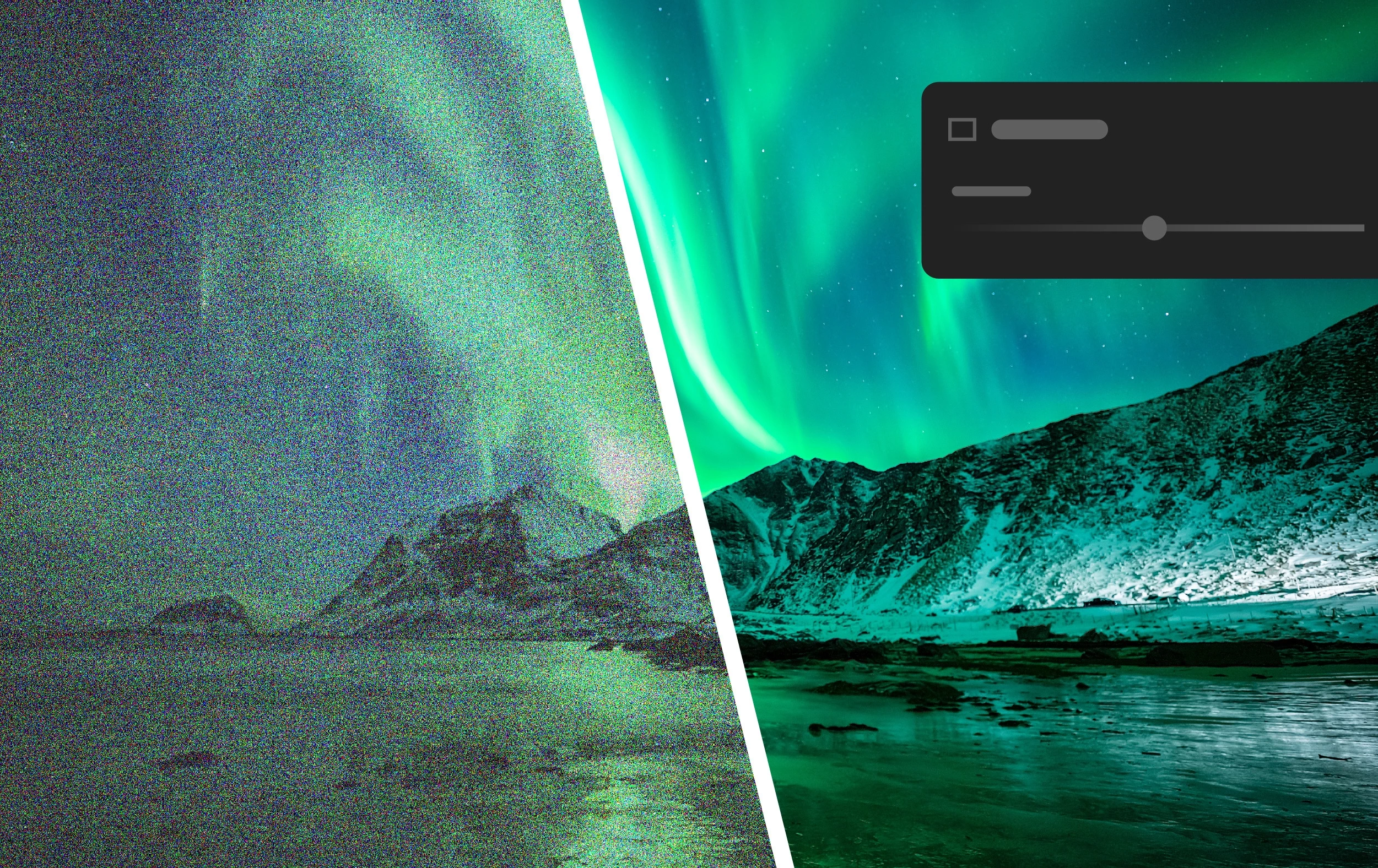
Quickly remove noise from your photos
(Desktop only)
AI-powered Denoise to reduce noise in RAW photos while preserving crisp details.
Take a closer look: Denoise Demystified | Adobe Blog
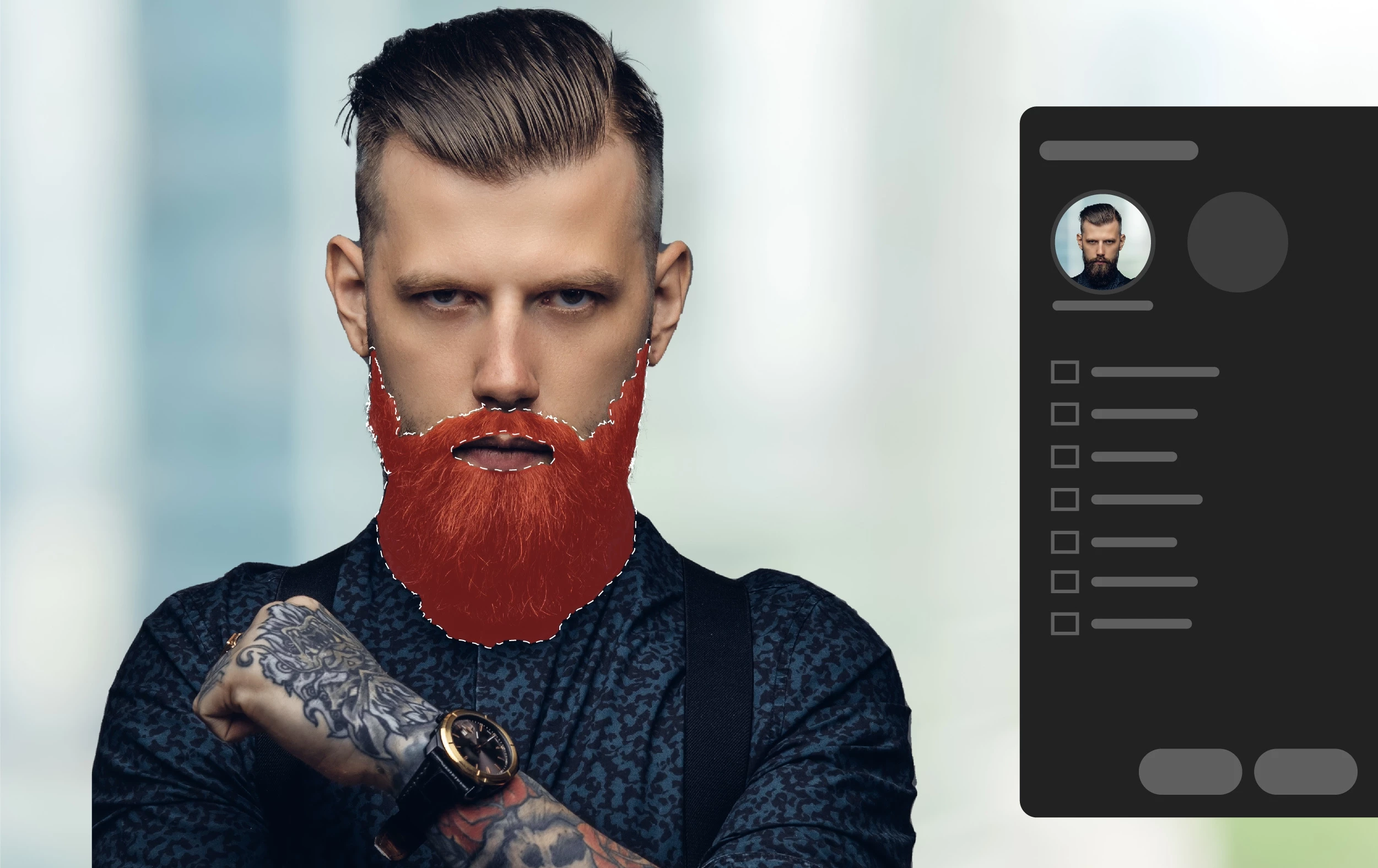
Enhance photos using the new Masking enhancements
Enhance your photos by making selective adjustments to people and objects using the Masking tool. Select People and Select-Object lets you edit parts of the skin and multiple objects in a photo using precise masking selections.
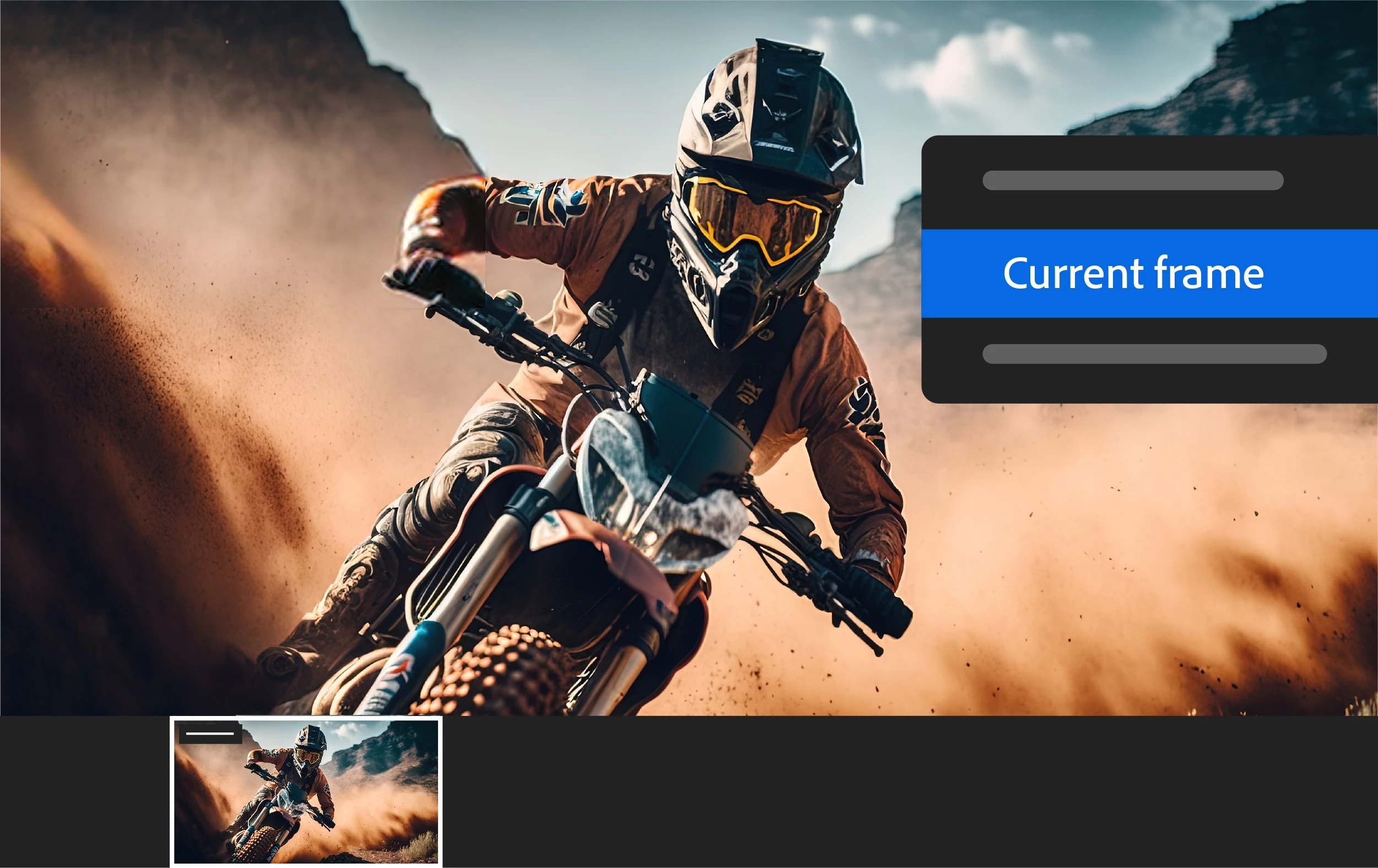
Edit videos in Lightroom, quickly and easily
Extract and export still frames from a video in Lightroom. Enhancements like Trim, Auto settings, B&W, and more while editing videos are now available.

Add a professional touch to photos using Adaptive Presets
One-click edits using Adaptive presets to make sophisticated portraits, landscapes, and more.
- Curves can now be edited as part of a mask.
- Support for new cameras and lenses.
- Bug fixes to several customer-reported issues. For details, see Fixed issues.
To update Lightroom to 6.3, click "Update" in the Creative Cloud desktop app next to Lightroom. More detailed instructions for updating
To update Lightroom Mobile to 8.3.1, go to the App Store or the Google Play Store to install the available update. If you're not seeing an update in the Google Play store, try again later.
Updates may take several days to appear for Lightroom Mobile via the Google Play store. You can also check here.
 AdChoices