



Sticky
One Photo, Three Styles: The Adobe MAX Lightroom Challenge
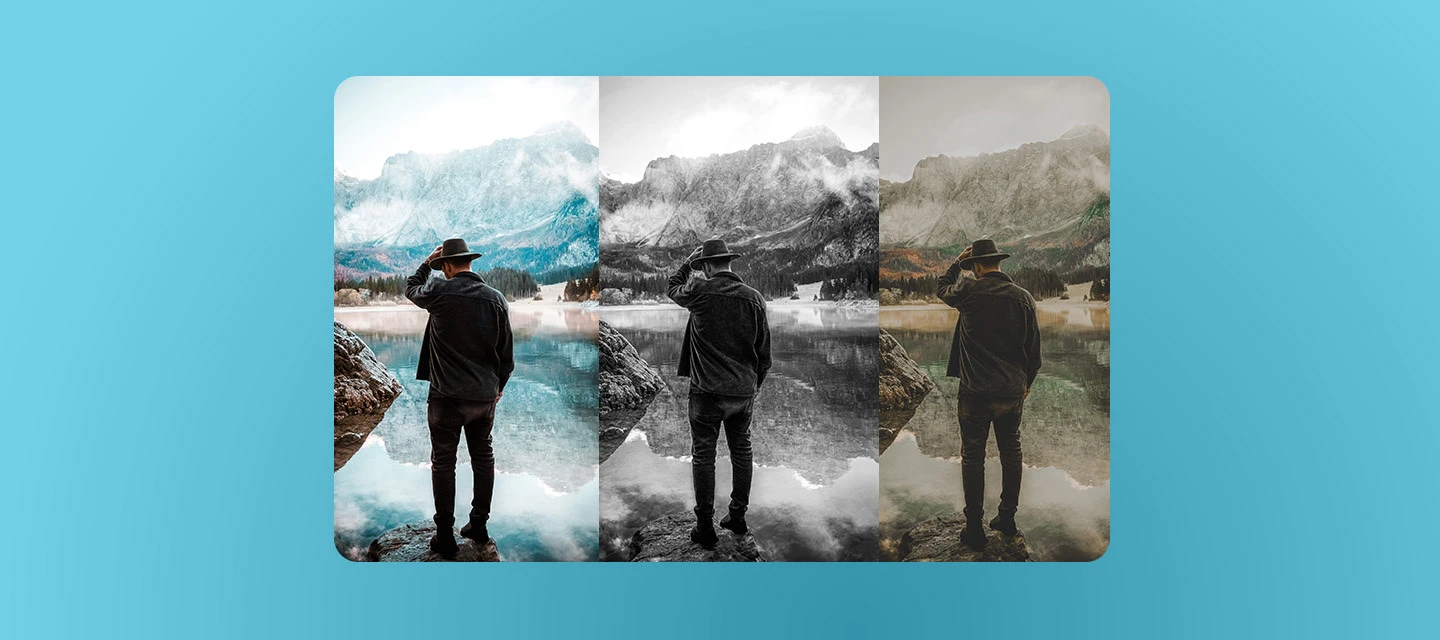
Take one photo. Give it three totally different looks.
Ever edit a photo and wonder what it would look like with a different vibe? Now's your chance to find out. For Adobe MAX 2026, we're challenging you to turn one photo into three styles, all in Lightroom 10.0. Think clean and natural, moody and dark, and dreamy with Glow. Same photo, three moods.
Before you start:
- Version: Lightroom on desktop 10.0
- Check out the System Requirements
The Challenge:
- Prompt: Pick one photo. Edit it three different ways, each with its own style. Save each as a version in Local mode, then share all three.
- Success: Your three versions look clearly different in mood and style, not only color. At least one uses Glow. Tell us which one is your favorite.
- Beginner: Make two versions. Use Color Grading for one, and add Glow to the other.
- Stretch: Make all three. Use a different Glow style on at least one, or use none on the other. Try Color Grading within a mask and check your skin tones on the Vectorscope.
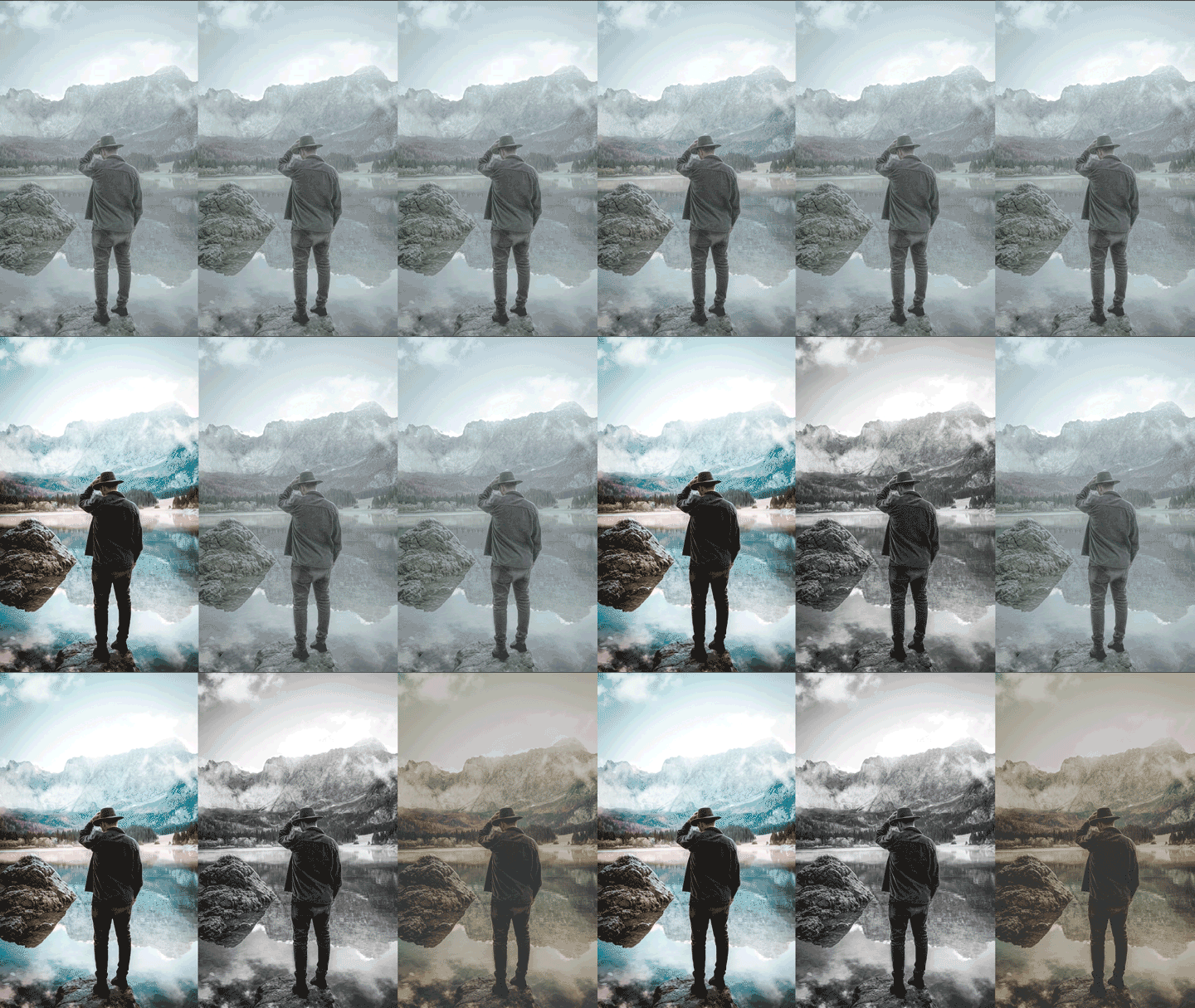
How to Do It:
- Pick a photo with room to play: Choose one you’d happily edit more than once. Portraits, street shots, and landscapes all work. A photo with some highlights, like lights or a bright sky, will show off Glow nicely.
- Start with clean and natural: Keep it true to life. Fix exposure, tidy up the color, and stop there. This is your baseline. Save it as a version in Local mode, so you can always come back.
- Go moody and dark: Deepen the shadows and cool things down. Use Color Grading to tint your shadows, midtones, and highlights. Want to push it further? Apply Color Grading inside a mask to change just one area. Save it as its own version.
- Make it dreamy with Glow: Time to get cinematic. Pick from Bloom, Halation, or Diffusion for a soft, luminous look. Apply Glow to the whole photo, or use a mask to limit it to certain areas. Save it as a third version.
- Check your work with the Vectorscope: Stretch goal: use the Vectorscope to see hue and saturation in each version. It’s a handy way to check your skin tones and compare your three looks.
- Line them up: Put all three side by side. Pick your favorite and tell us why.
Share your three:
Ready to show off? Share your 3 photos in the comments below, and tell us which one is your favorite.
 AdChoices