



Remove Blemishes, Moles, and Freckles with the AI-Powered Blemishes Removal Tool
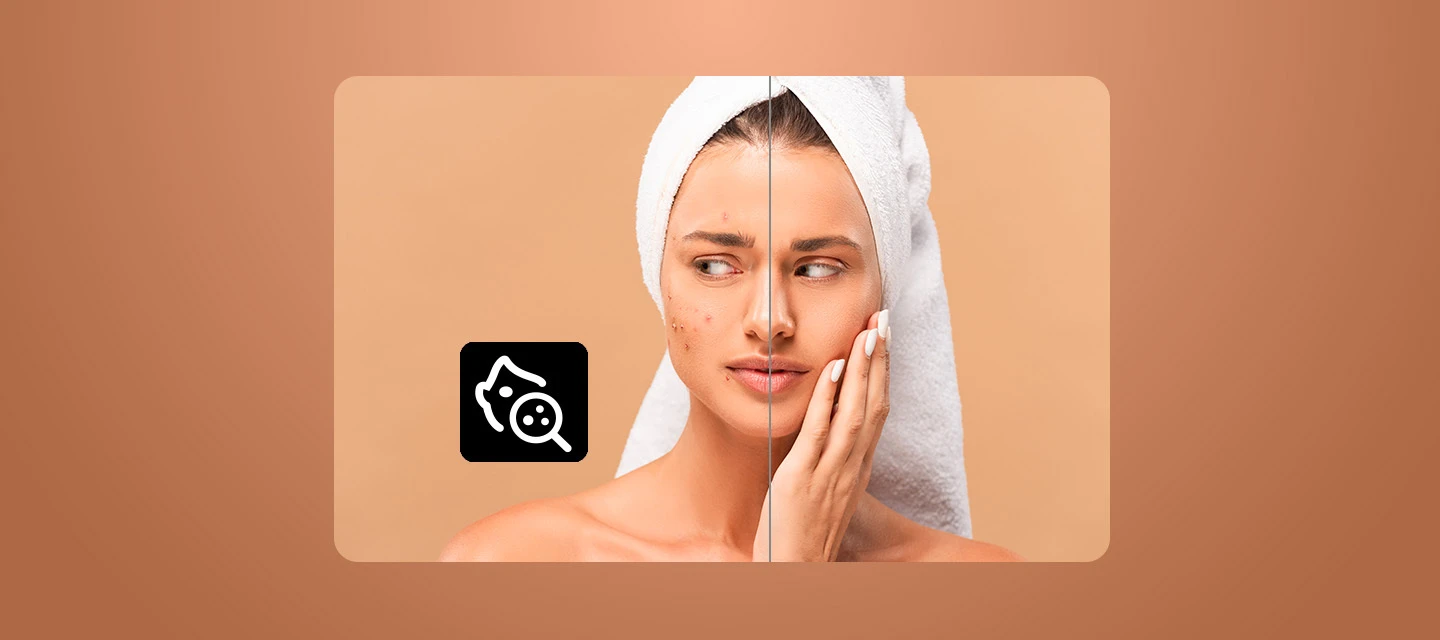
Clear acne marks, soften freckles, and keep the skin details you want, all in Lightroom.
Spending forever retouching skin one spot at a time? The AI-powered Blemishes Removal tool finds blemishes and natural marks on faces for you, and you choose how much to remove or soften. Then fine-tune with a brush. Here’s how.
Before You Start
Product and version: Lightroom 10.0.
Credits/usage: none
Hardware/OS: Check out the System Requirements
How to Get Started
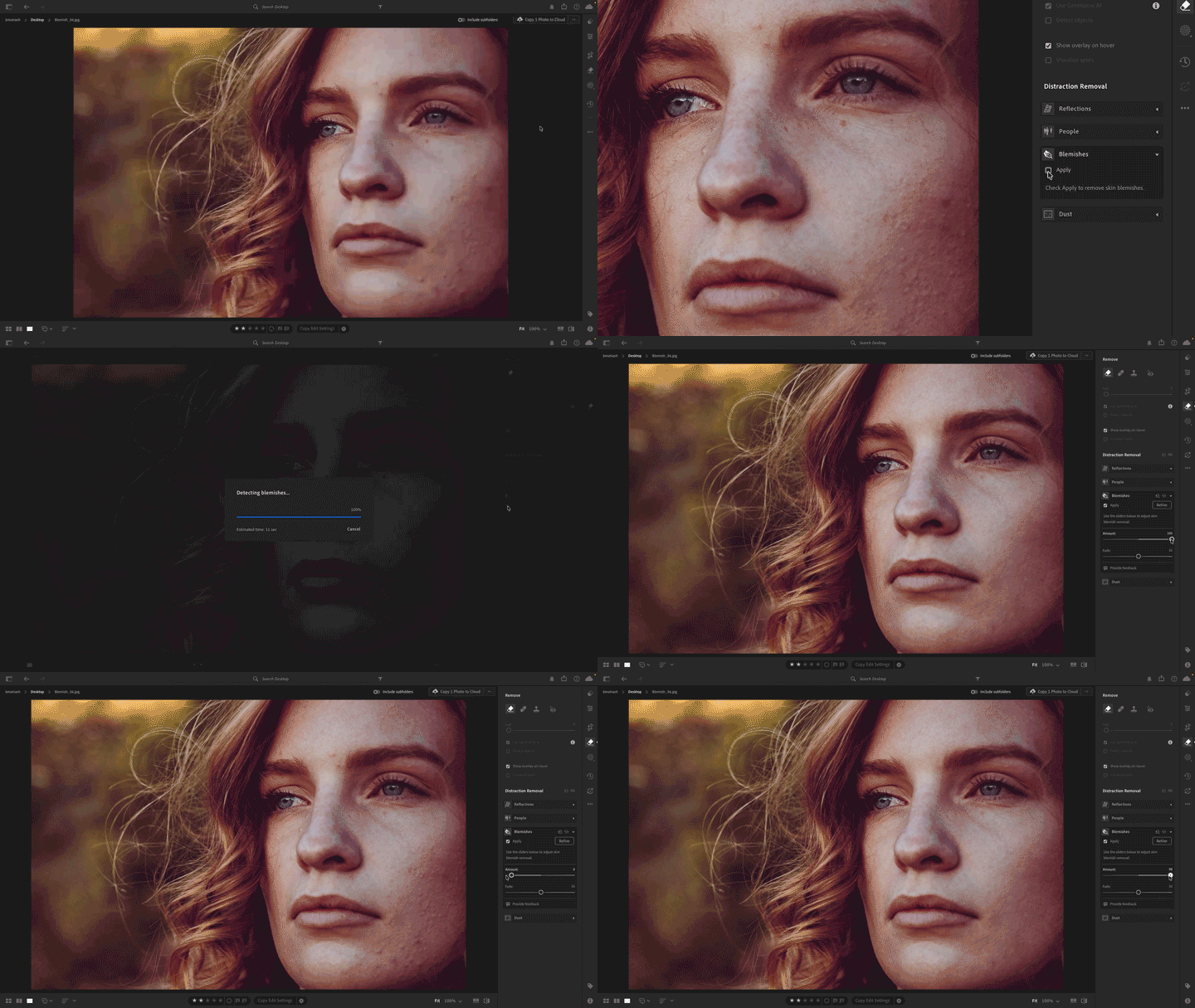
STEP 1: Open the Blemishes panel and apply
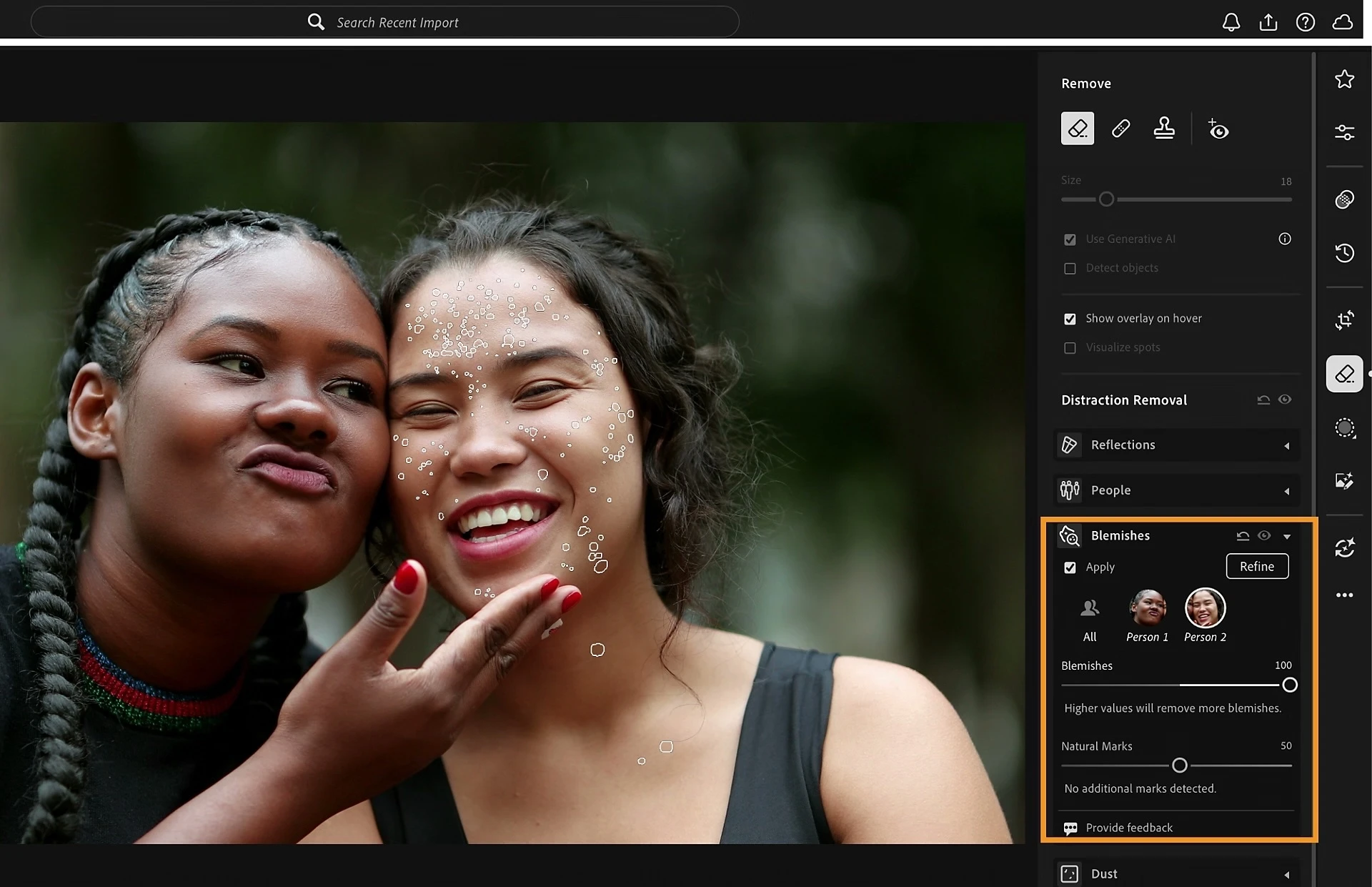
Open your photo in Detail view, then select the Remove panel. In the Distraction Removal section, expand the Blemishes panel and select Apply. Lightroom detects blemishes and natural marks on the faces in your photo and applies the removal.
STEP 2: Drag the sliders to set how much to remove
In the Blemishes panel, use two sliders:
- Blemishes: Removes temporary blemishes such as acne and sores. At 100, it removes all detected blemishes. Lower values only remove prominent ones.
- Natural Marks: Adjusts how visible permanent marks like moles and freckles are. The default of 50 partially fades all of them. Drag to 100 to fade them further.
STEP 3: Pick the right face
Got more than one person in your photo? Select the specific face you want to edit. Or select All People to apply the same adjustments to every detected face.
STEP 4: Refine with the brush
Want to fix just one spot? In the Blemishes panel, select Refine, then use the Size slider to set your brush size. Pick an option and brush over the area:
- Restore: Brings back the original detail. Use it to keep a beauty mark or a freckle.
- Remove: Removes a blemish, mole, or mark the tool didn’t detect.
Changed your mind? Select the reset icon to restore the original skin details.
STEP 5: Make your brush easier to see
Select the Overlay Color icon to change the brush overlay's color and opacity. To clear everything you refined, select Clear. When you’re happy with the result, select Apply.
👉 Download the latest version of Lightroom here.
 AdChoices