




Firefly Image 3 Retirement: Transitioning to Firefly Fill & Expand in Photoshop
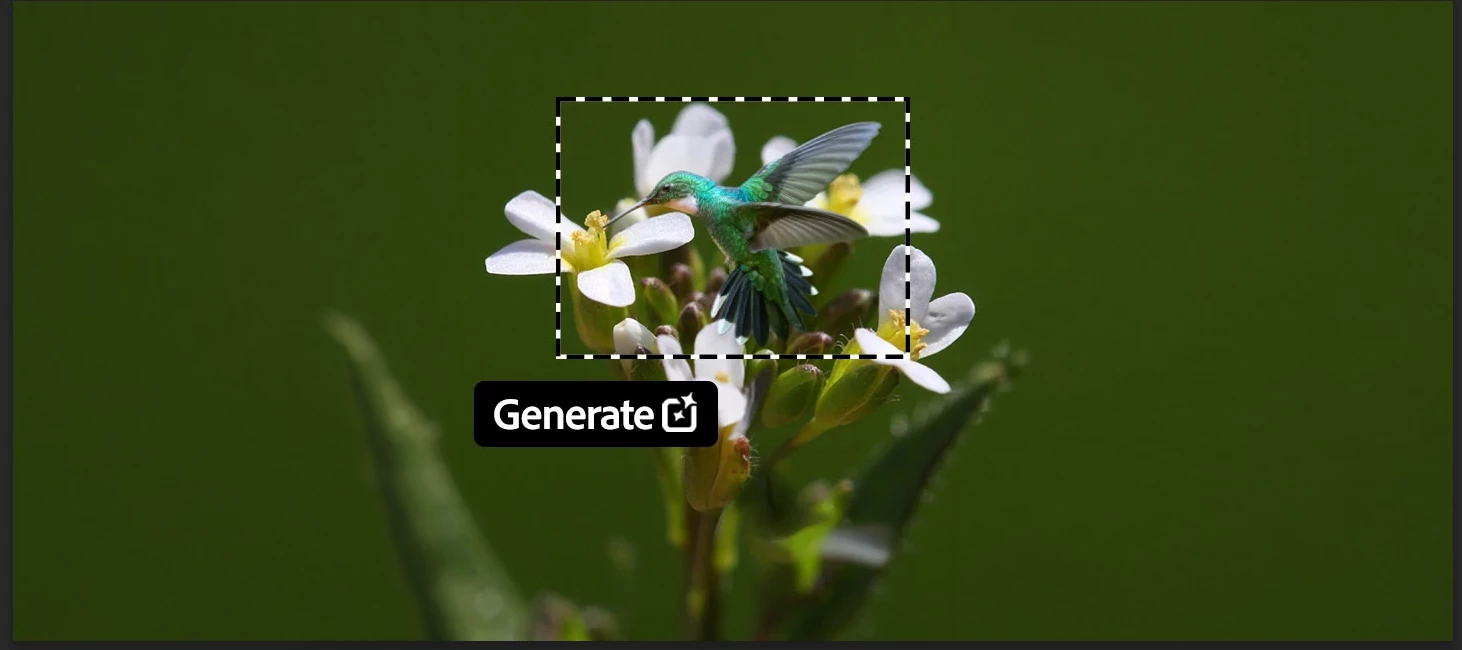
We’re rolling out newer, more capable generative models in Photoshop to help you create with greater realism, speed, and control. As part of this evolution, Firefly Image 3 is being retired from Generative Fill and Generative Expand workflows, starting with the Photoshop 27.6 release. Going forward, we recommend using Firefly Fill & Expand, an actively supported model designed to deliver improved results for these workflows.
What’s changing
This update is happening in two phases to give you time to transition.
Phase 1: Starting April 28, 2026, Firefly Image 3 is removed from the model picker in Photoshop 27.6, though it will remain temporarily available and functional in versions 26.0–27.5 until August.
Phase 2: In August 2026, Firefly Image 3 will be fully removed from service across all versions and plans.
What to use instead
For Generative Fill and Generative Expand tasks, Firefly Fill & Expand is the recommended alternative. It’s optimized for these workflows and continues to receive ongoing improvements and support. You can also explore other available models in the model picker to find the best fit for your creative needs.
Got questions? We've got you covered!
Why is Firefly Image 3 being removed?
We're always working to bring you new and improved models in Photoshop that are faster, more realistic, and give you more control. With better, more capable models now available in Generative Fill and Generative Expand — like Firefly Fill & Expand — Firefly Image 3 is being phased out in favor of these newer, actively supported options.
When is Firefly Image 3 being removed?
Firefly Image 3 was removed from the model picker on April 28, 2026 with the 27.6 build. It will temporarily remain active in UI and service on builds v26.0 – v27.5, but the service will be removed from all builds and plans in August, 2026. This phased approach gives you time to transition to supported alternatives
What should I use instead?
We recommend using the Firefly Fill & Expand model as it's optimized for Generative Fill and Generative Expand workflows. Other models are also available in the model picker if you'd like to explore different options.
Why does the result look different from Firefly Image 3?
Different models can produce different results based on how they interpret prompts, composition, detail, and style.
Will this affect my existing Photoshop files?
No. Your existing Photoshop files will not be affected. This change only impacts model availability going forward — not access to your saved documents.
Can I still use Firefly Image 3 after updating Photoshop?
Firefly Image 3 is being removed from the model picker in the current release of Photoshop. During this transition period, the model will function if accessed through an older version of Photoshop, but it will no longer appear as a selectable option. Once the full retirement takes effect, it will no longer be available.
Why can't I find Firefly Image 3 in the model picker anymore?
Firefly Image 3 has been removed from the model picker as part of a phased retirement plan. We recommend using Firefly Fill & Expand instead.
Do I need to update Photoshop?
Yes. Updating Photoshop ensures you have access to the latest supported models, features, and improvements.
Will Generate Image still utilize the Firefly Image 3 model?
Yes, Firefly Image 3 will still be available in the Generate Image for now. This retirement applies only to the Generative Fill and Generative Expand workflows.
Will more models be removed in the future?
We may continue to refresh the models available in Photoshop over time as part of improving quality, simplifying the experience, and focusing on supported options.
Have more questions?
Drop them in the comments below. We’d also love to hear if you’ve started using Firefly Fill & Expand , share how it’s working for your Generative Fill and Expand workflows, or any tips you’ve picked up along the way.
 AdChoices