




Markus_MIelke
Adobe Employee
Adobe Employee
June 9, 2026
Sticky

Help shape Photoshop’s next evolution
  • June 9, 2026
  • 3 replies
  • 871 views
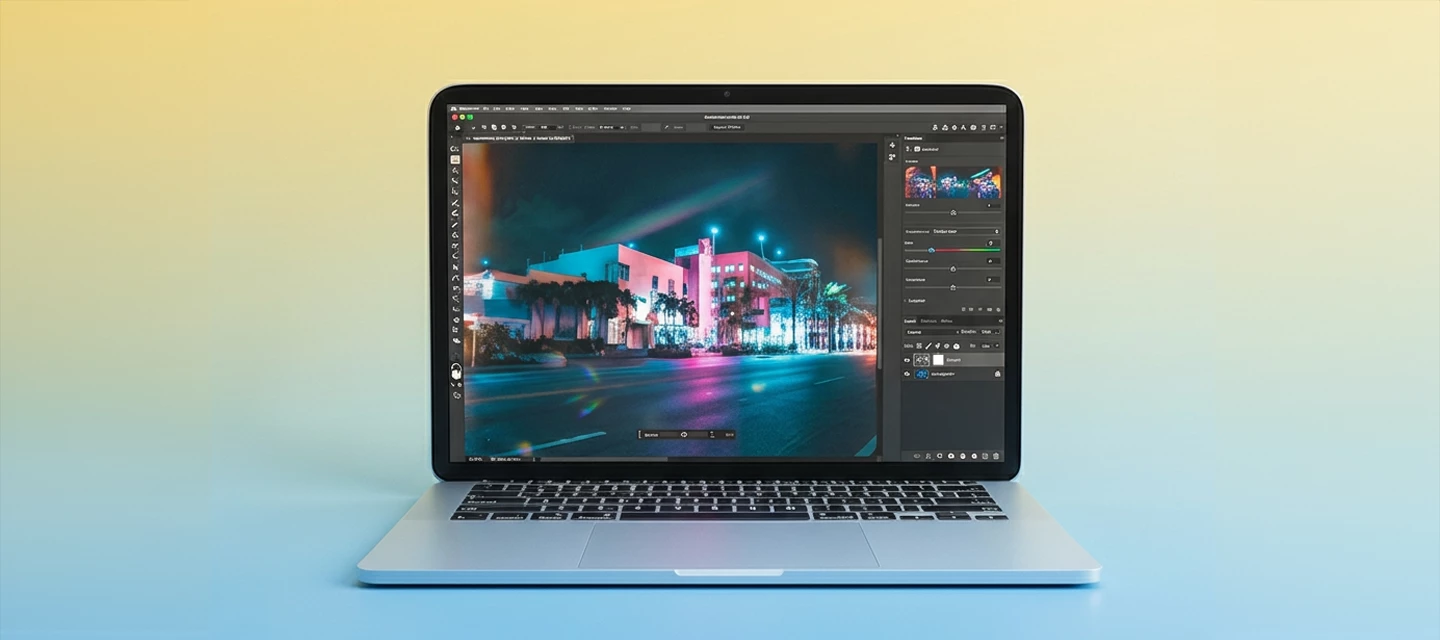
A modern laptop with the latest version of Photoshop open

We've been working on a significant evolution of Photoshop's core systems — and are eager for your input.
 

We're evolving Photoshop to be faster, smoother, and with the focus on helping you be more productive by giving you greater creative control. We’re actively listening to your needs, and are taking action to modernize the technologies that power Photoshop. This isn't a single feature update, it's a long-term effort to upgrade Photoshop's core systems: how it performs on complex documents, how it takes advantage of the latest hardware, and how it opens the door to new capabilities made possible by AI.  

This is a long-term investment in the future of Photoshop, and we're excited to start sharing more of where we're headed. As we continue to make progress, we'll share updates along the way and invite your feedback to help shape the experience. 


What we're building
The first major milestone is a new compositing engine — powered by the GPU — that brings real-time performance, non-destructive filters without Smart Object workarounds, and significantly faster visual feedback on even the most complex documents. This foundation will unlock powerful AI and hardware capabilities. This is actively in development and we'll share progress here as each piece gets closer to your hands.  

We're working closely with Nvidia, Microsoft, Apple, Intel, AMD and other technology leaders to ensure Photoshop takes full advantage of the latest advances in hardware and software. These collaborations help us push performance further, unlock new capabilities and continue evolving Photoshop for the future.


Recently, you may have seen some of this work highlighted at the NVIDIA Computex keynote and Microsoft Build. Together with NVIDIA, we’re  bringing you optimized hardware with our new engine to accelerate your workflows. We're also collaborating with Microsoft on new platform-level optimizations in Windows designed to help Photoshop run faster and more efficiently. These efforts represent just the beginning of a broader investment in the technologies shaping the future of creative work. 


To follow along and be part of it, join our new group — The Evolution of Photoshop. That's where we'll keep you up to date, post what's next, and listen directly to your feedback. It's the best way to help shape where Photoshop goes from here with this initiative. 


What we need your help with: 

  • What are your favorite adjustments? Blend modes? Layer Effects? 
  • Do you have examples where performance gets in the way of your workflow? 
  • What's most important to your workflow? 

Join the group and tell us there — we're reading everything and we want your opinions.

Markus Mielke
Director of Product, Photoshop 

    3 replies

    TenTin
    Inspiring
    June 17, 2026

    As a piece of advice, consider using Claude! It can write the entire Ps core code in just one minute! Since you have the budget, renting their AI could be a great option.

    On a more serious note, I'd like to suggest that instead of making Photoshop bulkier with each update, please focus on making it lighter and significantly faster. This should apply not only to high-end hardware but also to economy-class systems! Photoshop has become quite large recently—about 10 gigabytes—and with the addition of AI features, it seems to be getting even heavier. Thank you!

    Known Participant
    June 12, 2026

    That's Good👍... But Make Photoshop AI On Device All Type of... Like Harmonize, Expend, Genrative AI... We Can't Share Senstive Data, Photos and File on internet... if All type of ai Work on ON Device AI then Photoshop Best Best Forever Best

    Trevor.Dennis
    Community Expert
    Community Expert
    June 12, 2026

    Hasn’t that ship sailed?  If you’ve had a COVID jab then you are already broadcasting your private data via the nanites Bill Gates infiltrated into the vaccine.  My webcam turned on the first time I used a Photoshop Ai tool, and if I try to turn it off I get a nasty shock!


    Participant
    June 11, 2026

    Hello Adobe Premiere Pro Team,

    I'm a professional wedding videographer and I've been using Premiere Pro 26.5 Beta as part of my production workflow. I'd like to share some feedback and feature requests focused on the Color panel, which I believe would significantly improve the color grading experience directly within Premiere Pro.

    1. Masks & Tracking in the Color Panel
    The ability to create, apply, and toggle masks (enable/disable) directly in the Color panel would be a game-changer. Integrating mask tracking here — similar to what DaVinci Resolve offers in the Color page — would allow colorists and editors to stay within a single panel for node-like corrections.

    2. Curves
    A dedicated Curves control within the Color panel (Luma, RGB, Hue vs. Saturation, etc.) is one of the most requested tools for precision color work. This would reduce the need to jump into Lumetri's nested interface or rely on third-party effects.

    3. Vignette
    A built-in, non-destructive vignette control inside the Color panel would streamline finishing. Currently, adding a vignette requires workarounds or separate effects layers.

    4. Remove Color Properties from the Properties Panel
    The color-related section in the Properties panel is incomplete — not all controls are exposed, which creates confusion. I'd suggest either completing it or removing it in favor of directing users to the dedicated Color panel, avoiding a fragmented experience.

    5. Color Memory Bank (Copy/Paste Color Grades)
    A memory bank or snapshot system for color grades — allowing users to save, recall, and apply looks across different clips — would be extremely valuable. Something akin to Resolve's stills gallery or a simple "copy grade / paste grade" palette within the panel.

    6. Lift / Gamma / Gain with Per-Channel Controls
    The current Lift/Gamma/Gain wheels are useful, but adding per-channel (R, G, B) numerical sliders alongside the wheels would give colorists much finer control for precise corrections and creative grading.

    7. Mask Management (revisiting)
    Building on point #1: a dedicated mask list/stack UI within the Color panel — where individual masks can be named, reordered, soloed, and toggled — would bring Premiere's color toolset much closer to professional grading software standards.

    8. Transform Controls
    Access to basic transform properties (position, scale, rotation, anchor point) within the Color panel or an adjacent panel tab would allow quick framing adjustments without needing to leave the color grading context.

    9. RAW Processing Controls
    For footage shot in RAW formats (BRAW, R3D, CinemaDNG), having dedicated RAW processing controls — ISO, white balance, tint, exposure — accessible from the Color panel would create a more integrated camera-native grading experience.

    10. Effects Integration
    The ability to apply, stack, and adjust effects (not just color correction tools) from within the Color panel — or a linked Effects section — would make the panel a true "finish" workspace, reducing back-and-forth with the Effects Controls panel.

    Thank you for continuing to develop Premiere Pro into a world-class production tool. These additions would make a real difference for professional editors who rely on Premiere for high-end narrative and event videography.

    Best regards,
    André

    jane-e
    Community Expert
    Community Expert
    June 13, 2026

    @Andr�_Catalani 


    You replied to a thread in the Photoshop forum. To reach the Premiere team, repost to the Premiere forum:

    https://community.adobe.com/p/premiere


    Jane