




Meet Photoshop's AI Assisted Editor (Beta) : Edit Images with Simple Prompts in Photoshop 27.10
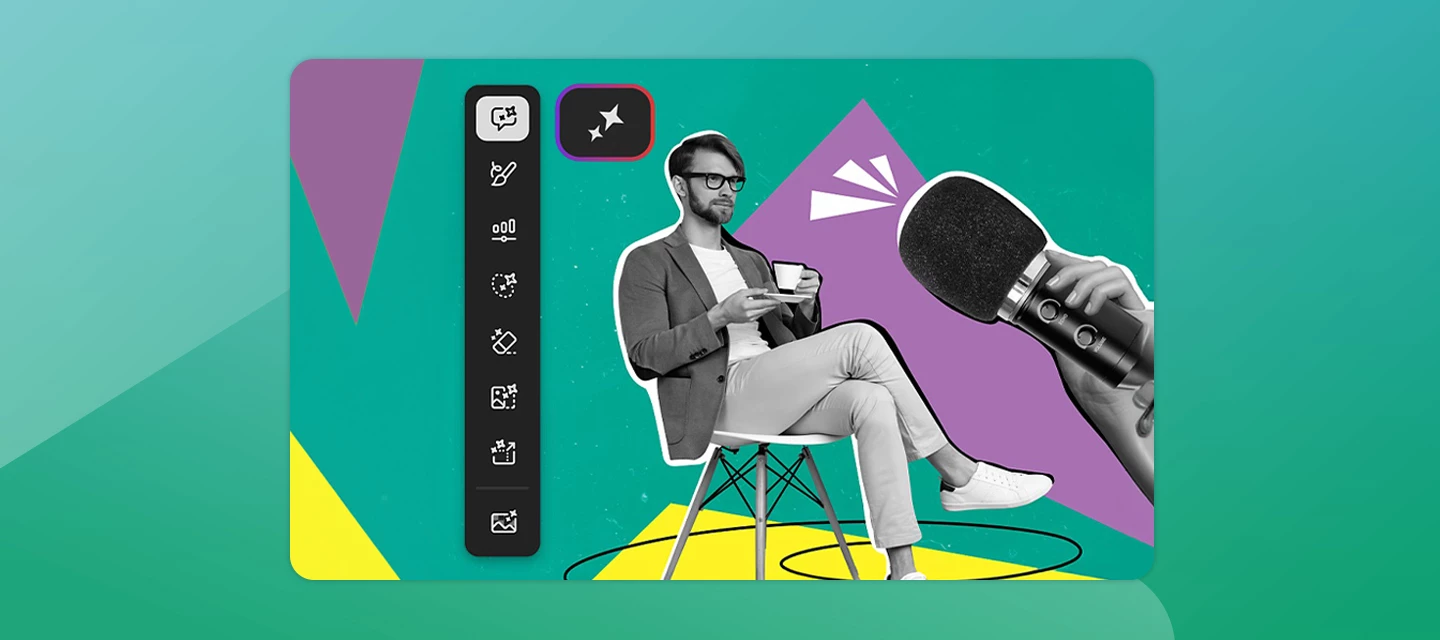
What if editing an image felt more like having a conversation than learning complex tools?
The new AI-assisted editor (Beta) in Photoshop 27.10 introduces a streamlined, AI-powered editing experience designed to help users create and refine images using natural language prompts.
Whether you're new to Photoshop or looking for a faster way to make quick edits, AI Assisted Editor (Beta) simplifies the creative process without sacrificing flexibility.
Turn Ideas Into Edits, Instantly
Instead of navigating multiple panels and settings, simply describe what you want to change. AI Assisted Editor (Beta) interprets your prompt and helps you achieve the result using built-in AI capabilities.
With tools like:
-
Prompt for natural language image editing
-
Markup to visually indicate areas you want to modify
-
Fill to add or replace content
-
Remove to eliminate unwanted elements
-
Crop and Expand to extend compositions beyond their original boundaries
-
Upscale to improve image resolution
-
Remove Background for quick subject isolation
You can spend less time figuring out how to make an edit and more time bringing your ideas to life.
Built for Beginners, Flexible for Everyone
AI Assisted Editor (Beta) is designed to make Photoshop more approachable, especially for new users. A guided welcome experience helps you jump right in, and suggested starting points such as Restyle an image, Edit with markup, or Create a new canvas make it easy to get creative from day one.
At the same time, experienced Photoshop users aren't locked into a simplified workflow.
Switch Between AI-Assisted and Pro Editor (Beta) Anytime
One of the most useful aspects of the AI Assisted Editor (Beta) is its seamless integration with the traditional Photoshop experience.
Need more advanced controls? Switch to Pro Editor at any time. Photoshop keeps your workflow moving by carrying your latest AI Assisted edit into Pro Editor as a new layer. This flexibility lets you start with AI-powered edits and transition into detailed, professional-level refinement whenever you need it.
Note: When moving from Pro Editor back to AI Assisted mode, layered documents are automatically flattened for compatibility.
Check out this page for more information on AI Assisted editor (Beta):
https://helpx.adobe.com/photoshop/desktop/generative-ai/use-ai-assisted-mode.html
Join the conversation
Have you tried AI Assisted Editor (Beta) yet? We'd love to hear which tools you're using most and see the creative workflows you've discovered. Share your experience with the community and inspire others to create something new.
 AdChoices