




Photoshop v27.6 Is Live! Rotate in 3D, Clean Up Faster, and Create with Smarter AI
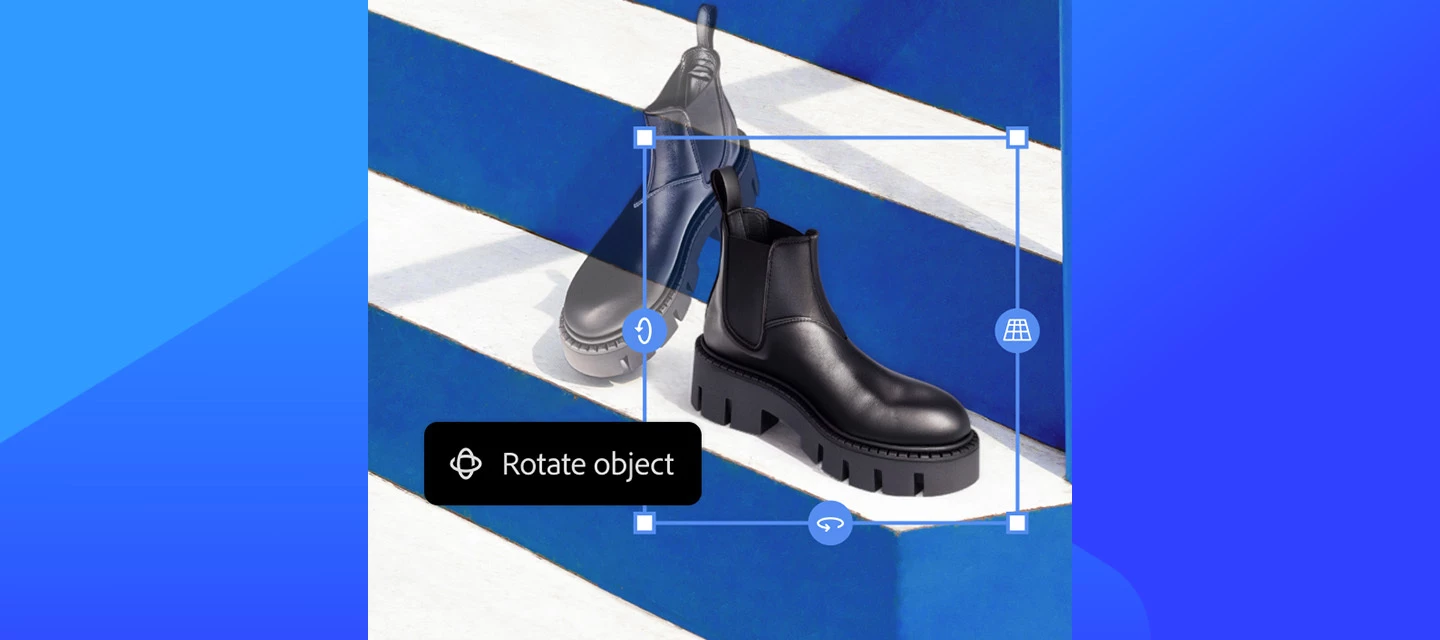
The April 2026 release brings a strong mix of creative freedom, smarter AI workflows, and performance improvements, all designed to help you spend less time managing layers and settings, and more time creating. From more powerful generative AI controls to cleaner documents and better performance on modern hardware, this update focuses on clarity, speed, and control.
What’s new
Photoshop v27.6 focuses on making editing more intuitive and efficient. You can now rotate objects directly on the canvas with real-time previews, giving flat elements a 3D feel. File organization is improved with automatic Layers panel cleanup and smarter layer naming, while tools like Find Distractions and enhanced reflection removal make image cleanup faster and more precise.
Generative features have also expanded, with access to more AI models like Gemini 3.1 and Adobe Firefly Image Model 5. You can use multiple reference images for better consistency and even generate images from text prompts without leaving Photoshop.
On the creative side, updates like Dynamic Text, improved gradient controls, a streamlined Actions panel, and a smarter Contextual Task Bar help speed up workflows. Integration with Firefly Boards also makes it easier to move seamlessly between ideation and editing.
What’s changed in this release
📌With Photoshop 27.6, support for Firefly Model 3 has been removed, and Firefly Fill & Expand is the recommended replacement, delivering improved quality and results across Generative Fill. For more details click on the link below👇
Bug fixes — thanks to you!
This release includes fixes for several issues you reported, including:
- Curves adjustment presets could not be saved when edits were made to the Green channel in RGB mode.
- Color and Vibrance values not updating when adjusted on-canvas Photoshop becomes unresponsive when signing out via Creative Cloud Desktop on Windows
- System freezes triggered by certain Style Effect workflows
- Incorrect generative credit deductions and misleading Generative Credits dialog information
- Truncated model descriptions for some generative AI models
See the full list of fixed issues in the detailed release notes.
How to update
Open the Adobe Creative Cloud desktop app, go to the Apps tab, and update Photoshop to the latest version. Turn on automatic updates to get new features as soon as they’re available
.
Join the conversation 👇
What’s the first feature you’re excited to try: on‑canvas object rotation, Layer Cleanup, or the updated Firefly models? Share your early impressions, workflows, or before‑and‑after results with the community and let us know how this release is working for you.
 AdChoices