




See your designs from a whole new angle with Rotate Objects in Photoshop 27.6
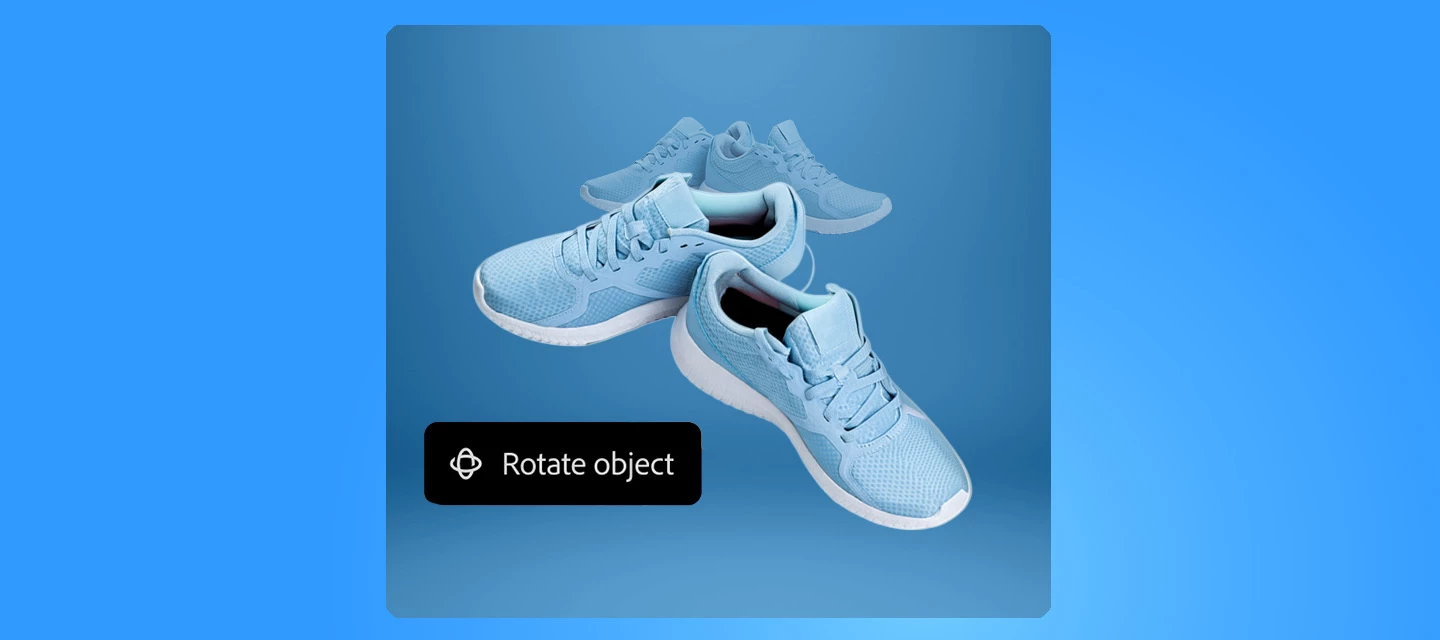
Have you tried Rotate Object in Photoshop 27.6 yet? If not, give it a try. It can turn flat pixel layers into rotatable 3D objects, right on your canvas.
Getting Started
Instead of imagining how an object might look from another perspective, you can now actually rotate it. Select a pixel layer or Smart Object, choose Rotate Object, and drag directly on the canvas to explore different angles, tilts, and orientations. Photoshop gives you a live, low‑resolution preview while you rotate, then renders the final result in full resolution when you’re done.
This makes it easier to fine‑tune perspective without rebuilding your composition or duplicating layers, and because the rotation stays editable, you can always come back and adjust later. Here is a quick tutorial demonstrating the feature.
Where this really shines
- Product mockups: Test multiple viewing angles without re‑creating assets
- Concept art & illustrations: Quickly explore depth and form
- Social & marketing visuals: Add subtle perspective shifts that make designs feel more dynamic
- Creative exploration: Rotate, tilt, refine, without committing too early
Pro tip: Shape and Type layers need to be rasterized first, but once they’re pixel layers, you’re free to rotate and refine as much as you like using on‑canvas controls or precise values in the Properties panel.
Join the conversation
What are you excited to rotate first, products, characters, or something unexpected? Drop your experiments, tips, or questions below, and let’s explore this new dimension together.
 AdChoices