




Turn Photoshop work into moodboards in seconds with Firefly Boards
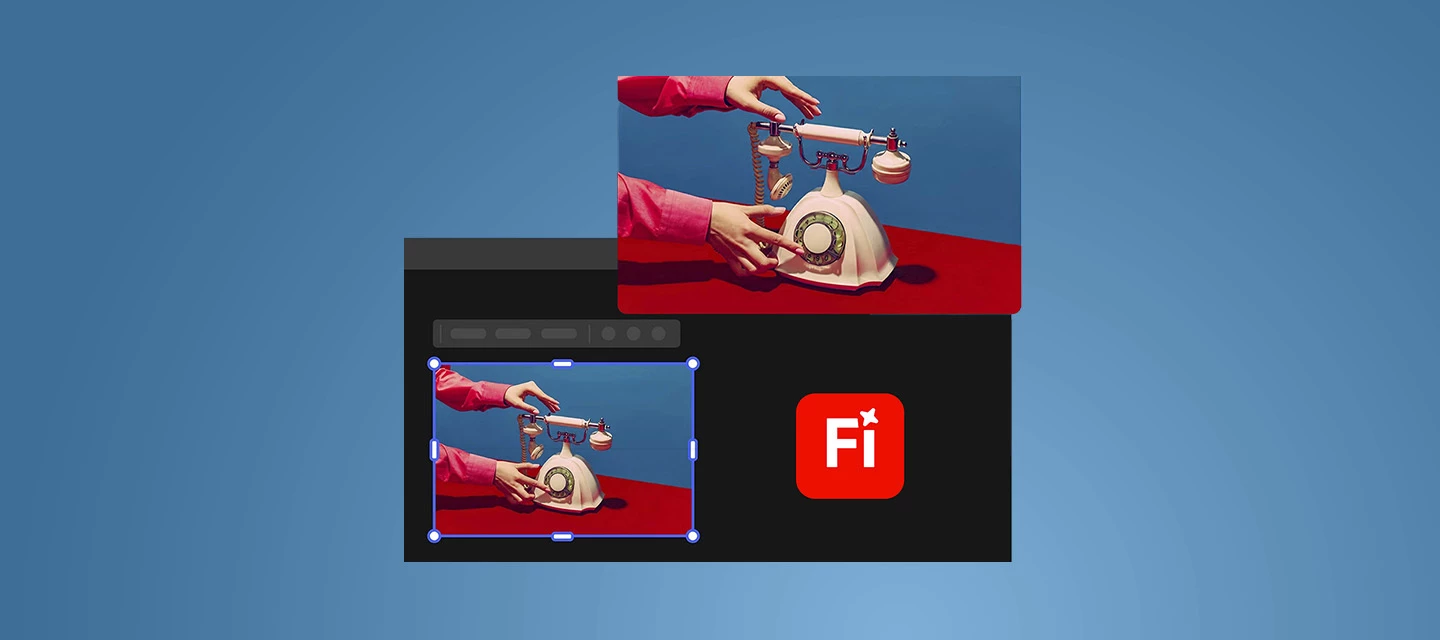
Moodboarding shouldn’t mean exporting a dozen files, renaming versions, and losing the thread of your ideas. In Photoshop v27.5 and above, you can now send your work directly to Firefly Boards, so exploration, comparison, and concept-building stay connected to the file you’re actually designing.
What’s new in this flow
With the new integration, you can move from “editing” to “ideating” without breaking momentum:
- Share any Photoshop document to Firefly Boards straight from the Share panel or the Export menu, add it to an existing board, or start a new one.
- Firefly Boards now shows up in the Variations panel, making it a natural destination when you’re comparing AI-generated directions.
- When you generate image variations using Ideate in Firefly Boards, you can open them in a preconfigured board layout built for exploration and iteration.
- New guided workflows help you create moodboards and visual concepts, plus jump quickly into branding/marketing assets and social content exploration.
- With the latest version 27.9.1 and above, you can also send multiple layers to Boards.
- Check out this page for more details: Use Firefly Boards with Photoshop
Why this is useful (real creator scenarios)
Here are a few ways teams are already using it:
- Creative direction & concepting: Pull your Photoshop hero image into a board, generate and compare variations, and quickly land on a visual direction.
- Brand systems & campaigns: Build a board that holds your “north star” comps, typography/texture inspiration, and AI variations, everything in one place for faster alignment.
- Social series planning: Explore multiple visual treatments for a post template, then keep the best options grouped for quick iteration and approvals.
- Stakeholder reviews: Boards make it easier to show “why” a direction works in context + options, not just a single final.
A simple way to use it (no heavy process)
Start with your working Photoshop document, share it to a new or existing Firefly Board, then use the Variations panel to explore directions and open Ideate-generated options in a board layout designed for side-by-side comparison. From there, keep iterating on the strongest candidates and use the board as your living “concept wall” as the design evolves.
Join the conversation
If you tried this already: what’s your favorite way to use moodboard, early concepting, campaign alignment, or social iteration? Drop a screenshot (or describe your setup) and tell us what you’d love Boards to make even easier.
 AdChoices