




Adobe Photoshop Elements 2027 Is Here: Smarter AI, Faster Edits, and More Creative Possibilities
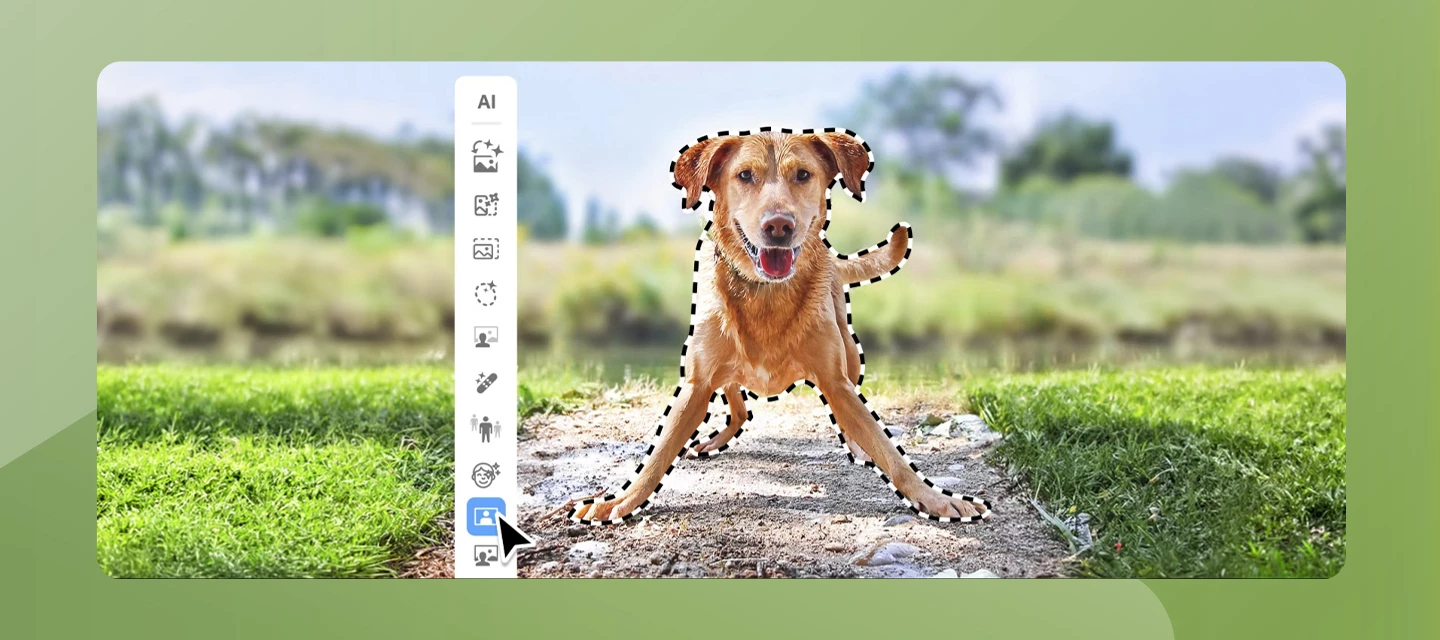
Adobe Photoshop Elements 2027 introduces a collection of AI-powered tools designed to make photo editing more intuitive, creative, and accessible for everyone. Whether you're enhancing old photos, expanding a cropped image, or experimenting with artistic effects, the latest release helps you achieve impressive results with fewer steps.
- A new AI Mode brings together popular AI-powered features into a single workspace, making it easier to discover and use intelligent editing tools.
- With Generative Expand, you can seamlessly extend the boundaries of an image to create a wider composition.
- Generative Upscale improves the clarity and detail of low-resolution photos, helping breathe new life into older images.
- New Creative Filters provide fresh artistic effects to transform your photos with just a few clicks.
- Photoshop Elements 2027 also introduces the AI Assistant (Beta), offering contextual guidance while you edit. The assistant helps you discover relevant features, learn workflows, and navigate the application more efficiently.
- Additional enhancements include Send to Phone via QR Code, improvements to the Contextual Task Bar, upgrades to Generative Layers, support for additional partner AI models, and an enhanced Camera Raw experience.
Click here to easily edit and share images with Photoshop Elements
Combine photos, swap out colors, and erase anything with AI-powered tools.
Join the Conversation
Which new feature are you most excited to try? Are you exploring AI Mode, enhancing older photos with Generative Upscale, or creating entirely new compositions with Generative Expand?
Share your favorite workflows, before-and-after edits, and creative projects with the community. We'd love to see what you create with Photoshop Elements 2027.
 AdChoices