







『アドビコミュニティフォーラム』に質問/トピックを投稿する方法
Announcements
新着順
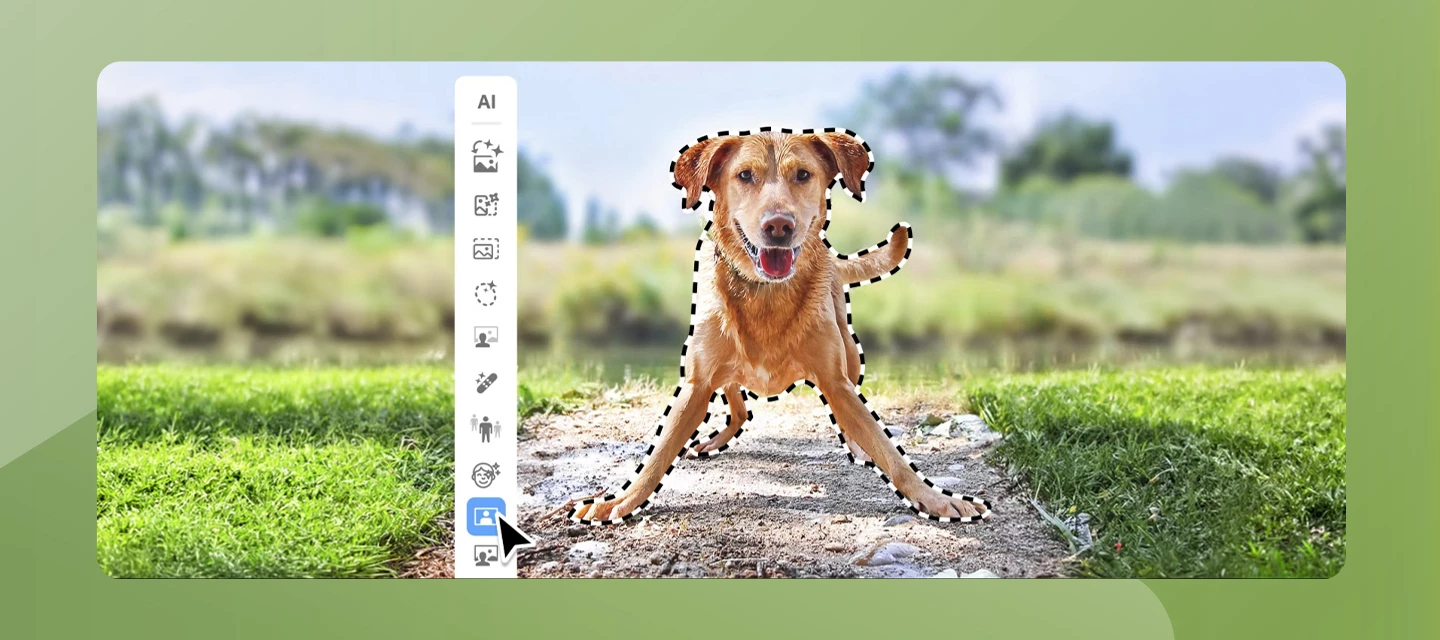
Hey everyone! The latest version of Photoshop Elements makes photo editing simple — whether you want to make a quick fix or a custom creation. Dive right in and build skills as you go with Quick, Guided, and Advanced editing modes. Tap into the power of AI to easily enhance your photos and instantly generate all-new images, objects, and backgrounds. Add style with artistic effects, motion, and creative templates. And automatically organize your photos for easy searching and sharing. Update the App Try out the latest Features and Enhancements in Photoshop Elements 2026. Buy Photoshop Elements 2026 What’s new in Photoshop Elements 2026? Bring ideas to life with generative AI - Just type a description to create basic backgrounds, detailed images, and more. Add new elements with generative AI by brushing over an area and then typing a description of an object to see it appear. Restore photos with the power of AI -&
Hello Adobe Community, We are so excited to share that we have a new home and, it is better than ever! You can find the new homepage at community.adobe.com or adobe.com/community. The Adobe Community is more than just product forums—it’s a place to connect, get inspired, and grow as a creator. Our new Community homepage brings it all together in one central place, giving you a clearer view of everything available to you. Whether you’re here to learn, contribute, or just explore, this community is for you — a place where ideas grow, connections form, and your voice helps shape the future of our products. This is your Community. So, what’s new: A streamlined homepage where you can explore product forums, browse creative inspiration galleries, and discover upcoming events—all in one place. A new Creator Spotlight section featuring community members like you and highlighting your work and giving you quick access to starter
We are happy to announce the release of Photoshop Elements 2025 With AI and automation, it's easier than ever to fix images, fine-tune details, and add motion to bring your vision to life. Explore new ways to remove objects, create depth, adjust colors, and combine photos. Grow your skills with 59 step-by-step Guided Edits. Add modern textures, graphics, and effects to any photo. Show off your creations with Photo Reels, collages, slideshows, and Quote Graphics. Effortlessly organize everything and stay creative on the go with web and mobile companion apps (beta). What's new in Adobe Photoshop Elements 2025? Remove Tool - Remove objects with AI power Combine Photos - Seamlessly combine multiple pics Change object Color - Change the color of any object in the photo Depth Blur - Create and control depth with AI New Motion Quick Actions - Add motions with 4 new one click Quick Actions. Other New features:- Modern Textures and Graphics Be creative with the we
We are happy to announce the release of Photoshop Elements 2024 Effortlessly transform photos with Adobe Sensei AI*, automation, and a refreshed editing interface. Easily match colors and select backgrounds with a single click. Experiment with Color Match effects and share your best pics in Photo Reels. Access thousands of free Adobe Stock photos. Try overlays in Elements Web and quick fixes in Elements Mobile (English-only beta) — your media auto-syncs for accessibility across devices. What's new in Adobe Photoshop Elements 2024 New light and dark modes Color Match Photo Reel Add Text Guided Edit Quick Actions Other New Features: Adobe Stock Integration Make Selections To buy or upgrade Photoshop Elements to 2024
With the recent macOS 12.3 update, you may see a crash on the launch of Photoshop Elements 2022 and 2021. Apple and Adobe are aware of this issue and are actively working on a resolution to the problem. If you have not already updated to macOS 12.3, you are recommended to not update to this version. If you have already updated, till the time a fix is released by Apple or Adobe, you can refer to the available workaround to resolve this issue: https://helpx.adobe.com/photoshop-elements/kb/startup-crash-on-monterey.html
Remix with Firefly Community Gallery
Thousands of free creations to fall in love with and remix in Firefly.
すでにアカウントをお持ちですか?ログイン
アカウントをお持ちではありませんか? アカウントを作成
Enter your E-mail address. We'll send you an e-mail with instructions to reset your password.