


Adobe Since NAB 2026 — What Editors Should Know
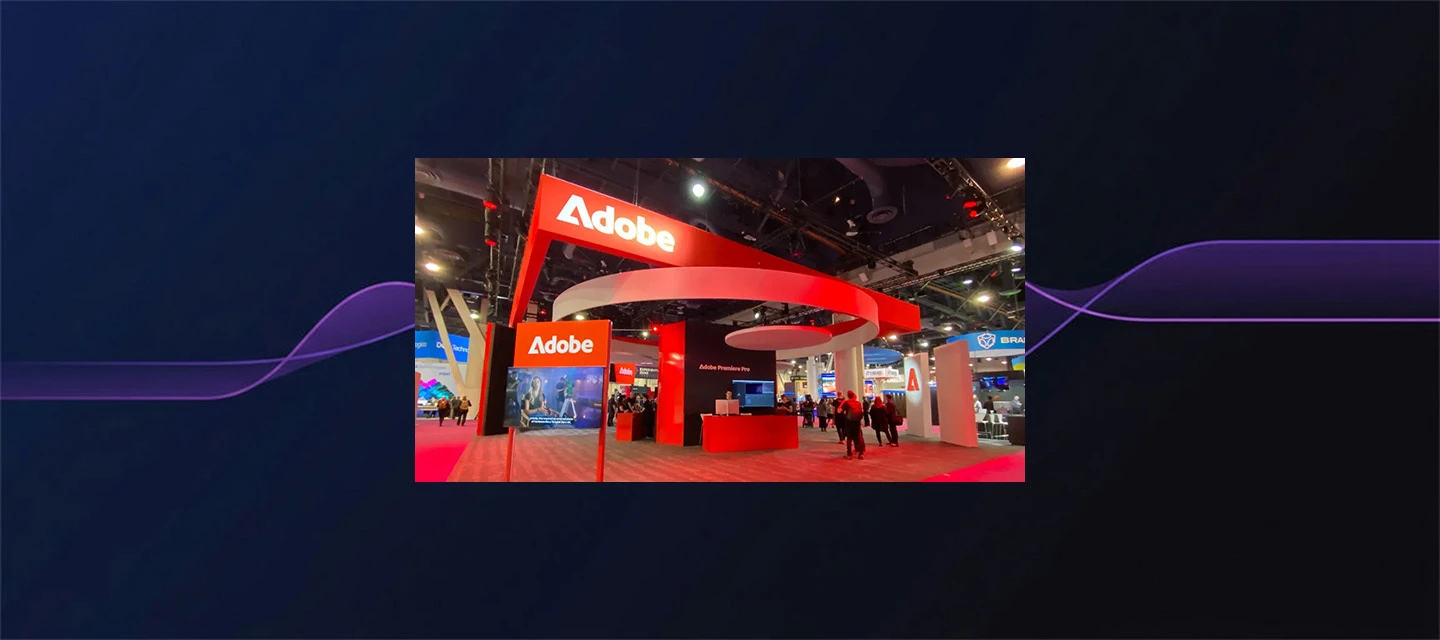
Adobe Since NAB 2026 — What Editors Should Know
A lot was announced at NAB in April. A few months on, it's worth taking stock of what actually shipped, what's evolved, and what's now available to try — because the landscape looks meaningfully different from where it did on the show floor.
Color Mode in Premiere (Beta) — Now Award-Winning
This was the headline at NAB, and it's held up. Color Mode won Best Software at NAB 2026, which is a meaningful signal for a feature that was still in beta at the time.
If you haven't explored it yet, the short version: it's a full redesign of the color workflow inside Premiere — not an update to Lumetri but a dedicated grading environment built alongside working editors over several years.
Key capabilities:
- 32-bit color processing
- GPU acceleration (NVIDIA RTX)
- Dedicated workspace: Color Monitor, Clip Grid, Color Controls, Comparison View, Video Scopes
It's still in beta and the team is actively taking feedback. If you've been round-tripping to other tools for grading, this is the time to give it a serious look.
Premiere Pro 26.3 — What's New Since NAB
NAB showed 26.2. Since then, 26.3 has shipped, and it's a solid update for day-to-day editing. Here are highlights of the releases:
Audio
- Global Audio Mute — mute all audio tracks in one click, useful for focus editing or client screenshares without killing your sequence
Captions
- Single Word Captioning — generates word-by-word captions with individual timing, designed for the animated caption style that's standard on social content
Timeline
- Marker Search — search and filter sequence markers by name or color; genuinely useful on longer timelines
- A/V Display Mode — toggle between audio-only, video-only, or combined timeline view
Effects & Transitions
- New built-in GPU effects: Channel Blur, Gradient, and Noise — no plugins needed
- New modern transitions: 3D Spinback and 3D Slide
Media & Organization
- Stock Panel Checkout — license Adobe Stock assets directly from within Premiere
- Object Masking refinements (Sharp and Smooth modes, building on the NAB preview)
These aren't headline features individually, but they compound. The caption and marker updates in particular are the kind of thing you notice immediately in real workflows.
After Effects 26.2 — Deeper Than It Looked
The Object Matte feature got most of the attention at NAB, and it's still the standout — select a subject, track it automatically, refine as needed. For roto work it removes a significant amount of manual setup compared to Roto Brush.
But the full 26.2 release included more than that:
- Displacement Maps — a long-requested effect for distortion and warping workflows
- Depth of Field for 3D layers — realistic camera depth of field in the 3D environment
- SVG import as native shape layers — SVG files come in as fully editable vector shapes, not rasterized
- Parametric Mesh scripting APIs — extended scripting control for mesh-based effects
- 2–4x faster 3D render speeds — real-world improvement, not just a spec number
The render speed improvement alone makes 26.2 worth updating to if you're doing anything with 3D.
Adobe Creative Agent — No Longer "Coming Soon"
At NAB, the AI Assistant was listed as coming soon. It's now here.
Adobe Creative Agent launched in public beta on June 18, 2026, available in Premiere, Photoshop, Illustrator, InDesign, and Frame.io. After Effects is in private beta.
In Premiere specifically, it's a conversational panel (Window > Assistant) that can organize footage, build bins, generate transcripts, create stringouts, and assemble rough cuts — all from plain language. Every action it takes goes into the undo/history stack, so nothing is hidden or locked.
A few things worth knowing:
- Two permission modes: Always ask (step-by-step approval) or Auto approve (runs unattended)
- Daily complimentary credits during beta, separate from your paid Creative Cloud balance, reset at midnight GMT
- Not recommended for client work yet — test on duplicates
The "conversational assistant across apps" vision from NAB is now a working tool you can open today in Premiere. The broader cross-app orchestration is still developing, but the foundation is live.
Frame.io — Updates Since NAB
Frame.io has moved quickly since the NAB Drive announcement:
- Zero-click sign-in from Premiere — no more separate Frame.io authentication step when launching from Premiere
- Firefly assets in Frame.io — AI-generated content from Firefly is accessible directly in Frame.io projects
- Japanese localization — expanded language support
- Python and TypeScript SDK updates — for teams building custom integrations
Frame.io Drive (mount projects locally, work with media as if it's on your system) remains available for Enterprise, with broader rollout ongoing.
Firefly Video Editor — Expanding
The Firefly Video Editor has continued to develop as a standalone AI-assisted editing environment:
- 30+ AI video models available, including Kling 3.0 and Omni
- Enhance Speech and audio cleanup built in
- Adobe Stock integration directly in the editor
- Basic color tools and one-click looks
If you previewed this at NAB and thought it felt early, there's more to see now.
Where Things Stand
The through-line from NAB to now is that most of what was previewed has shipped — Color Mode, the AI Assistant, After Effects 26.2, Frame.io updates. The direction was clear in April; the question was always about execution.
A few things worth watching as the summer continues:
- Color Mode feedback is actively shaping the beta — this is a good window to influence the direction
- The AI Assistant is early and the team is iterating quickly based on community input
- Versioning and cut-downs in the AI Assistant are on the roadmap but not yet available
If you've been holding off to see how things developed since NAB, this is a reasonable point to start testing.
What's landed for you so far? Especially curious how Color Mode and the AI Assistant are holding up in actual projects.


 AdChoices