

Generative Extend is now in Premiere Pro
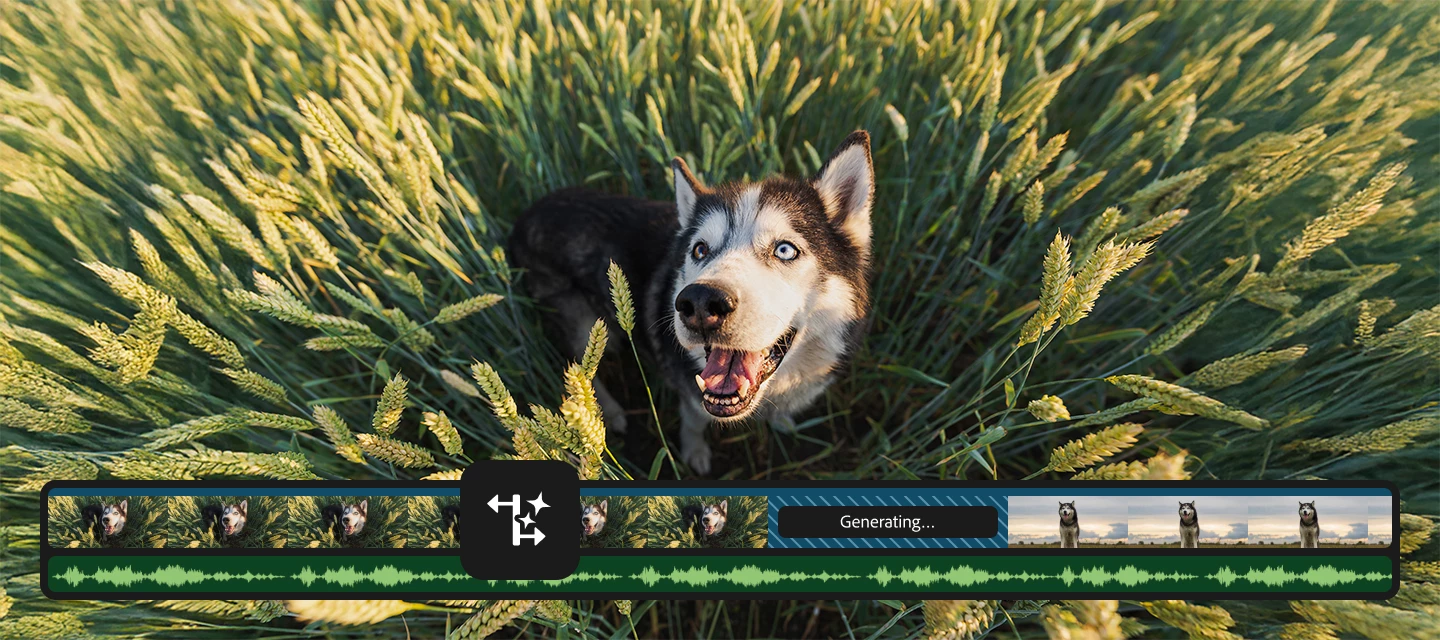
We’re excited to introduce Generative Extend, a new feature powered by Adobe Firefly’s video model that gives you more flexibility when editing. If you’ve ever wished you could hold a shot just a little longer—without extra footage—you’ll love this.
Meet Generative Extend
Generative Extend lets you extend the duration of a clip by generating new frames that match the original content. It’s great for:
- Matching timing with audio cues.
- Adding handles for smoother transitions.
- Fine-tuning pacing without complicated workarounds.
Why it’s a game changer
Think about those moments when you need a few extra frames for a voiceover or to hit the beat in a music video. Instead of searching for alternate takes or duplicating frames, Generative Extend makes it simple—and keeps your edit looking natural.
How Generative Extend works
A few details
- Extend up to 2 seconds for video and 10 seconds for audio.
- Supports clips at 12–30 fps and 8-bit SDR.
- Generated frames are clearly labeled, and you can regenerate if you want a different variation.
- Content Credentials are supported for transparency.
Try it out
Update to the latest version of Premiere Pro and give Generative Extend a spin.
If you’re curious about what’s next, check out the Premiere Pro Beta program for early access to new features.
We'd love to hear from you
Have you tried Generative Extend yet? How are you using it in your projects? Share your thoughts, tips, or questions below—we’d love to hear from you.


 AdChoices