

Premiere Pro v25.6 — Firefly integration, smarter search, and more
We’ve released Premiere Pro v25.6, and it’s full of updates designed to make editing easier, faster, and more connected. Whether you’re working on quick social edits or long-form projects, this version helps you stay focused on your creative work.
What's new in Premiere Pro v25.6
Firefly integration
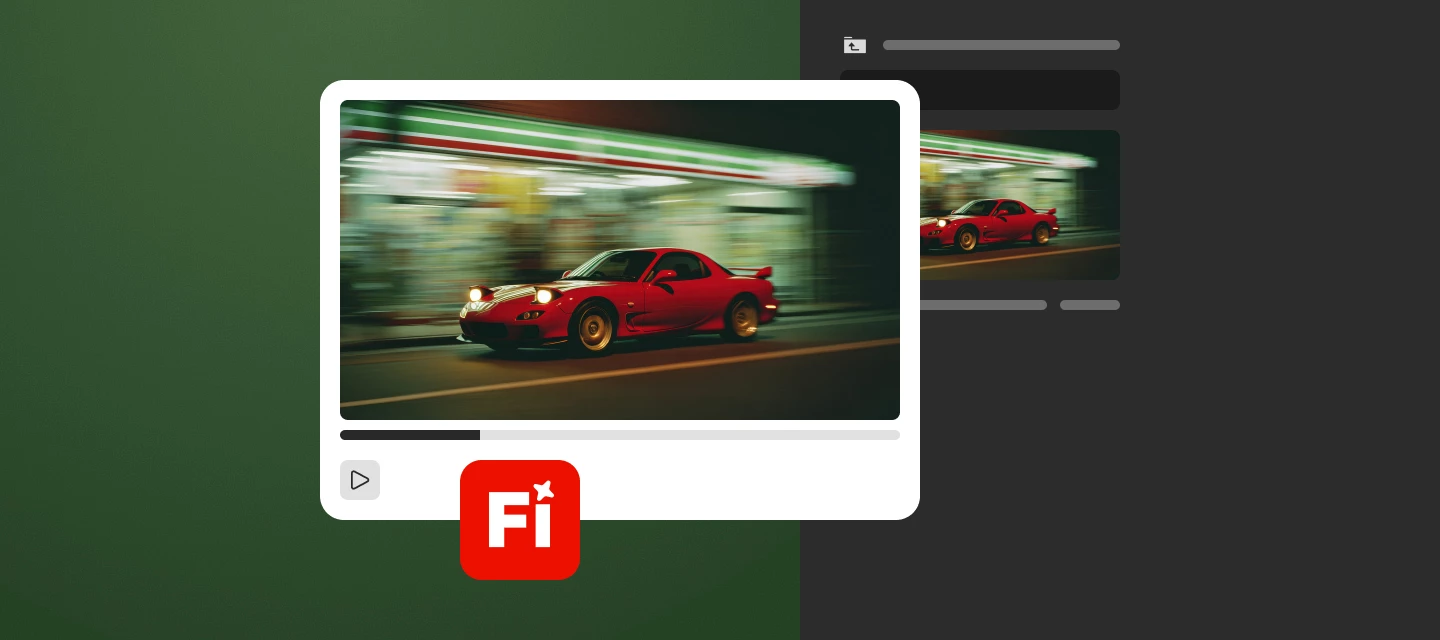
Send media from Adobe Firefly on the web straight to Premiere on desktop for a smoother creative workflow.
Learn how to import media from Firefly to Premiere.
Smarter search with Media Intelligence
Search your footage for specific sounds by simply describing what you want to find. Locate similar shots or alternate takes with ease.
Learn how to search for audio and search for similar visuals quickly with Media Intelligence.
Bulk audio cleanup
Easily bleep or mute unwanted words and sensitive information across your timeline in one go.
Learn how to clean audio with bulk mute or bleep.
Adobe Stock built-in
Discover, license, and import over 835 million high-quality images, videos, templates, music, and more directly within Premiere.
Learn how to use the built-in Adobe Stock panel.
More features and fixes
- Frame.io V4 Panel: Navigate, view, and import media from Frame.io V4 into Premiere using a newly designed native panel. Learn more
- Edit Anywhere: Edit anywhere using Premiere on iPhone, then send your project to Premiere on desktop and keep your creative flow uninterrupted. Learn more
- Native Nikon N-RAW Support: Premiere now supports native import and editing of Nikon N-RAW footage for improved image quality and faster workflows.
- Firefly Boards in Premiere: Access Firefly Boards from the File menu in Premiere to explore early ideas, craft moodboards, and develop storyboards. Learn more
What's new in Premiere Pro Beta
- Object Masking: Apply effects or color corrections to specific areas with precision.
- Redesigned Masks: Improved Rectangle, Ellipse, and Pen masks for more control. Learn more
- Intel NPU Audio Tagging: Faster AI-powered audio workflows with Intel hardware acceleration. Learn more
Why this matters
These updates are about saving time and giving you more flexibility. Smarter tools and connected workflows mean less time searching and fixing—and more time creating.
Try these new features now
Update to Premiere Pro v25.6.2 and discover powerful features for your video creation.
We recommend updating to Premiere Pro 25.6.2 for the best experience. This version includes a fix for an issue that could prevent projects from opening in earlier builds. If needed, a downgrader tool is available.
Join the conversation
Have you tried Premiere Pro 25.6? Share your thoughts, tips, or questions in the comments—we’re listening.


 AdChoices