

Welcome to Adobe Premiere 26.0!
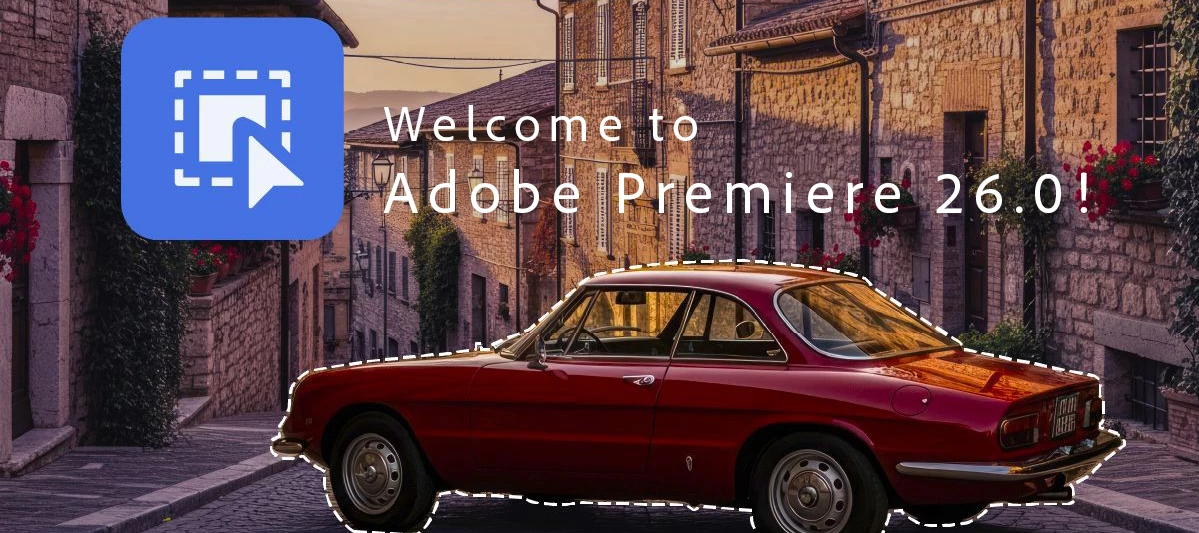
Premiere Pro v26.0 introduces enhancements focused on performance improvements, workflow efficiency, and refined editing tools. Whether editing short-form content or long-form productions, this release supports a more streamlined creative process.
What's new in Premiere Pro v26.0

AI-powered Object Masking
The Object Mask tool uses AI to automatically identify objects and people in your footage. With a single click, you can select and isolate an object, then track it throughout your shot.
Learn more about Object Masking ›

Redesigned shape masks
Enhanced Rectangle, Ellipse, and Pen mask tools make it easier to draw and refine masks with greater precision, including rounded-corner control and constrained straight lines, which are all editable both numerically and visually.
Learn more about using masking tools ›

Send media from Firefly Boards to Premiere desktop
Send media from Adobe Firefly Boards straight to Premiere on desktop for a smoother creative workflow.
Learn how to import Firefly Boards to Premiere ›

Video transition handles
Create and adjust video transitions directly on clips using intuitive handles for faster, more visual editing.
Learn how to edit transitions directly on video clips ›

GPU-accelerated thumbnails
Thumbnail generation is now GPU-accelerated, delivering faster performance and more accurate, color-managed thumbnails that better match your graded clips.

Native Support for Windows on ARM
Premiere, After Effects, Audition, and Media Encoder now run natively on Windows on ARM (ARM64), delivering improved performance and responsiveness.
Learn more about native Windows on ARM (ARM64) builds ›

Support for Nikon R3D NE
Premiere now supports Nikon’s new R3D NE format, including single-file clips, 32-bit float audio, and embedded lens metadata for faster, more accurate playback and editing.
More features and fixes
What's new in Premiere Pro Beta
- No new beta features are available at this moment.
Why this matters
These updates are about saving time and giving you more flexibility. Smarter tools and connected workflows mean less time searching and fixing—and more time creating.
Try these new features now
Update to Premiere Pro v26.0 and discover powerful features for your video creation.
We recommend updating to Premiere Pro 26.0 for the best experience.
Join the conversation
Have you tried Premiere Pro 26.0? Share your thoughts, tips, or questions in the comments—we’re listening.


 AdChoices