



Welcome to Premiere Pro 24.0!
Welcome to Premiere Pro 24.0!

Hello, and welcome to the October release of Premiere Pro! Premiere Pro 24.0 is now available from the Creative Cloud desktop app. The new features include the following:
- 5x faster timeline drawing
- New Text-Based Editing features
- Color Settings
- Audio Auto-Tagging
- Effects Manager
- Project templates for fast setup
- Restore projects through Recovery mode
- Retain custom destinations in Export mode
This update is recommended for all users.
If you are experiencing any issues, please create a new post explaining your problem rather than placing it here so that we can help. If you have a bug to report or any complaint, please do that on the Bugs forum.
Complete List of New Features in Adobe Premiere Pro 24.0
Editing and Workflow
The October release of Premiere Pro (version 24.0) is now faster and more reliable than ever. It features 5x faster timeline performance, new Text-Based Editing features, easier and more consistent color, and dozens of other workflow enhancements.
Learn about best practices for updating Premiere Pro.
5x faster timeline drawing
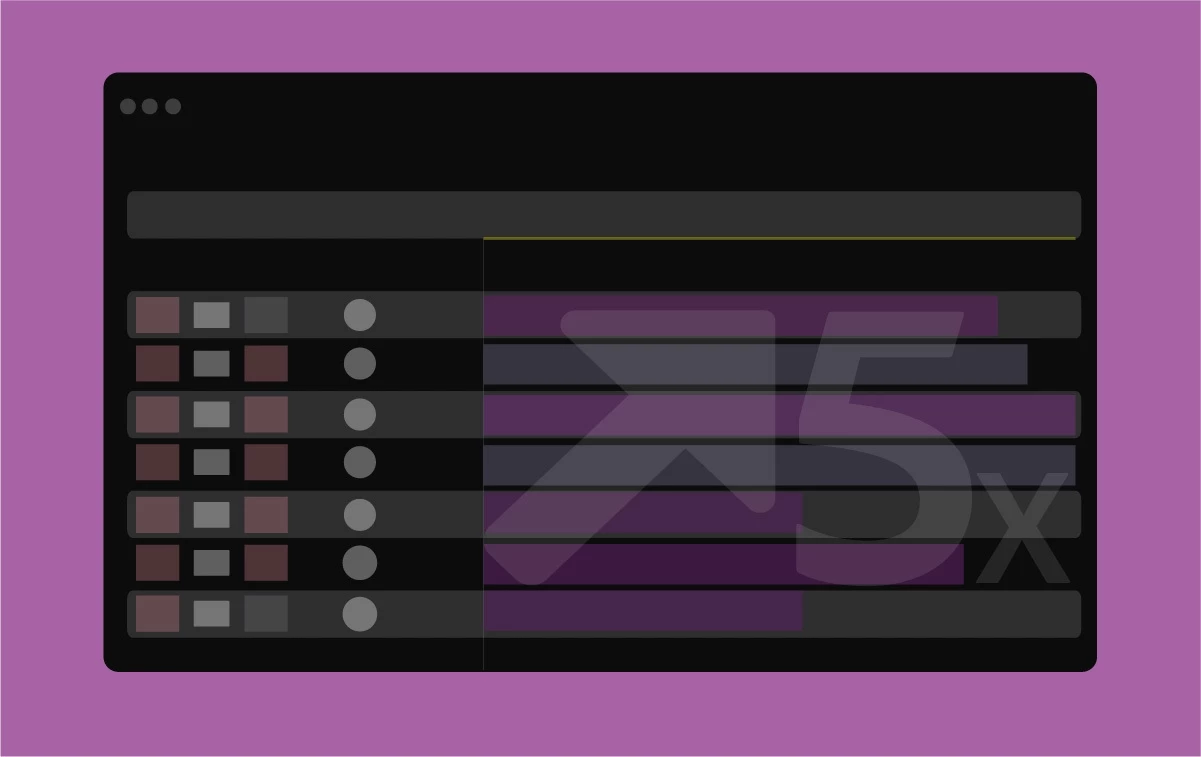 The new high-performance timeline drawing is more interactive and responsive for buttery smooth editing and trimming.
Fore more details, see this link.
New Text-Based Editing features
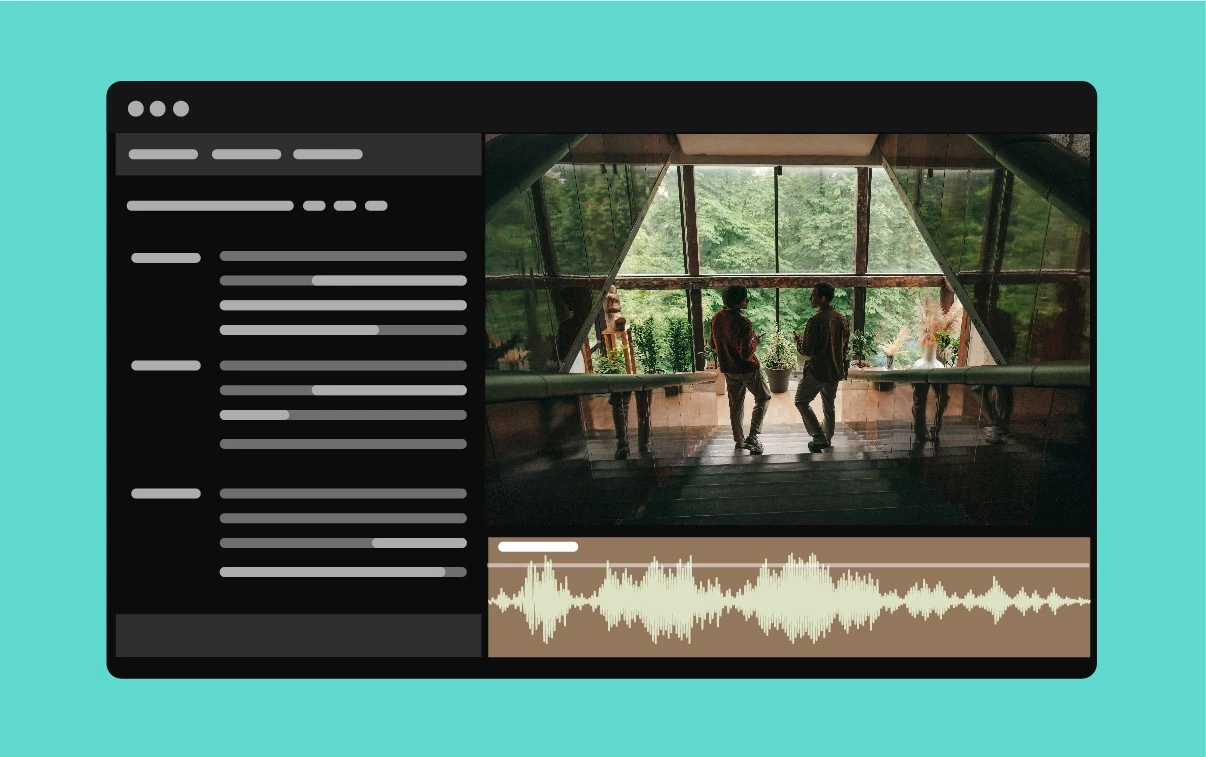 With Text-Based Editing, you can now delete all pauses with a single click, and get more control over your transcript view.
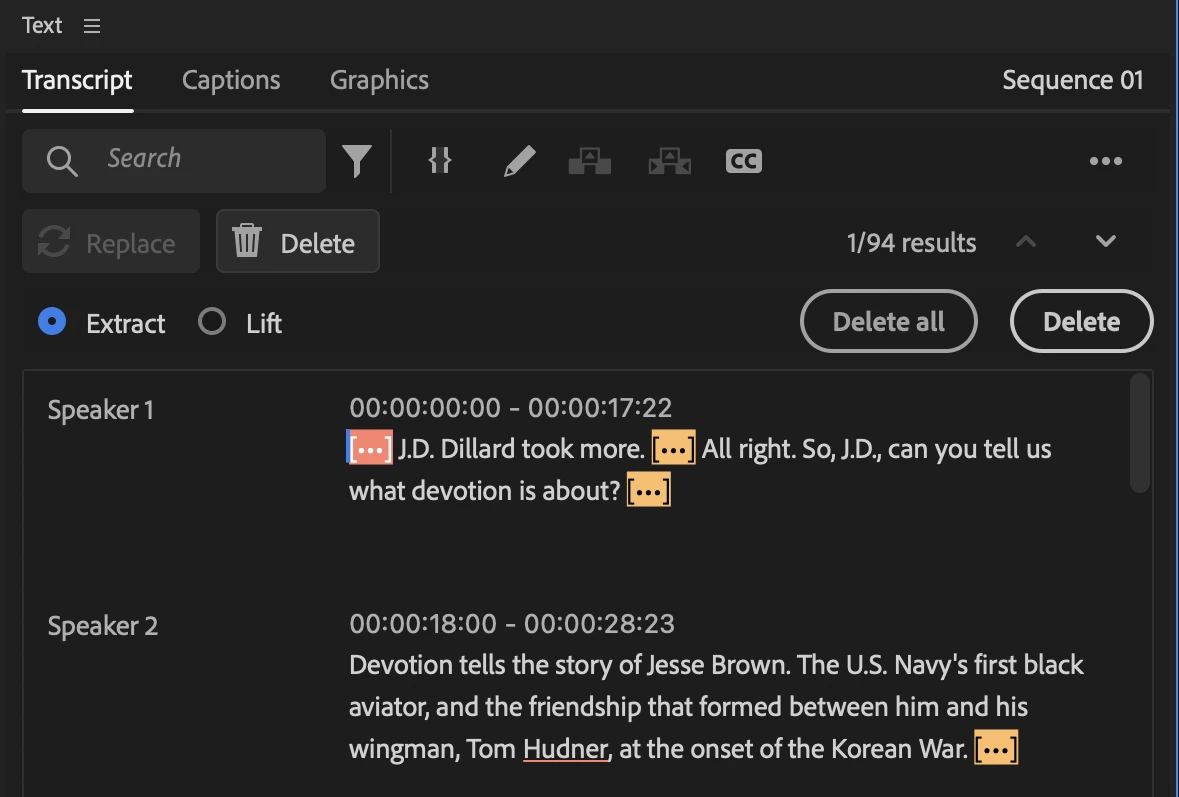 With multichannel audio support, you can also choose to re-transcribe an audio file using a specific channel or a mix of all channels.
For more information, check out this link.
Color Settings
 Simplified color settings and higher-quality tone mapping make it easier to produce great-looking work without extra, complicated steps.
Color Settings consolidates many color selections into a single tab so you can quickly and easily make changes and view the result.
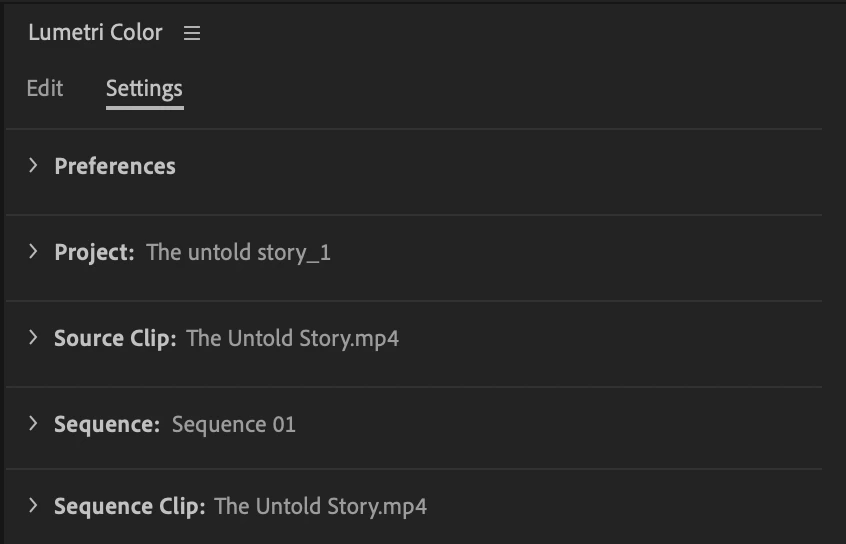 The Settings tab under Lumetri Color consolidates Preferences, Project color settings, Source Clip color settings, Sequence color settings, and Sequence Clip color settings, which were earlier spread across panels and General preferences in Premiere Pro.
For more information, see this link.
Audio Auto-Tagging
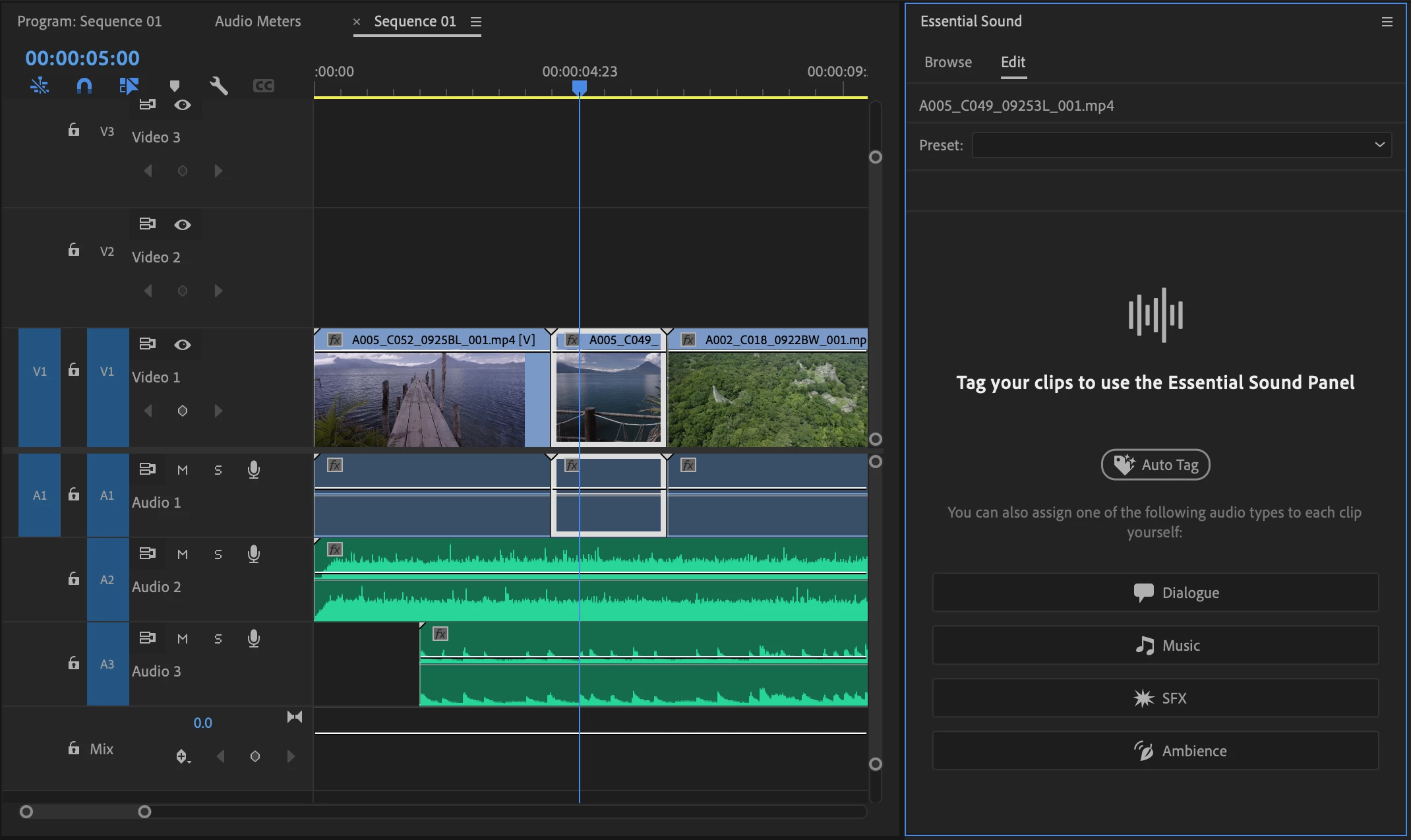
 Automatically tag audio files as Dialogue, Music, SFX, or Ambience to reveal controls in the Essential Sound panel to give you immediate access to the most relevant tools to create professional sound.
Effects Manager
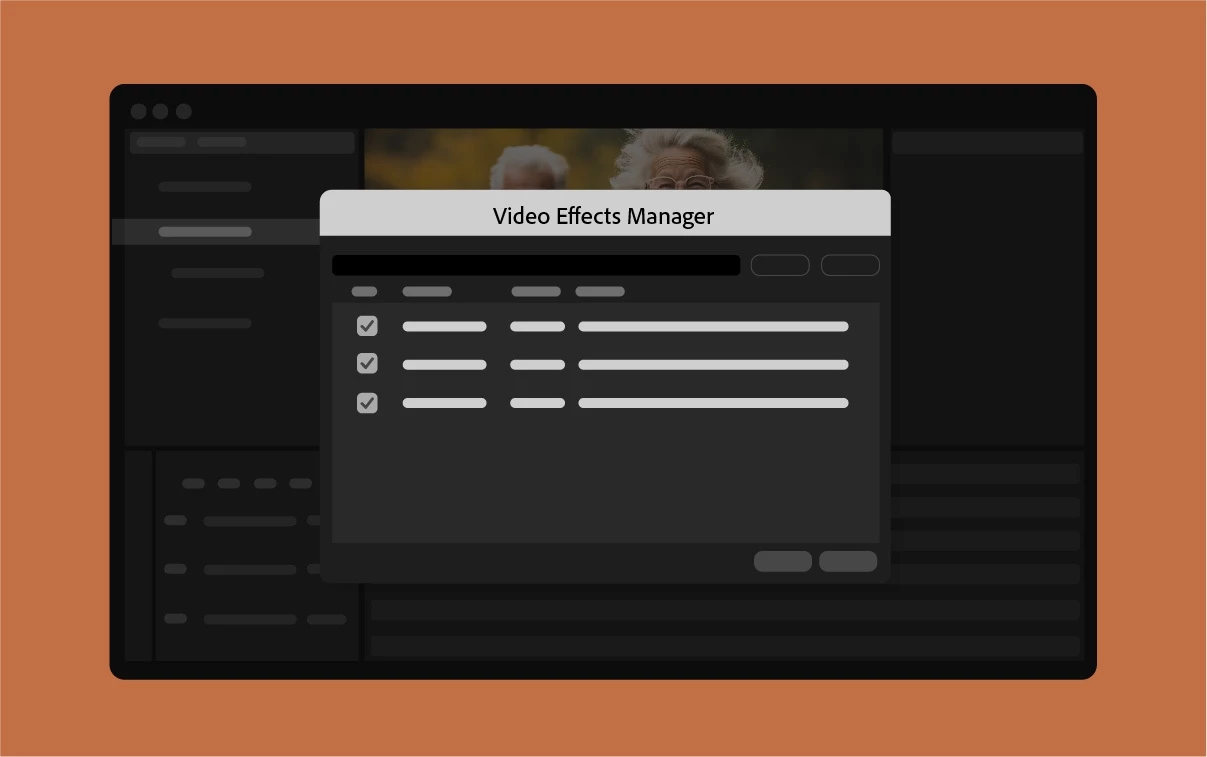 Video Effects Manager lets you manage all your third-party plugins in one place. Quickly identify, troubleshoot, and disable incompatible plugins to improve system stability so you can get back to work faster.
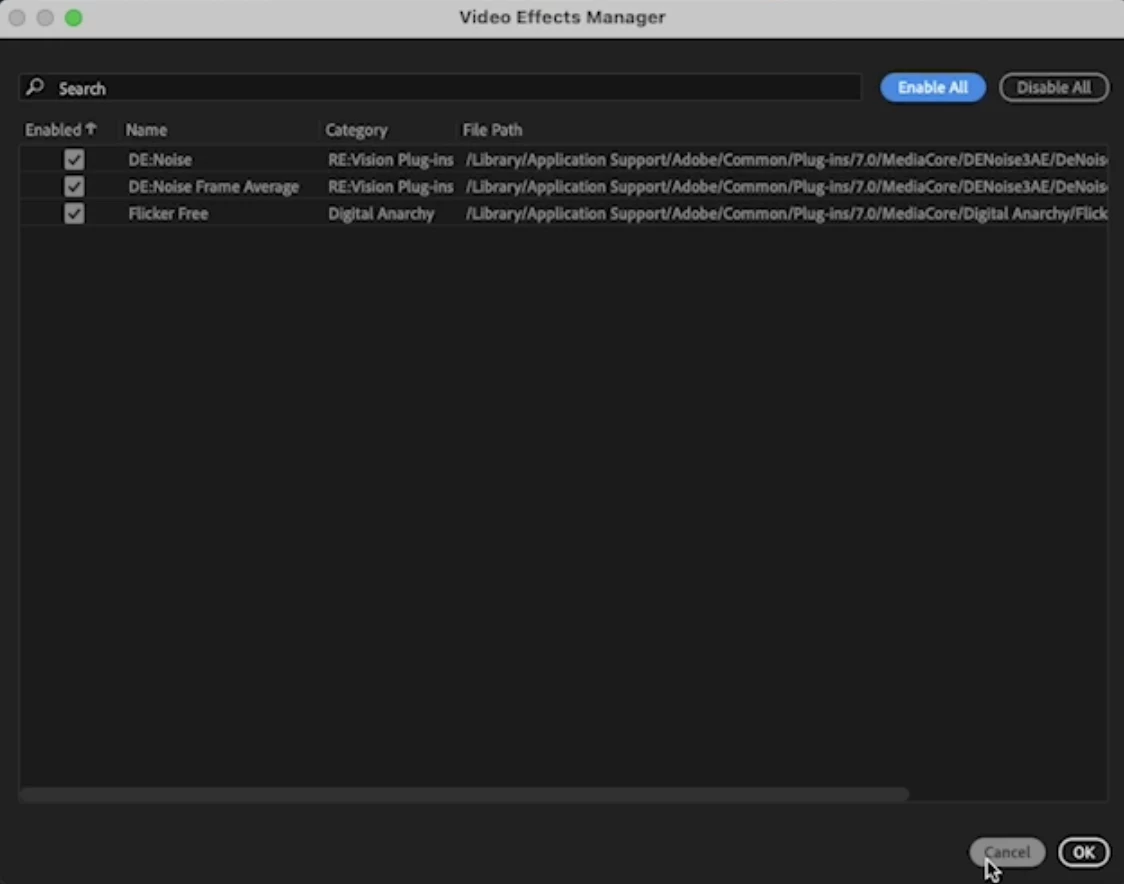 For more information, see this link.
Project templates for fast setup
 Save projects as templates so you can get started with bins, sequences, or assets already organized.
Save projects as templates so you can start your new project with bins and sequences already organized. To save a project as a template, select File > Save as Template.
This will help you retain branding, colors, and assets across multiple projects, which can be useful while creating advertising video collaterals.
 Learn more about YouTube’s best practices for creating effective advertisement videos.
For more information about project templates, see this link.
Restore projects through Recovery mode
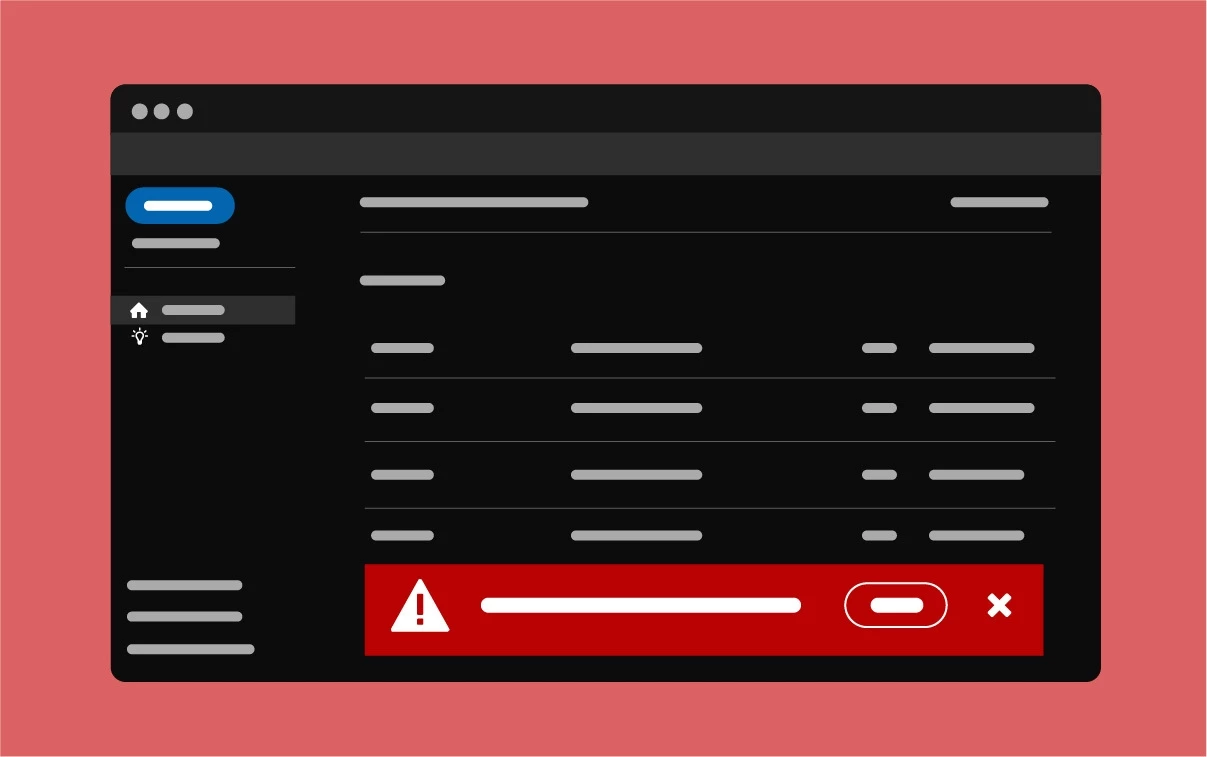 You can now easily recover and restore the last saved state of your open projects in case Premiere Pro quits unexpectedly.
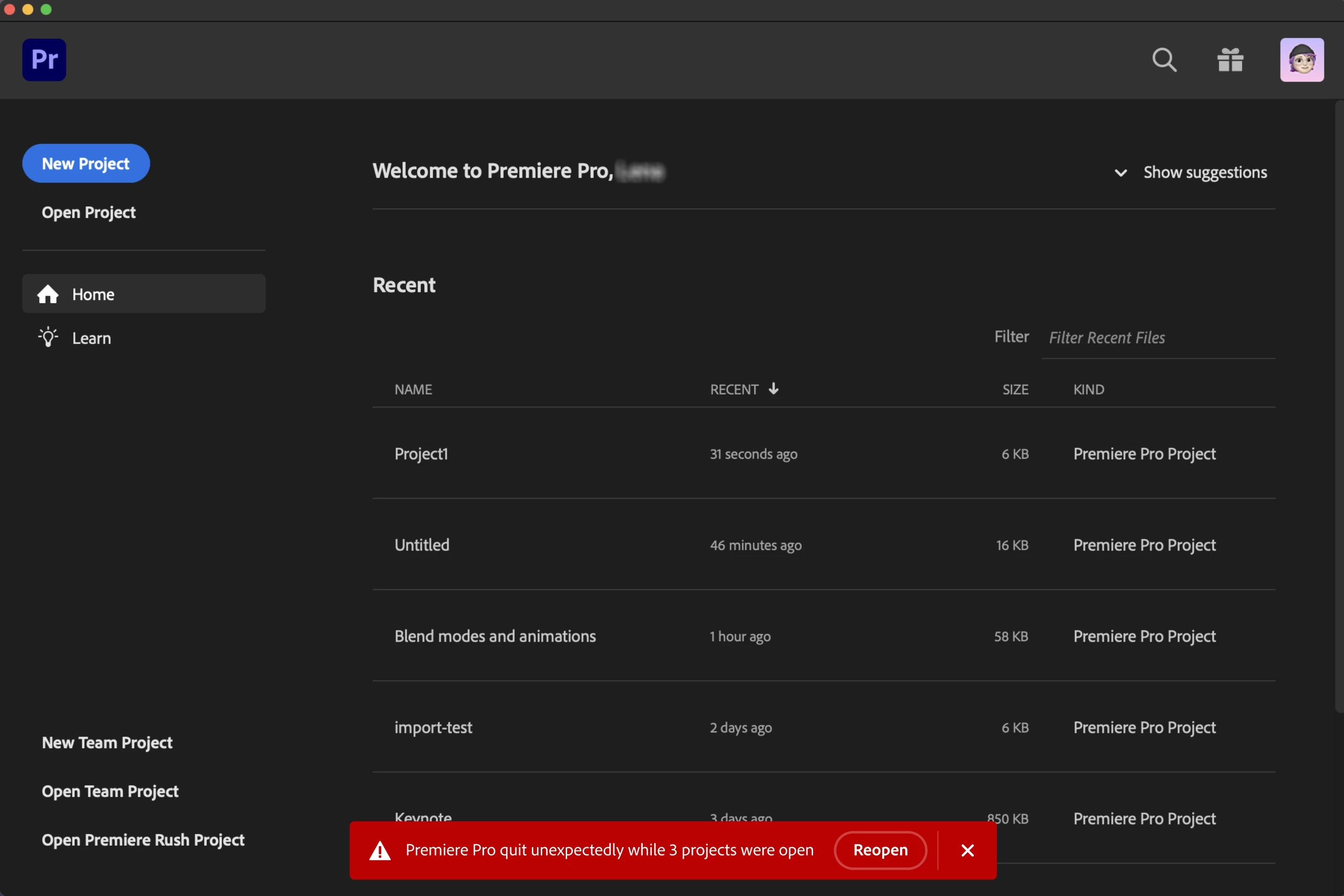 For more information, see
 Retain custom destinations in Export mode
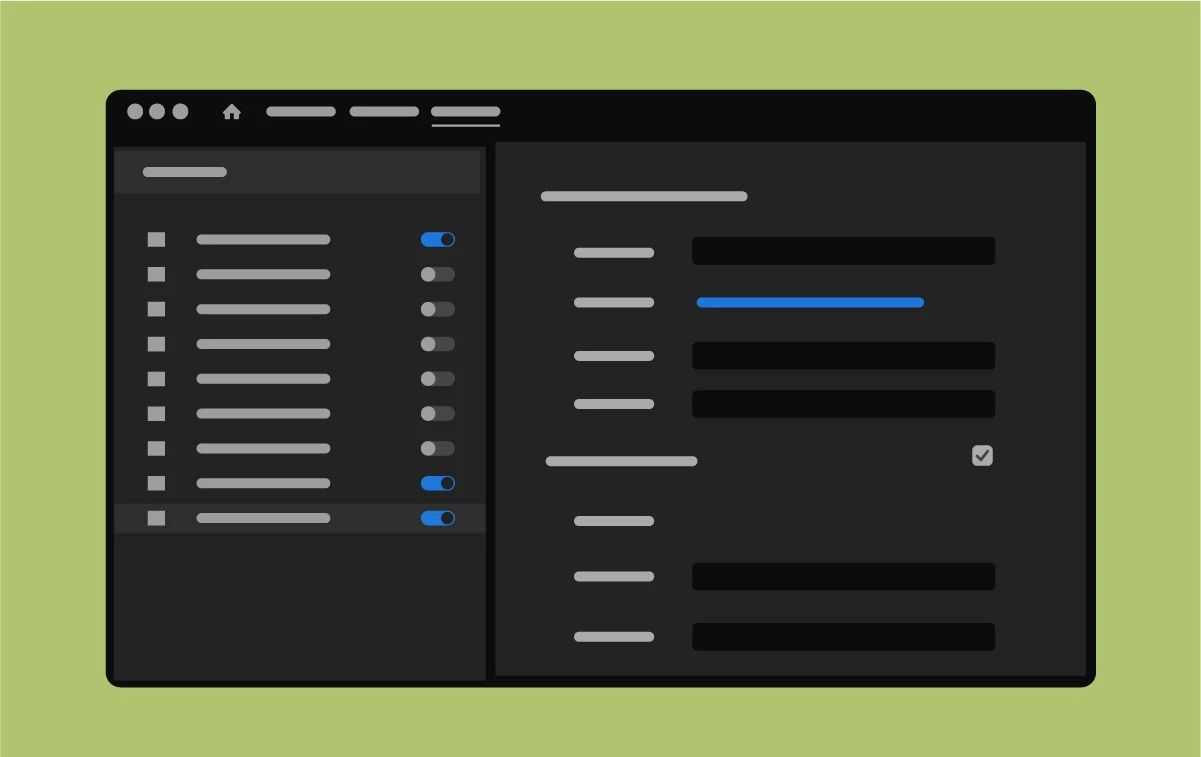 You can add, edit, and keep a single set of custom destinations in Export mode for all clips and sequences in any project.
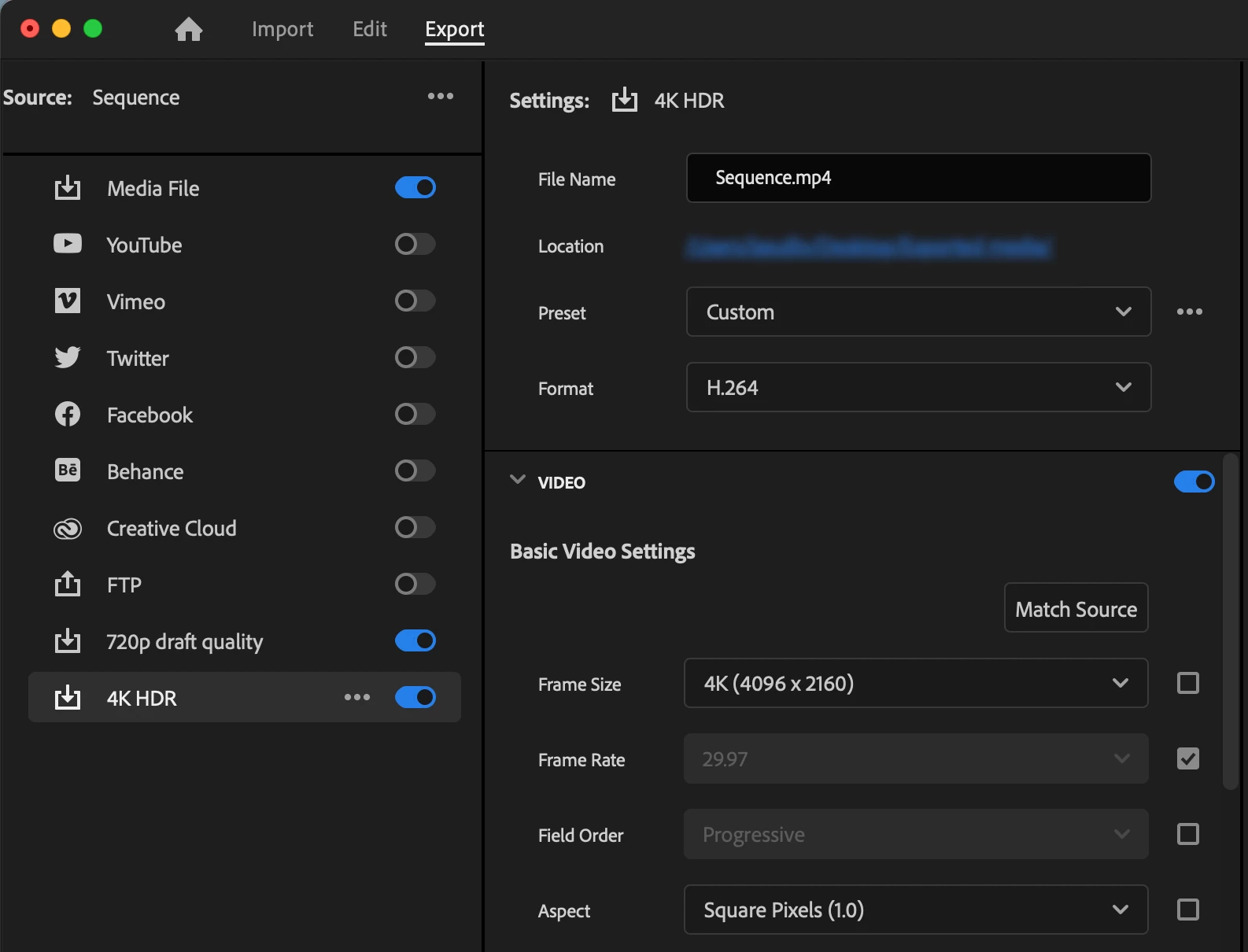 For more information about Export Mode, see this link.
New support for HEVC and H264 hardware acceleration on Intel Discrete Graphics Cards
Premiere Pro is now supporting H/W decode and encode of H264/HEVC files on Intel Discrete Graphics (Intel Arc) cards, which will further boost the app's performance. Learn more about Media Capabilities Supported by Intel Hardware.
Hardware acceleration for R3D on Windows
As part of the latest improvements, we have added GPU hardware decode acceleration for RED's R3D raw format on Windows (with GPU acceleration already shipping for macOS). GPU support works for NVIDIA and AMD GPUs with 6 GB or more of GPU memory.
SRT support
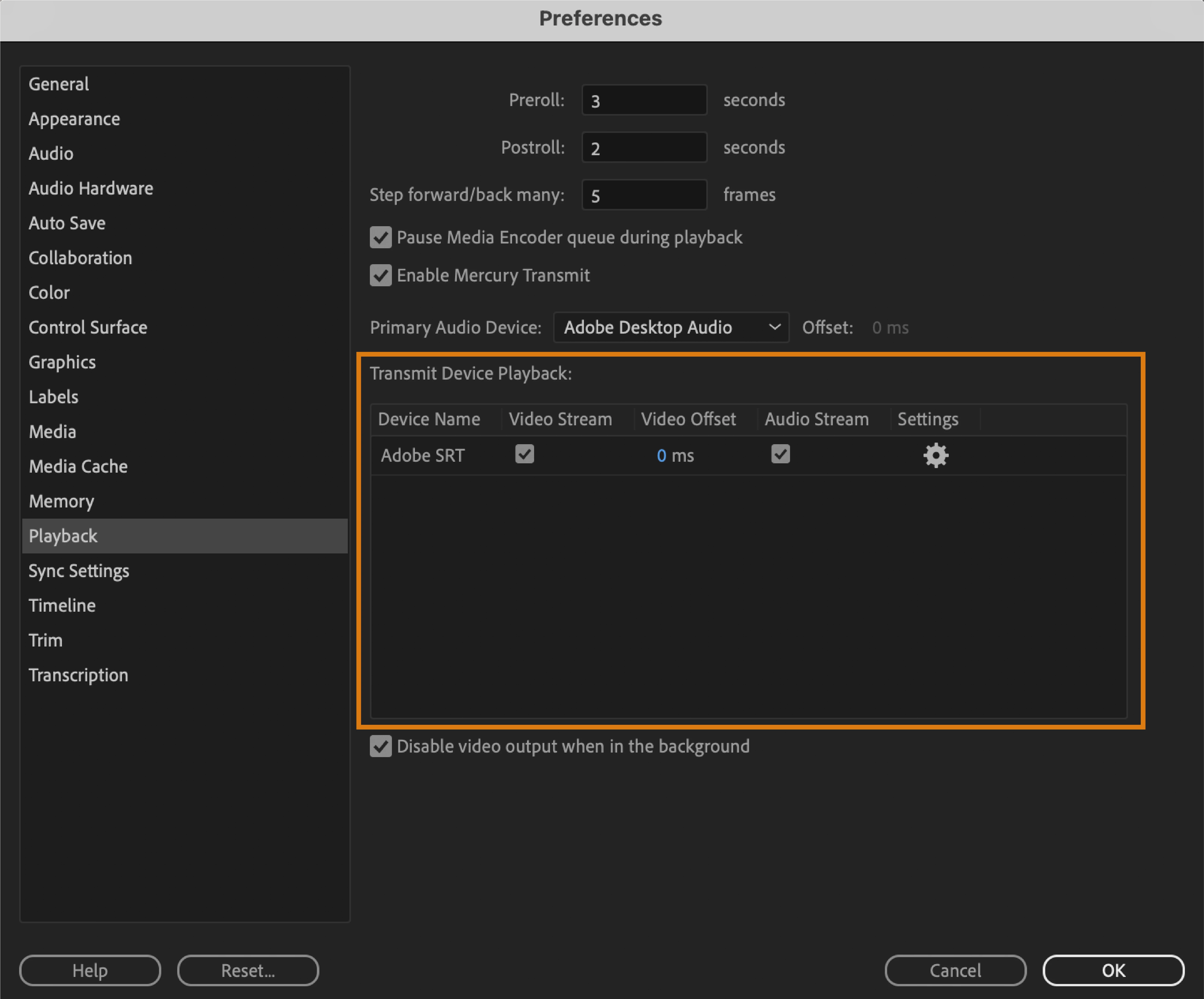
Secure Reliable Transport (SRT), a video streaming protocol based on UDP, lets you video and audio stream packets of information from Premiere Pro to different viewers.
The SRT protocol involves a handshake between Premiere Pro and the viewing client. Once a valid handshake is established, the video is sent from Premiere Pro to the viewing client. A valid SRT connection can be made using three distinct modes.
Support for tape-based workflows has been removed from Premiere Pro. While some users still use tape for archiving video content, the industry has moved towards all-digital workflows, which have advantages for media asset management, cloud workflows, and generally streamlining production.
Get help and provide feedback quicker
When you select Help or Provide Feedback inside Premiere Pro, you’ll automatically log in to the Adobe Support Community Forums.
Premiere Pro Beta
Check out the latest features and discussions about Premiere Pro Beta in the forums here.
 AdChoices