Kevin-Monahan
Community Manager
Community Manager
August 22, 2024

Welcome to Premiere Pro 24.6!
  • August 22, 2024
  • 18 replies
  • 54823 views


Welcome to Premiere Pro 24.6!


Hello, and welcome to the August release of Adobe Premiere Pro! Premiere Pro 24.6 is now available from the Creative Cloud desktop app. The new features include the following:


This update is recommended for all users. 


If you are experiencing any issues, please create a new post explaining your problem so we can help. If you have a bug to report or have any complaints, please do so on the Bugs forum.


Complete List of New Features in Adobe Premiere Pro 24.6


Premiere Pro 24.6 Features

In Premiere Pro 24.6, you can search directly for sound effects in the Essential Sound panel – including thousands of free files from Adobe Stock. If you need to sync video and audio files, you can now also natively work with Linear Timecode (LTC). Plus, we've added support for Canon EOS R5 Mark II and EOS R1 cameras. It's the perfect time to update! 😊


Learn about best practices for updating Premiere Pro.
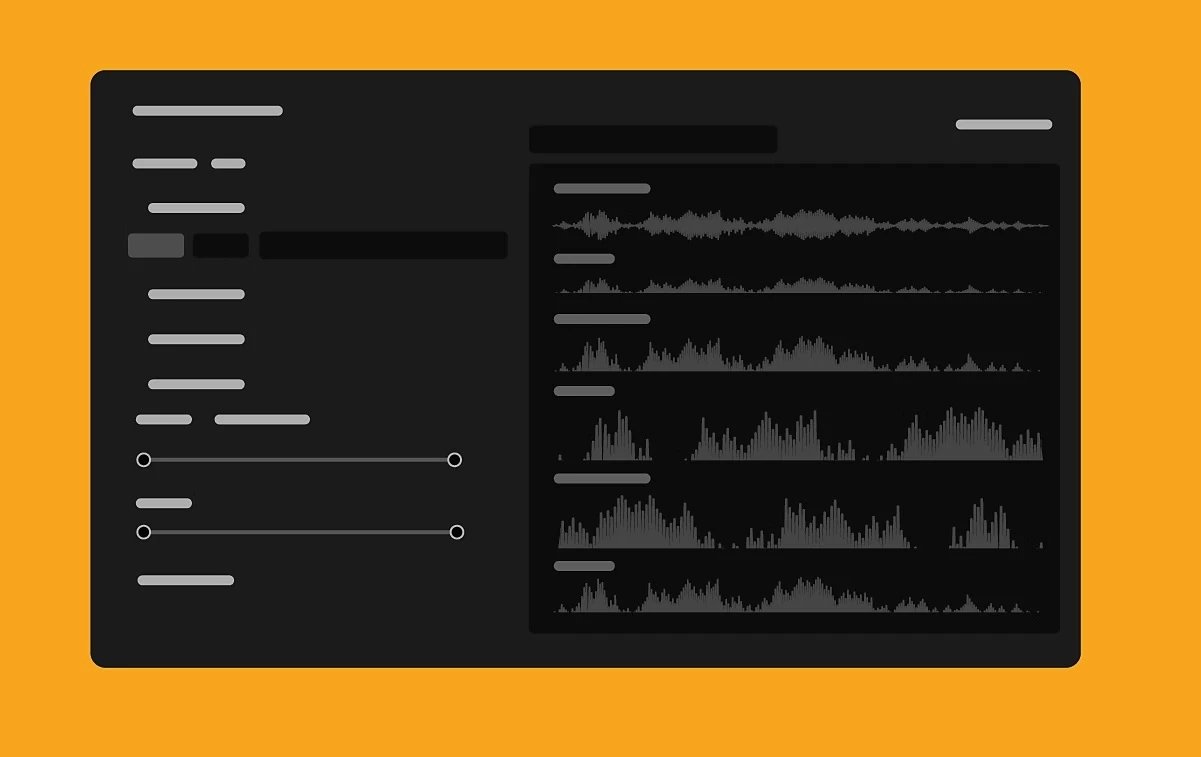
 

Access free stock audio inside Premiere Pro

Search for sound effects directly inside Premiere Pro, including thousands of free files from Adobe Stock. Filter music or sound effects using "free" or "premium" categories and license tracks while editing.
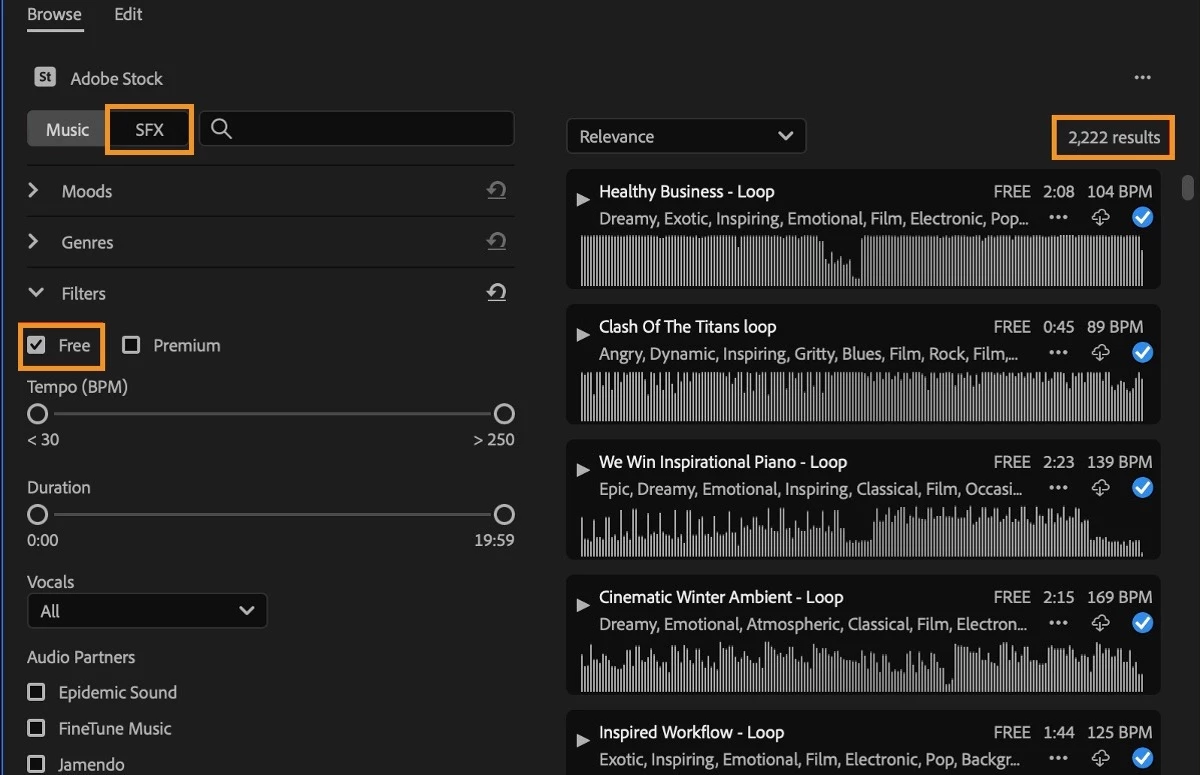


With Timeline Sync, you can press play on a music track or a sound effect in the Essential Sound panel to start media playback on the timeline. This allows you to preview the cues in the context of your edit to honestly give a sense of which track works best.
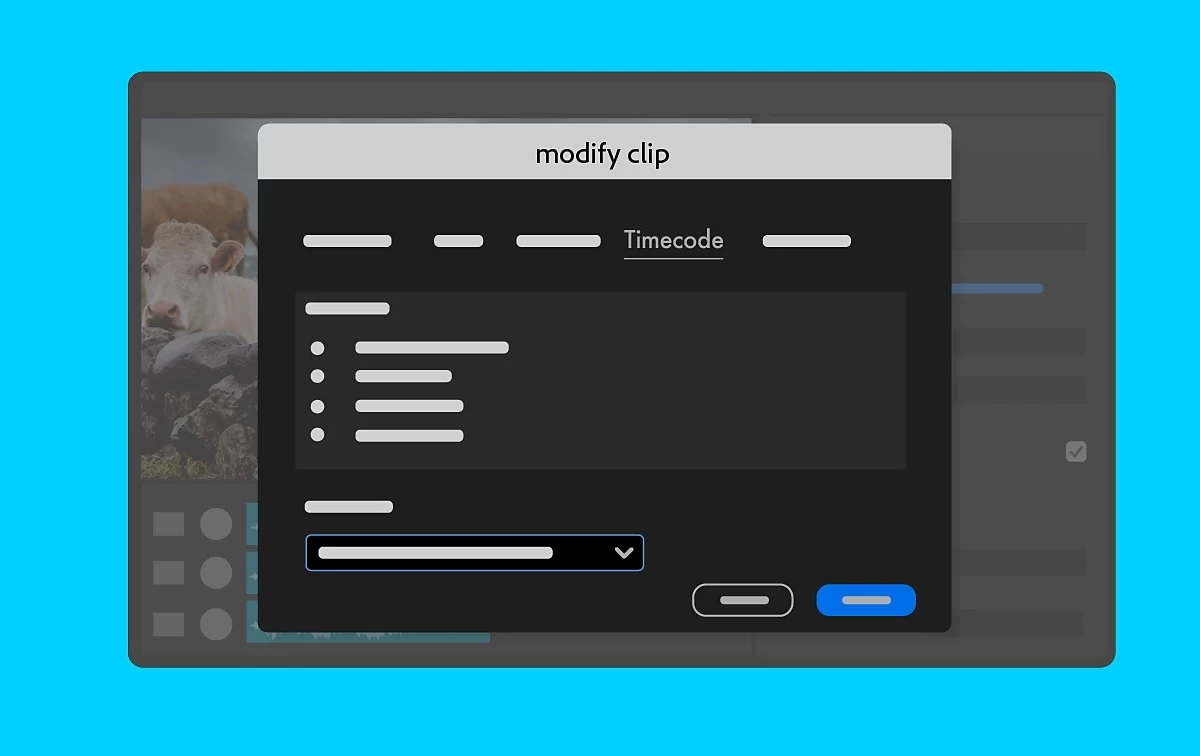


Linear Timecode (LTC) support

With native Linear Timecode (LTC) support, you can quickly and accurately sync multiple video and audio sources from devices that encode timecode in the audio signal. You can use LTC to synchronize clips or create multi-camera source sequences.


LTC has become more popular and valuable since many newer, more affordable devices don't support recording timecode as metadata in the video file. A standard solution is to store timecode data in an audio track. While this track is audible to the human ear, it's a high-pitched sound that contains data instead of a "normal" sound. Many lower-cost timecode syncing devices can generate LTC.


Expanded Canon support

It works natively with Canon EOS R5 Mark II and EOS R1 cameras. You can import files and start editing right away.


Additional updates

The Obsolete Effects folder and plug-ins, Obsolete Transitions folder and plug-ins, and presets built from the Obsolete Effects are now removed. These effects and transitions have faster, more modern alternatives in Premiere Pro or offered by third parties. These effects are responsible for significant project slowdowns and performance bottlenecks. In addition to all the modern options to the obsolete effects and transitions within Premiere Pro, you can also use  third-party effects, transitions, and filters.


Premiere Pro Beta

Check out the latest features and discussions about Premiere Pro Beta in the forums here.


Resources

Complete documentation for Premiere Pro 24.6 features

New Features

Fixed Issues

Known issues

    18 replies

    Community Expert
    August 26, 2024

    Yes! More Cannon support! Finally!

    Participant
    August 26, 2024

    Why is my playhead not moving when the video is playing on the timeline? How can I fix it. I have updated my Adobe premiere to the latest version

    Kevin-Monahan
    Community Manager
    Community Manager
    August 26, 2024

    Hello @Latitude_Space Africa,

    One thing you can quickly try is to choose Preferences/Settings > Audio Hardware and set the Default Input to "No Input." See if that works for you. If not, we need to troubleshoot or connect you with official support. Would you like me to branch your troubleshooting question to the main forum? Let me know. 


    Thanks,
    Kevin

    Kevin Monahan - Sr. Community & Engagement Strategist – Pro Video and Audio
    Participant
    August 28, 2024

    Thanks for the response. I found out that some other people also experienced the same issues and when they reset their workspace, the problem got solved. So I tried that and it worked.

    derekwatson
    Community Expert
    Community Expert
    August 24, 2024

    LTC support looks like a great addition, thanks Kevin for the update

    Derek Watson
    Rollan Banez
    Community Expert
    Community Expert
    August 24, 2024

    Wow, free stock audio access in Premiere. 

    Creative Community Leader / Educator - Empowering fellow educators with creativity and innovation
    Michael Ambroise
    Community Expert
    Community Expert
    August 24, 2024

    Great!

    _______Senior graphic designer | United Nations Population Fund
    Community Expert
    August 23, 2024

    Hey Kevin! I love how you spice up your newsletters with movement and animation! Love the banner.
    Also pretty excited about the free audio in Premiere, I used to always have to go to YouTube or other websites to get audio and then play the audio and my video timeline as well to hear if it works. So I love this new feature!

    headTrix, Inc. | Adobe Certified Training & Consulting
    Kevin-Monahan
    Community Manager
    Community Manager
    August 28, 2024

    Thanks for the comments, @mark@headTrix! I like making these in Adobe Express. I really love some of the tools there to make things fast and easy. I also like other stuff, like branding, custom templates, scheduling, creating gifs, and some of the other quick actions.


    I'm with you. The feature makes me rethink the value of my third-party stock music subscription. I honestly do not use stock music very much except for personal videos which I've never released. I'll have to give the feature more of a play before I make my decision. One thing for sure, having it in app will save time searching around and trying things. Let me know how it goes for you.


    Cheers,
    Kevin

    Kevin Monahan - Sr. Community & Engagement Strategist – Pro Video and Audio
    Community Expert
    August 28, 2024

    Oh wow, you're using Adobe express to create these, very interesting. I just assumed you were using Photoshop or Premiere! But this makes sense! Yeah, I haven't tried the new audio feature yet to see what kind of sounds you have, but I'll let you know once I do. Good to see you this morning in Gen AI meeting. I was listening and making breakfast so I didn't have freehands to click the mic and chat! And as a first timer, I thought I'd just observe! I wish I was going to Max, if you hear of any openings or any speakers have a change of plan, or if they need help on the floor....please keep me in mind!

    headTrix, Inc. | Adobe Certified Training & Consulting
    Community Expert
    August 23, 2024

    Looks exciting

    Inspiring
    August 23, 2024

    FWIW, seems more stable than 24.4.1 or 24.5.

    Had to delete all Media Cache file (good SOP anyways), but no "frozen program monitor" or "mucho delayed Sequence scrubbing" issues.

    Kevin-Monahan
    Community Manager
    Community Manager
    August 23, 2024

    Hi @@EDITpool-616,

    Thanks for the report. I appreciate the positive feedback. I will share it with the team.


    Cheers,
    Kevin

    Kevin Monahan - Sr. Community & Engagement Strategist – Pro Video and Audio
    Inspiring
    August 28, 2024

    @Kevin-Monahan ,
    What was addressed in the PrPro 24.6.1 update?