



Welcome to Premiere Pro 25.2!
Welcome to Premiere Pro 25.2!
Hello, and welcome to the April release of Adobe Premiere Pro! Premiere Pro 25.2 is now available from the Creative Cloud desktop app and is recommended for all users.
Learn about best practices for updating Premiere Pro.
New features
The 25.2 release of Premiere Pro features Generative Extend, media intelligence and Search panel, easy captions translation, and more. It's the perfect time to update. 😊
Generative Extend
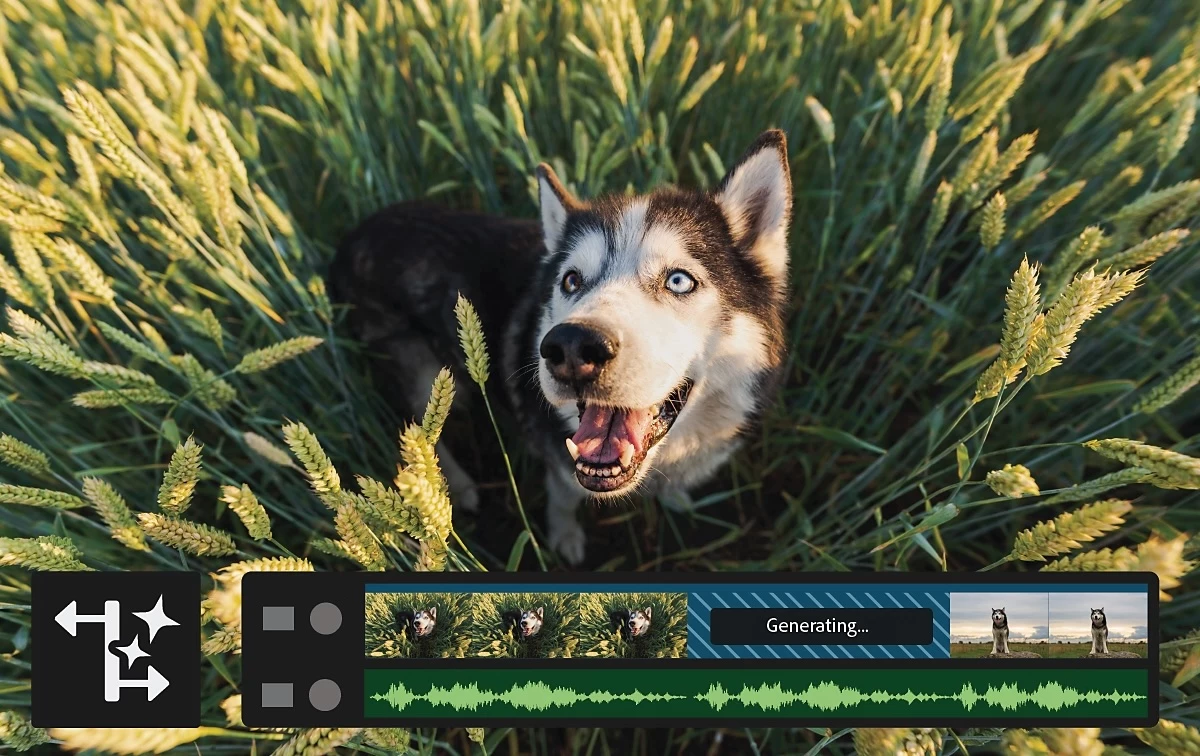 Premiere Pro uses generative AI to seamlessly add frames to the beginning or end of a clip. This lets you perfectly time edits, hold on to an emotional character reaction for an extra beat, add room tone, or cover transitions even when you run out of media.
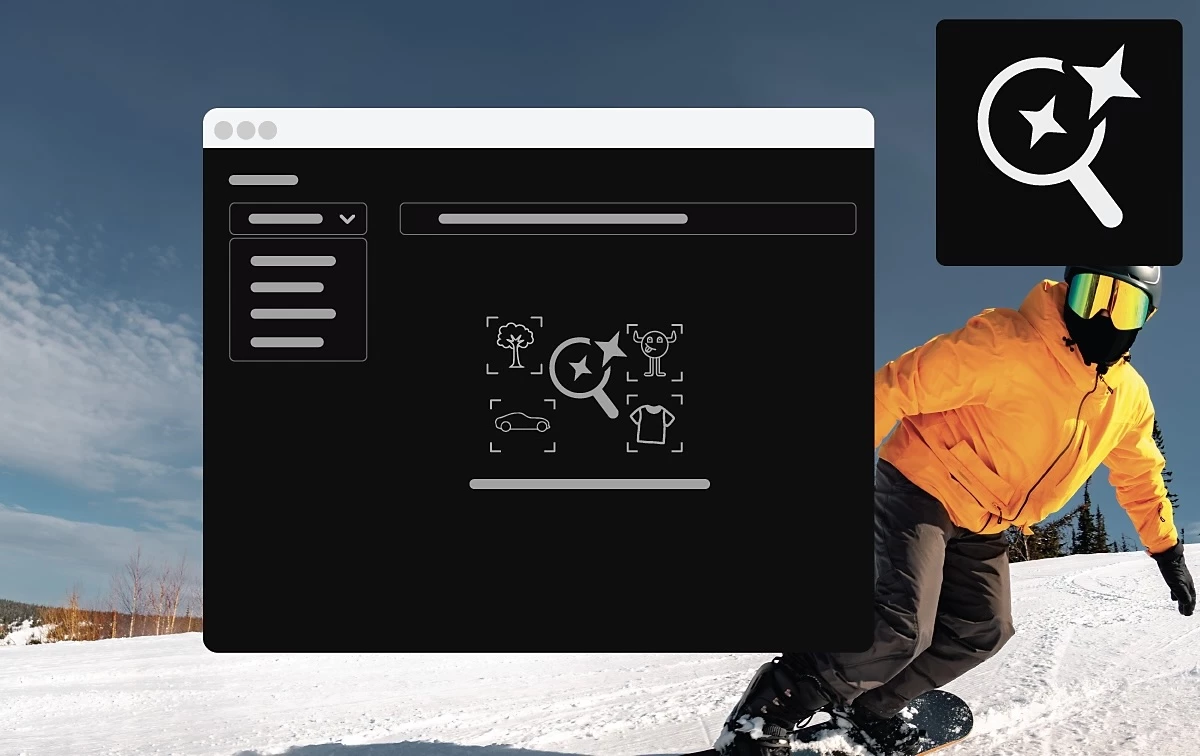
Find your footage faster with media intelligence
 Completely rewritten support for H.264 in MP4 and MOV provides up to a 4x increase in performance on Apple silicon computers and up to a 2x increase in performance on Windows computers.
Go global in seconds with Caption Translation
 Caption Translation automates generating multilingual captions in Premiere Pro, helping you effortlessly connect with audiences worldwide.
Improved color management
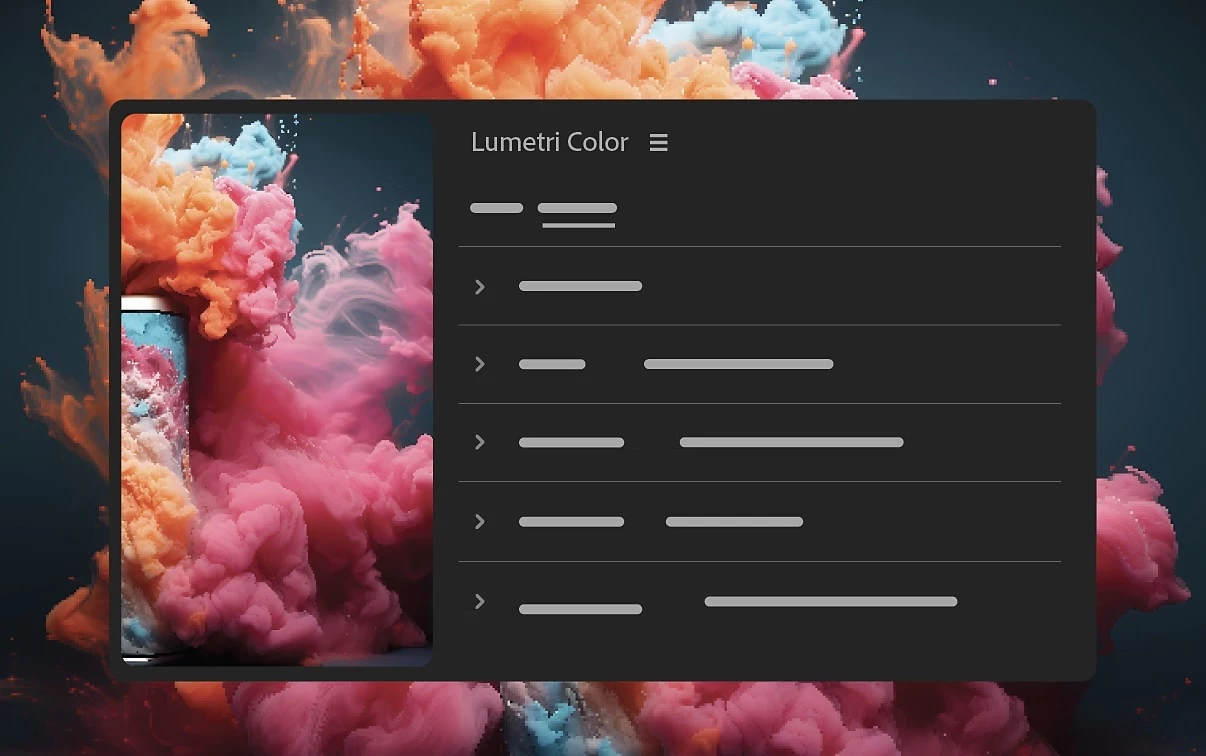 Color management in Premiere Pro has been radically improved, making it easier to use wide-gamut camera raw and log-encoded media, simpler to output to multiple formats, and faster to achieve great color.
Added support for import of MKV (H.264/AAC) files
 Completely rewritten support for MKV (H.264/AAC) files to improve compatibility and performance, allowing for seamless playback and editing of MKV files in Premiere Pro.
Add Content Credentials into exported video files
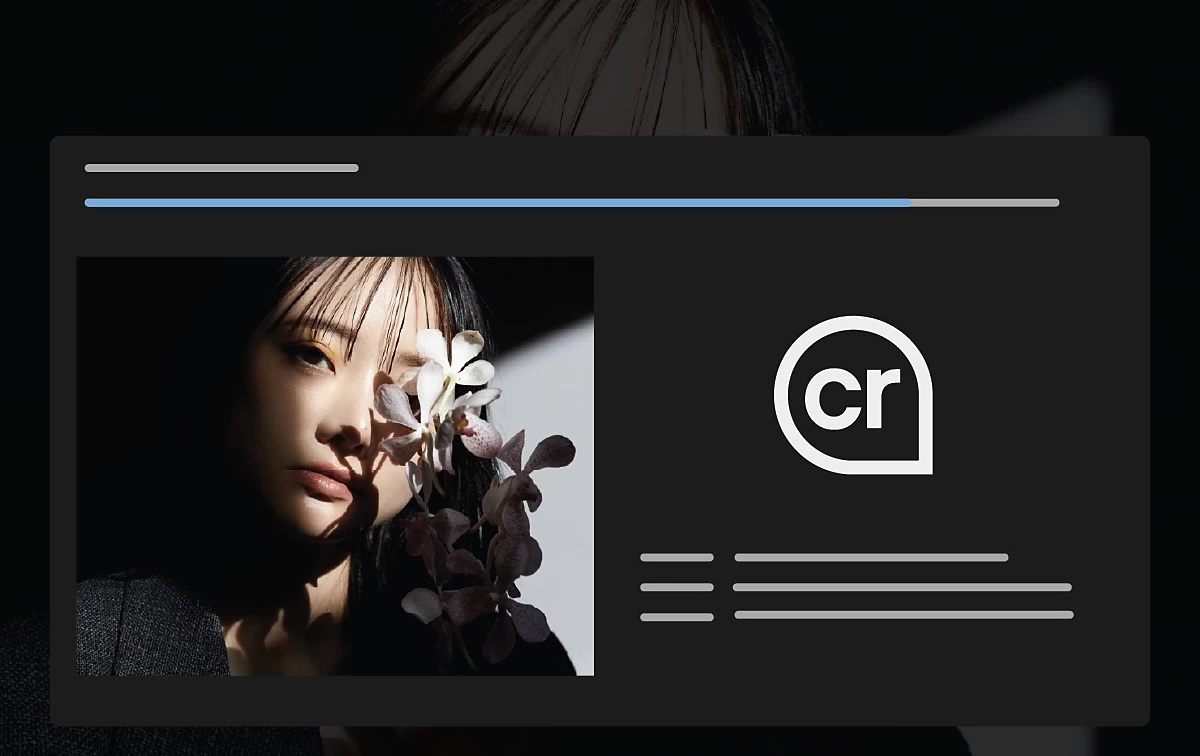 Add Content Authenticity Initiative (CAI) credentials into video files exported from Premiere Pro or queued for export through Adobe Media Encoder.
Dynamic waveforms
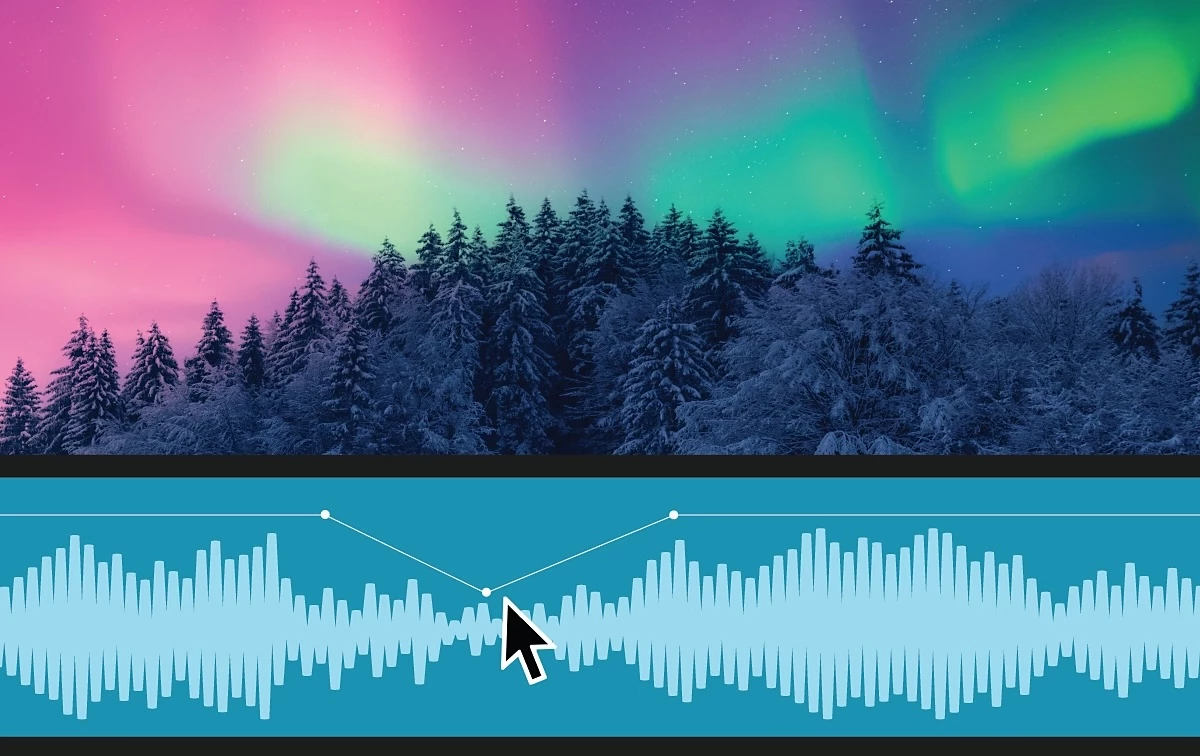 The audio waveforms now reflect adjustments to the volume on clips. Enabled by default, they can be toggled on and off by selecting View > Dynamic Audio Waveforms.
Hardware acceleration for Canon Cinema RAW Light
 Hardware acceleration of the Canon Cinema RAW Light format is now available in Premiere Pro, After Effects, and Adobe Media Encoder for Apple silicon computers.
Fixed issues in 25.2
Audio:
- Audio waveform generation was sometimes not resumed after closing and reopening a project.
- The Progress Dashboard did not show determinate progress for Enhance Speech.
- The track routing output button appeared in instances when it should have been hidden. Changing the track output routing in the Audio Track Mixer did not properly show and hide the output assignment button. Clicking on the output assignment button in this scenario would lead to a crash.
- Pasting the Volume effect to another stereo clip within the Effect Controls panel duplicated that effect on the pasted clip.
- 5.1 audio device output mapping, specified in Preferences > Audio Hardware, was not preserved with MME devices.
- Audio hardware devices with 4 outputs will now work with sequences that have 5.1 Mix Track outputs. Previously 5.1 Sequences with audio devices that have only 4 outputs were silent.
- Audio playback would stop for some multicam users using the Match Frame command with automatic waveform generation turned off.
- Clip automation was sometimes altered when recording audio via Latch automation. The automation was affected before the latch automation was written to the clip, causing the keyframe line to be in the wrong position.
- The mix track's fader in the Audio Track Mixer was reset to 0.0 when the Timeline panel was activated during playback.
- The Remix tool could be used on a clip in a read-only project.
Color:
- A re-focus on Premiere Pro with AutoDetect Log Video ColorSpace option enabled in RAW media file workflows resulted in memory management issues.
- Encode workflows using RAW media file sources in Premiere Pro and Adobe Media Encoder with AutoDetect Log Video ColorSpace option enabled experienced memory management issues.
Captions and transcriptions:
- Batch exporting sequences with captions results in missing burnt in captions.
- Clips with embedded captions would not show the Direct Manipulation menu in the Program Monitor panel.
Editing:
- Render and Replace wasn't correctly handling clips that have an audio offset from the video.
- Background processes for Media Intelligence in the Progress panel sometimes disappeared or showed incorrect completion amount.
- The thumbnail viewer in the Project panel preview area could remain visible after the preview area was hidden.
- Crashes could occur when scrolling in the sequence timeline.
- Some panels would not respond to the "Close panel" command or keyboard shortcut.
- When the video track height was set to the minimum, edit points were very difficult to see.
- Some of the user interfaces in the learning panel weren’t displaying correctly.
Effects:
- After creating masks or keyframes in the Effect Controls panel, shortcuts or commands in the panels' contextual menu could be unavailable.
Exports:
- Addressed an issue where FCP XML could interpret 25fps as 50fps.
- Changing the exported frame rate in Export mode caused an incorrect duration to show below the Preview frame.
- Export mode timecode fields incorrectly showed non-drop frame values for drop frame timecode.
- Exporting captions with accents on characters would sometimes not be exported properly.
- Responded to changes on Vimeo platform: Password protected sharing is no longer available for free accounts, it now requires an upgraded account.
Formats:
- Panasonic P2 AVCI50 media would not play back on Panasonic cameras and decks.
- Adjusting some values in the Source Settings for .r3d media could lead to a crash.
- AVI MJPEG files could not be imported in After Effects or Premiere Pro on Mac Intel systems.
- Frame retrieval and frame replace errors could be seen when playing back Canon Cinema RAW files.
Titles and Graphics:
- Stock mogrts would sometimes not show up in the Graphics Templates panel when Free and Premium filters were used.
- Replacing media in a mogrt file didn’t work from the Source panel.
- The Essential Graphics panel showed black thumbnails when some Windows user names had special characters.
Transmit:
- Various transmit fixes.
Performance:
- A crash sometimes occurred while playing a clip after enabling Hardware Decode in Media Preferences.
- Premiere Pro could crash during startup if certain third party codecs were installed on the system.
 AdChoices