
Welcome to Premiere Pro 25.5!
Welcome to Premiere Pro 25.5!
Hello, and welcome to the September release of Adobe Premiere Pro! Premiere Pro 25.5 is now available from the Creative Cloud desktop app and is recommended for all users.
Learn about best practices for updating Premiere Pro.
New features
The 25.5 release features over 90 modern real-time transitions, effects, and animations, with GPU acceleration for real-time playback, and more. Update to Premiere Pro 25.5, available now. 😊
90+ modern, real-time effects and transitions
 Elevate your edits with cinematic effects and modern transitions designed for pro editors. From glowing highlights to dynamic glitches, each effect is fully customizable and GPU-accelerated.
More information here.
New animation tools
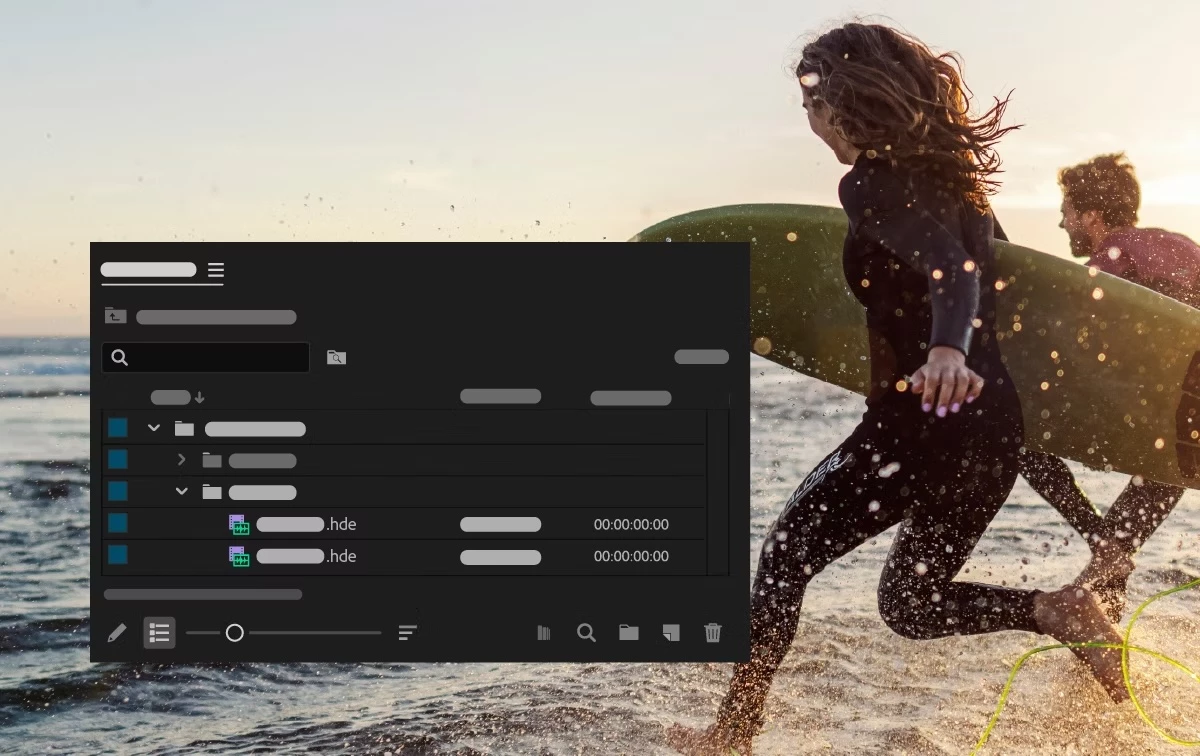 Animating text, video, and graphics is now as fun and easy as dragging and dropping a transition.
Faster, more precise editing
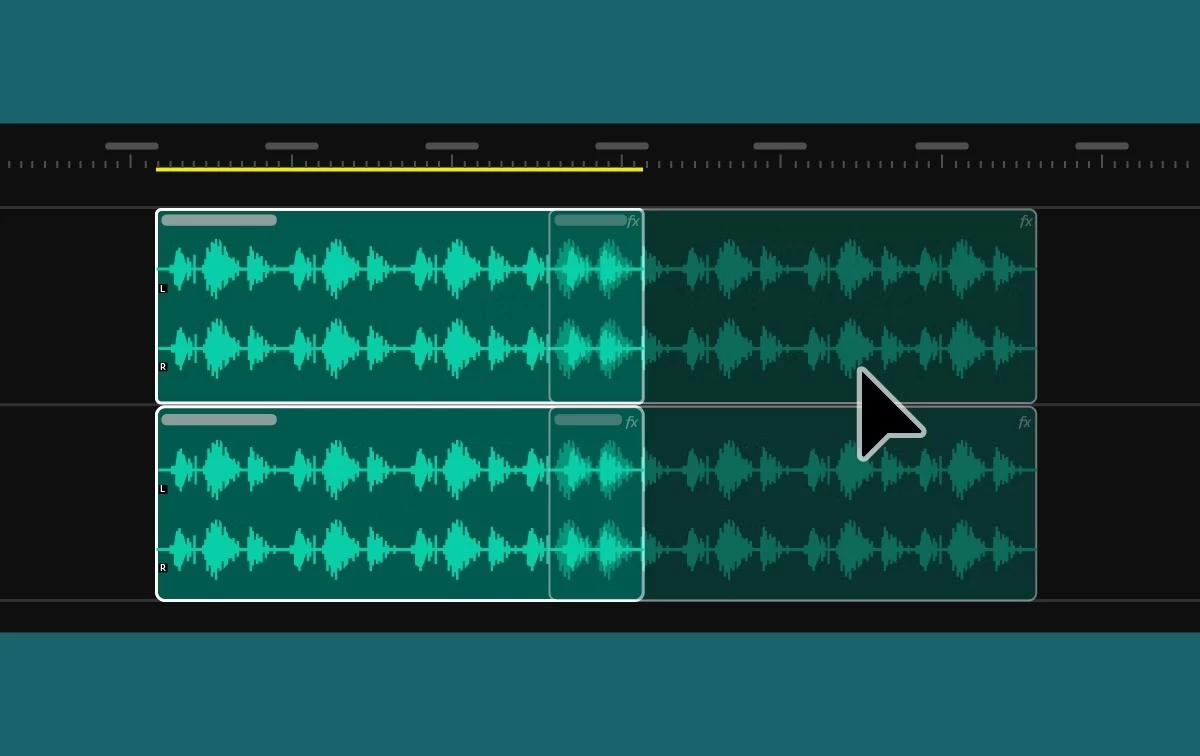 New dynamic audio waveforms make sound editing more intuitive and accurate. And under-the-hood improvements make timeline playback snappier.
Listening to editors, improving every cut
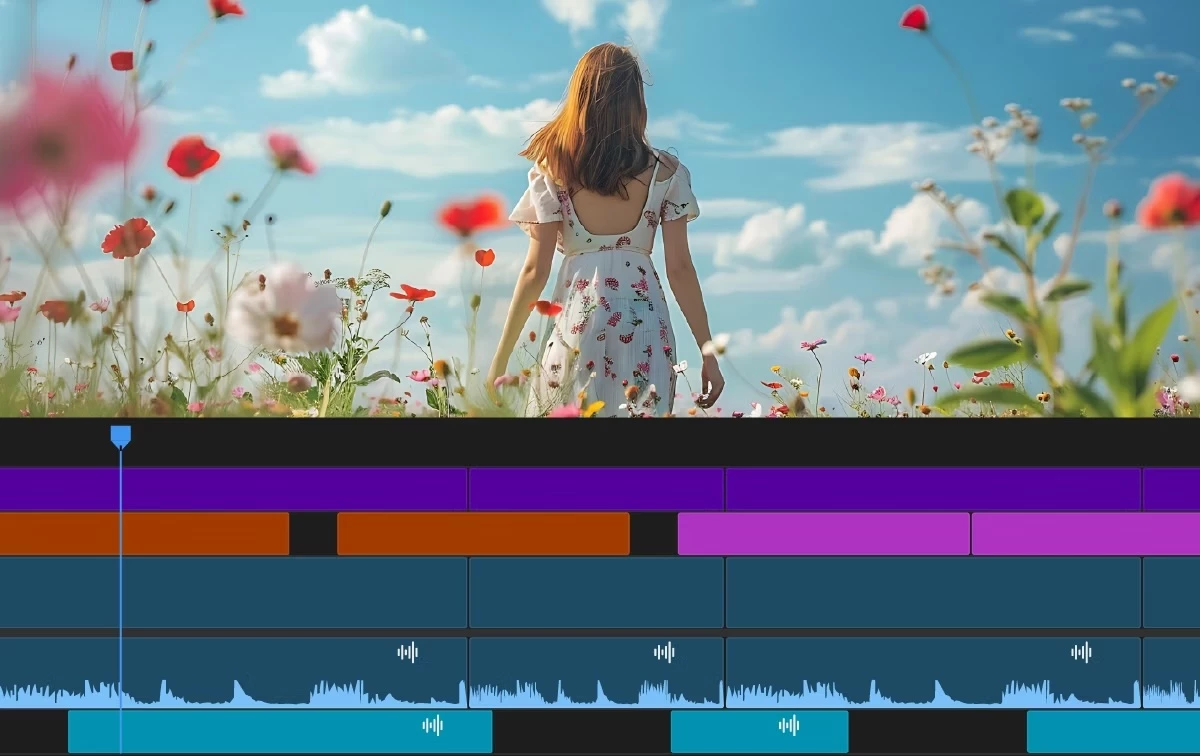 Delivering quality-of-life upgrades, from smarter keyframing to better clip organization, based directly on the editor's feedback.
Additional Updates
- Sequence color tabs provide visual indicators for better organization.
- Improvements to the Effect Controls panel make keyframing more predictable.
- New preferences for default fonts for text and captions.
- New keyboard commands to toggle track mute and solo based on targeting.
- Search for Adobe Stock media from the File menu.
- New support for 16-bit PNG images to support newer HDR finishing workflows that require high-bit-depth media.
- Improved data range and color metadata handling for DNxHR, DNxHD, and PNG.
- Completely rewritten support for MKV.
Fixed issues in 25.5
We have been working hard at making Premiere Pro even better. Here are the important fixes, performance improvements, and more.
Get help and provide feedback quicker
When you select Help or Provide Feedback inside Premiere Pro, you’ll automatically log in to the Adobe Support Community Forums.
 AdChoices